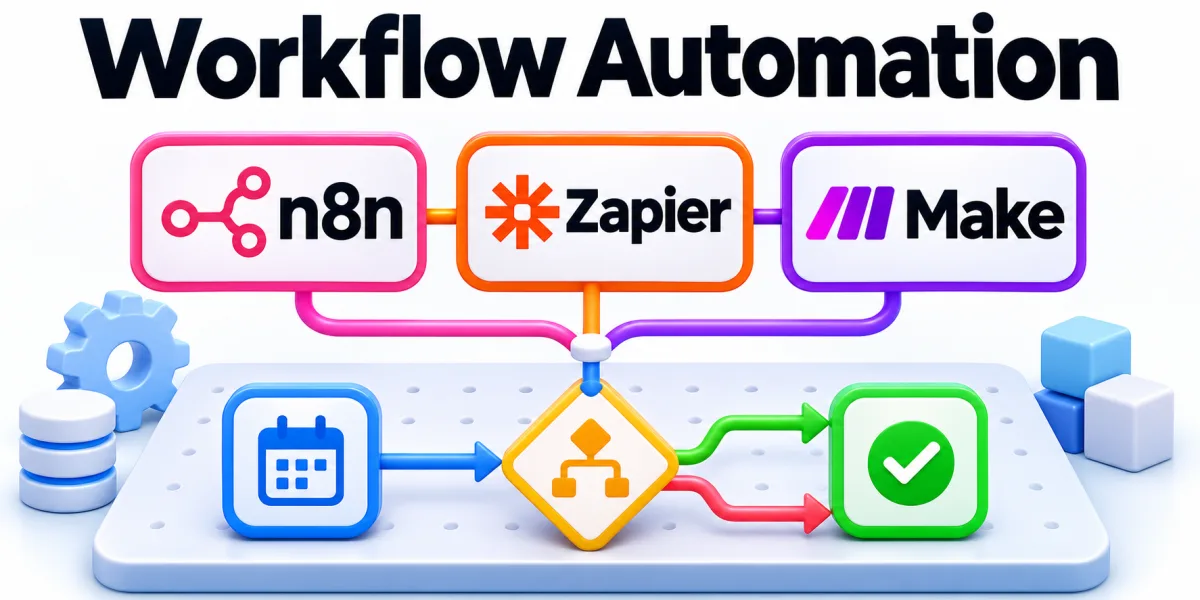
Tool evaluation compares options against the same workflow, operating conditions, and criteria for acceptable results. Start with the decisions people need to make and the evidence available to them.
Start with the requirements that could affect successful deployment, support, and responsible handling of data. The examples below show how to turn that situation into a practical next step.
How Can You Evaluate an Automation Tool With Real Evidence?

A hands-on scorecard can compare systems with representative inputs and the same error scenarios. Follow that example from the first decision through the point where someone must confirm the outcome.
Record effort, reliability, and costs so the team can explain which tradeoffs shaped the decision. Establish what you can observe today so you have a baseline for assessing changes.
Define Requirements and a Test Set
List required capabilities and decide which missing features would rule out an option. Compare the result with a recent case before deciding whether to adjust the process.
Build cases covering routine work, unusual inputs, and failures that need human intervention. Ask the responsible team to confirm it can repeat the check without relying on undocumented steps.
Run a Comparable Pilot
Use equivalent tasks and success criteria so changes in conditions do not distort results. Write down the conditions that could change the decision and agree who will review them.
Document workarounds, unanswered questions, and the effort required to keep each option operating. Keep an example that shows what can go wrong so the next person has a concrete reference.
Review Tradeoffs and Select Next Steps
Compare results with original requirements and explain any criteria that changed during testing. Use the result to decide what to keep, change, or investigate during the next review.
Record what needs confirmation before committing to a wider rollout or longer engagement. Share the outcome with the people who will handle the next case and record any open questions.