

Choose the right custom app development company with a practical guide to strategy, UX, architecture, security, costs, delivery, and partner selection for reliable digital products built around measurable business outcomes.
What custom app development means for your business

Custom app development creates software around a specific business model, workflow, audience, and operating environment. The product fits the organization instead of forcing it into a generic template.
The strongest reason to build is not novelty. It is a valuable process that existing software cannot support without costly workarounds, fragmented data, weak controls, or an unacceptable customer experience.
Examples of custom application fit
For example, a distributor may need one portal connecting negotiated pricing, inventory, approval rules, logistics, invoices, and service requests. Generic ecommerce software may cover only part of that workflow.
A professional services company may need a client platform that combines onboarding, documents, milestones, communication, and billing. The commercial advantage comes from reducing friction across the complete relationship.
Custom software is a business asset, not just a codebase
The application includes source code, but its value also depends on product decisions, data models, integrations, documentation, deployment pipelines, operating procedures, and the knowledge needed to evolve it.
Ownership must be defined in the contract. A buyer should confirm intellectual property rights, third-party licenses, repository access, infrastructure control, documentation, data portability, and transition support before work begins.
When standard software stops being enough
Off-the-shelf software is often the right first choice. It can launch quickly, provide established features, and spread maintenance costs across many customers.
The decision changes when workarounds become an operating system of spreadsheets, manual transfers, duplicate records, browser extensions, and undocumented procedures. That hidden system creates cost and risk every day.
Where generic platforms create operational risk
Complex permissions can also expose the limit. Businesses may require account hierarchies, regional rules, contractual entitlements, approval thresholds, or regulated access that a generic role model cannot express safely.
Integration depth matters too. A simple connector may move contacts, while a real operational workflow requires validation, reconciliation, retries, audit events, exception queues, and clear ownership when data conflicts.
Questions that clarify whether to build
Review these practical points for Questions that clarify:
- Does the workflow create strategic value or only administrative convenience?
- Can a configurable product meet the need without fragile customization?
- What measurable cost, delay, error, or revenue constraint exists today?
- Which users will depend on the application, and how often?
- What data sensitivity, availability, and compliance conditions apply?
- Who will own the product after launch?
- Can the organization fund maintenance, security, hosting, and improvement?
A good discovery process may recommend buying, integrating, or simplifying instead of building.
That recommendation protects capital and shows that the partner is solving the business problem, not merely selling development hours.
Services a custom app development company should provide

A capable custom app development services company covers more than implementation. It connects product strategy, user experience, engineering, security, cloud operations, and continuous improvement into one accountable delivery system.
The exact service mix should match the project. A validated product may need delivery capacity.
Consider these operating checks for Services custom app:
- Connect discovery with delivery ownership.
- Cover design, engineering, quality, and operations.
- Record evidence, exceptions, and next actions.
Product discovery and technical strategy
Discovery turns an idea into a testable problem definition. The team identifies users, current workflows, constraints, desired outcomes, stakeholders, assumptions, dependencies, and failure conditions.
Workshops should produce decisions, not presentation theater. Useful outputs include a problem statement, user journeys, prioritized capabilities, system context, risk register, delivery options, and an initial measurement plan.
Make technical trade-offs explicit
Record the selected option, rejected alternatives, assumptions, risks, and conditions that would justify revisiting the decision.
The strategy should make trade-offs visible. Faster delivery, lower initial cost, broader scope, stronger isolation, and maximum flexibility rarely arrive together without consequences.
User experience and interface design
UX design defines how people complete real tasks. It begins with workflow understanding, information architecture, accessibility, content, error recovery, and the conditions surrounding each user.
A warehouse employee using gloves has different needs from an analyst using several monitors. A customer checking one status needs a different interface from an administrator managing thousands of records.
Use a governed design system
Treat shared components as maintained product assets with owners, accessibility evidence, usage guidance, and controlled exceptions.
Governed design systems improve consistency across screens and releases. They define reusable components, behavior, accessibility expectations, content patterns, tokens, and ownership rather than only visual examples.
Frontend, backend, and data engineering
Frontend engineering creates the interfaces users experience. It must balance speed, accessibility, responsiveness, maintainability, browser or device support, and the realities of unreliable networks.
Backend engineering implements business rules, permissions, integrations, APIs, background work, notifications, and transaction handling. Clear boundaries prevent critical logic from becoming scattered across interfaces and scripts.
Coordinate disciplines across the stack
Define contracts and acceptance criteria across interface, service, data, integration, security, and operations responsibilities.
Full-stack capability does not mean one person must master everything. It means the company can coordinate disciplines and make coherent decisions across the complete application.
Cloud engineering and DevOps
Cloud engineering provides repeatable environments, secure configuration, deployment automation, scaling controls, backups, monitoring, and recovery procedures. Infrastructure should be managed as a product dependency, not an afterthought.
Continuous integration checks changes before they merge. Continuous delivery packages releases predictably. Controlled deployment practices reduce manual variation and make rollback more practical.
Quality assurance and test automation
Quality engineering starts during discovery. Acceptance criteria, risk, test data, environments, and nonfunctional requirements should be planned before implementation reaches a release candidate.
Automated tests can cover units, components, APIs, integrations, and critical user journeys. Manual exploratory testing remains valuable for discovering unexpected behavior and evaluating complex experiences.
Modernization and system integration
Many projects begin with an existing application, database, vendor platform, or manual operation. Modernization should reduce risk incrementally instead of assuming a complete rewrite is always safest.
Options include replacing one module, adding an API layer, moving workloads gradually, or isolating legacy dependencies. Our API integration playbook covers contracts, retries, reconciliation, and ownership.
Support, maintenance, and product evolution
Launch changes the type of work; it does not end it. Production software needs monitoring, incident response, dependency updates, security remediation, capacity planning, user support, and evidence-driven improvements.
A support agreement should define hours, severity levels, response targets, communication, escalation, maintenance responsibilities, exclusions, and how planned product work relates to urgent fixes.
Types of custom applications
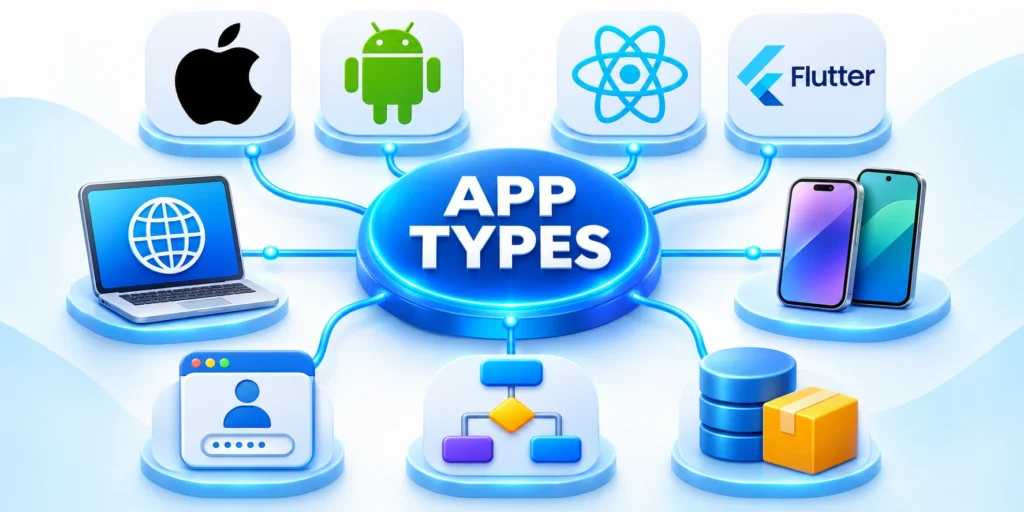
Application type should follow the user journey, device context, connectivity, security needs, integration depth, and operating model. Starting with a fashionable technology often creates avoidable constraints.
One product may include several application types. A field service platform might combine a mobile app, an administrative web portal, an integration API, and background synchronization services.
Use these decision criteria for Types custom applications:
- Choose the application form from user needs.
- Account for distribution and operating constraints.
- Record evidence, exceptions, and next actions.
Enterprise web applications
Web applications run through browsers and can support internal operations, customer workflows, analytics, content management, transactions, and collaboration without requiring app-store distribution.
Examples include B2B portals, quoting systems, case management, dashboards, procurement tools, subscription products, and CRM or ERP extensions. See our B2B web app architecture guide.
Native mobile applications
Native apps are developed for a specific platform, commonly iOS or Android. They can provide deep device integration, platform-specific experiences, and direct access to current operating-system capabilities.
They are useful when performance, offline behavior, background operations, hardware access, or platform conventions materially affect the experience. Separate codebases can increase staffing and coordination needs.
Cross-platform mobile applications
Cross-platform frameworks share substantial code across iOS and Android. They can reduce duplicated effort while preserving access to many native capabilities through framework features and platform modules.
Teams should test hardware integrations, performance, accessibility, upgrades, debugging, and staffing. Our native versus cross-platform guide for CTOs provides a structured comparison.
Progressive web applications
A progressive web application uses browser capabilities to deliver an app-like experience. Depending on platform support, it may offer installation, caching, offline behavior, and notifications.
PWAs can simplify distribution and update delivery. They remain subject to browser and operating-system limitations, especially when a workflow relies on specialized hardware or background execution.
Customer, partner, and employee portals
Portals provide controlled access to information and actions across an organization boundary. They often connect identity, account hierarchies, documents, transactions, service cases, reports, and communications.
A successful portal does more than expose internal records. It translates them into understandable journeys, limits data correctly, and gives users clear status when another team must act.
Workflow and operations applications
Operations applications coordinate recurring work across people, rules, systems, and exceptions. Examples include inspections, approvals, fulfillment, onboarding, claims, compliance reviews, and field service.
The core value often comes from making state visible. Users need to know what happened, what is blocked, who owns the next step, and which rule caused a decision.
Data, analytics, and AI-enabled applications
Data applications combine information from multiple sources to support decisions, predictions, search, monitoring, or automation. Their quality depends on data definitions, lineage, permissions, and operating controls.
AI features can assist classification, retrieval, summarization, recommendations, or constrained actions. They need evaluation criteria, approved data access, human oversight, fallback behavior, and monitoring for harmful drift.
Connected platforms and API products
Some applications create value by connecting several systems. They may synchronize customer records, orchestrate orders, expose partner capabilities, or create a unified workflow above fragmented platforms.
An API product needs versioning, authentication, authorization, documentation, limits, observability, and a deprecation policy. Internal APIs deserve the same discipline when many teams depend on them.
Custom development vs SaaS and low-code platforms
The practical choice is rarely “custom or nothing.” Most organizations combine purchased software, configurable platforms, low-code tools, integrations, and proprietary applications across different layers.
The best decision assigns custom engineering only where it creates distinct value, manages unusual risk, or supports a workflow that standard products cannot serve economically.
| Option | Strong fit | Main limitation |
|---|---|---|
| SaaS | Standard workflows and rapid launch | Vendor roadmap and configuration limits |
| Low-code | Bounded internal workflows | Platform dependency and scale constraints |
| Custom | Strategic workflows and integrations | Delivery and operating responsibility |
| Hybrid | Mixed standard and differentiating needs | Integration and ownership complexity |
Choose SaaS when the process is standard
Payroll, email, basic accounting, commodity collaboration, and other established functions often benefit from mature products. Custom replacements can create risk without meaningful customer value.
A product is attractive when it meets critical requirements, integrates adequately, supports necessary controls, offers viable data export, and costs less than building and operating an equivalent capability.
Choose low-code for bounded workflows
Low-code tools can accelerate internal forms, approvals, dashboards, and integrations when scale, experience, portability, and platform limits are understood.
The team should test licensing, environment management, source control, testing, observability, access control, integration limits, and exit options before making the platform operationally critical.
Choose custom development for strategic constraints
Custom development becomes compelling when the workflow differentiates the business, combines several systems, requires specialized controls, serves unique users, or must evolve independently from a vendor roadmap.
It can also be justified when recurring manual work causes measurable delay, error, compliance exposure, or lost revenue that a focused product can reduce.
Use a hybrid architecture when it reduces risk
A hybrid approach can combine a CRM, identity provider, payment platform, analytics service, and custom workflow layer. Each component handles the responsibility it can support reliably.
The custom layer should not merely hide poor vendor choices. It should add coherent business logic, user experience, orchestration, or data governance that remains valuable across the architecture.
A simple build-or-buy evaluation
Revisit the evaluation when usage, pricing, vendor capability, risk, or strategic differentiation changes materially.
Compare these priorities for simple build-or-buy evaluation:
- Define the outcome and essential workflow without naming a technology.
- List regulatory, security, integration, data, and experience constraints.
- Evaluate viable products against mandatory requirements and total cost.
- Estimate the custom option across delivery and three years of operation.
- Test the riskiest assumption with a prototype or limited pilot.
- Record the decision, trade-offs, owner, and conditions for review.
This process prevents an emotional decision. It also gives procurement and technical leaders a shared basis for comparing options that use very different pricing models.
The custom app development process
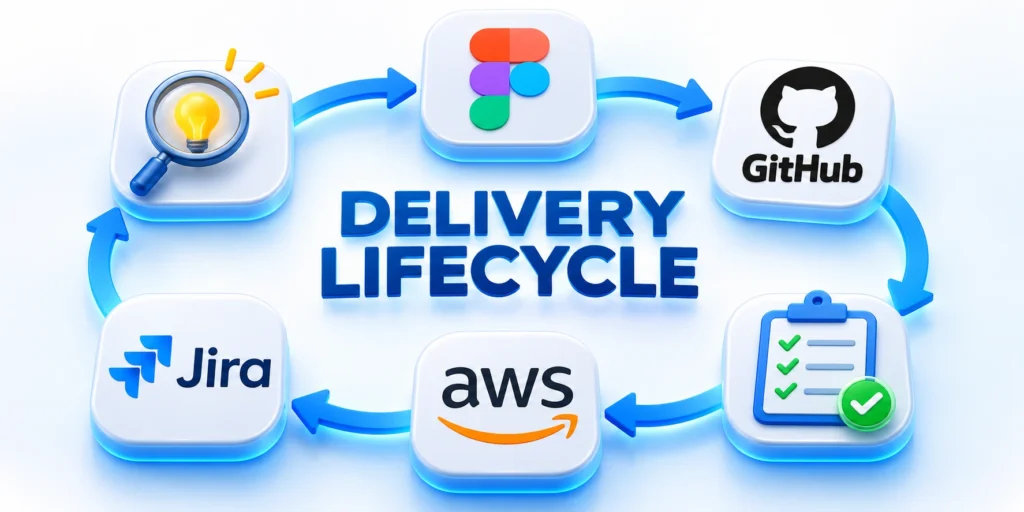
A reliable process reduces uncertainty in stages. It does not pretend every requirement is knowable at the start, but it creates evidence before the team accepts larger commitments.
Each phase should have clear outputs, decision owners, acceptance conditions, and unresolved risks. Progress means reducing important uncertainty while delivering usable capability.
Phase 1: discovery and problem framing
The team interviews stakeholders and representative users, observes current work, reviews systems, maps constraints, and identifies the outcome the application must improve.
Discovery should separate facts from assumptions. A stakeholder request may describe a desired screen, while the underlying need is reducing approval time or preventing incomplete submissions.
Review these practical points for Phase 1 discovery:
- A concise problem statement and target users
- Current and proposed workflow maps
- Business outcomes and baseline measures
- Essential capabilities and explicit exclusions
- System, data, security, and compliance constraints
- Risk register and assumptions to test
- Recommended delivery path and budget range
Phase 2: solution architecture and roadmap
Architecture defines major components and their responsibilities. The team documents how users, services, data stores, external systems, identity, and operational tools interact.
A roadmap sequences value and risk. Early releases should prove critical workflows and technical assumptions instead of spreading effort across every requested feature.
Phase 3: UX design and prototype validation
Designers turn workflows into information architecture, screen flows, wireframes, content, and interactive prototypes. Engineers participate so the proposed experience reflects technical constraints.
Prototype sessions should use realistic tasks and data. The team watches where users hesitate, misunderstand labels, miss actions, or expect behavior that the design does not support.
Phase 4: iterative engineering
Development proceeds through small, reviewable increments. Each increment should include code review, tests, documentation, and deployment to a controlled environment.
Product and engineering leaders maintain a prioritized backlog. They refine near-term work in detail while preserving flexibility for later scope as evidence changes.
Phase 5: verification and release readiness
Release readiness combines functional testing with security, performance, accessibility, data migration, observability, support, and recovery checks. The exact depth follows the product risk.
The team should test realistic roles, data volumes, network conditions, integration failures, and recovery paths. Happy-path demonstrations do not establish production readiness.
Phase 6: launch and controlled adoption
Many applications should launch gradually. A pilot group, selected region, internal team, or limited customer segment can reveal operational issues before exposure grows.
Feature flags and staged deployments can separate code release from user availability. The team can monitor behavior, expand deliberately, or disable a feature without rebuilding the release.
Phase 7: measurement and continuous improvement
After launch, the team compares product behavior with the original business case. Measures may include completion time, error rate, adoption, support demand, conversion, retention, or processing cost.
Metrics require interpretation. More activity may indicate adoption, confusion, or repeated failure. Quantitative signals should be combined with customer feedback and operational evidence.
Agile does not remove planning
Agile delivery replaces false certainty with frequent learning. It still requires a product goal, architecture thinking, budget boundaries, quality standards, and accountable decisions.
Sprints are useful only when they produce integrated progress. A calendar of ceremonies cannot compensate for unclear ownership, unstable priorities, or work that remains untested until the end.
Architecture and technology decisions

Technology selection should follow product needs, team capability, operating constraints, and expected change. A familiar, supportable stack usually creates more value than a fashionable combination with weak ownership.
Architecture is the set of consequential decisions that shape quality and change. It should remain understandable enough for the team to operate, test, secure, and improve.
Consider these operating checks for Architecture technology decisions:
- Document consequential trade-offs and dependencies.
- Design for supportability before theoretical scale.
- Record evidence, exceptions, and next actions.
Frontend choices
Web interfaces may use server-rendered pages, single-page applications, or hybrid frameworks. The choice affects performance, caching, search visibility, deployment, and frontend complexity.
React, Vue, Angular, and other ecosystems can all support strong products. Team expertise, component needs, accessibility, upgrade discipline, and long-term staffing matter more than popularity alone.
Backend choices
Node.js supports JavaScript or TypeScript across the stack and suits many API and event-driven workloads. Python offers mature web, data, automation, and AI ecosystems.
Java and .NET provide established enterprise tooling and strong ecosystems. Go can fit services requiring efficient concurrency, simple deployment artifacts, and predictable runtime behavior.
Relational, document, and specialized data stores
Relational databases are a strong default for structured business data, transactions, constraints, and reporting. Careful schema design protects meaning while allowing controlled evolution.
Document databases can fit variable records and access patterns, but flexibility can shift validation burdens into application code. Teams should define consistency, indexing, migration, and query needs explicitly.
Modular monolith or microservices
A modular monolith keeps deployment simpler while separating business areas in code. It is often a strong starting point for products with one team or uncertain boundaries.
Microservices can provide independent deployment, scaling, ownership, and fault boundaries. They also add network failures, distributed data, tracing, deployment coordination, and platform overhead.
APIs and integration contracts
APIs should express stable capabilities rather than mirror database tables. Clear contracts define requests, responses, authorization, errors, limits, versioning, and lifecycle expectations.
Webhooks need signatures, replay protection, retries, idempotency, and delivery visibility. Consumers need a recovery path when events arrive late, repeatedly, or out of order.
Cloud architecture and portability
Managed cloud services can reduce undifferentiated operations, but they create service-specific dependencies. The right balance depends on speed, regulation, staffing, cost, and credible exit needs.
Portability is not free. Avoiding every managed feature can increase engineering work and reduce reliability. Buyers should identify which components truly need portability and why.
Performance and scalability
Scalability means maintaining acceptable behavior as demand changes. The team needs measurable service objectives, realistic load models, capacity signals, and a plan for known bottlenecks.
Caching, asynchronous processing, indexing, pagination, content delivery, and horizontal scaling can help. Each technique introduces invalidation, consistency, failure, or cost considerations.
Reliability and observability
Reliable systems anticipate component failure. They define timeouts, retries, circuit breaking, queues, graceful degradation, redundancy, backup, restore, and manual recovery for critical paths.
Service level indicators measure behavior users experience, such as successful requests, latency, or completed jobs. Objectives create a shared threshold for prioritizing reliability work.
Security, privacy, and compliance

Security cannot be added as a final test. It influences requirements, architecture, implementation, deployment, operations, vendor selection, and the procedures used when something goes wrong.
The appropriate controls depend on data, users, exposure, business impact, legal obligations, and threat model. Compliance may set a baseline, but it does not eliminate product-specific risk.
Use these decision criteria for Security privacy compliance:
- Assign ownership for each important control.
- Test prevention, detection, response, and recovery.
- Record evidence, exceptions, and next actions.
Start with data and threat modeling
The team should identify sensitive data, where it enters, where it travels, where it rests, who can access it, how long it remains, and how deletion works.
Threat modeling examines assets, trust boundaries, actors, abuse cases, and mitigations. It helps the team address high-impact design problems before code makes them expensive.
Identity and access control
Authentication proves an identity to an appropriate level. Authorization determines what that identity may do with a specific resource under current conditions.
Enterprise products may need single sign-on, multifactor authentication, federation, automated provisioning, role management, session policies, delegated administration, and immediate revocation.
Secure development practices
A secure lifecycle includes requirements, coding standards, peer review, dependency management, secret handling, automated checks, environment controls, vulnerability response, and learning after incidents.
The NIST Secure Software Development Framework organizes high-level practices that teams can integrate into their existing lifecycle. It emphasizes preparation, protected software, well-secured releases, and vulnerability response.
Application and API controls
Inputs must be validated according to their expected meaning. Outputs should be encoded for their destination, and database access should use safe parameterization.
APIs need resource-level authorization, rate controls, schema validation, secure error handling, and protections against automated abuse. Authentication alone does not prove access to every requested object.
Encryption and secrets
Encryption should protect sensitive data in transit and at rest according to the threat model. Key management, rotation, access, backup, and revocation are part of the design.
Secrets do not belong in source code, logs, analytics, or shared documents. Use controlled secret stores and short-lived credentials where the platform supports them.
Supply-chain security
Modern applications depend on frameworks, packages, build services, containers, and cloud platforms. Teams should inventory dependencies, review critical vendors, scan for known issues, and update safely.
Build pipelines need controlled identities, protected branches, review requirements, artifact integrity, and limited production access. A secure application can still be compromised through its delivery chain.
Privacy by design
Privacy begins with purpose. Collect only information needed for a defined use, limit secondary use, protect access, establish retention, and make correction or deletion possible where required.
Consent must be meaningful when it is the applicable basis. Interface design should not manipulate users into broader collection or hide material choices.
Compliance without checkbox engineering
Regulated projects may involve GDPR, HIPAA, PCI DSS, SOC 2 controls, industry rules, contracts, or regional requirements. Qualified legal and compliance professionals should interpret applicable obligations.
Engineering then translates confirmed obligations into requirements, controls, evidence, ownership, and recurring reviews. A framework label does not automatically certify the application or its operator.
Incident response and recovery
Teams should prepare before an incident. Plans need severity definitions, contacts, access, evidence handling, communication, containment, recovery, notification decisions, and post-incident learning.
Backups are useful only when restoration works. Recovery tests should verify data integrity, credentials, infrastructure, dependencies, and the time required to restore critical service.
Cost, timeline, and engagement models

Custom application cost reflects scope, uncertainty, quality requirements, integration depth, risk, and the team needed to deliver and operate the product. Screen count alone is a weak estimate.
Early estimates should be ranges with assumptions. A responsible partner narrows the range as discovery resolves workflow, architecture, data, security, and delivery questions.
Primary cost drivers
Compare these priorities for Primary cost drivers:
- Number and complexity of user roles and workflows
- Web, mobile, desktop, or multi-platform delivery
- Interface design and accessibility requirements
- Legacy systems and third-party integrations
- Data migration, cleaning, and reconciliation
- Security, privacy, audit, and compliance requirements
- Performance, availability, and recovery objectives
- Offline behavior and synchronization complexity
- Reporting, analytics, search, and AI features
- Testing depth, environments, documentation, and training
A useful estimate includes product management, design, engineering, quality, cloud work, security, and launch preparation. Excluding necessary disciplines only moves cost into rework or operational risk.
Our detailed guide explains what drives custom web application cost and how to compare proposals beyond one headline number.
Timeline ranges and dependencies
A focused prototype may take weeks. Production MVPs often take months, while regulated multi-system platforms can require longer staged programs.
Timeline depends on decision speed, stakeholder access, data readiness, external APIs, security review, procurement, app-store processes, and the availability of subject-matter experts.
Minimum viable product does not mean low quality
An MVP is the smallest reliable product that tests important business assumptions with real users. It should reduce scope, not essential security, integrity, or recoverability.
The team can postpone secondary workflows, advanced reports, extensive customization, and automation. It should not postpone controls required to protect users or preserve trustworthy data.
Fixed-price engagement
Fixed price can fit a bounded scope with stable requirements and clear acceptance criteria. The supplier prices known work plus uncertainty and manages changes through a defined process.
It becomes problematic when discovery is incomplete. Teams may spend energy defending scope, documenting change, or implementing outdated requirements instead of improving the outcome.
Time and materials
Time and materials fits evolving products where priorities change through learning. The buyer pays for actual team capacity and maintains active control of backlog and budget.
This model requires transparency. Useful controls include role rates, capacity plans, delivery forecasts, working demonstrations, risk tracking, and regular budget reviews.
Dedicated product team
A dedicated team supports sustained development across discovery, delivery, and improvement. It builds domain knowledge and can respond to evidence without repeatedly restarting vendor selection.
The agreement should define leadership, team composition, replacement, intellectual property, security, tools, performance review, and the responsibilities retained by the client.
Phased engagement
A phased engagement starts with discovery or a technical assessment, then authorizes later work using better evidence. It is often the most responsible model for uncertain or high-risk initiatives.
Each phase should produce assets the buyer can use independently. Avoid discovery that only creates a sales presentation without requirements, architecture decisions, or a practical roadmap.
Total cost of ownership
Budget beyond launch for hosting, monitoring, support, incident response, security updates, platform fees, backups, accessibility, compliance, and product improvement.
Also consider internal costs. Product ownership, stakeholder time, support, data stewardship, legal review, change management, and training remain essential even with an external development partner.
How to choose a custom app development company

The right partner demonstrates sound decisions, clear communication, engineering discipline, and respect for the client’s business constraints. A polished portfolio is useful, but it is not enough.
Selection should examine how the company discovers problems, manages risk, verifies quality, secures delivery, operates software, and transfers knowledge.
Evaluate relevant problem experience
Industry experience can help with vocabulary and regulation, but identical past products are not required. Look for experience with comparable workflows, integration depth, risk, scale, and user conditions.
Ask candidates to explain a difficult trade-off. Strong answers describe context, alternatives, decision criteria, consequences, and what the team learned.
Inspect the discovery approach
A partner should ask about users, outcomes, data, systems, ownership, security, budget, and operations before recommending a stack or fixed scope.
Ask what discovery will produce, who participates, how assumptions are tested, and which decisions remain with the client. Deliverables should support an informed next step.
Review engineering and quality practices
Discuss code review, branching, automated tests, environments, release controls, documentation, dependency updates, incident response, and observability.
Request examples of acceptance criteria and architecture records with sensitive details removed. The goal is understanding working discipline, not collecting confidential artifacts.
Confirm security responsibilities
Ask how the company handles developer access, credentials, production data, vulnerabilities, third-party components, security testing, and offboarding.
Security responsibilities should appear in the proposal and contract. Ambiguous ownership creates gaps between development, cloud providers, internal teams, and specialized assessors.
Clarify communication and governance
Confirm meeting cadence, working hours, decision owners, escalation, reporting, demonstrations, backlog access, and issue tracking. Communication should expose risk early, not decorate a late status report.
Distributed delivery can work well when ownership and overlap are deliberate. Time-zone difference becomes harmful when critical decisions wait or context disappears between teams.
Protect ownership and continuity
The client should understand repository access, cloud accounts, domains, certificates, app-store accounts, analytics, documentation, design files, and administrative credentials.
Contracts should address intellectual property, open-source components, subcontractors, confidentiality, data handling, transition support, warranties, liability, and termination procedures.
Compare proposals on the same basis
Normalize assumptions, exclusions, team allocation, quality obligations, ownership, support, and operating costs before comparing headline prices.
Normalize assumptions before comparing price. One proposal may include design, testing, cloud setup, and support, while another includes only implementation.
| Area | Question | Evidence |
|---|---|---|
| Scope | What is included and assumed? | Backlog and acceptance approach |
| Team | Who performs and leads the work? | Roles, allocation, and continuity |
| Architecture | Which decisions are constrained? | Options, risks, and system context |
| Quality and security | How are releases controlled? | Tests, access, and response process |
| Operations | What happens after launch? | Monitoring, support, and maintenance |
| Commercials | How do ownership and changes work? | Rates, IP, repositories, and handover |
Warning signs
Warning signs matter because optimistic promises can hide unassigned risk, weak discovery, or dependency that becomes expensive after commitment.
Ask the provider to replace broad assurance with named evidence, owners, acceptance criteria, and recovery responsibilities.
Review these practical points for Warning signs:
- A firm price before meaningful requirements are understood
- A stack recommendation before discussing users and constraints
- Guaranteed scalability without a workload model
- Guaranteed compliance without defined scope or assessment
- No direct access to the delivery team
- Production credentials shared through informal channels
- Testing postponed until the project’s final stage
- No plan for support, documentation, or transition
- Ownership language that remains vague after questions
- Case studies that cannot explain outcomes or trade-offs
Use a paid discovery when uncertainty is high
A short paid discovery can be more informative than several speculative proposals. It allows the team to inspect workflows, systems, data, risks, and delivery options.
The discovery agreement should make outputs portable. The client should retain the findings and remain free to continue, pause, or select another delivery partner.
How to prepare a useful project brief

A project brief helps potential partners respond to the same problem. It should communicate business context and constraints without pretending every feature or technical decision is already settled.
The best brief is specific about outcomes and uncertainty. It gives the development company enough information to ask better questions and recommend a responsible next step.
Consider these operating checks for prepare useful project:
- Describe the problem, users, and essential workflow.
- Expose constraints, evidence, risks, and decisions.
- Record evidence, exceptions, and next actions.
1. Describe the business problem
Explain what happens today, who is affected, where friction appears, and why the issue matters now. Include measurable evidence when available.
A useful statement might say that onboarding takes twelve days because information moves through email, spreadsheets, and three approvals without shared status.
2. Identify users and decision makers
List primary users, secondary users, administrators, support teams, and external stakeholders. Describe their environment, frequency of use, permissions, and key tasks.
Name the product owner, budget owner, technical owner, security contact, and final decision maker. Partners need to understand how decisions will be made.
3. Define desired outcomes
Connect the project to observable change. Examples include reducing processing time, improving qualified conversion, lowering errors, increasing self-service, or replacing unsupported software.
Avoid promising an outcome the application cannot control alone. Sales, adoption, training, operations, and market conditions may influence the result.
4. Map the essential workflow
Describe the beginning, main decisions, exceptions, handoffs, and completed state. Screens can come later; first make the business process understandable.
Mark which steps are mandatory for the first useful release. Separate them from ideas that can wait until the core workflow is validated.
5. List systems and data
Identify CRM, ERP, identity, payment, messaging, analytics, document, and legacy systems. Note available APIs, owners, vendors, and known limitations.
Describe sensitive data, expected volume, retention, migration, residency, and access needs. Do not place real credentials or private records in the brief.
6. State constraints and standards
Include required platforms, deadlines, contract commitments, procurement steps, accessibility expectations, security policies, compliance scope, and hosting restrictions.
Separate mandatory constraints from preferences. A partner can challenge a preference, but it must design around a confirmed obligation.
7. Share budget and timing honestly
A budget range helps the company recommend a suitable approach. Without it, proposals may solve very different versions of the problem.
Explain why a date matters. A regulatory deadline, expiring contract, seasonal launch, or investor milestone creates different planning options.
8. Define success and decision gates
State how leaders will decide whether to proceed after discovery, prototype, pilot, or initial release. Decision gates protect the project from automatic expansion.
For example, a pilot may need a defined task-completion rate, acceptable synchronization reliability, and confirmation from a security review before broader deployment.
9. Ask for assumptions and risks
Request the evidence behind each major assumption and identify the decision, prototype, or investigation that can reduce uncertainty.
Invite each company to list missing information, assumptions, risks, dependencies, exclusions, and options. Those responses reveal more than a feature-by-feature promise.
10. Prepare for discovery access
Identify representative users, process owners, technical documentation, sample data, system contacts, and policies that the discovery team can review safely.
Early access to knowledgeable people often reduces uncertainty more effectively than adding detail to a speculative requirement document.
Plan your custom application with Fase Network

A successful custom application begins with a clear business case and an honest view of technical risk. Fase Network can structure that conversation before commitments become expensive.
We focus the initial discussion on users, workflow, systems, data, security, outcomes, and delivery constraints. The purpose is to identify the smallest responsible path toward useful evidence.
Use these decision criteria for Plan custom application:
- Begin with a bounded discovery question.
- Select the smallest responsible evidence-producing step.
- Confirm clear internal ownership for the resulting decision and work.
Start with the problem, not a predetermined stack
Bring the current process, desired outcome, known constraints, and unanswered questions. You do not need to arrive with a complete specification or final technology choice.
We can organize the requirements, expose dependencies, identify major risks, and define which decisions need discovery, prototyping, or technical validation.
Turn uncertainty into a phased roadmap
A practical roadmap separates the first useful release from later possibilities. It also identifies integration, migration, security, and operational work that cannot be hidden behind interface design.
The result should help business and technical leaders evaluate scope, investment, sequence, and ownership with the same information.
Build for an operating organization
Software must fit the people who support it after launch. Product ownership, monitoring, maintenance, documentation, access, and incident response belong in the plan.
This operating view protects continuity and makes future decisions more informed. It also reduces dependence on undocumented knowledge held by one developer or supplier.
Request a project conversation
If you are evaluating a customer platform, internal system, mobile application, integration product, or modernization initiative, share the business problem and current environment.
Contact Fase Network to discuss the project, identify the most important discovery questions, and define an appropriate next step.
Data migration and legacy replacement

A new application rarely begins with clean, complete, and well-documented data. Legacy databases, spreadsheets, files, and integrations often encode years of exceptions.
Migration planning must therefore begin before interface development. Teams need to understand ownership, quality, meaning, retention, dependencies, and acceptable interruption for every important dataset.
Compare these priorities for Data migration legacy:
- Inventory sources, owners, formats, and dependencies.
- Profile quality before promising migration accuracy.
- Define retention, deletion, and legal constraints.
- Identify acceptable downtime and recovery objectives.
Profiling reveals duplicates, missing values, inconsistent identifiers, obsolete records, and undocumented relationships. Business owners must decide which differences require correction and which preserve legitimate history.
Mapping then connects each source field with a destination, transformation, validation rule, accountable owner, and reconciliation method. Ambiguity should remain visible instead of becoming silent code.
Review these practical points for Data migration legacy:
- Map fields, transformations, and validation rules.
- Resolve identity and duplicate-record decisions.
- Assign owners for unresolved business exceptions.
- Protect sensitive data in migration environments.
Rehearsals should use production-like volumes and representative edge cases. Timings, failure behavior, rollback, and downstream effects matter as much as a successful sample import.
Cutover plans define the final source freeze, incremental changes, verification gates, communications, authority to proceed, and conditions that trigger recovery instead of improvisation.
Consider these operating checks for Data migration legacy:
- Rehearse full volumes and difficult edge cases.
- Measure cutover duration and downstream impact.
- Prepare rollback and communication responsibilities.
- Approve evidence at explicit decision gates.
After launch, reconciliation compares counts, balances, relationships, permissions, and user-visible outcomes. Technical completion does not prove that migrated information still supports the business process.
Retain approved extracts, transformation logic, results, and decision records according to security and retention requirements. This evidence supports audits, support, and later modernization work.
Use these decision criteria for Data migration legacy:
- Reconcile business outcomes after release.
- Monitor delayed failures and integration drift.
- Archive evidence under defined retention rules.
- Close temporary access and migration infrastructure.
Accessibility and inclusive product design
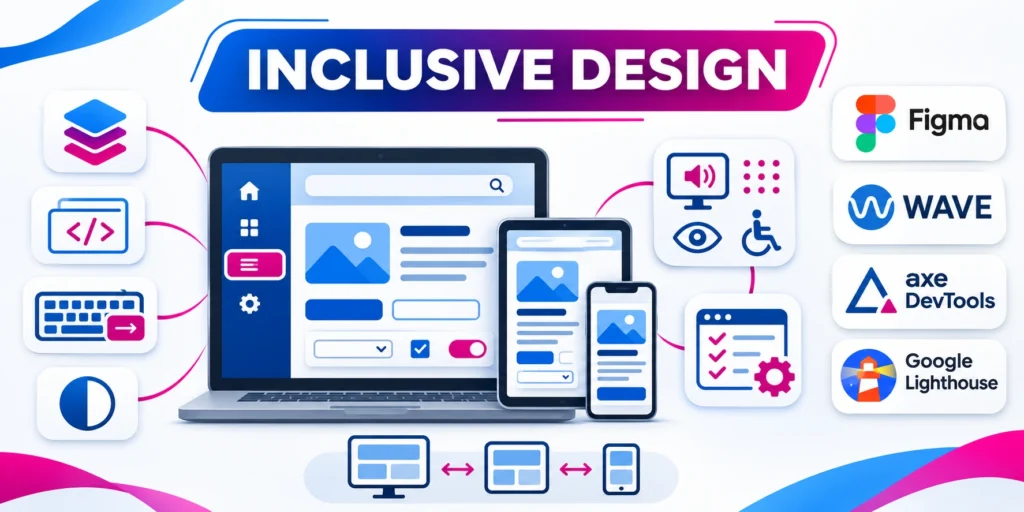
Inclusive design expands the number of people who can complete important work while improving clarity, resilience, and usability across devices, environments, languages, and temporary limitations.
Accessibility belongs in product requirements, component design, content, engineering, testing, and acceptance. Adding a scanning tool near launch cannot repair structural interaction problems efficiently.
Compare these priorities for Accessibility inclusive product:
- Include accessibility in product acceptance criteria.
- Research varied users and operating conditions.
- Design clear recovery for errors and interruptions.
- Document supported assistive technology expectations.
Research should include different abilities, technologies, expertise levels, and operating conditions. Teams should test essential tasks rather than assuming one representative user or ideal environment.
Design systems can encode accessible defaults for navigation, forms, tables, dialogs, errors, notifications, and focus behavior. Exceptions require review because repeated defects scale quickly.
Review these practical points for Accessibility inclusive product:
- Use semantic controls before custom interaction code.
- Maintain logical headings, landmarks, and focus order.
- Provide descriptive labels and meaningful alternatives.
- Protect contrast across states and themes.
Semantic structure and native controls should precede custom scripting. Keyboard operation, visible focus, understandable labels, meaningful alternatives, and predictable recovery are foundational behaviors.
Automated checks detect recurring patterns, but manual keyboard, screen-reader, zoom, responsive, and task testing reveal context and interaction failures that tools cannot judge alone.
Consider these operating checks for Accessibility inclusive product:
- Combine automated checks with manual task testing.
- Test keyboard, screen reader, zoom, and reflow.
- Correct shared components before isolated symptoms.
- Record evidence for consequential releases.
Defects should be prioritized by blocked tasks, affected users, component reuse, business impact, and risk. Shared component corrections often improve many screens at once.
Accessibility remains an operating responsibility after launch. New features, content, dependencies, and design changes can reintroduce barriers without regression tests and accountable ownership.
Use these decision criteria for Accessibility inclusive product:
- Train designers, engineers, writers, and testers.
- Track recurring defects through normal governance.
- Retest after component or dependency changes.
- Include affected users in important reviews.
Adoption, training, and organizational change
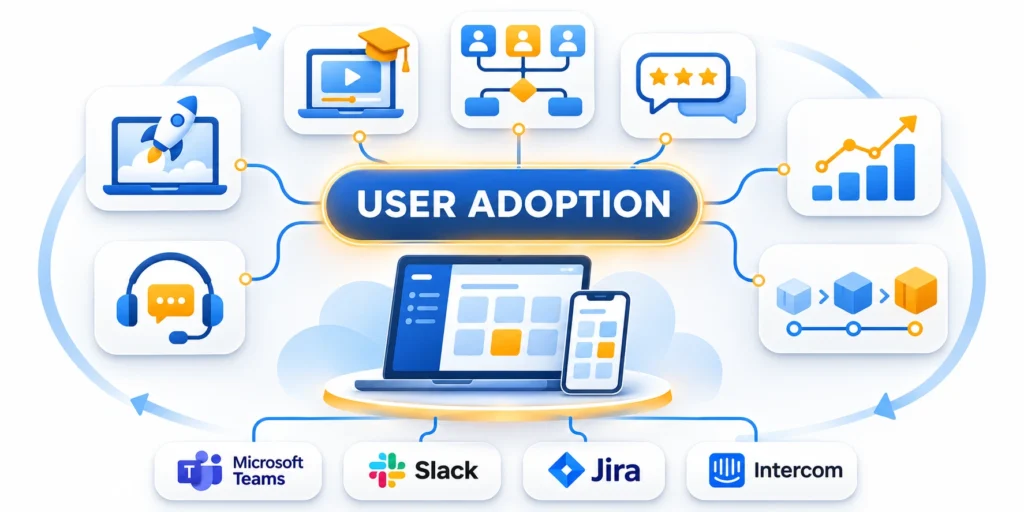
Software creates value only when intended users can complete real work accurately, confidently, and consistently. A technically successful launch can still fail through weak adoption.
Adoption planning begins with roles, incentives, current workflows, concerns, support needs, and consequences of change. Communication should explain purpose without hiding disruption or unresolved risk.
Compare these priorities for Adoption training organizational:
- Map changed tasks, roles, permissions, and handoffs.
- Identify incentives, concerns, and operational consequences.
- Name business and technical adoption owners.
- Define success beyond login counts.
Teams should map which tasks, decisions, permissions, and handoffs change for each role. That map guides onboarding, training, documentation, access, and staged rollout.
Training works best with realistic scenarios and production-like data. Generic feature tours rarely prepare people for exceptions, accountability, or recovery when the normal path fails.
Review these practical points for Adoption training organizational:
- Train with realistic workflows and exceptions.
- Provide role-specific guidance and recovery steps.
- Keep documentation searchable and versioned.
- Prepare managers to reinforce new decisions.
Pilots should include representative users, locations, workloads, and managers. Feedback needs categories, ownership, response expectations, and a clear boundary between defects, requests, and policy decisions.
Release waves allow support and engineering capacity to follow adoption risk. Entry and exit criteria should include task completion, data quality, incident volume, and operational readiness.
Consider these operating checks for Adoption training organizational:
- Pilot representative users and operating conditions.
- Categorize feedback with accountable owners.
- Use explicit rollout and rollback gates.
- Scale support with adoption risk.
Usage metrics need context. Low use may reveal poor fit, missing access, inadequate training, alternative workflows, or a deliberate role boundary rather than simple resistance.
After stabilization, ownership moves into ordinary operations. Product, support, security, and business leaders should review outcomes and retire temporary migration processes.
Use these decision criteria for Adoption training organizational:
- Interpret usage with qualitative evidence.
- Monitor data quality and shadow workflows.
- Retire temporary processes after stabilization.
- Review outcomes through normal product governance.
Product analytics and responsible experimentation
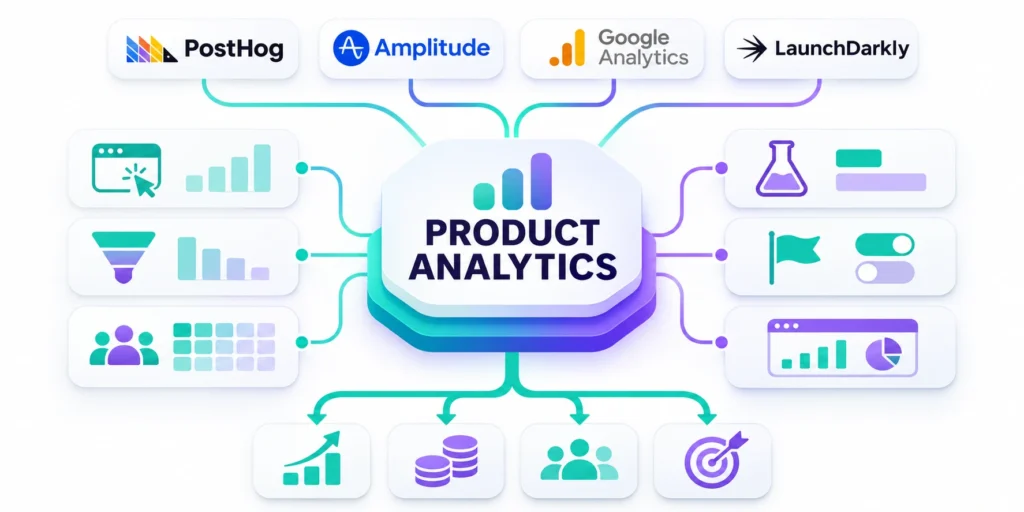
Product analytics should explain whether the application helps users and the organization make better progress. A large event stream does not automatically create useful evidence.
Measurement begins with decisions, outcomes, and hypotheses. Each event needs a defined meaning, trigger, parameters, privacy basis, owner, validation method, and expected analytical use.
Compare these priorities for Product analytics responsible:
- Start with decisions and measurable user outcomes.
- Define events, parameters, owners, and validation.
- Separate diagnostic activity from meaningful progress.
- Limit collection to justified data.
Teams should distinguish adoption, task completion, quality, reliability, satisfaction, cost, and commercial outcomes. One metric cannot represent every product responsibility or user group.
Instrumentation must survive releases and platform differences. Naming standards, schemas, automated checks, and change records protect comparisons when interfaces or workflows evolve.
Review these practical points for Product analytics responsible:
- Version tracking plans with product changes.
- Test events across platforms and consent states.
- Reconcile analytics with operational records.
- Annotate releases and definition changes.
Experiments require an ethical and technical basis. Teams should define eligibility, exposure, primary outcomes, guardrails, duration, stopping rules, and risks before activating a feature flag.
Not every decision needs randomized testing. Qualitative research, staged delivery, operational evidence, and before-and-after comparisons may be more responsible when samples or stakes differ.
Consider these operating checks for Product analytics responsible:
- State hypotheses and eligibility before exposure.
- Select primary outcomes and safety guardrails.
- Define stopping rules and rollback paths.
- Avoid experiments where harm cannot be contained.
Dashboards should expose coverage, exclusions, consent effects, and data quality concerns. Apparent precision is dangerous when important users, devices, or offline outcomes are missing.
Close the learning cycle by recording decisions and follow-up work. Experiments that never change priorities create activity without improving the product or operating system.
Use these decision criteria for Product analytics responsible:
- Report coverage gaps and analytical limitations.
- Combine quantitative and qualitative evidence.
- Record decisions produced by each analysis.
- Retire unused events and stale dashboards.
Continuity, exit planning, and knowledge transfer

A custom application becomes an operational dependency. Continuity planning protects the organization when team members leave, suppliers change, incidents occur, or business priorities shift.
Ownership should be explicit for code, designs, data, domains, cloud accounts, certificates, repositories, documentation, licenses, monitoring, backups, and third-party relationships.
Compare these priorities for Continuity exit planning:
- Keep production accounts under client control.
- Document ownership for every critical asset.
- Use least privilege and named access.
- Preserve billing and recovery visibility.
Client-controlled production accounts reduce avoidable dependency. Providers may administer them through least privilege, but access, billing, recovery, and escalation should remain visible to authorized owners.
Documentation should explain architecture, environments, deployments, integrations, data flows, controls, known limitations, and important decisions. Generated references cannot replace operational context.
Review these practical points for Continuity exit planning:
- Maintain architecture and deployment context.
- Record integrations, controls, and known limitations.
- Include internal owners in consequential operations.
- Update documentation during normal delivery.
Knowledge transfer works through participation, not a final document dump. Internal owners should observe releases, incidents, maintenance, and design decisions throughout the engagement.
Exit plans define repository access, credential rotation, open work, infrastructure ownership, data return, license obligations, support windows, and removal of provider access.
Consider these operating checks for Continuity exit planning:
- Define handover, rotation, and access removal.
- Transfer repositories, records, and open work.
- Clarify license and data-return obligations.
- Provide a bounded transition support period.
Recovery evidence also matters. Backups without tested restoration, monitoring without response ownership, or runbooks without exercises create confidence that may fail during pressure.
Review continuity after architectural changes, staffing changes, incidents, and supplier transitions. The plan should evolve with the application rather than remain a contract appendix.
Use these decision criteria for Continuity exit planning:
- Test restoration and incident responsibilities.
- Exercise runbooks with realistic scenarios.
- Review continuity after major changes.
- Track unresolved dependency and concentration risk.
- Schedule formal ownership reviews after supplier or staffing changes.
Responsible AI features in custom applications
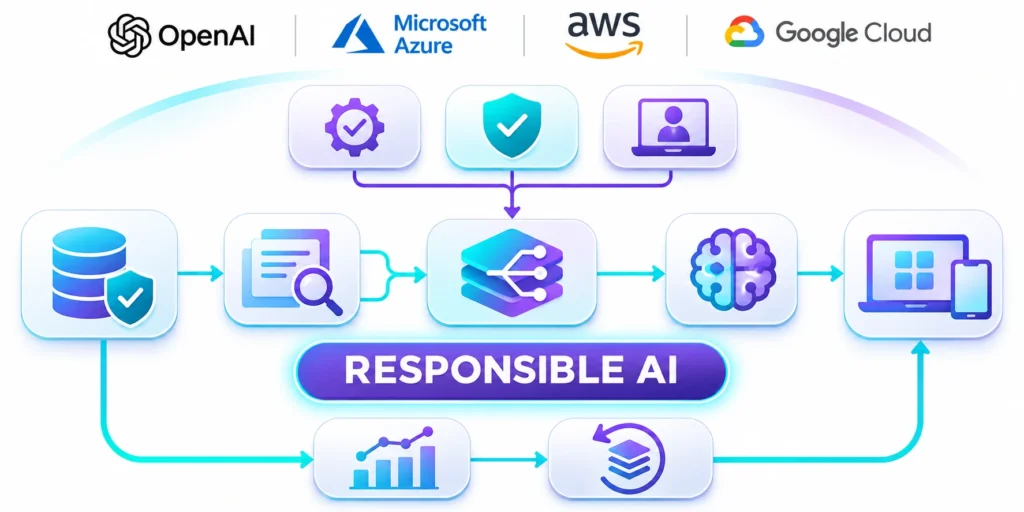
AI can improve search, classification, summarization, assistance, forecasting, and workflow automation, but value depends on a clearly bounded task and verifiable operating controls.
Teams should begin with the user decision, acceptable error, consequence of failure, data authority, review requirement, and non-AI fallback before selecting a model or provider.
Compare these priorities for Responsible AI features:
- Define the task and acceptable error boundaries.
- Identify affected users and failure consequences.
- Provide a non-AI path for essential work.
- Assign business and technical accountability.
Architecture should separate application logic from model access. A controlled gateway can manage approved providers, credentials, prompts, retrieval, policy, logging, limits, and replacement.
Retrieval and context need explicit sources, freshness, permissions, and citation behavior. More context can increase cost and exposure without improving the answer or decision.
Review these practical points for Responsible AI features:
- Use approved data with enforced permissions.
- Separate model access through controlled interfaces.
- Protect credentials, prompts, and sensitive context.
- Record provider and model dependencies.
Evaluations should use representative tasks, edge cases, languages, safety scenarios, and business criteria. Demonstrations are not evidence of production reliability or acceptable risk.
Guardrails combine input controls, output validation, permissions, human review, rate limits, monitoring, and escalation. No single filter can carry complete responsibility.
Consider these operating checks for Responsible AI features:
- Evaluate representative tasks and edge cases.
- Combine automated tests with qualified review.
- Set quality, cost, latency, and safety gates.
- Retest after model or prompt changes.
Production monitoring should track quality, latency, cost, refusals, overrides, incidents, and drift. Rollback must disable or replace the capability without breaking essential workflows.
Governance should revisit models, data, vendors, evaluations, and user impact as conditions change. Responsible AI is an ongoing product discipline, not a launch checklist.
Use these decision criteria for Responsible AI features:
- Monitor drift, overrides, incidents, and spend.
- Keep rollback and feature controls available.
- Explain limitations to users and operators.
- Review governance as evidence changes.
FAQ
What does a custom app development services company do?
It helps organizations define, design, build, integrate, launch, and operate software tailored to specific users and workflows. Services may include strategy, UX, engineering, cloud, security, QA, and support.
How is custom app development different from website development?
A website primarily presents content and supports marketing journeys. A custom application usually manages authenticated workflows, business rules, data, transactions, integrations, roles, and ongoing operational processes.
How much does a custom application cost?
Cost depends on scope, platforms, integrations, data, security, quality, and uncertainty. Begin with discovery, compare ranges and assumptions, then budget for delivery, hosting, maintenance, and improvement.
How long does custom app development take?
A prototype can take weeks, while a production product commonly takes months. Complex regulated platforms may need a longer staged program involving migration, security, integration, and adoption.
Should we build an MVP first?
Often, yes. An MVP should test important assumptions with the smallest reliable scope. It can defer secondary features, but it should preserve essential security, data integrity, accessibility, and recovery.
Who owns the source code?
Ownership depends on the contract. Confirm rights to custom code, repositories, designs, documentation, data, infrastructure, and deliverables, while identifying licenses governing frameworks and third-party components.
Can a custom application integrate with our CRM or ERP?
Usually, when the system offers a suitable API, events, files, or database access. The team must evaluate permissions, limits, data mapping, reliability, reconciliation, and vendor constraints.
Do we need native iOS and Android applications?
Not always. Native, cross-platform, PWA, or responsive web delivery may fit. Choose by testing device features, offline needs, performance, distribution, accessibility, security, and maintenance capacity.
How do we protect a custom application?
Use a secure development lifecycle covering threat modeling, access control, data protection, code review, dependency management, testing, deployment controls, monitoring, vulnerability response, backups, and recovery exercises.
What should we send before requesting a proposal?
Share the business problem, users, essential workflow, systems, data constraints, desired outcomes, timing, budget range, stakeholders, and known risks. Invite assumptions and options instead of demanding false precision.
Conclusion
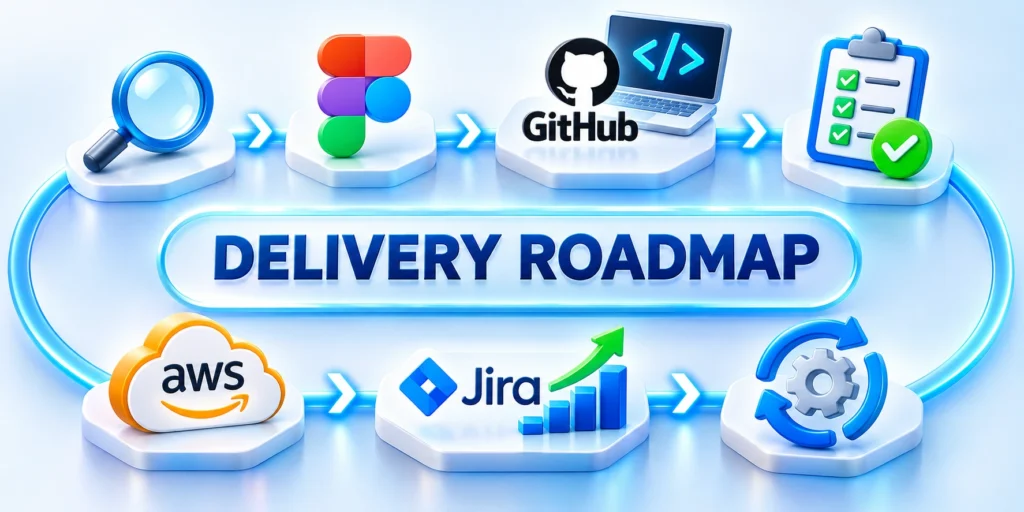
Custom application development is justified when a valuable workflow, customer experience, data need, or operational constraint cannot be served responsibly by existing products.
The investment should begin with discovery. Leaders need a clear problem, measurable outcome, credible delivery path, explicit ownership, and a view of the full operating lifecycle.
Compare these priorities for Conclusion:
- Confirm the business outcome and accountable owner.
- Validate consequential assumptions before scaling delivery.
- Protect users, data, access, and recovery.
- Plan adoption, support, measurement, and continuity.
A responsible decision also accounts for adoption, data migration, accessibility, analytics, continuity, and the organization that will operate the product after launch.
These concerns should appear in the roadmap, acceptance criteria, ownership model, and budget. Deferring them usually converts visible scope into hidden operating risk.
Review these practical points for Conclusion:
- Use measurable acceptance criteria for every phase.
- Keep production ownership and recovery visible.
- Record decisions beside releases and evidence.
- Review priorities as the product learns.
Leaders should expect explicit assumptions, options, exclusions, and decision gates. Honest uncertainty is more useful than a precise estimate built on undocumented guesses.
The delivery model should preserve client access to code, accounts, data, infrastructure, documentation, and evidence. This foundation keeps future choices available.
Consider these operating checks for Conclusion:
- Prefer supportable architecture over fashionable complexity.
- Budget for operation, maintenance, and improvement.
- Keep product decisions connected to measured outcomes.
- Test recovery before a serious incident actually occurs.
- Preserve viable options when teams or providers change.
Choose the next responsible step
The best architecture is not the most fashionable. It is the simplest supportable design that meets current needs, protects users, and leaves room for evidence-driven change.
Start with one decisive conversation. Document the workflow, users, systems, risks, timing, and investment range, then test the most consequential assumptions before authorizing a large build.
Contact Us on LinkedIn
Discuss your Custom App Development Services priorities directly through LinkedIn.
 Sergio TimóteoConsulting EngineerDigital Marketing Strategist, CRM Certified Professional, SEO Expert, AI, Social Media, Paid Ads, Real Estate, B2C and B2B Sales. 22+ Years Growing Businesses and Startups with Technology and Innovation.LinkedIn profile