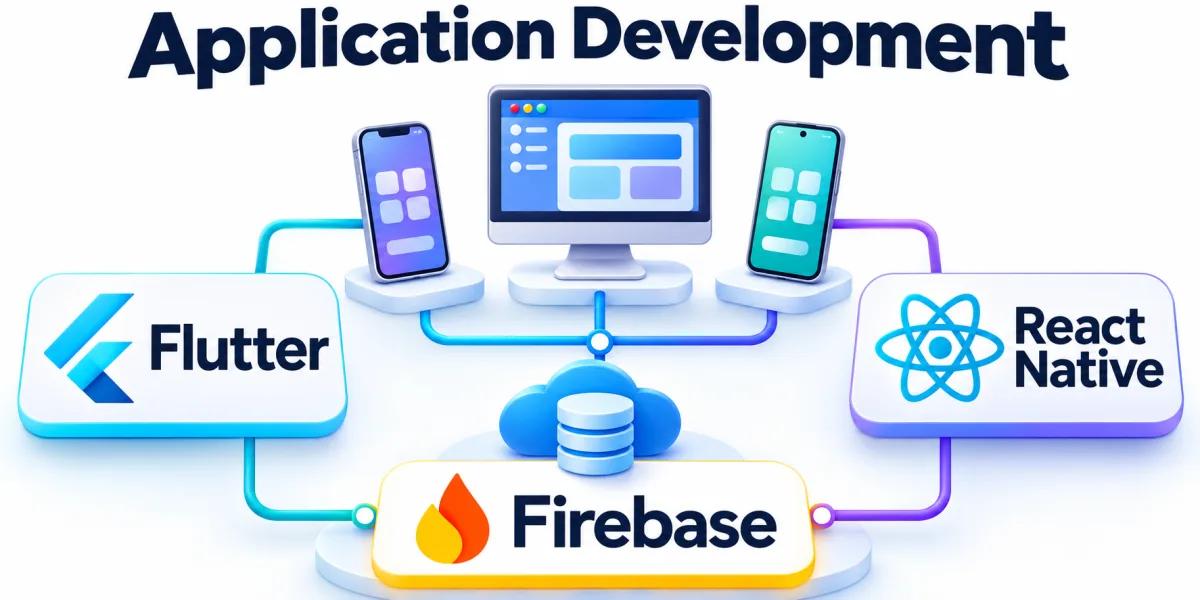
Cross-platform apps share implementation across operating systems while retaining access to selected device features. A useful starting point is to describe what should change in day-to-day work.
Compare options when staff or customers need the same workflow on different devices. That context helps the team choose which checks and decisions deserve attention first.
When Does a Cross-Platform App Make Sense?

A field service app may need offline work, camera access, and identical synchronization across platforms. Observe which details people need at the most consequential step and how they get that information.
Track usability and release effort on each supported device instead of judging the implementation alone. Use those observations to decide where to spend time and to explain the reasoning to colleagues.
List Required Platform Capabilities
Test camera, storage, and notification behavior on the devices people actually use. Use a specific case to check whether that step gives the team enough information to proceed confidently.
Identify requirements that depend on native features or platform-specific security controls. Write the result in the shared record so colleagues reviewing the same case can follow the evidence.
Compare Development and Release Tradeoffs
Estimate the shared surface and the work that remains specific to each platform. Check the points where a missing input or ambiguous rule could affect the result downstream.
Test a complete workflow that includes a device permission and interrupted connectivity. Choose a reasonable test case and follow it through before adopting the same approach elsewhere.
Plan Testing and Ongoing Support
Include platform updates and representative devices when estimating long-term testing effort. Give the owner a clear way to recognize when the decision needs to be revisited.
Watch for device-specific failures after release and improve the coverage around them. Keep the observations that explain the outcome and use them to guide the next practical improvement.