

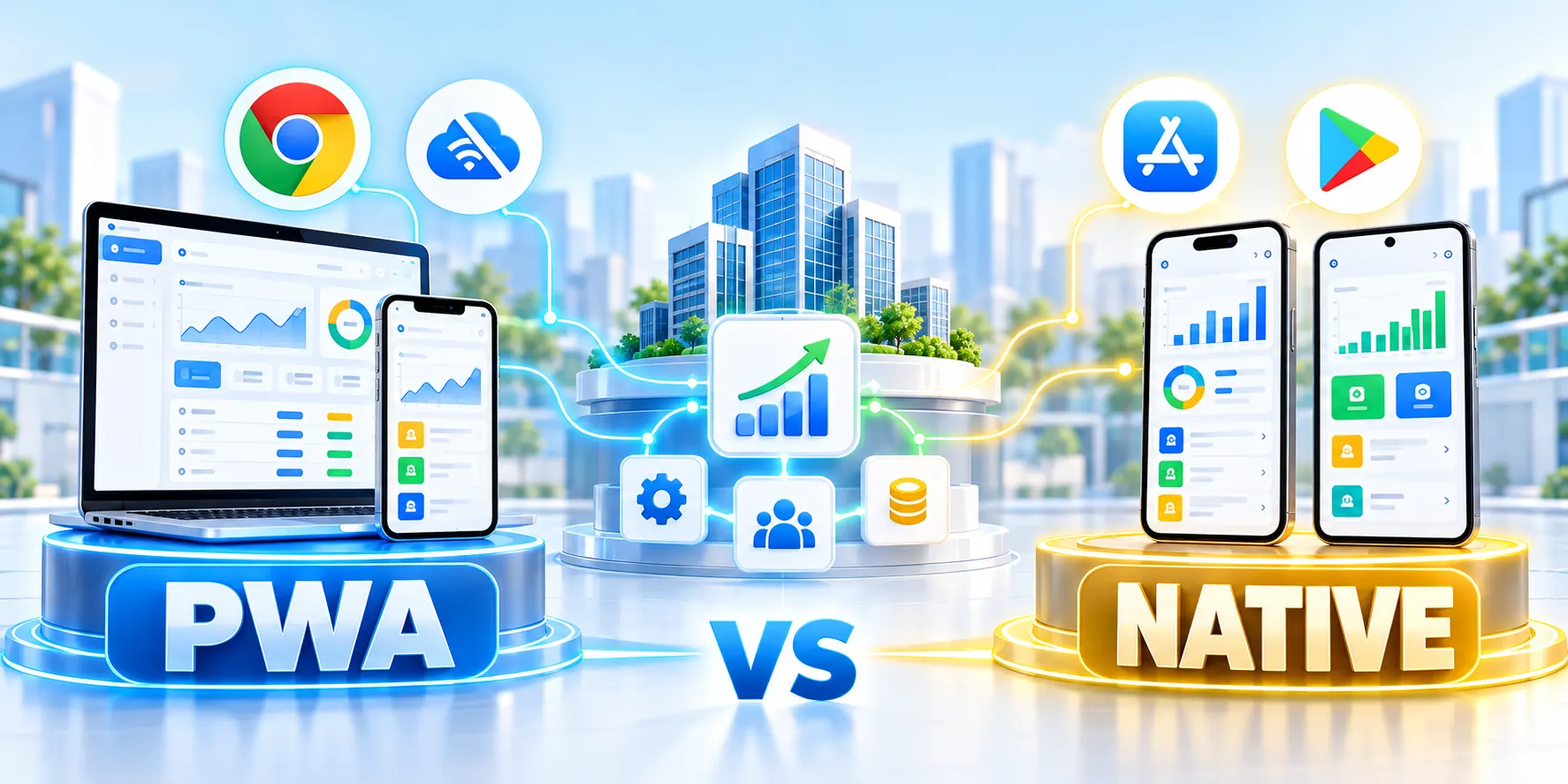
Choose B2B App Delivery Model
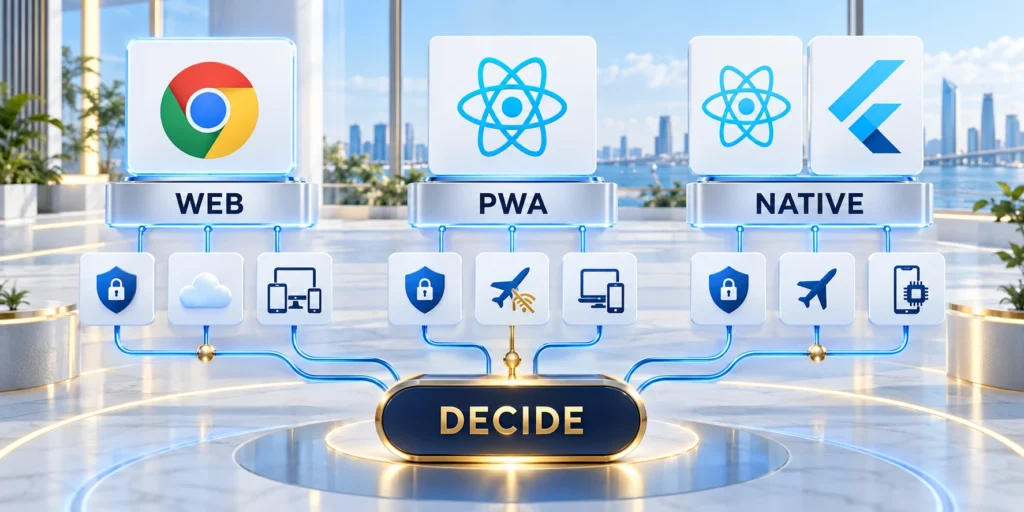
Choosing a progressive web app vs native app for B2B services starts with the user’s task, devices, connectivity, and operating constraints.
A progressive web app (PWA) is a web application that can be installable and use web platform features. A native app is built for a specific operating system.
Use these actions to set a measurable decision boundary:
- Define non-negotiable outcomes: completion time, offline capture, sync recovery, and supported devices.
- Separate requirements from preferences, and assign an owner to verify every mandatory constraint.
- Include accessibility and language criteria; test representative users under realistic devices and networks.
- Document installation, access removal, and support ownership because operations influence the delivery model.
- Test customer-device enrollment and browser restrictions early; policies may block otherwise available APIs.
Start with the workflow
Map the task from entry to outcome. List where users work, how often they lose connectivity, which devices they carry, and what systems they must access.
Use these actions to start with the workflow:
- Choose a PWA when users need a linkable, cross-device service with limited platform-specific requirements.
- Choose native when the core workflow depends on deep device integration or sustained offline work.
- Consider both when a shared web workspace and native field tools serve different jobs.
Do not choose based on a feature checklist alone. Test the important workflow on the actual devices, networks, identity systems, and support model your organization uses.
Compare ownership, not just build cost
A PWA can reduce duplicated interface work when one responsive application serves desktop and mobile users. It still needs browser testing, secure delivery, service-worker updates, and offline design.
Native software adds platform-specific packaging, testing, release, and support responsibilities. Those costs can be justified when device access, background work, or user expectations depend on them.
| Decision factor | PWA | Native app |
|---|---|---|
| Distribution | Web link and browser install | Store or managed deployment |
| Update control | Server release and cache policy | Store review and device rollout |
| Device access | Browser capability dependent | Broader platform APIs |
| Offline design | Cache and synchronization rules | Local storage and sync engine |
| Support scope | Browsers and web environments | OS versions and device models |
Plan Platform Distribution and Support

Include identity integration, data protection, accessibility, monitoring, and support in both estimates. A cheaper first build may cost more if updates or field failures become difficult to manage.
Compare the delivery model with the broader enterprise mobile app strategy when your team also needs to choose a native development approach.
Confirm these platform responsibilities before selection:
- Identity, provisioning, and role administration ownership.
- Managed-device and browser support boundaries.
- Release approval and emergency rollback authority.
- User support and escalation coverage.
Account for distribution and updates
A browser link makes a PWA easy to share with contractors, partners, and occasional users. Access still depends on identity controls, compatible browsers, and a clear installation path.
Test first access, repeat access, account recovery, installation guidance, and offboarding. Distribution is complete only when authorized users can start and stop safely.
Plan rollout and support
Native distribution can use public stores or managed enterprise channels. Decide who enrolls devices, approves releases, handles operating-system changes, and supports users who postpone updates.
Document phased rollout groups, minimum supported versions, forced-update conditions, and emergency communication. Support teams need the same release state visible to engineering.
Coordinate release and rollback
Compare release frequency and rollback needs. Web deployments can roll out centrally, but cached service-worker versions need careful testing. Native releases pass through packaging and distribution steps.
For a seasonal workforce, fast access by URL may reduce onboarding friction. For managed equipment, an organization may prefer controlled installation and device policies.
Map the support journey
Model the whole support journey: account provisioning, lost devices, password recovery, user offboarding, version updates, and escalation when a field task cannot sync.
Measure resolution time and repeated failure by platform. A delivery model that shifts persistent complexity into support may not reduce total operating effort.
Progressive Web Apps for B2B Services

PWAs suit services where shared URLs, rapid access, and a common web interface matter more than deep operating-system integration.
Common fits include account portals, approval queues, inventory lookups, scheduling, and internal dashboards used across laptops, tablets, and phones.
Use these PWA suitability checks before committing:
- Critical browsers expose every required capability.
- Installation works for the managed user population.
- Offline behavior has explicit data boundaries.
- Update and recovery paths remain supportable.
What a PWA can provide
A web app manifest describes how an installable experience appears and launches. Supporting browsers may let users install it and open it in a standalone window.
Service workers can cache selected resources and intercept requests. This can support an offline shell or specific queued actions, but the team must design the data model and conflict handling.
Treat offline behavior as a product decision
Offline capability is not automatic. Decide which records are safe to cache, how stale data is labeled, and what happens when two users edit the same item.
Use HTTPS and test installation on the browsers and devices your workforce actually uses. Install prompts and browser support vary by platform and version.
Where a PWA needs careful design
Browser APIs can expose camera, location, notifications, and background behavior, but availability and permission flows differ. Validate each critical capability on target platforms before committing to a PWA.
A manager reviewing an approval queue may need a responsive interface and notification. A warehouse technician recording scans may need reliable offline capture.
Validate PWA Notifications and Offline Workflows

Push is possible for web apps on supported platforms, subject to permission, service-worker setup, and platform behavior. Ask for consent at a meaningful moment and provide notification controls.
Plan cache invalidation as part of releases. A service worker that serves obsolete code or records can confuse users and create operational or security problems.
Use these actions to validate notifications and cache updates:
- Cache the application shell separately from sensitive user data.
- Use short, explicit retention for locally stored records.
- Show sync state and retry failures visibly.
- Test logout, account switching, and shared-device behavior.
Plan a PWA offline workflow
Start with one task users must finish without connectivity. Separate reference data from changes they create, then decide how the interface displays age and sync status.
Use these actions to plan a pwa offline workflow:
- Identify the smallest read-only data set required offline.
- Queue only actions that can be safely replayed.
- Give each change an ID and retain a visible pending state.
- Resolve conflicts using ownership and timestamp rules.
A sales representative might cache assigned accounts and queue visit notes. Do not cache an entire customer database when a small assigned subset is sufficient.
Test airplane mode, weak connections, expired sessions, full storage, and interrupted uploads. Confirm the app explains what is saved locally and what reached the server.
Protect shared-device data
For sensitive workflows, define a remote revocation and local deletion strategy. Shared tablets need a clear account switch and secure cleanup between users.
Simulate abrupt closure, device restart, account switching, and expired sessions. Recovery must not expose another user’s drafts, files, or synchronized records.
Native Apps for B2B Field Operations

Native apps are stronger candidates when a service depends on device capabilities, predictable offline use, or platform behavior that browsers cannot reliably provide.
Examples include field inspections with photo capture, barcode workflows, device enrollment, local encrypted records, and sustained work where connectivity returns later.
Test the requirement that demands native
Write the requirement as an observable user outcome. “Capture 40 inventory scans in a basement and reconcile them after reconnection” is testable; “we need native performance” is not.
Check whether a PWA can meet the requirement on every supported device. Measure task completion, data loss, battery impact, and recovery rather than assuming one model wins.
Plan native release ownership
Native apps add release dependencies. Include owners for signing, app review, distribution, and updates when scoping custom mobile app development.
Assign backup custodians for credentials and release authority. One unavailable employee must not prevent an urgent security update, rollback, or store response.
Design offline data responsibly
Offline work needs conflict rules. Choose whether the device can create records, edit existing data, or only read a cached subset.
For each action, define an identifier, timestamp, owner, retry policy, and conflict response. Show users when an update is pending, accepted, rejected, or needs review.
Use these actions to design offline data responsibly:
- Encrypt sensitive local data and protect device access.
- Limit what remains on a shared or lost device.
- Use idempotent sync so retries do not duplicate transactions.
- Log sync failures without collecting unnecessary personal information.
Background work is platform-managed. On Android, WorkManager supports persistent work across app restarts, subject to scheduling constraints; it is not a guarantee of immediate execution.
Native is not automatically safer or more reliable. Security depends on architecture, permissions, authentication, data handling, updates, and operational testing.
Evaluate Native App Requirements With a Prototype
Before funding two platform builds, test the hardest task on the devices your staff uses. Ask a small set of representative users to finish a realistic scenario.
If the need centers on camera scanning, prototype image capture, permission denial, low light, and a retry after failure. A successful happy path alone is insufficient evidence.
Prototype these native risks before broader delivery:
- Permission prompts, denied-access recovery, and user guidance.
- Background work under operating-system limits and interrupted tasks.
- Offline writes, retries, and conflict handling after reconnecting.
- Hardware behavior across representative devices and operating-system versions.
- Store review, managed deployment requirements, and phased rollouts.
- Authentication and session recovery under managed policies.
- Telemetry and crash evidence for failed workflows.
Validate device permissions and privacy
For location-sensitive work, test accuracy, battery impact, consent, and behavior when background access is restricted. Reject continuous tracking when the workflow needs only a one-time check-in.
For offline work, simulate several hours without service, queued edits, a device restart, and conflicting server updates. Measure recovery and data reconciliation, not just launch time.
Define measurable acceptance criteria
Write acceptance criteria before testing. For example, a technician must capture 20 records offline, see every item queued, and reconcile without duplicate submissions.
If a PWA passes critical criteria, native may add ownership cost without enough user benefit. If it fails a user requirement, document the gap and test native.
Run a Reversible App Pilot

Do not make the decision from a technology demo. Pilot one user group, one critical workflow, and one device mix.
Compare both models against the same acceptance criteria. Include task completion, connectivity recovery, security review, support burden, update effort, and total operating cost.
Follow this sequence to a practical pilot sequence:
- Interview users about the last time the task failed or slowed down.
- Write the required device capabilities and offline behavior.
- Prototype the core flow in the simplest model that can test it.
- Run representative tasks on real managed devices and networks.
- Record failures, recovery time, support requests, and user confidence.
- Choose the model that meets guardrails with the least sustainable ownership cost.
Agree on a stop condition before launch. Pause if data is exposed, sync loses records, critical tasks fail, or users cannot understand the saved-versus-sent state.
Set stop conditions and recovery steps
Keep the pilot reversible with a small cohort, feature flags where available, rollback steps, and a data-retention plan. Expand only after the same outcomes repeat.
Pair each stop condition with detection evidence, decision authority, communication, recovery, and data handling. Rehearse the most consequential failure before inviting users.
Decide from observed outcomes
The right delivery model is the one that reliably serves the required workflow across supported devices and teams can operate safely over time.
Compare results with the same thresholds and preserve exceptions by browser, device, connectivity, and role. Average outcomes can conceal a blocked field workflow.
Compare total operating effort
Estimate discovery, engineering, testing, security review, release administration, support, and future maintenance. Count the teams and vendors that must coordinate each change.
A PWA is not a zero-maintenance option: browser compatibility, service-worker caching, offline conflict behavior, and web accessibility need ongoing ownership.
Include recurring delivery costs
A native app is not inherently more polished: platform updates, store operations, device compatibility, and release adoption add work that must fit the product value.
Compare costs over a realistic operating period and include failed-task costs. A field outage, duplicate transaction, or manual recovery can matter more than initial build estimates.
Make vendor assumptions explicit
Track assumptions separately from quotes. Vendor estimates should name supported platforms, device scope, offline behavior, testing responsibilities, and post-launch support.
Normalize proposals against the same acceptance criteria and ownership model. Exclusions can create larger operational costs than a lower initial implementation estimate suggests.
Define App Pilot Operating Criteria

For progressive web apps versus native apps for B2B services, define user workflow, device requirement, offline need, integration, and support model before changing campaigns, code, content, or workflow.
That shared context gives every contributor a practical boundary for action.
Use these actions to define operating criteria before execution:
- Write the decision, owner, assumptions, and known constraints.
- Identify dependencies that could change the expected result.
- Set a reversible first step when uncertainty remains.
- Keep the decision record accessible to contributors.
- State what evidence is sufficient to proceed.
- Note which decisions cannot be reversed cheaply.
- Define the time frame for the decision.
- Record the intended business benefit.
- Confirm the available capacity and budget.
Test the workflow under realistic conditions
Evaluate progressive web apps versus native apps for B2B services across the real discovery, prototype, pilot, rollout, and measurement sequence.
A narrow test can hide handoff issues, exceptions, integration failures, or user behavior.
Follow this sequence to test the workflow under realistic conditions:
- Choose a representative task or audience segment.
- Run the workflow from its first input to the final outcome.
- Capture exceptions, delays, and manual work.
- Compare results with the agreed baseline.
- Decide whether to improve, repeat, or scale.
- Document the limits of the test.
- Confirm that owners can support the next step.
- Review assumptions with people doing the work.
- Capture feedback from affected customers or users.
Measure outcomes and tradeoffs together
Track adoption, task completion, reliability, delivery cost, and operational support together rather than optimizing a single favorable metric.
Costs, risk, quality, and effort can otherwise distort the apparent value.
Use these actions to measure outcomes and tradeoffs together:
- Use business and technical indicators in the same review.
- Record data gaps before interpreting a result.
- Explain material changes with evidence, not timing alone.
- Preserve the baseline and reporting period.
- Share findings with the teams responsible for follow-up.
- Check whether the outcome can be reproduced.
- State the confidence level behind each conclusion.
- Compare actual effort against the original estimate.
- Assign responsibility for the next reporting cycle.
Maintain App Security, Updates, and Support
Review the approach when device policy, user workflow, integration, security, or scale changes.
Past decisions may still help, but their assumptions require current evidence.
Use these actions to keep the practice current:
- Schedule ownership and review dates with the operating team.
- Retire outdated instructions, definitions, and unsupported claims.
- Record the next action and accountable owner.
- Link related internal guidance when it helps execution.
- Decide whether to improve, replace, or stop the practice.
- Share changed instructions with affected contributors.
- Keep the latest decision record easy to find.
- Confirm whether the documented standard remains usable.
- Escalate material risks before the next release.
Plan Security and Update Ownership
Define who ships web, service-worker, native, backend, and dependency updates, then set monitoring and rollback for each delivery path.
Account for browser and operating-system changes that can alter permissions, storage, background execution, installation, or notification behavior.
Compare Support and Distribution Costs
Include store review, signing, device testing, browser variance, release communication, customer policy, and long-term version support.
Use the total operating model, not initial development effort alone, when selecting one platform or maintaining both.
Review dependency and platform changes
Track browser, operating-system, SDK, store, identity, and device-management changes that affect supported workflows. Assign owners before a mandatory migration or deprecation becomes urgent.
Test upgrades against representative devices, accounts, networks, and offline states. Record compatibility decisions so support and release teams communicate the same boundaries.
Conclusion

Choose the delivery model that completes the required B2B task reliably on the devices and networks your users actually have.
Use the pilot results to justify platform-specific investment, document operational ownership, and keep a reversible path if evidence changes.
Revisit the decision when conditions change
Revisit the choice when device mix, connectivity, or compliance changes; treat the original decision as an operating assumption that needs evidence.
For broader architecture and launch decisions, read B2B Web App Development: Architecture, Scalability and Launch before committing to another delivery path.
Close the comparison with these accountable actions:
- Preserve the workflow and requirement evidence.
- Record the selected model and rejected alternatives.
- Name release, security, support, and budget owners.
- Schedule review triggers instead of arbitrary dates.
Maintain one decision record
Store requirements, pilot results, limitations, ownership, costs, and the final rationale together. Link supporting artifacts rather than duplicating evidence across disconnected documents.
When conditions change, append the new evidence and decision. Retaining earlier assumptions helps teams understand whether the platform changed or the workflow evolved.
Retire unsupported delivery paths
If one model is rejected, remove experimental access, credentials, test data, and unmanaged release accounts. Preserve only authorized evidence required for the decision record.
Do not maintain a second platform without a named business need, owner, support capacity, and review threshold. Unowned alternatives create hidden security and service obligations.
FAQ
These answers clarify practical differences between PWAs and native apps for B2B workflows, offline use, hardware access, distribution, performance, and support.
Is a PWA the same as a native app?
No. A PWA uses web technologies and browser capabilities; a native app is packaged for an operating system. Both can offer install-like experiences and offline behavior when designed for them.
Can a PWA work offline?
Yes, for workflows the team deliberately supports. Service workers can cache assets and handle requests, but data synchronization, conflicts, stale records, and security require explicit design.
Can a PWA send push notifications?
On supported browsers and platforms, web push can notify users after permission and service-worker setup. Confirm exact support and user flows on your target devices.
When should a B2B company choose native?
Choose native when a tested core task depends on device integration, predictable offline capture, or platform-managed background work that a PWA cannot meet reliably.
Can a company offer both a PWA and native app?
Yes, when the products serve distinct workflows. Share identity and backend rules where useful, but avoid maintaining two interfaces that duplicate the same low-value tasks.
How should offline conflicts be resolved?
Define record ownership, timestamps, merge rules, user prompts, audit history, and recovery before enabling offline writes.
Can a PWA use device hardware?
Some browser APIs expose device capabilities, but support, permissions, background behavior, and reliability vary by platform.
How should installation be measured?
Track qualified installation, first meaningful task, repeat use, failures, and support burden instead of installation totals alone.
Does native automatically provide better performance?
No. Performance depends on architecture, implementation, data, device workload, network conditions, and the specific user task.
When should both platforms be maintained?
Maintain both only when distinct validated workflows justify the additional product, security, testing, release, and support cost.






Leave a Reply