

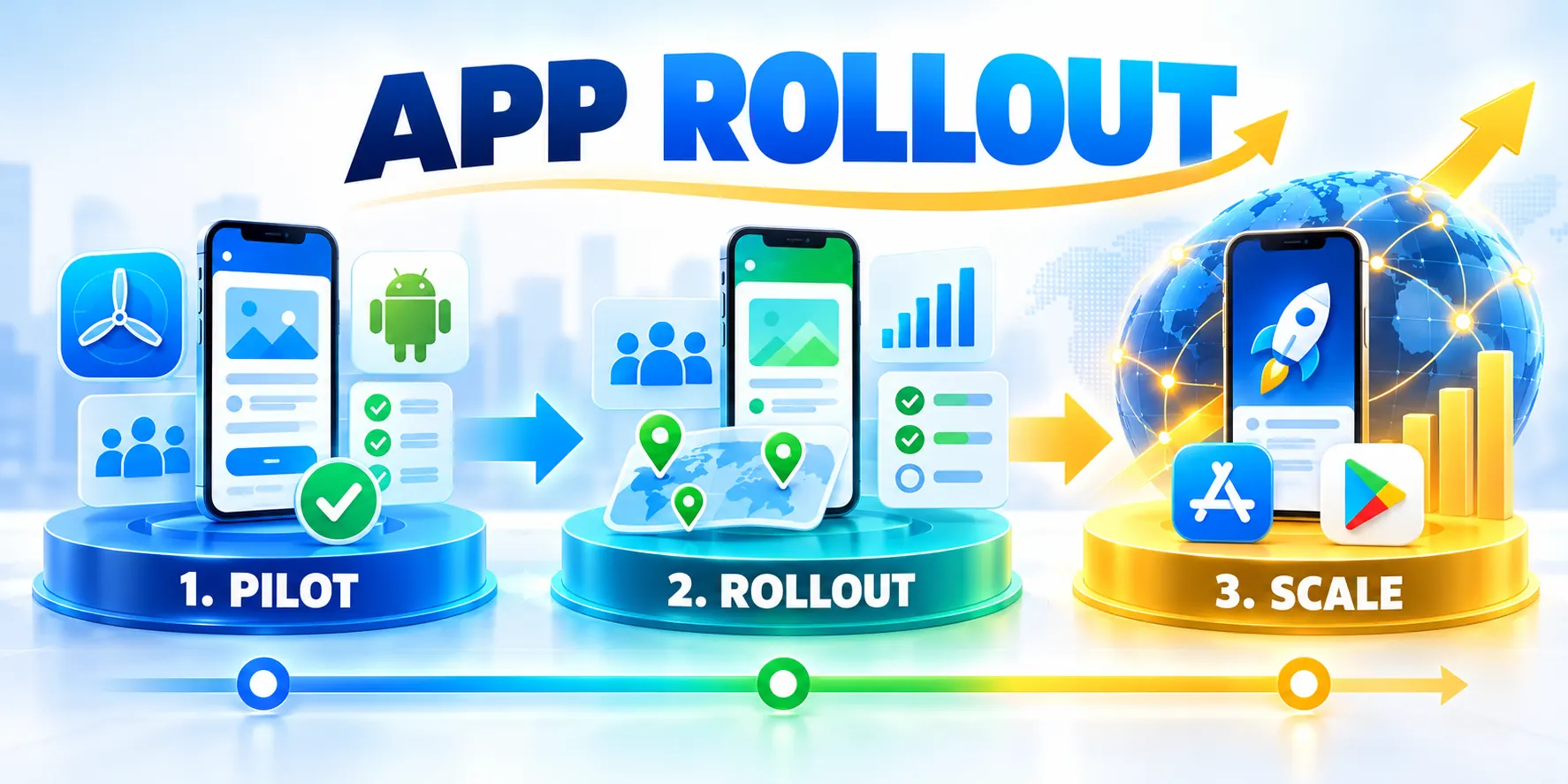
Define Rollout Outcome and Pilot Cohort

A phased mobile app rollout strategy limits how quickly a new release reaches users, giving the team time to observe real behavior before expanding access.
The rollout is a controlled operating plan, not merely a percentage setting. It connects business outcomes, user cohorts, release controls, support coverage, and stop decisions.
Write the outcome before choosing a rollout schedule
State what the release should improve and which users experience that change. A goal such as “launch the new workflow safely” is too vague to guide expansion.
Make the outcome observable: successful task completion, fewer support contacts, shorter processing time, or adoption by a defined business group.
Separate business results from release health
At the rollout stage of the SaaS product development lifecycle, distinguish adoption goals from release health checks such as crashes, failed requests, and login completion.
Review both groups together because positive adoption cannot justify exposing users to an unsafe or unreliable release.
Separate outcomes and health with these checks:
- Name the user journey that changed and the customer problem it is intended to solve.
- Choose one primary outcome and a small number of guardrails that indicate release safety.
- Record the comparison period, eligible users, app versions, and data source for each measure.
- Assign an owner who can decide whether the next cohort should receive the release.
- Write down what evidence would pause the rollout, even if the business deadline is close.
Build a pilot cohort that reflects real use
A pilot should be small enough to limit exposure and broad enough to reveal meaningful differences. Selecting only internal testers often hides customer workflows.
For a business app, include representative roles, account sizes, operating regions, device types, and connectivity conditions when those factors can change outcomes.
Keep cohort measurements comparable
Keep cohort membership stable during a measurement window. If the group changes every day, a performance shift may reflect different users instead of the release.
Protect privacy while measuring. Use the minimum identifiers needed to compare cohorts, apply retention rules, and avoid exposing customer data in dashboards.
Baseline the Current Experience
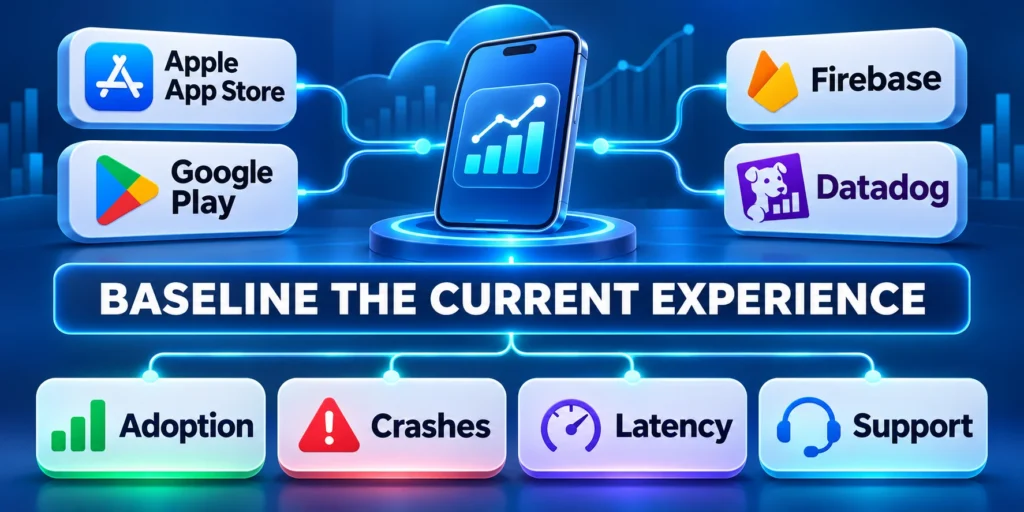
Record how the existing version performs before changing exposure. Without a baseline, the team cannot tell whether a metric is normal variation or a release regression.
Use the same event definitions and observation window before and after release. A new analytics event can otherwise create an apparent improvement that is only a counting change.
Capture these baseline measures before release:
- Measure active eligible users, workflow completion, latency, crashes, and support volume for the existing version.
- Segment results by app version, operating system, region, account tier, and workflow when samples permit.
- Document known incidents, planned campaigns, holidays, or backend changes that could distort comparisons.
- Confirm analytics events arrive once, use consistent names, and exclude test traffic from customer reporting.
For example, a field-service app could compare completed work orders and sync failures by device model, rather than relying on downloads alone.
When release readiness depends on architectural decisions, use this B2B web app architecture guide to map service dependencies and critical user workflows.
Validate Instrumentation Before Release
Trigger representative events on supported devices and confirm each event records the correct version, workflow, cohort, timestamp, and result.
Reconcile analytics with backend records and support cases so missing, duplicated, delayed, or renamed events do not distort the baseline.
Segment the Baseline by Supported Conditions
Compare device families, operating systems, regions, connectivity, account types, and workflow frequency only where sample size supports a useful interpretation.
Document unsupported combinations and known anomalies before rollout so teams do not misclassify inherited problems as release regressions.
Choose Release Path: Store Rollout or Feature Flags
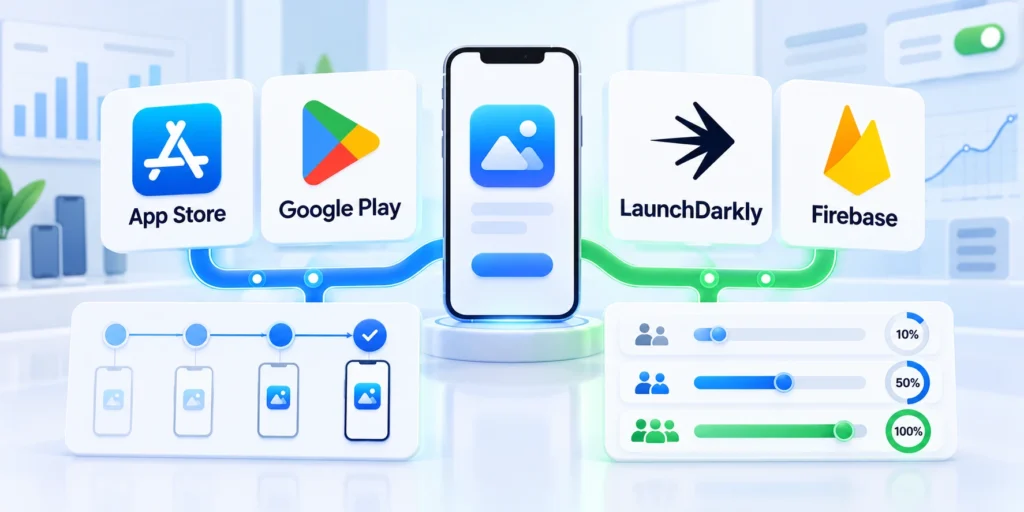
Choose a control that matches what you need to limit: installation of a new binary, exposure to a feature, or both.
Store-managed phased releases and server-side feature flags solve related but different problems. A layered plan can use both when the risk warrants it.
Use store rollouts to pace installation
Google Play lets teams choose what portion of eligible users receives an app update at first. The team then decides whether to expand distribution.
Apple phased releases distribute an update to a growing share of users with automatic updates over seven days. Users may still manually download it sooner.
Understand store rollout limitations
These controls pace distribution through the stores, but do not guarantee that every user updates immediately or that exposure follows your business segments exactly.
Check current platform behavior before scheduling a release. The official Google Play staged rollout guidance and Apple phased release instructions describe their respective controls.
Use feature flags to control functionality separately
A feature flag lets the application deliver code while keeping a capability hidden or limited. Teams can target cohorts and disable the feature without removing the installed app build.
Flags are useful for risky workflows, backend dependencies, or features that need a quick kill switch. They require ownership, expiry dates, and tests for both flag states.
Keep a safe fallback behind the flag
A flag does not reverse a database migration or undo an irreversible customer action. Design the old and new paths to coexist during the rollout.
Verify that disabling the new path preserves pending work, compatible data, customer access, and clear support guidance for affected versions.
Protect fallback behavior with these controls:
- Choose store rollout to control how quickly users install the new application package.
- Apply a feature flag to enable functionality for selected users independently of installation.
- Combine them when a new binary and a high-risk feature need separate exposure controls.
- Keep a documented owner and tested disable path for every production flag.
Match the Plan to Release Risk
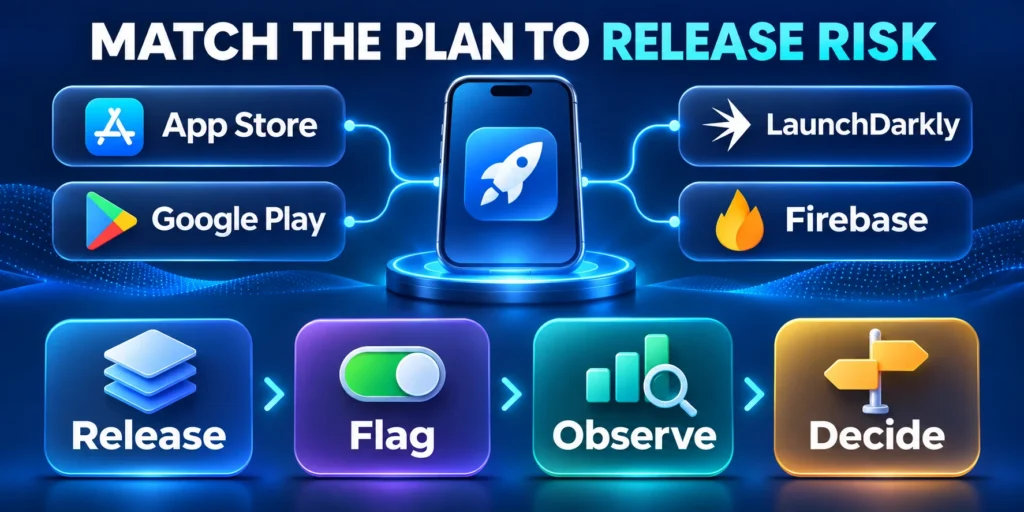
A cosmetic correction may need a shorter observation window than a change to authentication, payment, offline sync, or regulated data handling.
Consider blast radius, reversibility, user impact, dependency changes, data migration, and how quickly monitoring will detect failure.
| Release control | Best fit | Important limitation |
|---|---|---|
| Store staged rollout | Limit who receives an app update over time | Install timing and audience remain uncontrolled |
| Feature flag | Enable a capability for chosen cohorts | Requires safe fallback behavior and flag cleanup |
| Internal or beta track | Test workflows before general availability | Test users may not represent customer conditions |
| Server-side kill switch | Disable a failing service-backed capability | Cannot undo irreversible actions or stored data |
Write down the selected control, its owner, the audience it can reach, and what it cannot undo. This prevents an emergency response from relying on assumptions.
Choose Control Depth by Consequence
Increase review, observation, support coverage, and rollback testing when a release can affect identity, payments, regulated data, offline work, or irreversible records.
Use a lighter process for reversible presentation changes when monitoring still confirms that the intended workflow remains available.
Match controls to these release characteristics:
- Customer impact and affected workflow criticality.
- Data changes and practical reversibility.
- Dependency, platform, and device variability.
- Detection speed and available support coverage.
Document why the controls match expected harm, detection delay, recovery effort, customer reach, and operating support before exposure reaches the next planned customer cohort for accountable customer protection.
Set Metrics, Guardrails, and Rollback Decisions

Monitoring must answer whether the release is safe to expand, not merely whether servers are online. Track user outcomes alongside technical health.
Agree on thresholds, owners, and actions before release day. A dashboard without a decision rule can show a problem while the rollout continues by default.
Choose measures that expose user impact
Use a small set of reliable signals linked to the changed journey. Too many metrics slow decisions and encourage teams to explain away the signal they dislike.
For a new approval workflow, track submission success, completion time, duplicate requests, app crashes, and support contacts associated with that workflow.
Use these actions to choose measures that expose user impact:
- Measure crashes and fatal errors by app version, operating system, and device family.
- Track failed network requests, authentication errors, sync backlog, and retries for critical user journeys.
- Compare task completion and abandonment for the changed flow against the prior release.
- Watch help-desk volume, incident reports, and customer feedback for emerging patterns.
- Review backend saturation and dependency health when the mobile release changes request volume.
Set thresholds with enough context to act
Use a baseline and a minimum sample size. A percentage jump from a tiny cohort can be noise, while a small rate change at large volume can affect many customers.
Define both a threshold and an observation period. For example, pause if failed submissions exceed the agreed baseline by a set amount for two consecutive monitoring windows.
Escalate severe signals immediately
Account for severity: a privacy exposure or data-corruption signal may require an immediate stop, even before a large sample accumulates.
Define who receives the alert, who protects affected records, and who can stop exposure without waiting for the next scheduled review.
| Signal | Example guardrail | First response |
|---|---|---|
| Crash rate | Increase over baseline on supported devices | Pause expansion and isolate affected versions |
| Workflow completion | Completion falls below the agreed service level | Check event integrity and reproduce the flow |
| Data integrity | Duplicate, missing, or mismatched records appear | Stop exposure and protect affected records |
| Support demand | Repeated reports describe one release issue | Group reports and assess severity immediately |
Make pause and rollback actions operational
“Roll back” can mean stopping store expansion, disabling a feature flag, reverting a server configuration, or shipping a corrective app version.
Choose the response that actually restores a safe user journey. A store rollout can often be halted, but installed builds remain on devices.
Verify Rollback Automation Before Launch
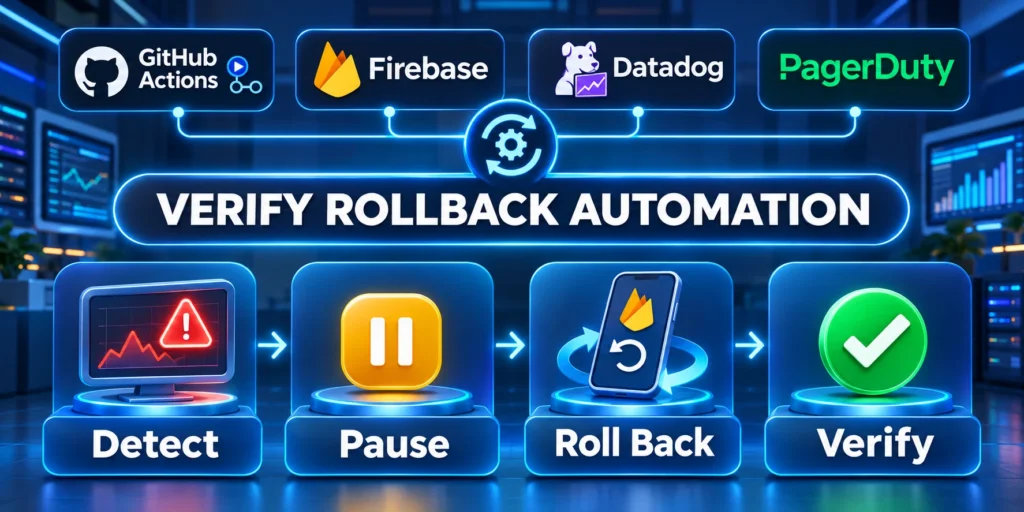
When a configuration service supports gradual deployment and alarm-based rollback, configure the alarms and permissions before depending on automation.
AWS describes gradual strategies and CloudWatch alarm rollback in its official AppConfig deployment guidance. Apply the same principle to any platform: define the signal and verify the rollback path.
Use these actions to verify rollback automation before launch:
- Name the incident commander, release operator, product owner, and customer communications owner.
- Document steps to pause exposure, disable the feature, and restore safe behavior.
- Test rollback in staging with realistic data; record irreversible actions.
- Preserve logs, affected version details, timestamps, and customer impact before changing evidence.
Test Partial Failure and Recovery States
Exercise failures where the flag service, analytics, network, backend dependency, or device cache behaves differently from the expected rollback path.
Confirm the application fails safely, preserves customer work, exposes actionable telemetry, and gives operators a documented recovery option.
Confirm Store and Server Responsibilities
Document which actions can stop store distribution, disable server functionality, restore backend configuration, or require a corrective application version.
Operators should know which users retain the installed build and which protections remain effective after exposure is paused.
Validate Incident Access and Authority
Confirm responders can reach the flag, store, configuration, telemetry, communication, and recovery systems during realistic incident conditions.
Test approval boundaries and emergency access so the authorized operator can act without sharing credentials or bypassing required evidence.
Run the Waves and Support Adoption
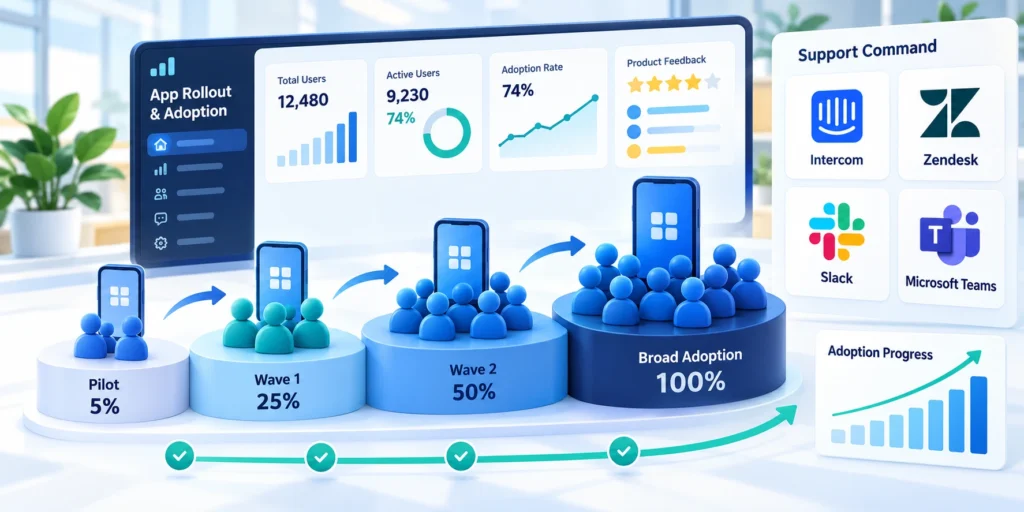
A rollout schedule turns risk controls into a sequence of observable decisions. Each wave should have an audience, a monitoring window, and an explicit owner.
Percentages are starting points, not universal rules. A small customer base, high-risk workflow, or slow feedback loop may justify different cohort sizes and timing.
Define entry and exit criteria for every wave
For each wave, specify who is eligible, what changes, what evidence is reviewed, and who may approve expansion.
Do not advance simply because a calendar interval elapsed. Advance when the minimum observation window has passed and the agreed signals remain within guardrails.
Define every rollout wave with these criteria:
- Internal wave: employees or trained design partners validate core paths and operational readiness.
- Pilot wave: a representative customer cohort exercises routine workflows in real operating conditions.
- Expansion wave: broaden by account, region, or store percentage after reviewing pilot evidence.
- Final wave: continue measured expansion until all intended users are eligible.
Plan observation windows around when users actually perform the workflow. A few quiet hours cannot validate a feature used only during weekly close or monthly reporting.
Prepare support before the first customer wave
Support teams need release notes, eligibility details, known limitations, escalation contacts, and a concise explanation of what changed.
Give frontline teams a way to identify the app version, affected account, and workflow without collecting unnecessary sensitive information.
Route incident reports to the right owner
Create a shared incident channel and define when a report becomes a release incident. Route urgent safety, privacy, or data-loss reports immediately.
Connect each report to the release, cohort, version, workflow, severity, evidence, and owner without collecting unnecessary customer data.
Route rollout incidents through these support steps:
- Publish an internal release brief with audience, feature behavior, support answers, and escalation steps.
- Tell pilot customers when feedback is expected and how to report an urgent problem.
- Keep customer-facing promises aligned with the rollout; do not imply immediate availability to every user.
- Review support themes at each decision point rather than waiting for the final rollout review.
Use a Wave Decision Record

Capture what the team observed and why it chose to proceed, pause, or reverse. A brief record prevents later teams from repeating the same uncertainty.
Include the release identifier, cohort definition, measurement window, metric results, customer reports, known incidents, decision owner, and next review time.
Do not expand through ambiguous evidence
If the result is ambiguous, hold the current exposure and gather more evidence. Expanding to create a larger sample can increase harm when the signal is already concerning.
Extend the observation window or improve instrumentation without changing cohort composition until owners can explain the result confidently.
Record these elements at every wave decision:
- Release, cohort, version, and observation window.
- Outcome, health, incident, and support evidence.
- Decision owner and accepted limitations.
- Next action, timing, and stop conditions.
Keep the record concise enough for operators to review during a live rollout decision.
Resolve Conflicting Signals Before Expansion
Investigate when adoption improves while crashes, support demand, latency, or completion quality deteriorates for a specific cohort.
Check instrumentation, sample size, segmentation, deployment timing, backend changes, and known incidents before choosing which signal represents user impact.
Make the Next Review Operational
Assign the next review time, required evidence, responsible participants, and the person authorized to expand, hold, pause, or reverse exposure.
Notify support and operations about the current decision so customer communication and incident handling match the active rollout state.
Close the Rollout and Capture Learning

Reaching full availability is not the only sign of completion. The team should confirm that the intended users can access the release and that operational ownership is stable.
Close the rollout with a review of outcomes, incidents, support patterns, and remaining risks. Turn the findings into changes to the next release plan.
Verify adoption and remove temporary controls
Check eligible installs, active use, workflow completion, and version distribution. Investigate gaps before concluding that every intended group has adopted the release.
Remove obsolete feature flags only after confirming no supported version still depends on them. Archive the decision and delete temporary dashboards or test cohorts responsibly.
Use these actions to verify adoption and remove temporary controls:
- Confirm the release is available in target regions and supported by the intended device population.
- Compare adoption and business outcomes against the baseline and release objective.
- Resolve outstanding incidents, data corrections, customer communications, and service ownership.
- Remove expired flags, temporary permissions, test data, and short-lived monitoring rules.
- Record lessons about cohort choice, signals, rollout duration, and support readiness.
Use the next release to address evidence, not assumptions
Retrospectives should identify what the team would change next time: a clearer metric, a smaller initial cohort, better event validation, or earlier support training.
Assign an owner and due date to each important improvement. Otherwise, the rollout review becomes a record of observations without changing the release system.
Finish with an accountable next action
Keep the process proportionate. A low-risk copy change does not need the same governance as a payment, identity, or data migration release.
Plan a phased rollout as part of custom app development. Expand access when pilot results and operational readiness support the next step.
Coordinate Data Migration With Rollout Waves
Define which accounts, settings, history, files, and permissions move before each cohort receives the new application version.
Reconcile migrated records, preserve rollback evidence, and prevent users from creating conflicting updates across old and new paths.
Protect Compatibility Across Supported Versions
Document backend, API, schema, device, operating-system, and feature compatibility for every version that remains in use.
Use additive changes and controlled deprecation where possible, then remove compatibility code only after supported clients have moved.
Plan Support for Each Cohort
Give support teams release notes, known issues, eligibility rules, diagnostic steps, escalation contacts, and rollback status before exposure begins.
Compare incidents and questions by cohort so rollout decisions reflect the version and workflow users actually received.
Define Completion and Cleanup
A rollout is complete only after adoption, incidents, data corrections, flags, permissions, monitoring, documentation, and ownership reach an accepted state.
Archive the decision, remaining limitations, and recovery evidence before closing temporary dashboards or test infrastructure.
Conclusion

A phased rollout protects customers when each wave is an evidence-based decision rather than a calendar milestone or automatic percentage increase.
The plan should connect business outcomes, technical health, representative cohorts, support readiness, data compatibility, and a tested recovery path.
Preserve Evidence for Every Expansion Decision
Keep the release identifier, cohort, observation window, baseline, guardrails, incidents, customer reports, owner, and accepted limitations together.
This record explains why exposure changed and gives future teams evidence for improving cohort design, monitoring, support, and recovery.
Keep Rollback Paths Tested and Proportionate
Match rollback depth to the release consequence, recognizing that store controls, feature flags, server changes, and data migrations reverse differently.
Exercise realistic failure states before launch and document irreversible actions requiring containment, correction, reconciliation, or customer communication.
Carry these controls into every rollout:
- Define measurable outcomes and safety guardrails.
- Select representative, supportable rollout cohorts.
- Review evidence before changing exposure.
- Retire temporary controls after verified stability.
Turn Learning Into the Next Release Plan
Convert important findings into owned improvements for analytics, testing, support preparation, compatibility, migration, incident response, or release automation.
Recheck those improvements during the next pilot so the rollout process becomes more reliable without accumulating unnecessary governance.
Close Only After Operational Ownership Stabilizes
Confirm intended users can access the release, critical workflows remain healthy, incidents are resolved, and temporary permissions or monitoring have owners.
Archive remaining risks and recovery evidence before removing flags, compatibility paths, test cohorts, dashboards, or short-lived infrastructure.
FAQ
These answers clarify common rollout decisions about cohorts, stores, flags, pauses, monitoring, data, defects, feedback, and cleanup.
How many users should receive the first rollout wave?
Choose a cohort large enough to exercise real workflows but small enough to contain impact. Use risk, audience size, and feedback speed to decide.
For a narrow B2B audience, several representative accounts may be more useful than a percentage. For a large consumer app, a small store percentage may be practical.
Does a staged app-store release guarantee that users cannot install the update early?
No. Store controls pace eligible automatic distribution, but users may update manually and adoption timing varies. Review each platform’s current rollout behavior.
Should every mobile release use feature flags?
No. Flags add operational complexity and require cleanup. Use them when independent exposure control or a tested kill switch materially reduces release risk.
What should trigger a rollout pause?
Pause when a pre-agreed guardrail fails, a serious customer-impacting pattern emerges, or data integrity, privacy, or security may be affected.
How long should the team monitor each wave?
Observe long enough to cover normal user behavior and important business cycles. Match the window to workflow frequency, risk, and how quickly signals arrive.
Should rollout cohorts be random?
Use cohorts that support the decision while respecting eligibility, risk, geography, devices, support, and customer commitments.
How are database changes rolled out safely?
Use compatible migrations, backups, monitoring, rollback planning, staged activation, and reconciliation across supported application versions.
Can a rollout continue with minor defects?
Only when owners accept defined impact, workaround, monitoring, disclosure, repair timing, and the defect remains within guardrails.
How should beta feedback be recorded?
Link feedback to version, cohort, workflow, device, evidence, severity, owner, decision, and privacy-appropriate context.
When are rollout flags removed?
Remove them after supported versions converge, recovery is accepted, dependencies are checked, and temporary paths are no longer needed.
For the broader framework, read Enterprise Mobile App Development: Cross-Platform Strategy.








Leave a Reply