


Decide When Document Ads Fit Your B2B Offer
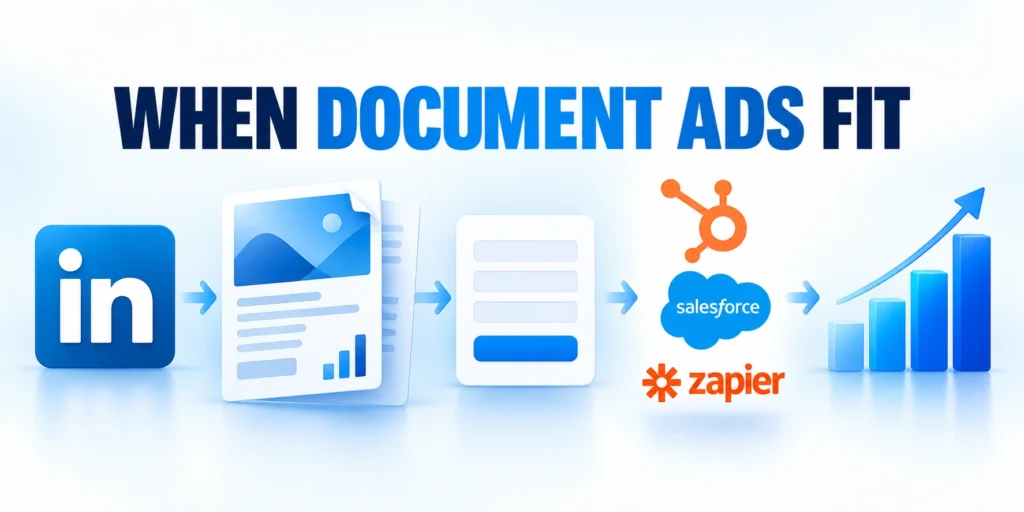
LinkedIn Document Ads place a multi-page asset in the feed. A Lead Gen Form can exchange the full resource for a prospect’s submitted details.
Use the format when the document teaches a useful idea, helps evaluate a solution, or supports a real buying decision.
Compare format choices before production
Match the content experience to the campaign objective, information need, qualification requirement, and next sales action before choosing the format.
| Objective | Format | Decision signal |
|---|---|---|
| Education | Ungated document | Reach and engagement |
| Lead capture | Document plus form | Qualified response |
| Complex offer | Landing page | Richer context |
| Sales enablement | Downloadable guide | Follow-up support |
Use the comparison as a planning aid, then validate the choice with campaign evidence, CRM qualification, and the buyer’s actual information needs.
Choose the asset and conversion together
A document view or download is an engagement signal. It does not prove that the reader is qualified, evaluating a vendor, or ready to speak with sales.
Set the conversion goal before building the campaign. Decide whether success means a relevant form submission, a sales-accepted lead, or a qualified opportunity.
Use these actions to choose the asset and conversion together:
- Use ungated access when reach, education, or document engagement is the primary goal.
- Add a Lead Gen Form when the full document justifies exchanging visitor data.
- Use a landing page when the offer needs richer context, choices, or longer qualification.
LinkedIn states that Lead Gen Forms on Document Ads allow a page preview before unlock. A single-page document is not eligible because no preview page can remain visible.
Keep the distinction clear in reports: document engagement measures consumption, while form completion measures a response. CRM stages measure subsequent sales fit.
Use a form only when the exchange is fair
Gate the full document when it contains original analysis, a useful assessment, or a reusable tool. Do not gate a lightly edited sales sheet.
Before launch, ask a sales representative whether the promised asset would help during a real buyer conversation. Revise the offer if the answer is unclear.
Build a Document That Earns a Relevant Next Step

Treat the document as the main content experience, not as a brochure placed behind a form. The preview should demonstrate the value of continuing.
Choose one audience, one problem, and one useful outcome. A document that tries to serve every buyer usually gives each reader a weaker reason to respond.
Outline the document around a buying question
Follow this sequence to outline the document around a buying:
- Name the specific operational problem and the roles affected.
- Explain a repeatable method, comparison, checklist, or decision model.
- Show one worked example with realistic assumptions and a visible result.
- Close with a stage-appropriate next step, such as a workshop or assessment.
For example, a cybersecurity consultancy could offer an incident-readiness scorecard. It can show how to inventory critical systems, assign owners, and rank recovery gaps.
Give the preview enough substance to establish trust. Show the problem, method, and one useful finding before asking readers to unlock the remaining pages.
Check the document before launch
Use a clear file structure and check every page at phone size. Keep charts legible, label assumptions, and avoid depending on clickable links.
Verify file size, page order, margins, typography, image quality, claims, and final calls to action. Archive the approved version used in the campaign.
Match the document to the funnel stage
An early-stage reader may need a diagnostic checklist, while an active evaluator may need a migration plan or a comparison of implementation options.
Label each page with a clear section title. Put the main conclusion near the beginning, then support it with examples and evidence.
Keep essential next steps outside the document
LinkedIn notes that document links work after download. Put essential next steps in the ad or form confirmation too.
Repeat the promised next action where readers can access it before and after unlocking. Keep contact expectations consistent across the advertisement, form, and confirmation.
Design a Lead Gen Form for Qualification and Consent

Prefilled profile information can reduce typing, but it may be outdated or incomplete. A short form still needs a relevant value exchange and a responsible data plan.
Ask only for information that changes routing, eligibility, or follow-up. Every extra field adds friction and creates another value that teams must maintain.
Select fields based on the next decision
Use these actions to select fields based on the next:
- Keep name and work email when CRM identification and contact require them.
- Add company, role, or company size only when those fields change account fit or assignment.
- Use one concise qualifying question when the answer affects routing or the next response.
- Map every custom field to a documented CRM property before launch.
Do not treat a job title, company name, or prefilled email as proof of buying intent. Validate fit with the business rules used by marketing and sales.
State what happens after submission. Link the privacy notice, describe the intended follow-up, and confirm that the use of data matches your policy and applicable law.
Make the value exchange explicit
Use a specific call to action matching the asset. “Download the guide” is clearer than a generic button when access is the exchange.
Describe what the reader receives, which problem it addresses, and what follow-up may occur. Avoid implying immediate value the document does not deliver.
Test the form before promoting it
Follow this sequence to test the form before promoting it:
- Create a test submission using a representative account and role.
- Check the privacy notice, required fields, confirmation text, and destination.
- Verify that the lead reaches the intended CRM record with field values intact.
- Confirm that consent and source details remain available to the people handling the lead.
If an optional field is necessary, make it required or change the workflow so missing data does not silently misroute the contact.
Repeat the test after editing fields, consent language, integrations, routing, or ownership. Preserve the expected and observed results with the approved campaign record.
Target Buyer Roles Without Shrinking Campaign Delivery

Document Ads work best when the content matches the audience’s responsibilities and knowledge. Start with the people and accounts that have a credible reason to care.
Build the audience from account fit, buyer roles, and a relevant problem. Avoid stacking so many restrictions that the campaign cannot gather useful delivery data.
Separate targeting hypotheses you can compare
A campaign may combine company lists, industries, functions, seniority, or member skills where available. Choose dimensions that represent a documented audience hypothesis.
For a CRM data governance guide, target operations and revenue leaders at complex sales organizations. Use a separate audience for technical data owners only when the asset addresses their needs.
Use these actions to separate targeting hypotheses you can compare:
- Keep account-list audiences and broader role-based audiences separate when budget or message decisions differ.
- Exclude employees, existing customers, or irrelevant job groups when the exclusion is reliable and useful.
- Review estimated reach before launch; broaden constraints if the audience cannot support planned spend.
Do not infer seniority or purchase authority from one title. LinkedIn profiles vary, and several people may shape a B2B decision without owning the budget during periodic review.
Prepare a distinct document angle for each materially different audience. If the same asset and offer work for both, combine them rather than splitting campaigns for appearance and simpler analysis.
Launch Document Ads and Attach the Lead Gen Form

A clean setup links the objective, document, audience, and form before the campaign starts. Confirm account and Page permissions before building the ad set.
The names of Campaign Manager controls can change. Check the live account labels when they differ from the path below.
Confirm permissions before campaign activation
Verify access to the advertising account, Page, document, Lead Gen Form, integration, and CRM destination before configuring the campaign.
Assign a backup owner and document which permissions support creation, testing, approval, lead access, and troubleshooting. Resolve expired or excessive access before launch.
Build and verify the campaign in Campaign Manager
Follow this sequence to build and verify the campaign in:
- Create or select a campaign group, then create a campaign with the lead generation objective.
- Set the audience, placements, budget, schedule, and bidding controls approved for the test.
- Create a Document Ad with the final PDF; confirm cover, headline, intro, and preview pages.
- Attach the matching Lead Gen Form to relevant ads; confirm CTA and form name.
- Preview the ad and submit a test lead; verify document access and confirmation.
- Check campaign status and review any setup warnings before enabling delivery.
LinkedIn says attach a Lead Gen Form when the ad set uses the lead generation objective. An ad that needs a form may show “Needs attention.”
If you reuse an existing ad, check whether its form is already attached. The form must match the advertised offer and intended CRM workflow.
Connect Leads to the CRM and Follow Up
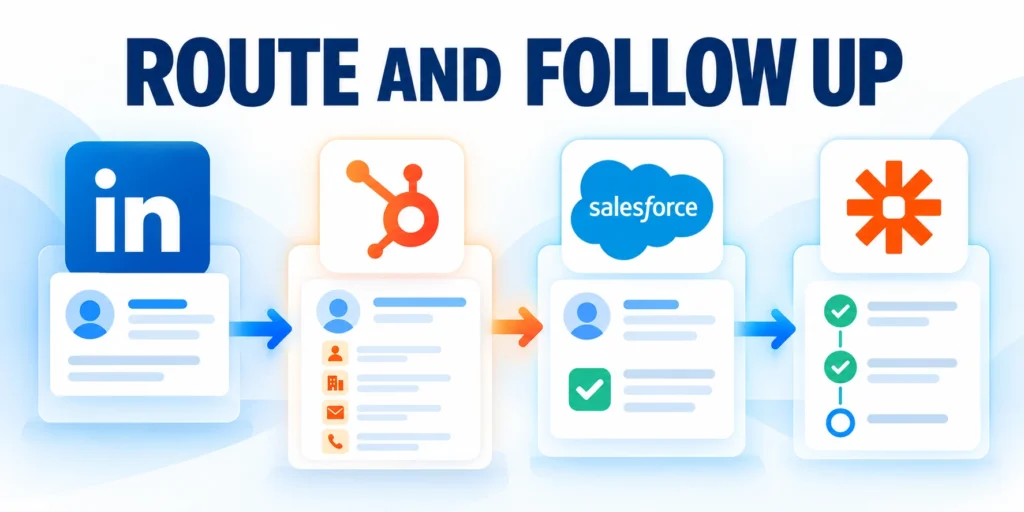
Lead capture is incomplete until the data reaches an owner who can respond. Confirm permissions, mapping, routing, and backup access before spending on delivery.
LinkedIn supports partner integrations with marketing automation and CRM platforms. Exact setup depends on the provider, account permissions, and the fields your team collects.
Configure the integration and test the whole path
Follow this sequence to configure the integration and test the:
- Connect the correct LinkedIn ad account and Page to your CRM or marketing platform.
- Choose which forms should sync and map fields to the correct CRM properties.
- Set a source value that distinguishes the form, campaign, and offer without overwriting original attribution.
- Create one test lead and confirm the contact, consent details, campaign source, and assignment.
- Check the queue, sync status, and owner notification. Fix failed mappings before activating the campaign.
HubSpot’s Ads tool includes lead sync settings and a Leads view for connection, form, or field errors. Menus and features vary by account access and product updates.
Set a response service level that your sales team can meet. If a lead is not accepted, capture a reason such as geography, service fit, timing, or incomplete contact data.
Give every lead a traceable status
Key considerations for give every lead a traceable include:
- New: submitted and synced, awaiting assignment.
- Contacted: an owner attempted a relevant response.
- Accepted or disqualified: the record meets or fails agreed fit rules, with a reason.
- Opportunity: sales confirms a real buying project and next step.
Use the same definitions in campaign reports and the CRM. Otherwise, teams may compare a marketing form completion with a sales-qualified opportunity as if they were equivalent.
Document a fallback export process for integration outages. Restrict access to downloaded lead files, reconcile imports, and remove local copies according to your retention policy.
Keep measurement consistent across campaigns
The broader LinkedIn Ads strategy for enterprise contracts covers account tiers, offers, and pipeline measurement across campaign types.
Connect document leads to the same qualification and follow-up definitions used elsewhere in paid acquisition. This lets the team compare source quality without counting downloads as sales outcomes.
Measure Lead Quality and Improve the Campaign
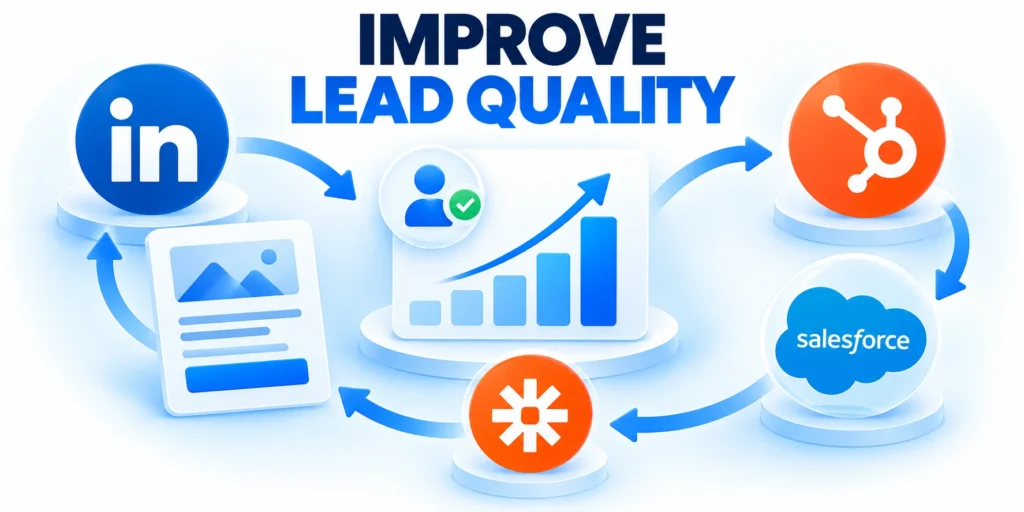
A low cost per form submission can still produce weak pipeline. Pair LinkedIn reporting with CRM outcomes and account-level context before changing the offer.
Use a consistent cohort window that allows leads time to qualify. Compare like-for-like campaigns and annotate changes to targeting, document, form, and follow-up.
Use a compact scorecard
Apply these criteria to a compact scorecard:
- Document engagement rate: engaged document views divided by impressions, using the platform’s current definition.
- Form completion rate: submitted forms divided by opens, when counts are comparable.
- Cost per qualified lead: campaign spend divided by leads meeting the agreed qualification definition.
- Opportunity rate: qualified leads that become opportunities divided by qualified leads in a mature cohort.
- Sales response time: elapsed time from a valid submission to the first meaningful sales action.
Example: a campaign spends $3,000 and produces 60 form submissions, or $50 per submission. If 12 meet the qualification rule, cost per qualified lead is $250.
If four of those qualified leads become opportunities, the observed opportunity rate is one third for this cohort. Do not project that rate as a forecast until enough leads mature.
Diagnose offer and audience fit
Check the document, audience, and response process together. Strong engagement with few qualified leads may mean the asset attracts researchers rather than prospective buyers.
Compare cost per qualified lead with the gross margin and close rate for the service. Set a practical ceiling before deciding whether to increase spend.
Keep a controlled optimization log
Keep a log of the audience, document version, form fields, budget, and dates. This helps distinguish a creative change from a delivery or follow-up change.
A form completion drop can reflect additional fields, unclear privacy language, or a mismatch between the preview and full document. Test one material change at a time.
Run a Bounded Test and Keep a Decision Log

A bounded test protects the approved budget while giving the audience, document, form, CRM connection, and follow-up process enough stability to produce interpretable evidence.
Define the hypothesis, spending ceiling, review cadence, stop conditions, protected variables, decision owner, and evidence window before enabling delivery.
Run the test through these controlled steps:
- Choose one primary audience and a spend limit the business accepts.
- Record the baseline document, form, targeting, and CRM qualification rules.
- Run long enough to collect usable delivery and follow-up evidence, subject to the approved budget.
- Review the same cohort in LinkedIn and the CRM; investigate sync failures before judging quality.
- Keep, revise, or stop the campaign based on qualified outcomes and delivery economics.
For a channel comparison with qualified pipeline as the outcome, see our Google Ads vs LinkedIn Ads guide.
Design the Document for Preview Behavior
Place the central problem, audience, and practical value early because members may preview only a limited portion before deciding whether to continue.
Use a clear reading sequence, legible mobile typography, concise pages, and meaningful section titles rather than treating a desktop sales deck as an advertisement.
Align the Form With the Asset Commitment
Request only fields that change eligibility, routing, preparation, or follow-up, and explain why unusual information is necessary before submission.
A high-friction form can be justified by a high-value offer, but unnecessary fields reduce completion without improving the sales decision.
Validate CRM Field Mapping Before Launch

Test each selected field, consent value, campaign identifier, timestamp, account association, owner rule, and duplicate behavior with representative submissions.
Confirm the sales record contains enough context to understand the document, advertisement, audience, and promised next step without manual reconstruction.
Validate mapping through these representative records:
- New contact with a matched company.
- Existing contact with updated campaign context.
- Duplicate submission requiring controlled reconciliation.
- Missing optional field without routing failure.
Protect Follow-Up Quality
Define who responds, expected timing, qualification boundaries, useful first message, escalation, suppression, and disposition values before increasing campaign spend.
Immediate outreach is not automatically better when it ignores the downloaded topic, repeats requested information, or contacts an ineligible or existing account.
Measure Beyond Form Completion
Connect delivery and form metrics to accepted leads, meetings, opportunities, disqualification reasons, sales effort, pipeline, and customer outcomes after conversion delay.
Use cohort dates and campaign identifiers so later analysis does not credit the advertisement for records created by another source or prior relationship.
Refresh the Asset and Campaign Together
Review claims, examples, screenshots, product names, legal language, links, form fields, routing, and audience assumptions whenever the offer or market changes.
Archive the tested version and decision context; otherwise teams may compare materially different documents as though only targeting or bids changed.
Reconcile the first live cohort
Compare LinkedIn submissions with created or updated CRM records, ownership, qualification status, response timing, and disposition after the first representative delivery period.
Investigate missing, delayed, duplicated, or misrouted records before evaluating lead quality. Correct the mapping and rerun representative tests before increasing campaign spend.
FAQ
These answers clarify common Document Ads and form decisions.
What is a LinkedIn Document Ad?
It is a Sponsored Content format that presents a document in the feed. Members can review or download it, and eligible campaigns can pair it with a Lead Gen Form.
Do LinkedIn Document Ads require a Lead Gen Form?
No. A form is optional for some objectives. When the campaign uses lead generation, attach a matching form; ungated document promotion can support other goals.
Can a single-page PDF use a Lead Gen Form?
LinkedIn’s current help guidance says no. A Document Ad with a Lead Gen Form needs at least one preview page before the full document is unlocked.
How many fields should a Lead Gen Form include?
There is no universal field count. Collect only the details needed for contact, qualification, routing, or consent, then verify that the team uses each field.
How do I know whether the campaign generated quality leads?
Apply an agreed CRM qualification rule, compare mature cohorts, and track qualified leads or opportunities alongside platform engagement and form submissions.
How many pages should a LinkedIn document contain?
Use only the pages needed to deliver the promised value clearly; validate completion and qualified outcomes by cohort.
Should the form appear before the full document?
Choose placement according to current platform capability, offer value, preview usefulness, friction, and measured lead quality.
Can Document Ads replace a landing page?
Sometimes for a bounded acquisition path, but website context, consent, analytics, accessibility, and later evaluation may still matter.
Which form fields should be required?
Require only data that changes eligibility, routing, preparation, consent, or a clearly defined follow-up decision.
How are sync failures detected?
Monitor connector health, field errors, permissions, timestamps, missing records, duplicates, routing, and reconciliation with test submissions.
Conclusion

LinkedIn Document Ads work when the asset delivers useful information, the form asks for necessary data, and the campaign supports a real buying decision.
Connect submissions to governed CRM records, accountable follow-up, and mature cohort outcomes. Treat engagement and form completion as signals rather than final business results.
Keep the value exchange credible
Show enough value in the preview to earn attention, then ensure the unlocked document justifies the requested information and promised next step.
Review claims, examples, screenshots, consent language, form fields, and contact expectations whenever the offer, platform, audience, or regulatory context changes.
Protect credibility through these operating practices:
- Useful preview matched to the full document.
- Necessary form fields with clear expectations.
- Verified CRM mapping and accountable ownership.
- Qualification measured beyond form completion.
Govern follow-up and measurement together
Give sales the document context, campaign source, account information, qualification evidence, and intended response. Avoid outreach that ignores what the reader requested.
Use consistent cohorts and disposition reasons to compare qualified leads, opportunities, effort, pipeline, and customer outcomes after the relevant conversion delay.
Improve one decision at a time
Keep a versioned record of the audience, document, form, integration, budget, follow-up process, and dates. Change one material variable when practical.
Continue, revise, or stop from qualified evidence and delivery economics. Repair sync failures and workflow gaps before treating the asset or audience as the cause.






Leave a Reply