


Define the Journey Question and Scope
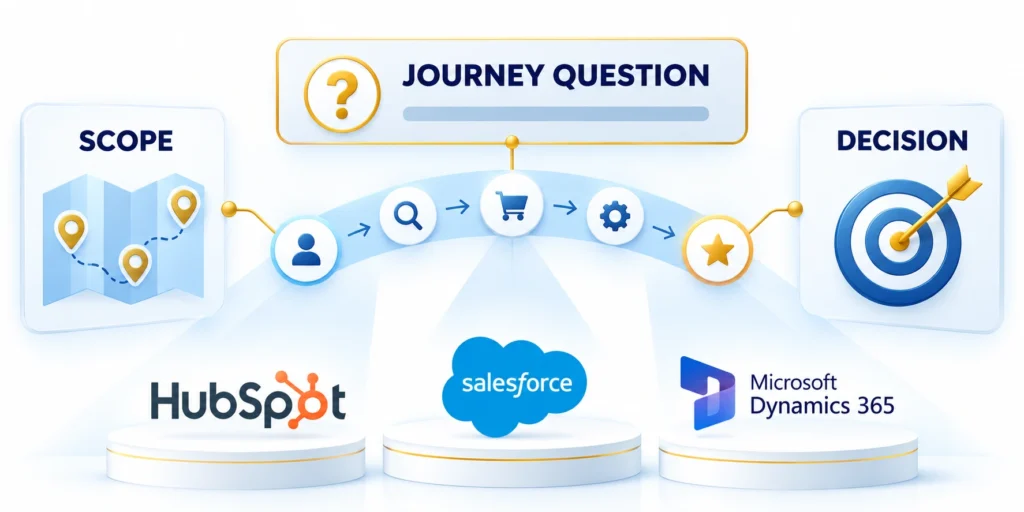
A B2B customer journey in a CRM describes how a defined customer group moves through observable decisions and interactions toward a business outcome.
It connects people, records, events, owners, and evidence so teams can improve a real process instead of drawing an abstract funnel.
Choose a decision before drawing stages
Start with one question. A revenue operations team might ask why qualified enterprise accounts wait several weeks for a first sales meeting.
That question defines the segment, starting event, desired outcome, owner, and time period. A precise boundary makes data review manageable.
Use explicit inclusion and exclusion rules
For example, scope the map to North American companies with more than 500 employees, from a qualified response through an accepted opportunity.
Define journey scope through these boundaries:
- Segment: which organizations or buying groups are included?
- Start: what observable event begins the journey?
- Outcome: what evidence marks completion?
- Owner: who acts when progress stalls?
- Window: what dates make comparisons meaningful?
Do not combine new sales, renewals, support escalations, and expansion in one map. They have different outcomes, records, teams, and success definitions.
Keep customer milestones separate from pipeline stages
A customer milestone describes evidence of progress, such as confirming a problem or agreeing to evaluate a solution.
A sales stage describes the team's forecasted state for one opportunity. The two can correlate, but they are not interchangeable.
Store progress evidence separately
Record customer milestones separately from opportunity stages. Include both definitions in the CRM design scope so each field has one purpose.
For content planning and buyer questions, see the guide to aligning content with the B2B buyer journey.
Model Accounts, Contacts, and Opportunities

A B2B journey usually involves an organization, several people, and one or more commercial opportunities.
Model CRM records through these entity boundaries:
- Account or company
- Contact and buying role
- Opportunity or deal
- Activity or event
- Case or ticket
Preserve these relationships without treating every contact as a separate customer or every interaction as a deal.
Use different records for different entities
An account or company represents an organization. A contact represents a person. An opportunity or deal represents a potential commercial outcome.
A company can have many contacts, and one contact may relate to multiple organizations in some business models. One account can also have several opportunities.
Link related records deliberately
For example, a software vendor might track a platform purchase and a later expansion as separate opportunities under the same account.
Salesforce documents opportunity fields such as account, stage, amount, and close date. Available fields and layouts vary by edition and configuration.
Verify the platform data model
Test verify the platform data model with representative customers, workflows, exceptions, and operating conditions before expanding the decision.
Check Salesforce's opportunity field reference when mapping standard fields.
Compare documented behavior before configuring
Test compare documented behavior before configuring with representative customers, workflows, exceptions, and operating conditions before expanding the decision.
HubSpot describes record associations as two-way relationships. A deal can be associated with several contacts and a company.
Check plan-dependent relationship features
Test check plan-dependent relationship features with representative customers, workflows, exceptions, and operating conditions before expanding the decision.
Its record-association documentation notes limits and labels can depend on subscription.
| Record | Journey role | Example data |
|---|---|---|
| Account / company | Organization context | Market, region, account owner |
| Contact | Person and buying role | Role, consent, preferred channel |
| Opportunity / deal | Commercial decision | Stage, amount, target close date |
| Activity / event | Observable interaction | Demo completed, review opened |
| Case / ticket | Post-sale request | Issue type, severity, resolution |
Keep lifecycle, milestone, and opportunity stage distinct
A lifecycle property usually summarizes a person or company's broad relationship with a business. An opportunity stage tracks one specific deal.
A journey milestone records evidence about a selected process, such as a completed technical evaluation or an approved business case.
Assign one owner to each fact
Do not copy one value into several fields to simplify a report. Define which object owns each fact and how downstream reports use it.
For a fuller platform rollout, see the enterprise CRM implementation guide.
Translate Journey Events Into CRM Data
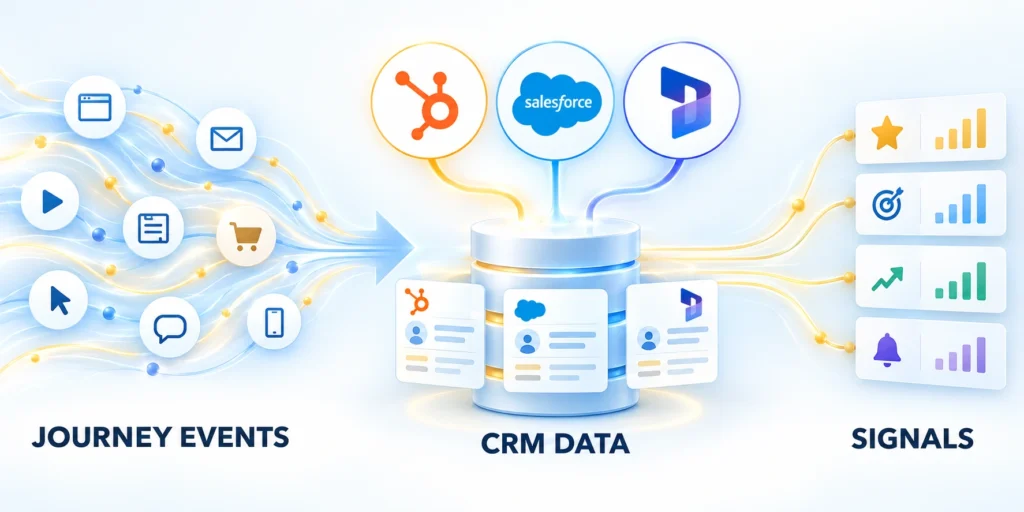
A journey map becomes usable when each step connects to an observable event and a trustworthy record.
Avoid labels such as interested unless the team defines the behavior and evidence supporting that conclusion.
Write an event contract
For each event, document its name, meaning, source, timestamp, related record, owner, and whether it is customer-reported or system-generated.
An event should represent something that happened, not an interpretation hidden inside a status label.
Keep events observable and auditable
A demo request is an event. A representative's assessment that an account is hot is a separate judgment and should be labeled accordingly.
For a demo request, capture submission time, person, account, campaign source, requested product, and responsible queue.
Capture only fields with a defined use
Define the owner, evidence, decision boundary, and expected result for capture only fields with a defined use in CRM customer journey mapping.
Create reliable CRM events through these rules:
- Use stable event names such as demo_requested or security_review_started.
- Store time consistently, preferably in a documented time zone.
- Preserve the source when records are transformed or enriched.
- Define duplicate, correction, and late-arrival handling before reporting.
Test capture only fields with a defined use with representative customers, workflows, exceptions, and operating conditions before expanding the decision.
Separate event history from current state
A current-state field answers where a record stands now. An event history answers what happened and in what order.
A deal stage can change repeatedly. For transition reporting, use supported history or event records instead of overwriting the only evidence.
Keep an event history when transitions matter
The example below shows a conceptual schema, not a vendor API request.
{
  "event_name": "demo_completed",
  "occurred_at": "2026-10-23T14:30:00Z",
  "account_id": "acct_example",
  "contact_id": "contact_example",
  "opportunity_id": "deal_example",
  "source": "sales_activity",
  "owner_id": "user_example"
}
The IDs are placeholders. Use actual CRM identifiers and supported fields; never place credentials or private tokens in event notes.
| Journey point | Event evidence | Possible owner |
|---|---|---|
| Problem recognized | Discovery outcome recorded | Account executive |
| Evaluation started | Evaluation plan agreed and dated | Account executive |
| Technical review | Security or architecture review opened | Solutions team |
| Decision reached | Decision and reason recorded | Account executive |
| Onboarding begins | Implementation handoff accepted | Customer success |
Capture Touchpoints Without Creating Noise

Include interactions that help a team understand progress or choose a next action.
Capturing every page view, email open, or internal note can add volume without improving the decision the map supports.
Select signals by operational value
For each candidate signal, ask whether it changes routing, qualification, support, timing, or a customer-progress decision.
A completed architecture review may change the next owner. A repeated page view may not, especially when identity or consent is uncertain.
Keep signals tied to a decision
Record meaningful actions consistently. Use analytics for aggregate behavior when individual CRM records do not need every event.
If a signal has no user, decision, or follow-up action, leave it out until a clear use case exists.
Preserve source, identity, and consent
Record where a signal came from and when it was collected. This separates a customer statement from inferred or system-generated data.
Use only personal information needed for the workflow. Apply regional privacy requirements, consent choices, access controls, and retention rules.
Minimize and protect personal data
Do not copy sensitive call notes to every related record. Store an approved summary and restrict access to source material.
Protect touchpoint data through these controls:
- Sample ambiguous cases before building automation.
- Define who can correct a wrong association.
- Retain a source link when company policy permits.
- Document how suppression changes affect future outreach.
Test associations when a person changes employers, uses multiple email addresses, or relates to several organizations.
This keeps the map from overstating what the organization knows about a person or account.
Build the Map Step by Step
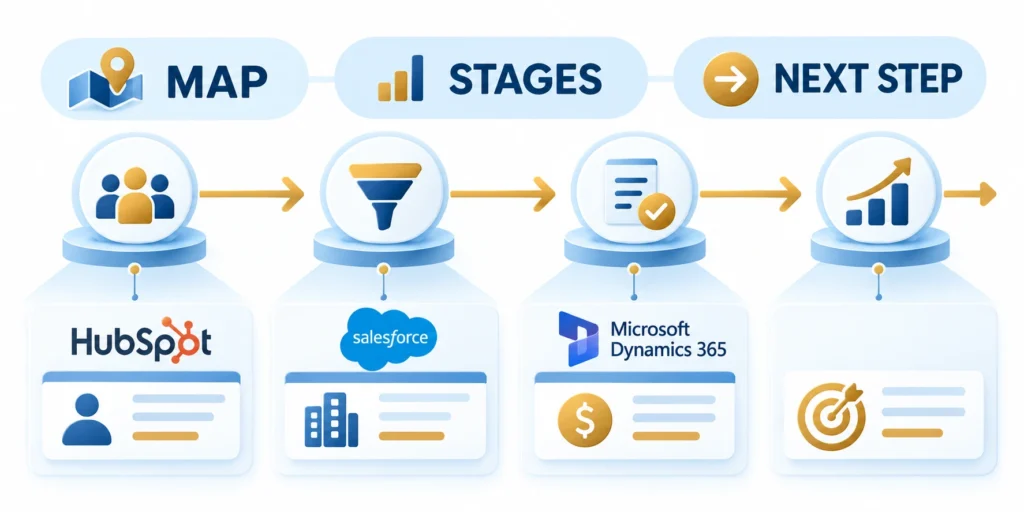
Build a first version around a narrow segment and a handful of measurable events.
A repeatable sequence exposes missing definitions before the team invests in complex automation or dashboards.
Follow a controlled mapping procedure
Define the owner, evidence, decision boundary, and expected result for follow a controlled mapping procedure in CRM customer journey mapping.
Build the journey map through these steps:
- Select one segment and one decision the map should improve.
- Set a start event, end outcome, reporting window, and accountable owner.
- List customer milestones separately from internal pipeline stages.
- Identify the CRM object and record that should own each fact.
- Define event name, source, timestamp, relationship, and correction rule.
- Map handoff owner, acceptance evidence, and the next action.
- Test recent records, including stalled, lost, and ambiguous examples.
- Publish a small report, review it with users, and revise definitions before automation.
Test follow a controlled mapping procedure with representative customers, workflows, exceptions, and operating conditions before expanding the decision.
Create a field dictionary before adding fields
A field dictionary can be a shared spreadsheet or governed data catalog. Create it before administrators add overlapping fields.
| Dictionary item | Example |
|---|---|
| Business definition | Date buyer approved a technical evaluation |
| System field | Technical_Evaluation_Approved_At |
| Object | Opportunity |
| Data type | Date and time |
| Source and owner | Account executive; meeting outcome |
| Allowed values | Not started, approved, declined, deferred |
Use names that match system conventions and make ownership clear. Avoid unexplained abbreviations or duplicate fields for the same business fact.
Reuse an existing field only after confirming its definition, permissions, and data quality. A similar name may represent a different process.
Pilot with a small record sample
Compare a small group of CRM records with meeting notes, tasks, and permitted user interviews.
Check whether two reviewers assign the same event and stage from identical evidence. If not, improve definitions before automating.
Define a measurable pilot result
The expected result is a journey view that explains each event and identifies a plausible next owner.
If events are missing, check source coverage, associations, and permissions. Do not fill gaps by guessing.
Turn the Map Into Handoffs and Reports
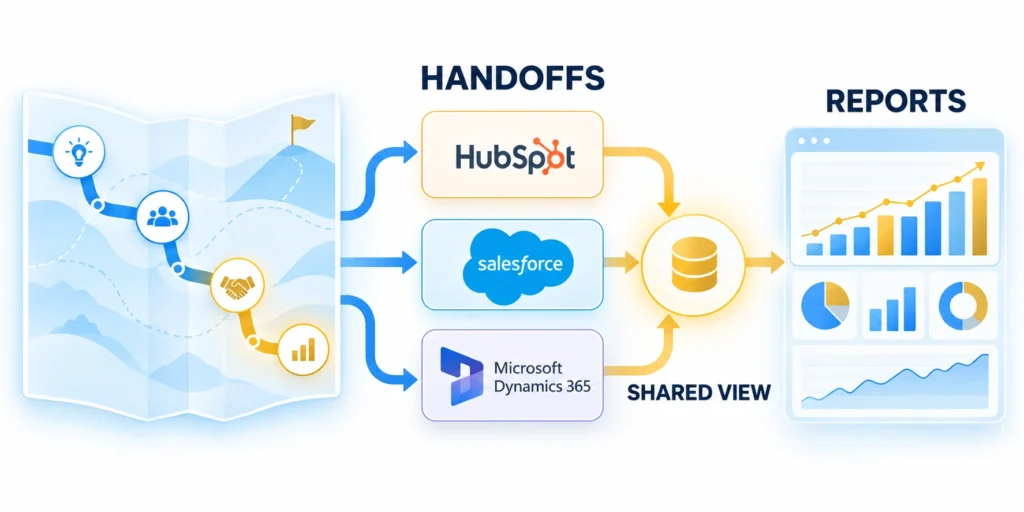
A journey map should make the next action visible to the team responsible for it.
It becomes operational when ownership, acceptance, and reporting definitions stay clear at each transition.
Specify handoffs as acceptance rules
A handoff is more than an assignment. Define its trigger, sending team, receiving owner, required context, response window, and exception path.
For example, marketing may route an account after a qualified response. Sales can accept it when fit and engagement evidence meet agreed criteria.
Plan for rejection and exceptions
If the receiving team rejects the handoff, capture a structured reason and return the record to a named queue.
Define each handoff through these operating fields:
- Trigger: which event creates the handoff?
- Payload: what context travels with the record?
- Acceptance: what evidence transfers ownership?
- Exception: where does rejected work go?
- Review: who resolves overdue items, and when?
Do not set a universal service-level agreement without checking staffing, coverage hours, time zones, and operating policy.
Define metrics with explicit denominators
For each conversion metric, define the eligible population, numerator, denominator, cohort date, and exclusion rules.
Calculate accepted-opportunity rate using eligible handoffs as the denominator, not every account in the database.
Read metrics in context
Measure elapsed time between defined events with consistent timestamps. Separate business hours from calendar time when it matters.
Show volume with rate. A conversion rate based on five records may be less reliable than a similar rate across hundreds.
| Question | Measure | Check before acting |
|---|---|---|
| Where do handoffs stall? | Age from trigger to acceptance | Business hours and missing owners |
| Which segments convert? | Outcome rate by eligible cohort | Sample size and exclusions |
| Where is data incomplete? | Required event fields missing | Source coverage and outages |
| Which step takes longest? | Median time between events | Late events and reopened records |
Use reports to investigate process causes. A dashboard can surface a question, but it does not automatically explain a delay.
Govern, Test, and Refresh the Journey Map
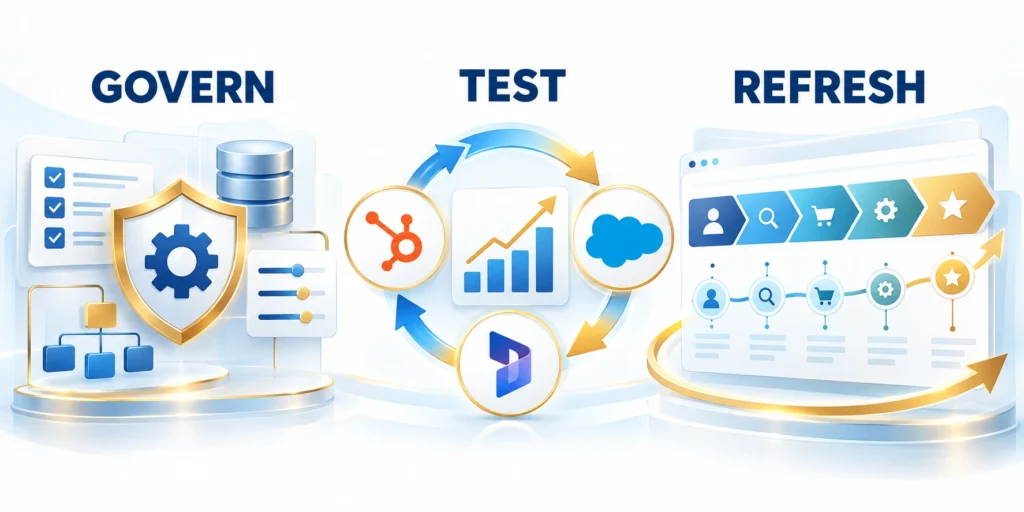
Journey definitions drift when products, teams, regions, or sales motions change.
Assign ownership for the map, data definitions, and system configuration instead of combining these responsibilities.
Set owners and change controls
A process owner decides whether the map still reflects the intended journey. The data steward maintains definitions and quality rules.
A CRM administrator implements approved changes, checks dependencies, and records which automations or reports use affected fields.
Track implementation dependencies
Resolve disagreements about stage meaning before changing a picklist, workflow, or automation.
Use the CRM data governance guide for ownership and field authority.
Test ordinary and exception paths
Test a normal journey and exceptions: duplicate contacts, missing consent, an unassigned owner, a rejected handoff, and a stalled evaluation.
Check whether edits preserve history and whether automations create duplicate tasks or overwrite customer-provided values.
Test the exceptions that break assumptions
Test test the exceptions that break assumptions with representative customers, workflows, exceptions, and operating conditions before expanding the decision.
A workflow audit can reveal bottlenecks; see the CRM workflow audit guide.
Review after meaningful change
Revisit definitions when pricing, qualification, packaging, regional coverage, or team responsibilities change.
A quarterly review may suit some organizations. The map owner should set a cadence based on change rate and risk.
Keep a traceable change history
Review journey governance through these checks:
- Check event completeness and invalid associations.
- Compare transition rates with prior cohorts.
- Ask users which fields they ignore or interpret inconsistently.
- Retire unused fields only after checking integrations and reports.
Maintain a log with old and new definitions, reason, approval, effective date, affected reports, and migration plan.
A governed map remains useful because teams can explain what the data means and where it becomes uncertain.
Resolve Identity and Relationship Ambiguity
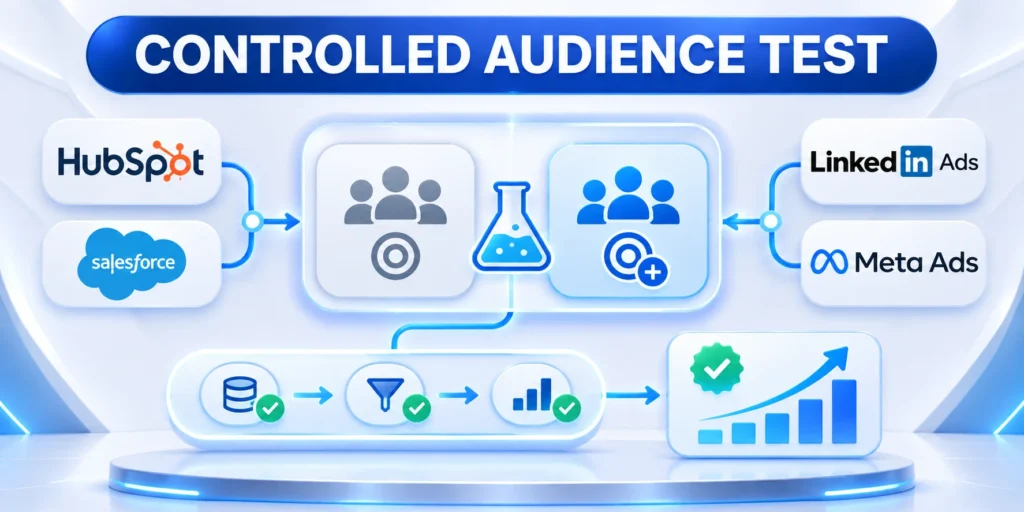
Journey analysis fails when teams merge people, companies, devices, and opportunities without evidence. Define which identifiers are authoritative for each operational decision.
Preserve uncertainty when a person, account, or event cannot be linked confidently. A review queue is safer than silently assigning activity to the wrong customer record.
Create explicit matching rules
Document exact matches, approved deterministic relationships, permitted enrichment, confidence thresholds, and the owner responsible for correcting false associations.
Review identity decisions through these controls:
- Authoritative identifier
- Relationship evidence
- Confidence threshold
- Consent boundary
- Correction owner
Avoid treating shared domains, IP addresses, devices, or similar names as proof of one account. Those signals can support review but rarely establish identity alone.
Keep relationship history auditable
Store when a contact-account relationship began, changed, or ended when that history affects reporting, routing, service, or consent decisions.
Test mergers, acquisitions, consultants, channel partners, shared inboxes, duplicate records, and job changes before relying on automated journey attribution.
Separate identity from commercial ownership
A known person can interact with several organizations while an opportunity belongs to one defined commercial context. Keep those relationships explicit rather than copying activity across records.
Review attribution whenever ownership, employment, territory, or account hierarchy changes. Historical reporting should retain the evidence and rules that applied at the time.
Audit uncertain relationship changes
Sample records whose identity or company relationship changed after the original event. Confirm that current automation does not rewrite earlier evidence or consent context.
Send unresolved conflicts to an accountable reviewer. Record the correction, reason, affected workflows, and reporting impact so future users can interpret the journey consistently.
Operationalize Journey Decisions Across Teams

A journey map creates value only when it changes a defined decision, handoff, service response, or measurement practice. Assign one accountable owner to each operational use.
Document which team receives the signal, what context accompanies it, the expected response time, the exception path, and how acceptance becomes observable evidence.
Connect evidence to accountable action
Use journey events to support relevant work such as sales follow-up, technical review, onboarding preparation, service recovery, or customer-success intervention.
Operationalize journey evidence through these decisions:
- Assigned owner
- Expected action
- Service target
- Exception path
- Completion evidence
Do not create alerts or tasks without capacity, priority, and closure rules. Unowned automation produces noise and weakens confidence in useful customer signals.
Review performance with participating teams
Compare eligible records, accepted handoffs, response time, completion, exceptions, and customer outcomes. Include users who create and consume the underlying CRM evidence.
Change definitions when evidence shows ambiguity or unnecessary work. Preserve version history so reports remain interpretable after the operating model evolves.
Release changes through a controlled pilot
Start with one segment, workflow, and decision before expanding across products or regions. Compare the revised process with a documented baseline and representative exceptions.
Publish definitions, owners, rollback conditions, and support contacts before activation. Review early records frequently enough to correct harmful routing or measurement errors.
Confirm capacity before wider rollout
Estimate eligible volume, queue capacity, response targets, exception workload, and support coverage. A useful signal can still fail when operational demand exceeds available ownership.
Expand only after teams demonstrate consistent acceptance, completion, correction, and escalation behavior across the pilot. Preserve the earlier configuration until rollback risk has passed.
Conclusion

A reliable CRM journey map begins with one segment, one decision, observable events, and explicit record ownership. It separates customer evidence from internal pipeline interpretation.
Build the map from authoritative records and meaningful events. Preserve timestamps, source, consent, identity uncertainty, relationship history, exceptions, and correction paths.
Start with a controlled operational question
Define the beginning, intended outcome, eligible population, reporting window, accountable owner, and decision the map should improve before configuring fields or automation.
Use these final journey mapping controls:
- Defined scope
- Reliable identity
- Observable events
- Owned handoffs
- Measured review
Test ordinary, stalled, lost, duplicated, reassigned, and ambiguous records. Two reviewers should reach consistent conclusions from the same documented evidence.
Expand only after evidence supports the workflow
Pilot the map with a representative sample and compare response time, accepted handoffs, completion, exceptions, data quality, and customer outcomes against a baseline.
Keep a manual review path and rollback condition. New automation should not hide uncertainty, overwrite customer-provided values, or create work without ownership.
Govern definitions as operating assets
Assign business and technical owners, record dependencies, preserve change history, and review the map after meaningful product, process, integration, privacy, or organizational changes.
The strongest map remains explainable, auditable, and useful. It helps teams coordinate decisions without pretending every interaction proves identity, intent, or commercial progress.
Keep the map tied to real decisions
Retire fields, alerts, and reports that no longer support a defined workflow or measurement need. Check every dependency before removal and preserve required historical evidence.
Review the map with the teams who create, interpret, and act on its data. Their shared definitions determine whether CRM evidence produces reliable coordination.
FAQ
These answers clarify CRM journey maps, pipeline stages, identity, touchpoints, timestamps, reviews, ownership, support events, and field retirement decisions.
Is a CRM journey map the same as a sales pipeline?
No. A pipeline tracks the team's progress on a commercial opportunity. A journey map may include customer milestones, several contacts, and interactions outside that deal.
Should every website interaction become a CRM activity?
No. Capture a signal when it supports a defined routing, qualification, service, or measurement decision. Keep high-volume behavior in analytics when record-level detail is unnecessary.
Can one contact belong to multiple accounts?
Some CRM models support multiple organization relationships. Define the primary relationship and role labels using documented platform behavior and your configuration.
What if a journey event has no timestamp?
Keep the value missing, preserve the source, and apply a documented correction process. Do not invent a date from an unrelated field.
How often should a journey map be reviewed?
Review it after material changes to products, teams, qualification, or data sources. Set cadence according to change rate and operational risk.
Should journey stages match lifecycle stages?
Only when definitions and decisions align. Customer milestones, marketing lifecycle, and sales pipeline may require separate fields.
How are anonymous events connected later?
Use approved identity rules and consent, preserve uncertainty, and avoid merging historical activity without sufficient evidence.
Can journey maps include support events?
Yes, when those events support a defined service or measurement decision and access remains appropriate.
What is a journey event owner?
It is the accountable person or team for definition, source quality, access, change control, and correction.
When should a journey field be retired?
Retire it after confirming no active workflow, report, integration, policy, or user decision still depends on it.
For the broader framework, read RevOps Playbook: Aligning Sales, Marketing, and Customer Success.








Leave a Reply