

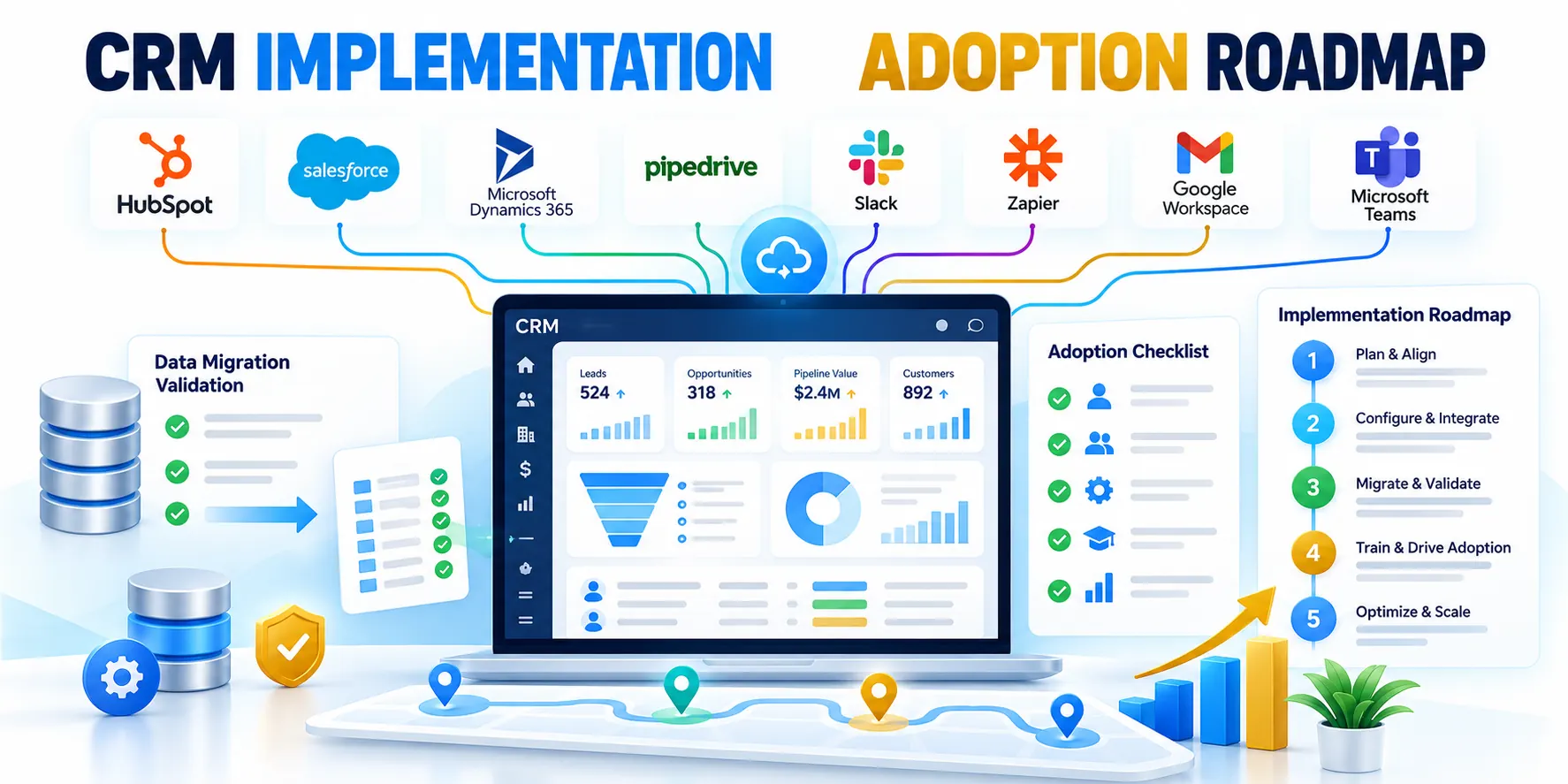
Diagnose the business problem before the platform
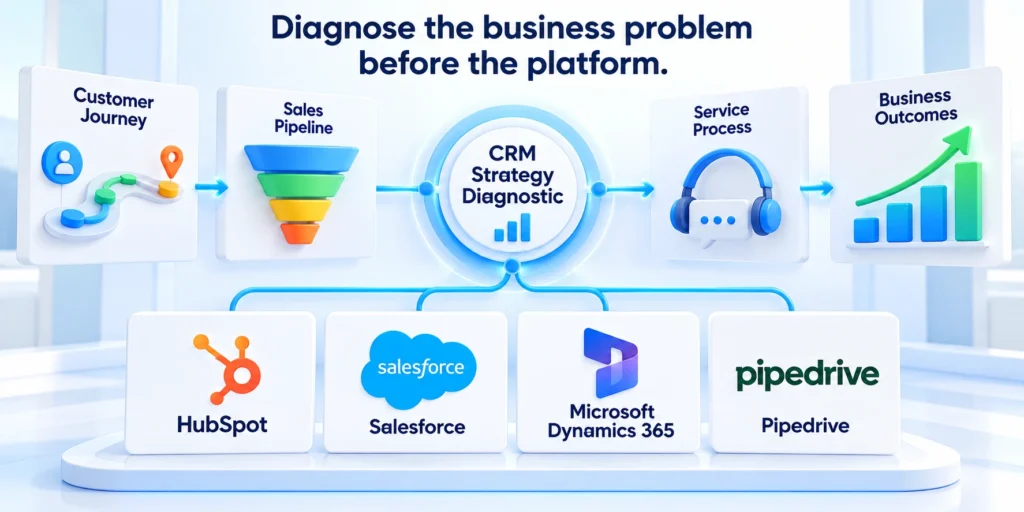
CRM implementation failures often look like software defects, but the real cause may be unclear ownership, competing processes, poor data, or weak adoption.
Start with the business outcome the system must improve. Then trace where the current workflow, information, decision rights, or handoffs break down.
Separate symptoms from root causes
A report that managers distrust may reflect inconsistent stage definitions, late updates, or duplicate accounts rather than a dashboard defect.
Before changing configuration, interview users in each role and observe representative work. Ask what decision they need, what information is missing, and where they re-enter data.
Use these actions to separate symptoms from root causes:
- Choose one priority workflow, such as qualification to handoff, renewal planning, or service escalation.
- Document who performs each step, which system holds the record, and what decision follows.
- Define a measurable outcome and a baseline before redesigning fields or reports.
- Name an accountable business owner who can resolve tradeoffs across teams.
Example: sales says lead routing is broken, while marketing says its campaign reports are wrong. Trace one lead from capture through qualification and handoff before selecting a fix.
Use a short evidence log
Keep a short evidence log for each suspected failure. Record user, role, task, system step, expected result, observed result, and business impact.
Compare accounts that complete the workflow with those that stall. Patterns often expose a rule or handoff gap that averages hide.
Apply these criteria to a short evidence log:
- Capture examples from more than one role and team.
- Mark assumptions separately from observed evidence.
- Quantify the operational impact before selecting a corrective action.
Repair data quality and migration before cutover

Bad migrated records undermine trust quickly. Teams stop maintaining the system when accounts, contacts, ownership, or activity history appear incomplete or unreliable.
Define what must move, what can be archived, and which system remains authoritative for each data type. The Microsoft guidance recommends planning migration scope, mapping, roles, testing, and validation.
Plan a controlled migration instead of a one-time export
Start by profiling source data for missing values, duplicates, stale records, invalid formats, and conflicting owners. Agree on rules with business data stewards.
Map each source field to a destination field and document transformations. Preserve only useful history, while respecting retention, consent, and access requirements.
Use these actions to plan a controlled migration instead of:
- Create a representative sample that includes clean, messy, duplicate, and edge-case records.
- Define matching rules for accounts and contacts, including how uncertain matches are reviewed.
- Run a test load, compare totals and key fields, and record exceptions by owner.
- Agree on a freeze window, final delta process, reconciliation checks, and rollback decision.
For instance, compare account counts by region and ownership before and after a rehearsal. Then sample high-value records and confirm relationships, consent flags, and open opportunities.
Set data acceptance criteria before migration
Define acceptance criteria before migration starts. They might include match rate, required-field completeness, duplicate tolerance, and reconciliation of open work.
Separate exceptions that need business review from errors that can be fixed by a repeatable transformation or source correction.
Use these actions to set data acceptance criteria before migration:
- Assign a data steward to approve each rule.
- Track unresolved records and their disposition through signoff.
- Validate transformed records against approved source samples.
For a deeper operating model for field definitions, stewardship, and duplicates, see the related CRM data governance guide.
Reduce unnecessary customization and integration risk
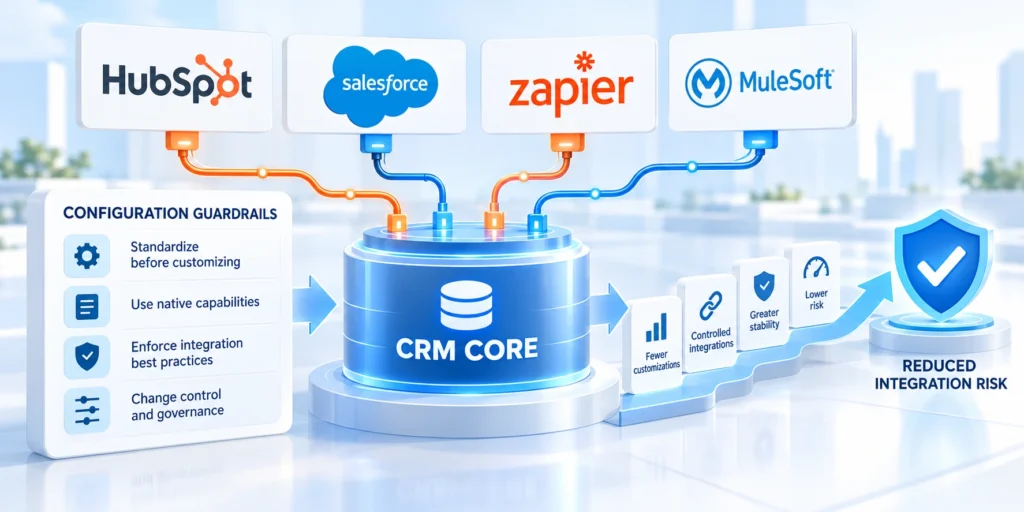
A CRM can become fragile when teams recreate every legacy screen, approval rule, or spreadsheet inside the new platform.
Use the standard product capability where it fits the approved business process. Customize only when a documented requirement cannot be met safely through configuration.
Use a fit-gap decision before building
For each requested change, record the user problem, affected process, available standard option, operational impact, and long-term owner.
Prefer a reversible configuration change when it meets the need. Escalate custom development only after security, support, upgrade, and testing costs are understood.
Apply these criteria to a fit-gap decision before building:
- Reject requests that only preserve an obsolete step without a current business reason.
- Limit required fields to information needed for a decision or obligation.
- Document each integration’s source of truth, direction, timing, error handling, and owner.
- Test failure paths such as expired credentials, duplicates, timeouts, and rejected records.
Example: if a team asks to copy every legacy qualification field, identify which fields actually change routing, reporting, compliance, or customer follow-up.
Price the lifetime cost of a custom change
Review the total cost of ownership, including upgrade work, support, monitoring, and ownership after the project team leaves.
A customization with no test owner is an unmaintained dependency. Record who can approve it, support it, and retire it.
Key considerations for price the lifetime cost of include:
- Require a measurable benefit and a named service owner.
- Add regression coverage for the process the change touches.
- Retire customizations whose operating cost exceeds their measurable value.
The existing enterprise CRM implementation guide covers broader platform planning; this article focuses on diagnosing failure and recovery.
Build adoption into daily work
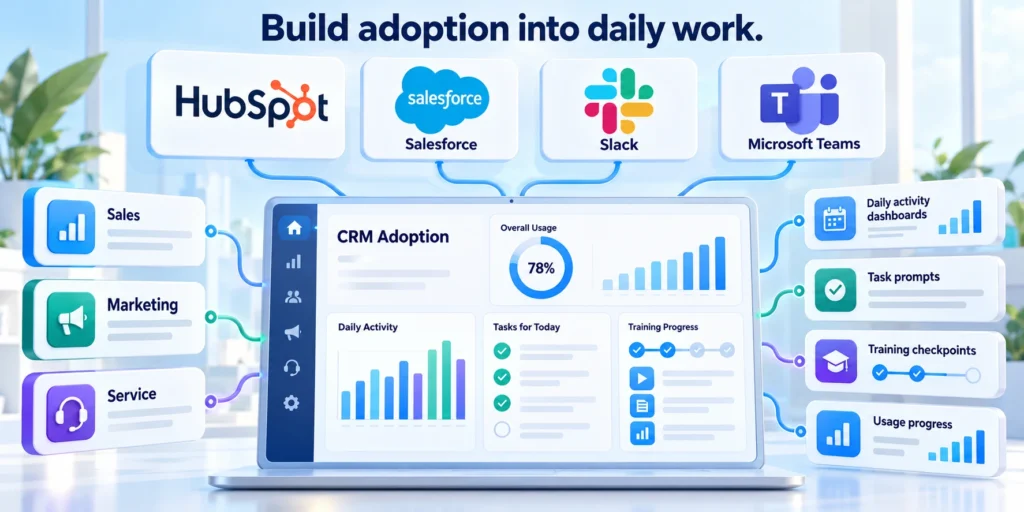
Training cannot compensate for a system that adds work without improving a user’s task. Adoption improves when the configured process supports real daily responsibilities.
Map the system to distinct roles. A salesperson, sales manager, marketer, and service lead need different views, actions, and decision support.
Make the workflow useful for each role
Observe how users prepare meetings, qualify opportunities, forecast, hand off customers, or resolve service issues. Compare the CRM steps with that actual work.
Remove duplicate entry when a supported integration can provide reliable data. Make the next action clear and explain why required information matters.
Use these actions to make the workflow useful for each:
- Create role-specific scenarios with realistic, non-sensitive sample records.
- Ask users to complete a task without coaching, then note confusion and workarounds.
- Train managers to model the process and use the system consistently in reviews.
- Provide office hours, a named support route, and a way to report recurring friction.
A useful pilot might ask five account executives to record a qualification and next step for one week. Review completion, data quality, time burden, and user feedback.
Measure work completed, not attendance
Check whether users see timely, trustworthy records when a customer calls or a deal changes. Missing context encourages parallel spreadsheets.
Measure a small set of role tasks, such as logging a next step or completing a handoff, rather than counting training attendance.
Use these actions to measure work completed not attendance:
- Sample actual work with user consent and appropriate privacy controls.
- Ask what would make the next task easier or more reliable.
- Observe whether users complete the workflow without unofficial workarounds.
Prosci’s guidance for agile CRM projects emphasizes involving users, preparing managers, and addressing resistance within project work rather than after rollout.
Restore clear ownership and decision governance
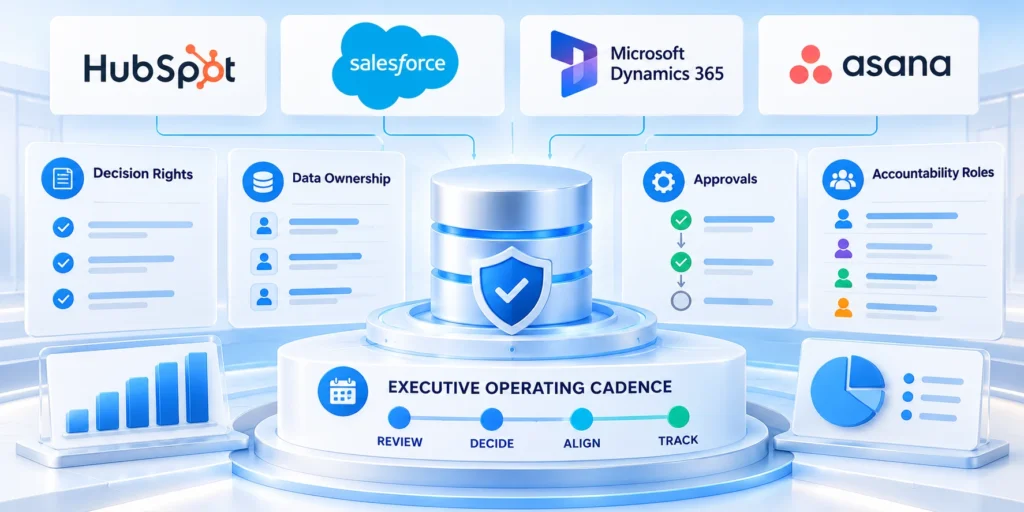
Implementation teams lose time when every conflict becomes an open debate. Clear decision rights prevent local preferences from continually expanding scope.
Assign owners for business process, data definitions, platform configuration, integrations, security, reporting, and adoption. Give each owner authority and a review cadence.
Make decisions visible and reversible
Keep a decision log that records the issue, options, owner, rationale, dependencies, date, and conditions for revisiting the choice.
Use a short weekly operating review for blockers and a monthly steering review for budget, scope, risk, and outcome trends.
Use these actions to make decisions visible and reversible:
- Route business-process decisions to the owner closest to the affected workflow.
- Escalate cross-functional conflicts to a named sponsor with a clear response deadline.
- Separate required compliance controls from preferences and future enhancements.
- Maintain a prioritized change backlog with value, effort, risk, and accountable owner.
If regional teams disagree about account ownership, define a temporary rule, assign one decision owner, and test its effect before applying it broadly.
Make unresolved decisions easy to close
Create a weekly decision board with only unresolved issues, owner, due date, impact, and decision needed. Close completed items visibly.
Publish a concise process and data glossary so teams stop using one label for different stages or customer types.
Use these actions to make unresolved decisions easy to close:
- Escalate decisions only when they cross a defined authority boundary.
- Review repeated decisions for a policy or design gap.
- Publish decision rights and response deadlines for recurring conflicts.
Test cutover and hypercare as one release plan

A successful demonstration does not prove the production workflow is ready. Testing must include data, integrations, permissions, reports, and role-based user tasks.
Microsoft’s go-live checklist calls for completed test cycles, migration validation, change readiness, support preparation, monitoring, and a documented cutover plan.
Set measurable release criteria
Define exit criteria before testing begins. For example, a pilot may require every critical workflow to pass, priority records to reconcile, and no unresolved high-severity access issue.
User acceptance testing should use realistic scenarios and named business testers. Record expected results, actual outcomes, severity, owner, and retest evidence.
Use these actions to set measurable release criteria:
- Run system and integration tests with valid, invalid, duplicate, and delayed data.
- Check user permissions and sensitive-field access using each role’s account.
- Rehearse final migration, delta handling, reconciliation, and communication steps.
- Set a go/no-go owner, rollback trigger, support rota, and first-week escalation route.
Hypercare should include daily review of failed imports, integration errors, queue age, user support themes, and workflow completion for critical teams.
Rehearse failures before production cutover
Include negative cases such as lost access, incomplete imports, duplicate events, delayed integrations, and an unavailable downstream service.
Have operations staff rehearse monitoring and escalation before launch; they should not first learn the process during an incident.
Key considerations for rehearse failures before production cutover include:
- Test that alerts reach a person who can act.
- Keep the rollback route available until the release meets exit criteria.
- Confirm support coverage throughout the defined hypercare window.
Run a 90-day CRM recovery plan

Recovery should proceed in controlled stages. A focused 90-day plan can restore core workflows without attempting a second large-scale redesign.
The schedule below is a starting point, not a guarantee. Adjust it to the size of the migration, release review time, and user availability.
A practical sequence for recovery
Key considerations for a practical sequence for recovery include:
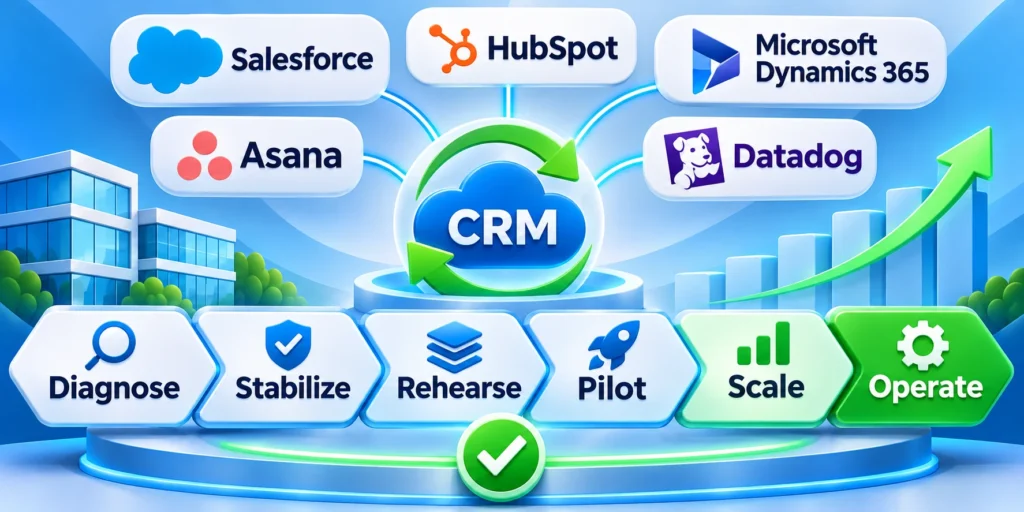
- Diagnose (1–10): Interview roles, trace a workflow, inspect data, and agree on the outcome.
- Stabilize (11–25): Stop scope growth, assign owners, fix data and permissions, define release criteria.
- Rehearse (26–40): Test configuration, integrations, data, user scenarios, cutover, support, and rollback.
- Pilot (41–60): Release to a representative group, collect workflow evidence, and resolve critical friction.
- Scale (61–90): Expand by role or region, monitor adoption and outcomes, and transfer ownership.
Use a compact recovery dashboard with agreed indicators: workflow completion, record quality, integration failures, severe issues, and user support themes.
Review the indicators at every stage boundary. Preserve the evidence and owner behind each decision so recovery work remains accountable.
Use evidence to make a go or pause decision
At each stage review data quality, usage, support themes, and decision outcomes together. A single metric can hide a shifted failure.
Keep a pause condition when a critical control fails. Repair, repeat the affected test, and document signoff before expanding.
Apply these criteria to evidence to make a go or:
- Scale only after the pilot workflow is repeatable.
- Record the owner, evidence, and next review date for each decision.
- Review adoption and data quality before expanding scope.
| Signal | Likely question | First response |
|---|---|---|
| Records cannot be trusted | Which source or definition conflicts? | Trace a sample and assign data ownership |
| Users keep side lists | Which task remains slower or unclear? | Observe work and remove avoidable friction |
| Reports disagree | Are stages or filters defined consistently? | Reconcile definitions with process owners |
| Changes keep slipping | Who owns scope and decisions? | Set a decision route and protect exit criteria |
The recovery is complete when the core workflow is reliable, owners have accepted operations, and users can complete the work with trustworthy information.
For broader alignment of sales, marketing, and customer success ownership, see the RevOps operating guide.
Run a recovery checkpoint with decision rights

Before expanding a repaired CRM, hold a checkpoint that joins business outcomes, data quality, access, integrations, adoption, support, and release risk.
Each area needs a named owner who can present evidence and accept corrective work.
Test the end-to-end path
A project manager may coordinate the meeting, but accountability remains with the relevant business and service owners.
Trace authorization, source data, transformations, integrations, user action, reporting, and recovery evidence without skipping operational handoffs.
Exercise the recovery path
Review one end-to-end workflow using a representative production-like record.
Confirm that the right user can complete the task, that dependent systems receive the correct data, and that managers can interpret the resulting report.
Apply explicit thresholds
Include an exception, such as a duplicate or rejected integration event, to verify recovery rather than only the happy path.
Use these actions to apply explicit thresholds:
- State the decision and required evidence before meeting.
- Separate blocking defects from later improvements.
- Name the owner and deadline for every exception.
- Record approval, pause, rollback, or limited release.
Use explicit thresholds instead of general confidence.
Examples include reconciled priority records, successful critical scenarios, no unresolved severe access defect, monitored integrations, trained support owners, and an executable rollback route.
Preserve the checkpoint
If one threshold fails, limit the release and repeat only the affected evidence after correction.
Record the failed condition, corrective owner, retest scope, and next decision date before allowing further expansion.
Retain the decision record
Keep the checkpoint record after handover. It provides a baseline for the next review and preserves the accepted risk and operational owner.
Link decisions to the applicable release, evidence, exceptions, and expiration dates so later teams can evaluate changes from the correct baseline.
Transfer CRM recovery into operations
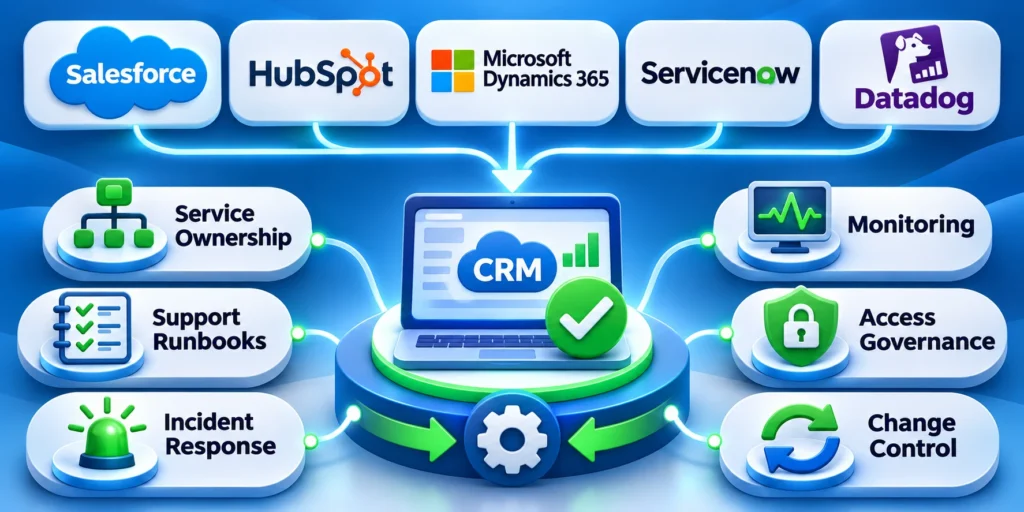
A recovery is incomplete until permanent owners can operate, monitor, support, and improve the CRM without relying on the temporary project team.
Plan handover while corrections are still being tested. Operational owners need access, documentation, dashboards, runbooks, decision history, and time to rehearse their responsibilities.
Define the service operating model
Name owners for platform administration, business processes, data, integrations, identity, reporting, adoption, and support. Document their authority, response expectations, and escalation boundaries.
Separate routine administration from changes requiring business, security, legal, or architecture approval. This prevents urgent support work from becoming an unreviewed configuration change.
Use these actions to define the service operating model:
- Publish support hours and severity definitions.
- Assign monitoring and integration alert ownership.
- Document access approval and removal.
- Maintain data definitions and stewardship contacts.
Rehearse Support Before Handover
Give operations realistic cases: failed synchronization, duplicate creation, lost access, incorrect routing, stale reporting, and a user unable to complete a critical task.
Observe detection, diagnosis, communication, correction, and evidence capture. Update the runbook when staff need undocumented knowledge or unavailable project access.
Protect the Recovered Baseline
Require impact review and regression evidence for changes touching restored workflows. Track configuration, integration, permission, and data-rule changes through one visible process.
Review outcome, reliability, support, and adoption trends together. A stable login rate can hide worsening handoffs, data quality, or customer response.
Use these actions to protect the recovered baseline:
- Schedule owner reviews with defined evidence.
- Retire temporary elevated access promptly.
- Archive obsolete fields and reports safely.
- Keep rollback instructions current and tested.
FAQ
These answers address common diagnosis, recovery, adoption, migration, governance, and release decisions after a troubled CRM implementation.
Why do CRM implementations fail in growing B2B firms?
Common root causes include unclear business outcomes, conflicting processes, weak data ownership, unnecessary customization, poor integration planning, limited user involvement, and missing operational ownership.
Diagnose the cause in the company’s workflow rather than assuming every rollout failed for the same reason.
What should a company fix first after a failed CRM rollout?
Start with the highest-impact business workflow and identify where it breaks. Confirm owners, data, access, and user friction before changing configuration or restarting a broad implementation.
How can a team improve CRM adoption?
Observe role-based work, remove avoidable duplicate entry, explain required data, involve users in testing, train managers, and offer support. Measure completed workflows and information quality, not logins alone.
Should a company restart its CRM implementation from scratch?
Not automatically. Inventory what is reliable, what must be repaired, and what is unused. Preserve sound configuration and data, then stage changes behind explicit test and rollback criteria.
How long does a CRM recovery take?
It depends on scope, data quality, integrations, and change readiness. A staged 90-day plan can organize diagnosis and a pilot.
The schedule is a planning frame, not a guarantee; enterprise rollout timing depends on readiness, dependencies, and evidence from testing.
Who should sponsor a CRM recovery?
An accountable business executive should sponsor the outcome, remove cross-functional barriers, and protect decision rights. Platform, data, security, integration, and adoption owners remain responsible for evidence in their areas.
How many migration rehearsals are necessary?
Run enough rehearsals to meet agreed reconciliation and timing criteria with the final mappings, permissions, and tools. Repeat affected tests whenever source data, transformation rules, or release scope changes.
How should teams limit CRM customization?
Require a documented business need, named owner, measurable benefit, security review, regression coverage, and retirement path. Prefer supported configuration when it satisfies the approved workflow without recreating obsolete legacy steps.
What evidence shows CRM adoption is improving?
Measure reliable completion of role-based workflows, required-data quality, timely handoffs, reduced side lists, and user support themes. Login counts alone do not prove that the system improves work.
When should a CRM release be paused?
Pause when a critical workflow, access control, reconciliation check, integration, support route, or rollback condition fails its approved threshold. Correct the issue and retain retest evidence before expansion.
Conclusion
CRM recovery succeeds when teams repair the business workflow, data, ownership, adoption, integration, and operating model together.
A platform change alone cannot resolve conflicting decisions, unreliable records, avoidable customization, weak testing, or responsibilities that remain temporary.
Recover through controlled evidence
Diagnose one critical workflow, preserve reliable assets, and define measurable acceptance criteria before changing configuration, integrations, reports, or migration scope.
Stabilize the highest-impact failures first. Rehearse realistic user, data, access, integration, support, and rollback scenarios before expanding beyond a representative pilot.
Use these controls throughout the recovery lifecycle:
- Name accountable business and service owners
- Protect approved scope and acceptance criteria
- Reconcile priority records before expansion
- Test failures, support, and rollback routes
- Preserve evidence behind every release decision
Transfer recovery into durable operations
Give permanent owners access, documentation, dashboards, runbooks, decision history, review schedules, and authority before the temporary recovery team disengages.
Monitor workflow outcomes, record quality, integration reliability, support demand, and adoption together. A stable login count cannot prove that repaired work remains effective.
Confirm these outcomes before closing the recovery:
- Critical workflows complete with trustworthy information
- Exceptions reach accountable operational owners
- Support teams can diagnose and recover failures
- Changes follow governed review and regression testing
- Users no longer require unmanaged side systems
The strongest recovery does not recreate the original project. It establishes a smaller, governed system that teams can operate, measure, and improve safely.
Keep its baseline current as processes, vendors, policies, roles, and customer needs change. Recovery becomes sustainable only when evidence continues after launch.







Leave a Reply