


Map the CRM Security Scope
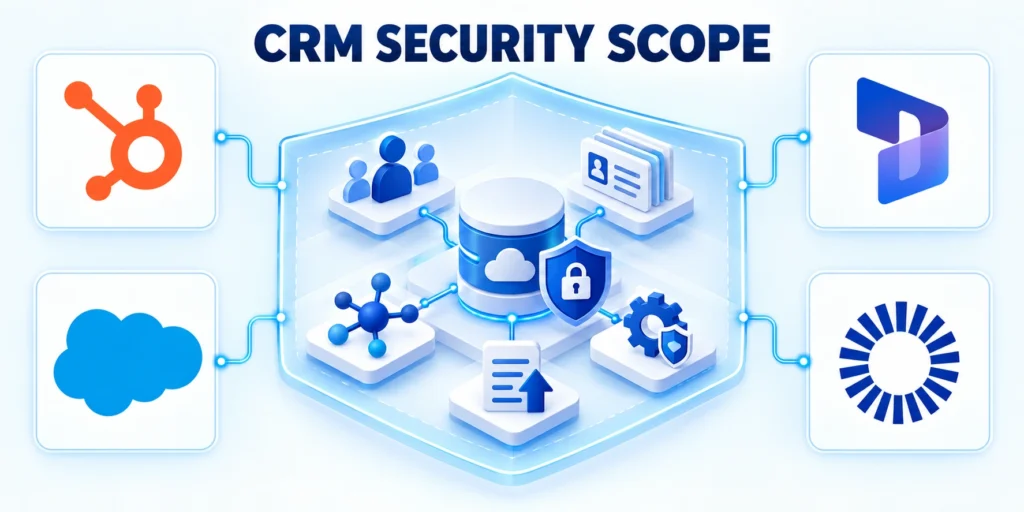
CRM security roles and permissions define sign-in, actions, record visibility, and data movement. Design them around real sales, service, marketing, and operations workflows.
Start by mapping sensitive data, business owners, users, connected apps, and export paths. This makes permission decisions concrete before an administrator changes settings.
Map the security scope through these boundaries:
- CRM records, files, and sensitive fields.
- Employees, contractors, administrators, and service accounts.
- Integrations, exports, reports, and connected applications.
- Owners, approvals, retention periods, and review dates.
Identify assets, users, and trust boundaries
List the CRM objects and fields that matter: people, companies, opportunities, service cases, notes, attachments, consent status, pricing, and forecast values.
Mark data that would cause harm if exposed, altered, or deleted.
Map Users and Connected Data Paths
Then map who uses the system: employees, contractors, agencies, implementation partners, and service accounts.
Include integrations, mobile devices, spreadsheets, backups, and data warehouses because access can persist outside the CRM interface.
Turn risk into testable requirements
For each business process, write a short access requirement.
A sales representative may need to edit assigned opportunities without exporting every customer record; a support agent may need case details but not margin fields.
Document Data Owners and Review Dates
Use a register for data, user group, allowed action, business reason, approver, and review date. Compare live settings with it.
NIST CSF 2.0 offers risk guidance, not CRM certification. Translate its principles into controls that match the organization’s systems and decisions.
Design Roles Around Real Work

Roles should represent stable job responsibilities, not individual people or temporary requests. A concise set is easier to approve, test, and maintain.
Separate baseline access from extra capabilities. Give each person the minimum access needed for their current responsibilities, then add narrowly scoped permissions with an owner and reason.
Create a role and permission matrix
Begin with groups such as sales representative, sales manager, account executive, support agent, marketing operator, analyst, CRM administrator, and integration account. Adjust names to match the organization’s actual workflows.
Use these actions to create a role and permission matrix:
- Read: can view the object or record.
- Create: can add a new record.
- Edit: can change permitted records or fields.
- Delete: can remove data; reserve this for a small set of accountable roles.
- Export: can move data outside the CRM; treat this as a separate capability.
| Role | Access boundary | Approval |
|---|---|---|
| Sales rep | Owned accounts and deals | Sales operations |
| Manager | Team records and reports | Department owner |
| Administrator | Configuration and access | Security owner |
| Integration | Required API objects only | System owner |
For every permission, record the business task it supports.
If a role cannot be tied to an owner and a real task, remove it from the draft matrix and confirm whether the need is temporary or obsolete.
Separate job access from elevated administration
Do not make every power user a full administrator.
Admin access can expose configuration, user management, integrations, and broad customer data; grant it only to named administrators who need those controls.
Require Approval and Expiry for Elevated Roles
Use an approval path for elevated access: requester, manager, system owner, scope, expiry, and confirmation that the permission was removed.
A temporary permission should have an end date rather than depending on someone to remember it later.
Control Object, Record, and Field Access
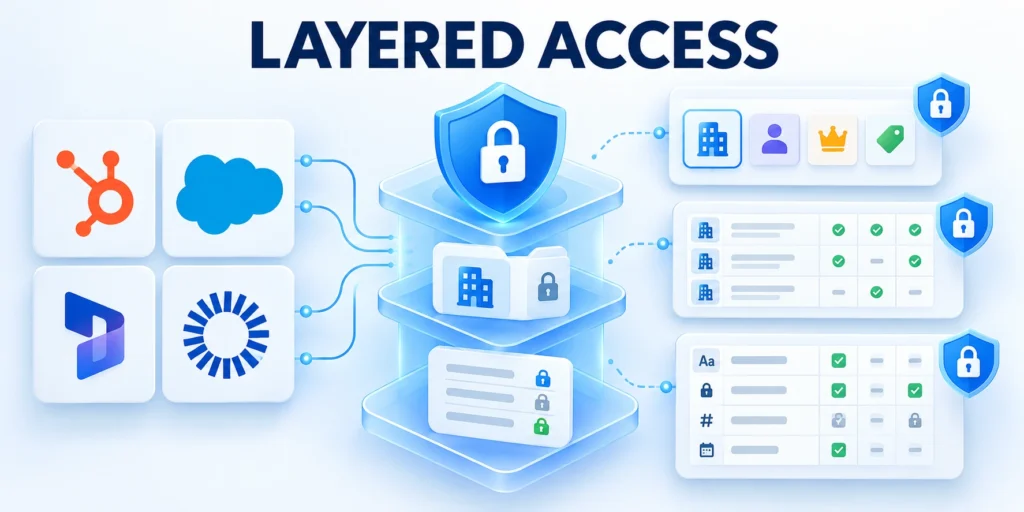
CRM access has several layers. Someone may use an object but need record limits; seeing a record does not mean every field should be visible.
Test these layers together. A role matrix that checks only menu access can miss broad exports, sensitive fields, ownership rules, or indirect access through a team.
Test effective access through these representative controls:
- Read, create, edit, delete, and export rights.
- Ownership, team, territory, and sharing rules.
- Sensitive fields and approval-changing properties.
- Normal, privileged, and restricted test accounts.
Set the narrowest workable record baseline
Decide whether users should see records they own, records owned by their team, or a larger shared set.
Use sharing rules, territories, teams, or equivalent features to open access for a defined workflow rather than making every record visible by default.
Test effective data access
For example, a regional manager may need records owned by the region’s representatives.
An agency may need access only to a campaign workspace and its assigned contacts, with no visibility into unrelated opportunities or support cases.
Protect fields that change decisions or create risk
Identify fields such as personal contact details, consent preferences, contract terms, discount approvals, customer health notes, and security flags. Decide separately who can read and edit each field.
Check reports, exports, APIs, and connected apps for hidden fields. Test with a low-privilege account; Salesforce explains object, field, and record layers in its user access overview.
Secure Identities and Administrative Access
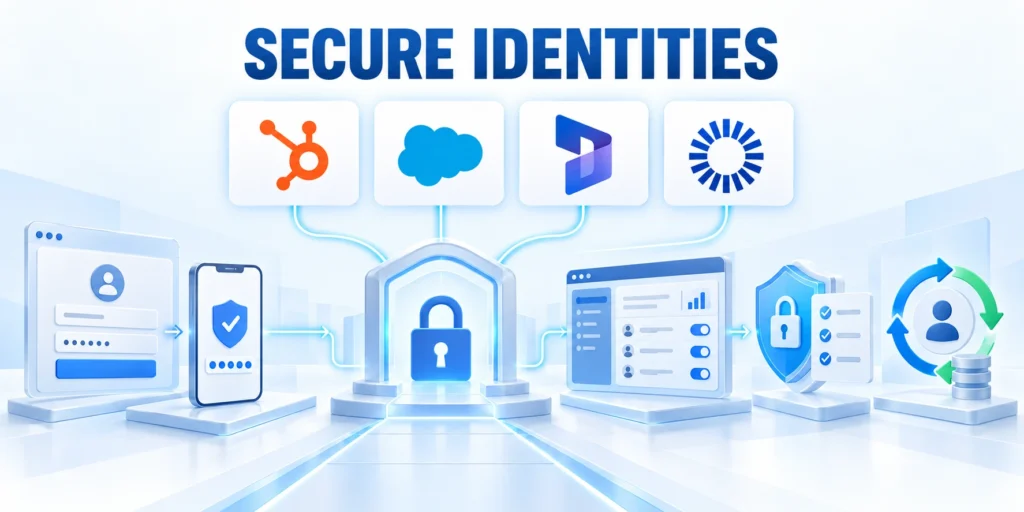
Strong role design fails when accounts are shared, administrator access is unmanaged, or integration credentials never expire. Include identity controls in the security plan.
Use each platform’s supported identity options and verify the settings against the organization’s identity provider and contract. Features, menus, and requirements vary by edition and can change over time.
Protect privileged identities through these controls:
- Unique accounts for every human user.
- Multi-factor authentication for sensitive access.
- Controlled recovery methods and backup factors.
- Separate identities for administrative work.
Require individual accounts and strong sign-in
Give each person a unique account so activity can be attributed and access can be removed when their role changes.
Avoid shared user accounts, even when a team shares a task; use named users or a purpose-built service identity.
Strengthen Sign-In and Recovery Controls
Where supported, connect single sign-on and multi-factor authentication to the organization’s identity provider.
Apply stronger controls to administrators and users handling sensitive exports, and review recovery methods that could bypass the normal sign-in path.
Keep privileged work deliberate and traceable
Use separate admin identities when the platform supports them, keep the number of administrators small, and require a documented reason for changes to roles, sharing, authentication, or integrations.
Before assigning a new administrator, confirm the person’s responsibilities, training, backup coverage, and approval.
Verify identity and privileged access
After a change, test a normal user account to ensure the fix did not unintentionally widen access for other teams.
Also test the privileged path, session expiry, recovery method, and audit record. Verification should prove allowed and denied actions rather than relying on the role name.
Connect permission design to implementation
For the broader implementation context, see the enterprise CRM implementation roadmap.
Include the approved role matrix in the CRM implementation scope. Translate it into platform settings, test accounts, deployment steps, and rollback evidence. Trace decisions to requirements.
Protect Integrations, Exports, and the Data Lifecycle

Connected tools often need access to CRM data to perform a defined job. They should not inherit broad human permissions simply because that is the fastest setup.
Inventory each app, API connection, automation, and service account. Record its owner, purpose, approved data, credential location, renewal date, and process for disabling it.
Govern connected data paths through these controls:
- Dedicated identities for automated connections.
- Least-privilege scopes for required objects.
- Documented secret rotation and revocation.
- Monitored exports and downstream storage.
Scope integrations to the job they perform
Create a dedicated integration identity where the CRM supports it.
Grant access only to the objects and actions required; do not reuse a person’s administrator credentials for an automation or vendor connection.
Limit Each Integration’s Data Access
For each connection, test a narrow scenario: can the app read only the fields it needs, write only the expected records, and avoid deleting or exporting unrelated data?
Keep secrets in the approved credential store and rotate them through a documented process.
Treat exports as an access path
Limit bulk exports to roles with a real business requirement.
Decide where exported files may be stored, who can share them, how long they are retained, and how staff should delete local copies.
Review Connected Reports and Data Flows
Review scheduled reports, spreadsheet connectors, browser extensions, marketing syncs, and data pipelines. Confirm that every flow still has an accountable business and technical owner.
HubSpot’s permissions guide covers record actions and team access. Available options depend on subscription and account setup.
Monitor Changes and Review Access
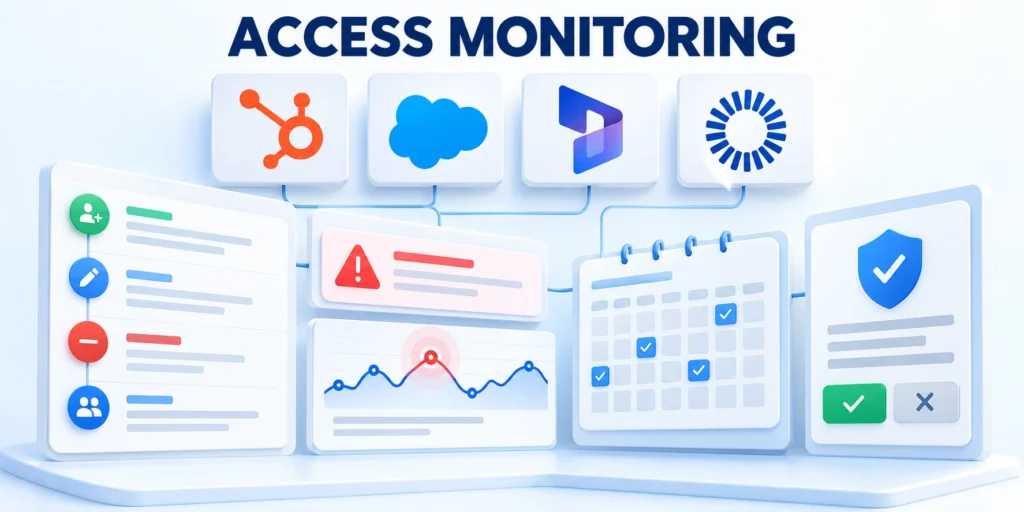
Permissions drift as teams reorganize, projects close, and integrations multiply. Logging and regular review help identify access that no longer matches the current job.
Choose a review cadence based on data sensitivity and change frequency. High-risk administrator and integration access may need more frequent checks than a low-risk read-only role.
Review the events that matter
Check whether the CRM can record sign-ins, failed authentication, permission changes, exports, bulk edits, deletes, API activity, and changes to sensitive fields.
Confirm who can access those logs and how long they remain available on the current plan.
Review high-impact activity
Route high-risk events to an owner who can act. An alert that no one reviews is not an effective control.
Define the expected response time, escalation path, decision authority, and evidence to preserve. Test notification delivery whenever ownership or monitoring tools change.
Use a repeatable access-review worksheet
Export or query the user list using an approved method, then compare it with the HR roster, contractor list, role matrix, and integration inventory.
Avoid copying sensitive records into an uncontrolled spreadsheet just to conduct the review.
Follow this sequence to use a repeatable access-review worksheet:
- Confirm each account has an active owner and current business need.
- Compare role and permissions with current job responsibilities.
- Review administrator, export, API, and sensitive-field access separately.
- Record decisions, approvers, exceptions, and expiry dates.
- Remove or adjust access, then verify the change with a test account.
Track exceptions with an owner and expiry. If the business need remains after expiry, require a fresh approval rather than rolling access forward automatically.
Connect CRM Controls to Compliance
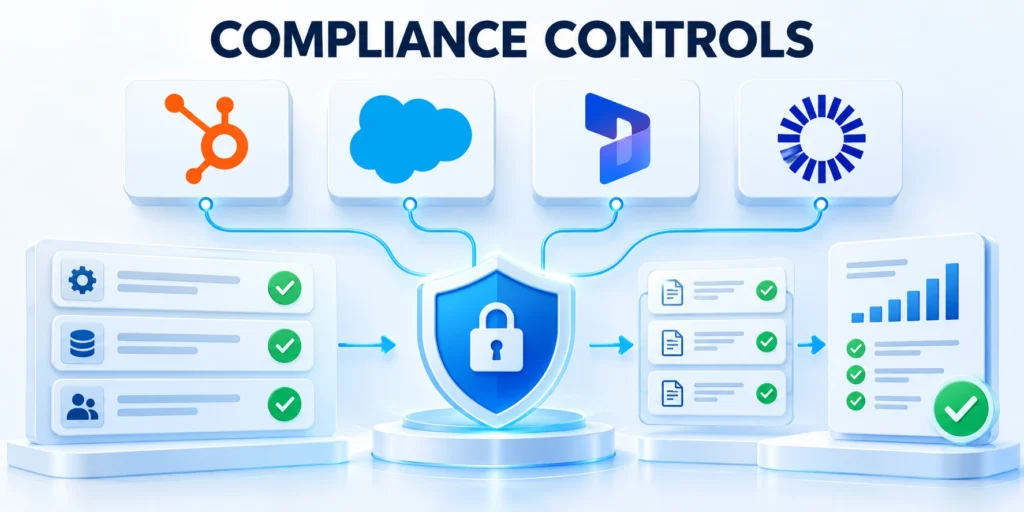
Compliance obligations depend on the organization, the people represented in the CRM, the data collected, and the locations where processing occurs. A platform setting alone does not establish compliance.
Work with privacy, legal, security, and business owners to translate applicable requirements into specific controls, evidence, retention rules, and incident responsibilities.
Connect obligations to these operating controls:
- Data classification and approved business purpose.
- Access approval and periodic review evidence.
- Retention, deletion, and export handling.
- Named owners for incidents and exceptions.
Map data and obligations before choosing controls
Document the categories of personal and business data stored in the CRM, the purpose for each category, the systems that receive it, and the retention period.
Distinguish a contact’s business details from more sensitive personal or regulated information.
Identify Applicable Obligations with Specialists
Ask the responsible specialists which laws, contracts, and customer commitments apply.
Requirements may differ by jurisdiction, industry, data type, and the organization’s role; do not claim that using a particular CRM feature automatically satisfies them.
Connect control evidence to business ownership
For each requirement, identify the technical setting, accountable owner, evidence source, and review interval. Examples include a permission export, approval record, access log, retention configuration, or completed deletion request.
Confirm that evidence is available under the current license and can be retained for the period the organization needs.
Apply the control in practice
If a control depends on an add-on or manual process, record that dependency instead of describing it as automatic.
Assign the dependency an owner, test frequency, failure response, and evidence location. Review it whenever licensing, integrations, or responsible teams change.
Run a Practical Access Review
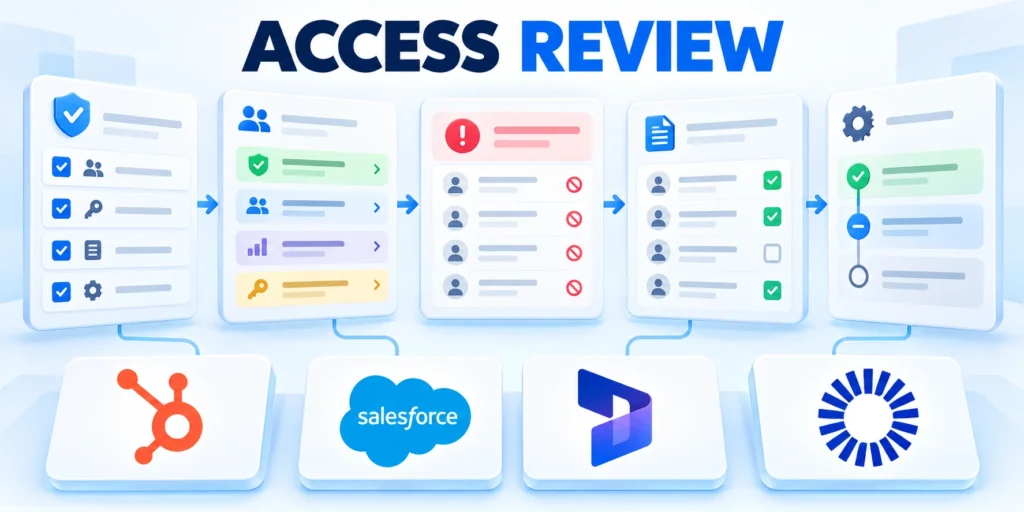
A practical review begins with one business unit and a clear question: does each person and connected app have only the access needed for its current work?
The following procedure creates an evidence trail and gives administrators a way to confirm that permission changes worked as intended.
Step-by-step review workflow
Use this sequence for a complete access review:
- Set scope: choose the environment, business unit, dates, and data categories.
- Gather identities: include users, contractors, service accounts, APIs, and connected applications.
- Compare responsibilities: map each identity to its owner, role, purpose, and activity.
- Inspect access: check records, fields, exports, administration, and integration permissions.
- Approve or change: document the owner’s decision and supporting reason.
- Apply and test: verify permitted and prohibited actions with representative accounts.
- Record evidence: save decisions, exceptions, verification, and the next review.
Keep the reviewed population stable while decisions are pending. Record additions or departures separately so reviewers understand which evidence belongs to the original scope.
Complete each approved change through the normal administration process. Preserve the request, implementation record, test result, and reviewer sign-off as one traceable decision.
Define what success looks like
The review is complete when every active identity has an owner and purpose, exceptions have approvers and expiry dates, and high-risk permissions have been tested through the intended access path.
If the expected result does not appear, check inherited team access, permission-set groups, record ownership rules, cached sessions, sync delays, and plan-specific feature limits.
Record Findings and Remediation
Keep a record of the observed result and escalate changes that could affect production data.
Give each finding a risk level, responsible owner, due date, verification method, and closure evidence. Reopen the item when the implemented control does not match the approved decision.
Prepare for Revocation and Incidents
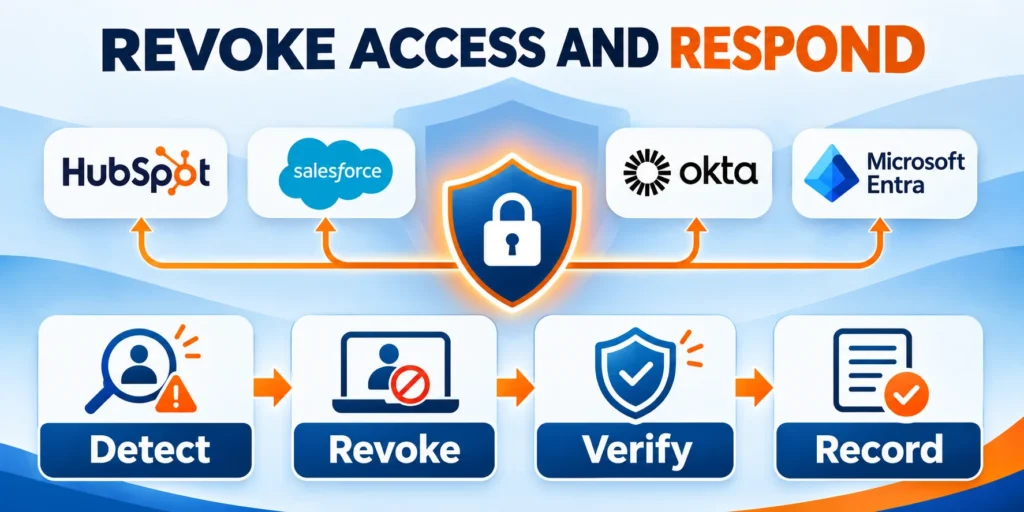
Revocation must close every access path, not only the visible CRM account. Prepare the process before a departure, compromised credential, or urgent vendor termination.
Assign owners for identity, CRM, integrations, evidence, and business communication. A documented sequence prevents delays when teams must act under pressure.
Verify revocation across these connected paths:
- CRM sessions and remembered devices.
- Identity-provider access and recovery factors.
- API tokens and service credentials.
- Scheduled exports and automated reports.
- Connected applications and browser extensions.
Define an emergency revocation owner
Name the role authorized to initiate urgent revocation and the backup who acts when that person is unavailable.
Document the escalation trigger, communication channel, required approvals, and maximum response time. Avoid relying on informal messages or one administrator’s memory.
Test Revocation Across Connected Services
Test the revocation process in a safe environment where possible. Verify that disabling a user also addresses connected tokens, scheduled exports, and third-party applications.
Confirm that prohibited actions fail through web, mobile, API, and integration paths. Record the test identity, expected result, observed result, and corrective action.
Preserve incident evidence safely
Preserve relevant audit logs, approval records, session details, and change history in the approved evidence location before normal retention removes them.
Restrict evidence access, document collection time and owner, and avoid altering production records unnecessarily. Coordinate legal or forensic handling when the incident requires it.
Conclusion
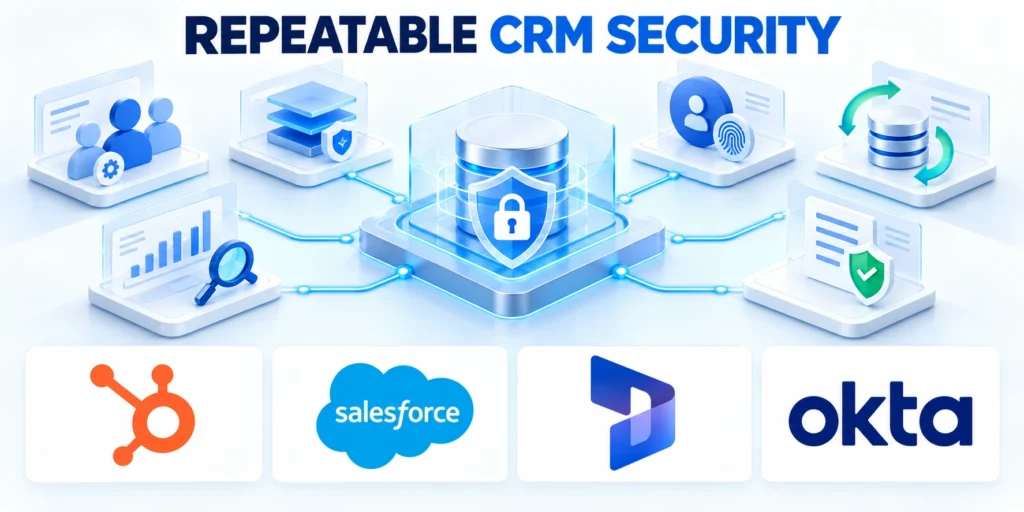
CRM security improves when access matches real work, privileges have owners, and changes are tested. Start with a role matrix and a narrow pilot.
Then review identities, integrations, exports, logs, and exceptions on a schedule. Record each outcome so unresolved access risks remain visible and assigned.
Connect access control to revenue governance
For the broader framework, read RevOps Playbook: Aligning Sales, Marketing, and Customer Success.
That operating model helps security and revenue teams agree on ownership before access requests become urgent. Include role changes, integration approvals, and exception reviews in the governance cadence.
Keep the control cycle current
Review the role matrix whenever responsibilities, territories, integrations, or licensing change. Update the evidence owner and next review date during the same decision.
Measure whether access removals close on time and whether testing finds unintended paths. Use those results to improve approvals, monitoring, and incident preparation.
Use these actions to connect access control to revenue governance:
- Define who approves access for each business process.
- Record who owns every privileged integration and exception.
- Review access when responsibilities, territories, or systems change.
- Escalate overdue remediation when access remains broader than approved.
- Verify that revoked access no longer works through connected applications.
- Track temporary access through expiration, removal, and closure evidence.
- Compare effective permissions with the approved role matrix.
- Assign every exception a documented owner and review date.
FAQ
These answers clarify common CRM access and security decisions.
How often should CRM permissions be reviewed?
Set a risk-based schedule. Review administrator, export, integration, and sensitive-data access more often; trigger an immediate review after role changes, vendor transitions, incidents, or major CRM redesigns.
Should sales managers see every CRM record?
Only when their responsibilities require it. Start with a limited record baseline and grant broader visibility to defined teams, territories, or workflows, then test the effective access.
Does a CRM role automatically protect sensitive fields?
No. Object, record, and field permissions can be separate. Check whether field restrictions also apply to reports, exports, APIs, and connected applications.
Does a CRM platform make an organization compliant?
No. Compliance depends on the organization’s obligations, configuration, processes, contracts, and evidence. Have qualified privacy and legal owners map requirements to controls.
What should happen when an employee leaves?
Disable the individual account promptly, revoke sessions and tokens where applicable, reassign owned records, review shared credentials and integrations, and document completion with the responsible manager.
How should service accounts be governed?
Give each service account an owner and narrowly scoped access. For HubSpot automation and lead scoring, verify which contact properties each connected service can read or update.
Avoid shared human credentials, rotate secrets through an approved process, and disable accounts without active workflows. Reviews should verify activity, token scope, connected systems, and interactive-login needs.
Which CRM permissions deserve the closest monitoring?
Prioritize administrator rights, bulk export, API access, user management, permission changes, data deletion, impersonation, and access to regulated or commercially sensitive fields.
These capabilities can create broad impact. Route high-risk changes to an accountable reviewer and retain context explaining who acted, what changed, and why.
How can temporary CRM access be handled safely?
Use a documented request with a specific purpose, approving owner, narrow scope, and automatic expiration. Do not implement temporary access through a permanent role.
After expiration, remove the assignment, sessions, delegated access, and related tokens. Retain approval and closure evidence so later reviews can distinguish authorized exceptions from privilege drift.
What evidence should a CRM access review retain?
Retain the reviewed population, effective permissions, reviewer, decision, date, exceptions, remediation owner, and completion status.
The record should be understandable without relying on one employee’s memory. Clear evidence supports internal oversight and gives privacy, security, and audit teams a consistent basis for follow-up.
How should permission changes be tested before deployment?
Test representative users in a controlled environment or limited pilot. Confirm allowed and denied actions across records, fields, reports, exports, mobile access, automation, and integrations.
Document expected results and prepare a rollback path. After deployment, sample real accounts to confirm inherited groups, permission sets, and sharing rules produced the intended outcome.








Leave a Reply