


Funnel vs. pipeline: two connected views
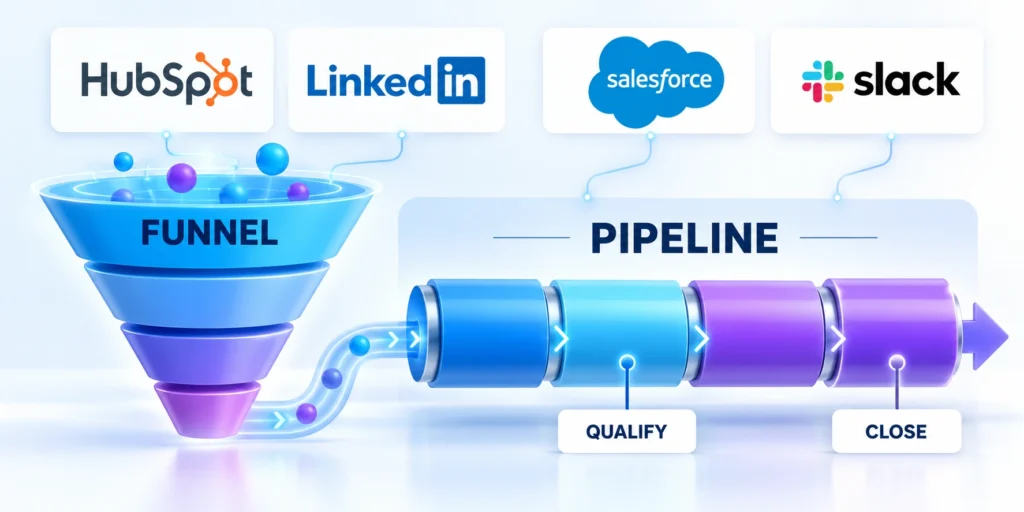
The HubSpot sales funnel stages describe how contacts progress through a buying journey. A deal pipeline tracks specific revenue opportunities and their current sales work.
They connect, but they are not the same field or record. Keeping them separate prevents a contact’s marketing status from being mistaken for an open opportunity.
Use lifecycle stages for the relationship
Lifecycle stage is a contact or company property, such as Lead, Marketing Qualified Lead, Sales Qualified Lead, Opportunity, Customer, or another stage your account uses.
Use it to describe the broad relationship with your business. Do not create a new lifecycle stage for every sales meeting or task.
Configure lifecycle stages separately
HubSpot lets administrators customize lifecycle stages under Settings, Data Management, Objects, Contacts, Lifecycle Stage. The exact names may differ in a localized account.
Document when lifecycle values change and which automation owns the update so relationship reporting remains consistent.
Use deal stages for an active opportunity
A deal represents a potential transaction with an amount, expected close date, owner, and stage. Its stages should describe sales progress that can be verified from the record.
One company can have several deals over time. A contact can also remain a customer while a new deal is open, so lifecycle and deal stages can legitimately differ.
Apply these criteria to deal stages for an active opportunity:
- Use lifecycle stages to report contact and company progression.
- Use deal pipelines to manage opportunities, forecasts, and sales actions.
- Associations connect a deal with relevant contacts and the company.
If you are still selecting a CRM, compare your required workflow before comparing feature lists. Our HubSpot versus Salesforce guide can help frame that decision.
That comparison is useful after the team agrees on its buying process, ownership model, and reporting needs.
Design deal stages around buyer evidence

Start with the decisions a buyer and seller actually make, not the internal activities your CRM happens to record. Each stage should mark a meaningful change in deal evidence.
Write an entry condition and an exit condition for every stage. If two stages cannot be distinguished by evidence, combine them or rename one.
Draft a stage map before changing HubSpot
| Example stage | Evidence to enter | Evidence to exit |
|---|---|---|
| New opportunity | Sales accepts a valid opportunity | Fit and business need are confirmed |
| Qualified | Need, fit, and owner are recorded | Buyer agrees to a discovery or solution review |
| Discovery | Relevant stakeholders engage | Requirements and decision process are understood |
| Proposal | Scope and commercial path are agreed | Buyer reviews a specific proposal |
| Negotiation | Terms or procurement are active | Signed agreement or a documented loss |
This is a starting model, not a universal funnel. Adapt it to your average deal, buying committee, procurement steps, and the evidence your sales team can reliably capture.
Review the draft with sellers, managers, operations, and downstream teams before changing active records or reports.
Validate the stage map with these controls:
- Use buyer evidence for every transition.
- Assign one accountable owner per stage.
- Document normal and exception exit routes.
- Test reporting before changing active deals.
Resolve ambiguous stage boundaries
Replay representative deals when two stages appear interchangeable, require the same evidence, or produce inconsistent movement among sellers.
Combine or rename stages until users can explain each transition, owner, buyer signal, and reporting consequence consistently.
Set stage probabilities from observed outcomes
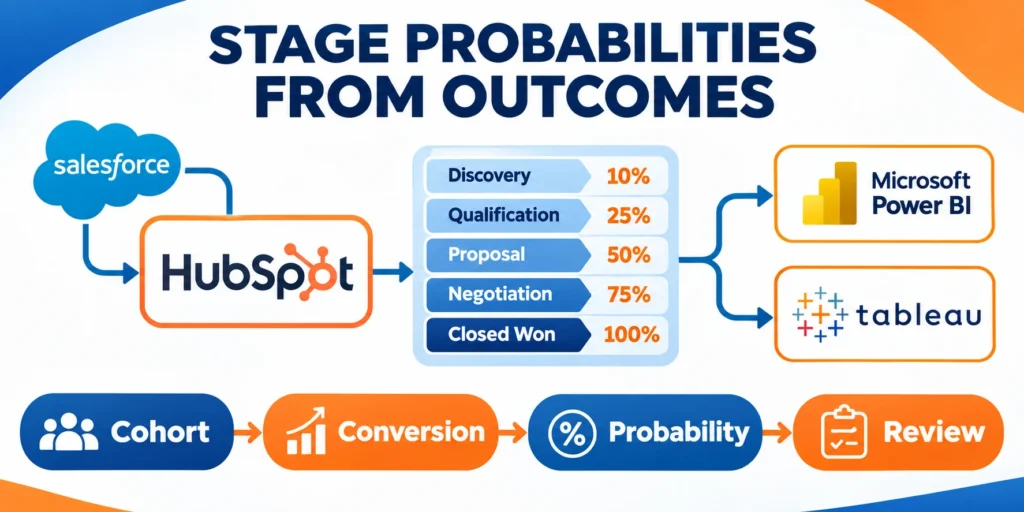
Deal probability affects weighted pipeline reporting. Treat the percentage as a forecast assumption, not a guarantee or a substitute for stage exit criteria.
Begin with historical closed outcomes by stage if the data is trustworthy. If not, label early values as provisional and recalibrate after enough comparable deals mature.
Set stage probabilities through these evidence steps:
- Export or report closed deals from a defined period.
- Group each deal by the stage it occupied at the time of the snapshot.
- Compare how many later closed won against how many were lost or remain unresolved.
- Set a provisional probability and review it with sales operations.
- Recheck the values when the process or market changes.
Keep both final stages in a deal pipeline: Closed Won with 100% probability and Closed Lost with 0%. HubSpot notes that both support its sales reports and analytics.
Test the stage map with a real opportunity
Choose a recently won deal and replay its history against the proposed stages. Note what the buyer had agreed to before each transition.
Repeat with a lost deal. If both records entered a stage for different reasons, clarify the entry rule before configuring required fields.
Recalibrate probabilities on a defined cadence
Review probabilities after enough deals mature, a stage definition changes, the offer changes, or the buying environment shifts materially.
Preserve the cohort, calculation, approval, and effective date so forecast changes remain explainable across reporting periods.
Separate probability from buyer evidence
A percentage describes an observed outcome pattern; it does not prove that a current opportunity satisfied the stage’s entry or exit criteria.
Require buyer evidence for movement and use probability only for governed forecasting, scenario planning, and capacity discussions.
Build and configure the HubSpot deal pipeline

Before editing, confirm your subscription, permissions, and whether the default pipeline can support the process. Avoid a second pipeline when teams share the same stages.
HubSpot’s current settings path is Settings, Data Management, Objects, select Deals, then Pipelines. Editing pipeline settings requires Edit property settings permission.
Configure stages in a controlled order
Configure pipeline stages through these controlled steps:
- Open Settings and choose Data Management, then Objects.
- Select Deals from the object menu and open the Pipelines tab.
- Open the target pipeline, creating another only for a genuinely different process.
- Add, rename, and order stages using the stage map agreed with sales.
- Set each stage’s probability; keep Closed Won and Closed Lost as final outcomes.
- Save the changes, then test a sample deal through each route.
Custom pipeline limits depend on subscription and account configuration. HubSpot’s current documentation lists custom pipeline availability by plan; check the account’s limits before designing several pipelines.
Keep one pipeline when teams share stages. When process, ownership, or reporting differs, record those requirements in the CRM implementation scope before adding pipelines.
Require fields only when they improve a decision
Use conditional stage properties to ask for information when a deal enters a relevant stage. For example, a proposal stage can require proposal amount and delivery scope.
To configure them, return to Settings, Data Management, Objects, Deals, Pipelines, open the pipeline, and add a rule under the stage’s conditional properties.
Apply a stage rule selectively
Choose the dependent property and require it only when the record cannot advance without it. Save the logic. HubSpot requires property settings permission.
Do not make every useful field mandatory at every stage. Strict forms can encourage placeholders, slow updates, and reduce trust in the CRM.
Check plan limits and existing data first
Before renaming or deleting stages, review records, reports, integrations, and workflow references that depend on them. A stage can be blocked from deletion while it remains in use.
For a live pipeline, export a baseline and test changes with a controlled record. Tell users when stage meanings change; do not move old deals just to clean a chart.
Define handoffs and automate repeatable actions
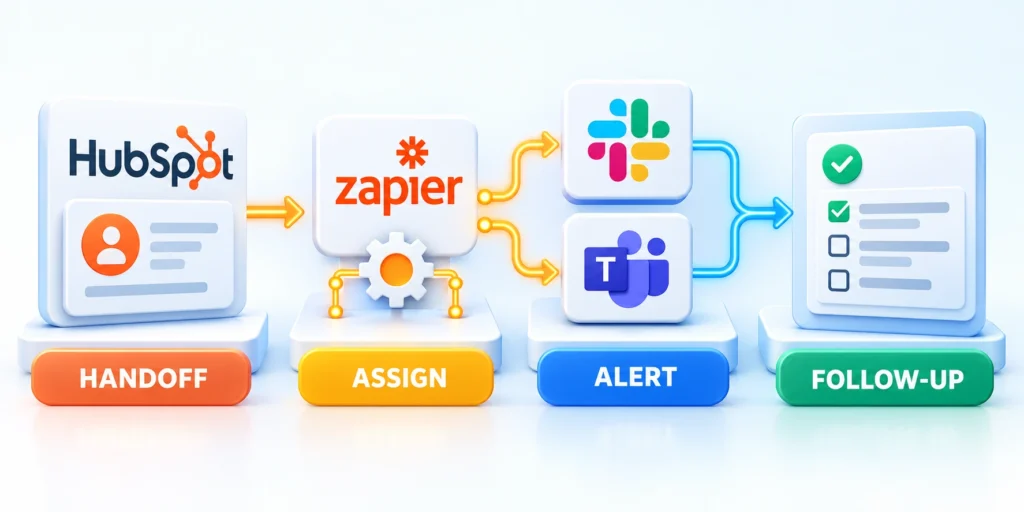
A stage change should make clear who owns the next action and what the buyer should experience. Define the handoff before adding automation.
Agree on the accepted lead definition, assignment rules, response expectation, and return reason. Marketing and sales should use the same field meanings and escalation route.
Use a small, reversible automation first
Example: when a deal enters Qualified, create a follow-up task for its owner with a due date and a concise note about the qualifying evidence.
Test the first automation through these steps:
- Open CRM, Deals, then select a saved board view such as All deals.
- Hover over the target stage and select Automate.
- Choose Create and assign a task, then set its name, owner, and due date.
- Test with a nonproduction record or controlled deal before enabling broadly.
- Confirm the task appears once, reaches the correct owner, and has useful context.
HubSpot documents stage-based tasks, internal notifications, and record updates for eligible Sales Hub plans. Available actions and permissions vary by subscription.
For more complex conditions, use Automation, Workflows only when your subscription includes that feature. Define enrollment and re-enrollment rules carefully to avoid repeated tasks or messages.
Build an exception route with ownership
Plan exceptions before automating. Decide what happens when a lead lacks a phone number, a company is outside your market, or its owner is unavailable.
Build the exception route with these controls:
- Route incomplete records to a named queue with a clear correction owner.
- Use a documented disqualification reason instead of deleting the record.
- Set a backup owner for absences and territory changes.
- Keep a manual override and record why a user applied it.
Automate stable, repeatable rules first. Leave judgment-heavy decisions with a person until the team can describe the rule consistently and measure its consequences.
For a broader look at scoring and nurture workflows, see the HubSpot automation and lead scoring guide.
Keep scoring separate from stage movement
Keep that work separate from deal progression unless the scoring signal truly changes a sales decision.
Document any approved connection between score and stage so users understand the evidence, override, and reporting consequences.
Measure conversion and time in stage

Use a small set of metrics tied to the decision you want to improve. A dashboard with many charts can still hide a broken stage definition.
Compare similar deal cohorts with consistent entry and exit rules. Report the period, number of deals, segment, and exclusions alongside each rate.
Calculate the measures consistently
| Measure | Practical definition | Question it answers |
|---|---|---|
| Stage conversion | Advancing deals divided by stage entrants | Where do opportunities stop progressing? |
| Win rate | Won deals divided by decided deals | How often do decided deals become customers? |
| Time in stage | Elapsed time between stage entry and exit | Where does work wait or stall? |
| Pipeline coverage | Qualified amount divided by target | Is enough qualified value available? |
Do not mix open deals into a closed win-rate denominator. Their outcome is not known yet, so include them only in clearly labeled pipeline or forecast measures.
Store metric definitions beside the report so every reviewer uses the same population, dates, stages, and exclusions.
Find leakage without blaming a stage label
If many deals leave after discovery, inspect a sample of records and call notes. Look for a recurring gap in fit, buyer access, scope, timing, or next-step agreement.
Use median time in stage alongside a high percentile when the sample supports it. A few stalled deals can distort an average and mask the typical experience.
Segment only when the sample supports it
Segment by source, product, region, or deal size only when groups are meaningful. Treat small samples as directional, not reliable benchmarks.
State the number of deals and unresolved outcomes in every segment so apparent differences are not mistaken for stable performance.
Turn a metric into an operating review
Turn each metric into an operating review:
- Pick one funnel or pipeline problem with a responsible owner.
- Show the records behind the metric and validate stage definitions.
- Choose one process change and record the expected result.
- Review the same cohort after the change and check a safeguard metric.
- Keep, revise, or roll back the change based on the observed evidence.
For example, a shorter time in Proposal is not automatically better. Confirm that deals still contain enough scope and buyer approval evidence before moving forward.
Review the underlying records with the owner and document whether the change improved the intended decision or shifted risk elsewhere.
Read a pipeline cohort before changing the process
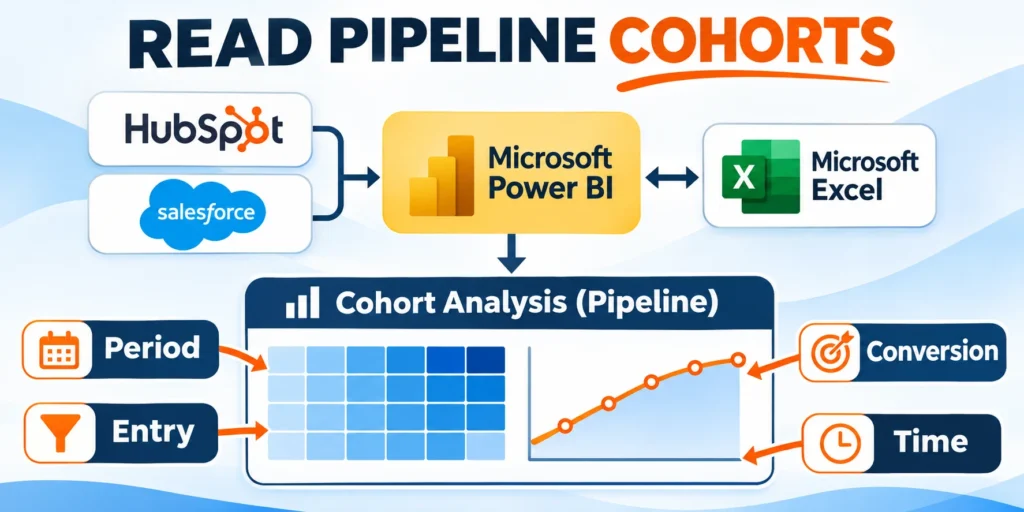
Suppose 40 qualified deals entered discovery in one quarter and 18 reached proposal. The observed conversion is 45%, but that figure alone does not explain the drop.
Review the same 40 records for buyer access, fit, timing, and agreed next steps. Compare similar segments and include unresolved deals consistently.
Read each pipeline cohort through these steps:
- Choose a date range and define which deals enter the cohort.
- Check stage history and a sample of records behind the result.
- Change one handoff or qualification step, then compare the next cohort.
Inspect the records behind the rate
Review representative wins, losses, stalls, skips, reopened deals, and unresolved opportunities to understand which conditions produced the reported rate.
Compare stage history, buyer evidence, ownership, activities, and exceptions instead of treating one aggregate percentage as a complete explanation.
Compare only equivalent cohorts
Use consistent entry dates, stage definitions, maturity windows, segments, exclusions, and outcome rules when comparing periods or process changes.
Explain material differences in volume, offer, territory, source, staffing, or market conditions before attributing improvement to one change.
Record uncertainty and unresolved outcomes
Label cohorts with open deals, missing stage history, late updates, or inconsistent loss reasons because those limitations affect interpretation.
Delay a firm conclusion when evidence remains incomplete, then schedule the next review after enough comparable opportunities mature.
Set a maturity checkpoint
Choose the date when enough deals should have reached a decision for the cohort to support a more reliable comparison.
Keep unresolved opportunities visible and apply the same maturity rule to every cohort being compared.
Govern pipeline decisions before execution
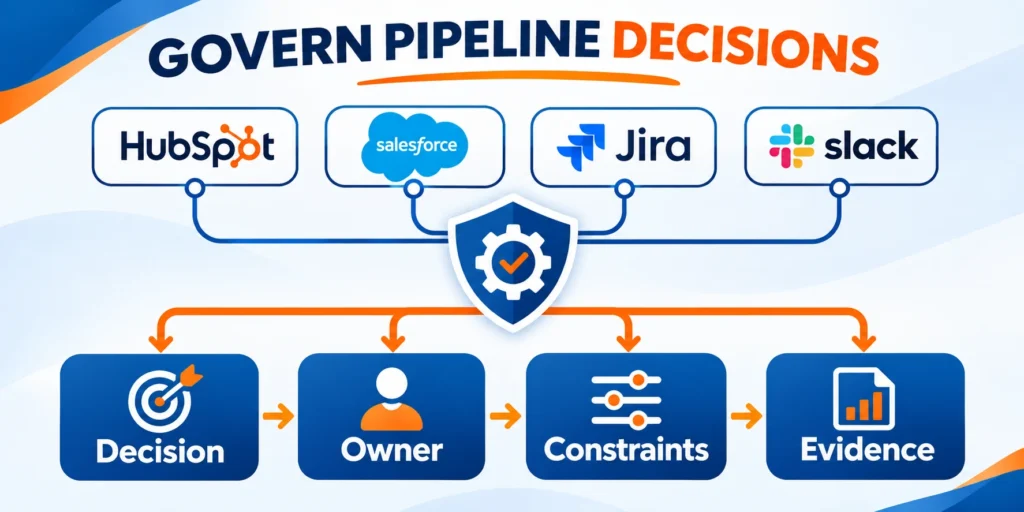
For B2B sales funnels and HubSpot pipeline stages, define stage definition, entry rule, ownership, and required buyer evidence before changing campaigns, code, content, or workflow.
That shared context gives every contributor a practical boundary for action.
Use these actions to define operating criteria before execution:
- Define buyer evidence and ownership for each stage.
- Record assumptions, dependencies, and known constraints.
- Choose reversible tests for uncertain decisions.
- Set evidence required to proceed or pause.
- Confirm capacity, budget, and review timing.
Test the workflow under realistic conditions
Evaluate B2B sales funnels and HubSpot pipeline stages across the real lead capture, qualification, opportunity work, handoff, and reporting sequence.
A narrow test can hide handoff issues, exceptions, integration failures, or user behavior.
Follow this sequence to test the workflow under realistic conditions:
- Select representative deals and meaningful exceptions.
- Run each route from entry through outcome.
- Capture delays, handoffs, overrides, and failures.
- Compare results with the governed baseline.
- Document limits before repeating or scaling.
Assign decision and change ownership
Name who approves stage definitions, probabilities, required fields, automations, exceptions, reporting changes, and retrospective corrections.
Separate business ownership from technical administration so configuration work cannot silently redefine the sales process.
Preserve a reversible change path
Export affected records and document dependencies, tests, communication, rollback steps, and monitoring before changing a live pipeline.
Release bounded changes first, then expand after users and reports confirm the intended behavior without material side effects.
Measure pipeline outcomes and tradeoffs together
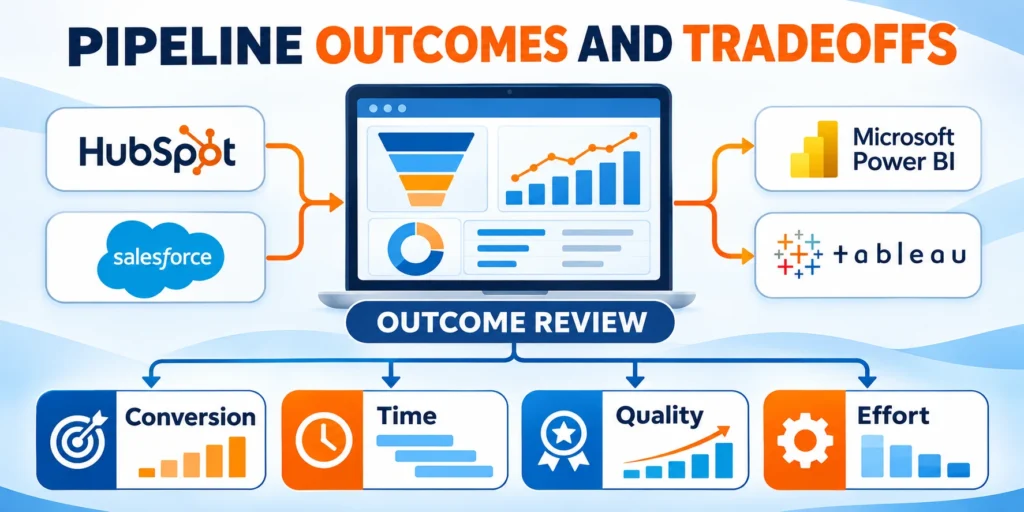
Track stage conversion, cycle time, data completeness, and forecast reliability together rather than optimizing a single favorable metric.
Costs, risk, quality, and effort can otherwise distort the apparent value.
Use these actions to measure outcomes and tradeoffs together:
- Review conversion, time, quality, and effort together.
- Record data gaps before interpreting results.
- Explain material changes with supporting records.
- Compare actual effort with expected benefit.
- Assign the next review and accountable owner.
Keep the practice current
Review the approach when sales motion, territory, lifecycle definitions, automation, or reporting changes.
Past decisions may still help, but their assumptions require current evidence.
Use these actions to keep the practice current:
- Assign definitions, ownership, and review dates.
- Retire outdated stages and unsupported assumptions.
- Communicate changes before the next reporting cycle.
- Keep the current decision record accessible.
- Escalate material risks before broader rollout.
Balance speed with data quality
A faster stage transition is useful only when required buyer evidence, ownership, values, associations, and next actions remain complete.
Track correction work and reporting exceptions alongside cycle time so apparent efficiency does not conceal degraded information.
Review effort and operating capacity
Measure administration, seller updates, exception handling, training, reporting reconciliation, and support effort required by each process change.
Prefer improvements the team can govern consistently instead of complex controls that depend on unavailable specialists or recurring manual recovery.
Conclusion

A useful HubSpot sales funnel makes broad buyer progression visible, while a deal pipeline gives sales a dependable way to manage each opportunity.
Define evidence-based stage exits, assign ownership, automate repeatable actions carefully, and review conversion with the underlying records. That keeps the pipeline useful for work and forecasting.
Keep the review tied to a decision
For a practical audit of the workflow behind those stages, read our CRM workflow audit guide.
Use the same review cycle whenever your offer, buying process, or team responsibilities change.
Connect pipeline design to revenue operations
For the broader framework, read RevOps Playbook: Aligning Sales, Marketing, and Customer Success.
Use shared definitions and ownership so marketing, sales, service, and finance interpret pipeline movement consistently.
Use these controls to keep the pipeline reliable:
- Define stage entry and exit evidence.
- Assign ownership for every transition.
- Test automation with representative exceptions.
- Measure cohorts with consistent definitions.
- Review tradeoffs before scaling changes.
Preserve the operating evidence
Keep stage definitions, probabilities, automation rules, exceptions, cohorts, decisions, owners, test results, and effective dates together.
This record helps future teams distinguish verified operating choices from inherited settings that no longer match the sales process.
Improve one bounded decision at a time
Choose one observed constraint, define the expected result and safeguards, test a reversible change, then compare equivalent cohorts.
Expand only after evidence confirms the change improves sales work without reducing data quality, buyer experience, forecast trust, or supportability.
FAQ
These answers clarify common decisions about HubSpot funnels, stages, evidence, automation, probabilities, ownership, reviews, losses, and progression controls.
What is the difference between a HubSpot funnel and a deal pipeline?
A funnel summarizes progression through a buyer or lifecycle journey. A deal pipeline tracks individual opportunities through sales stages, owners, amounts, and outcomes.
Should every lifecycle stage have a matching deal stage?
No. Lifecycle stages describe contact or company relationships, while deal stages describe opportunity progress. One customer can have a new deal without changing lifecycle stage.
How many stages should a B2B sales pipeline have?
Use the fewest stages that represent meaningful changes in evidence and action. If users cannot explain why two adjacent stages differ, combine or clarify them.
When should I create a second pipeline in HubSpot?
Create one when the sales process, stage definitions, or ownership rules materially differ. If teams share the same process, one pipeline with access controls is often easier to manage.
Can HubSpot automate tasks when a deal changes stage?
HubSpot supports stage-based tasks and other actions on eligible subscriptions. Check your plan and permissions, then test the trigger with a controlled record before broad rollout.
What evidence should move a deal to the next stage?
Use observable buyer or seller evidence, such as completed discovery, confirmed requirements, approved evaluation, or documented commercial commitment.
Who should own pipeline stage definitions?
Revenue operations should coordinate definitions with sales leadership, frontline users, marketing, finance, and customer teams affected by reporting or handoffs.
How often should pipeline stages be reviewed?
Review them after material process changes and on a regular cadence. Use conversion, time-in-stage, exceptions, and user feedback as evidence.
Should closed-lost reasons be standardized?
Yes, when the options support a decision. Keep the list concise, define each reason, and allow notes for context that categories cannot capture.
How can teams prevent deals from skipping required stages?
Use clear exit criteria, required properties, pipeline rules where available, and exception reporting. Test controls before applying them to active opportunities.






Leave a Reply