


What a Core Update Can—and Cannot—Explain
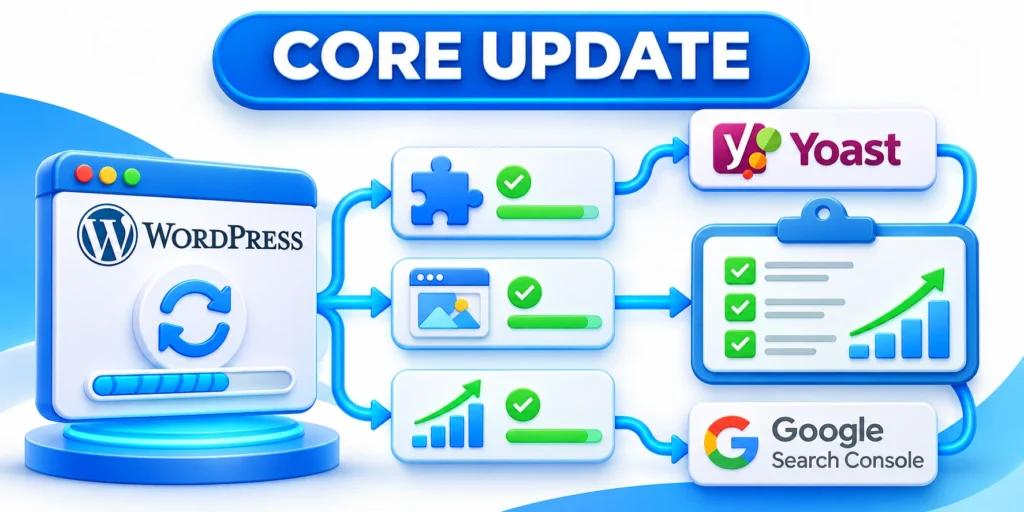
A Google core update traffic drop can be unsettling, but timing alone does not prove the update caused every change.
Start by separating a confirmed ranking change from tracking problems, seasonality, demand shifts, technical incidents, and normal search volatility.
Understand the system-wide nature of core updates
Google describes core updates as broad changes to ranking systems, rather than penalties targeting particular sites or individual pages.
A page can move down because other results better satisfy a query, even when the page remains accurate and useful.
Key considerations for understand the system-wide nature of include:
- Ranking decline alone does not prove that a page violates a rule.
- Traffic decline does not necessarily mean rankings declined.
- Coincident dates do not establish causation.
- No checklist or rewrite can guarantee a ranking recovery.
Google recommends waiting until a rollout finishes, then allowing at least a full week before comparing Search Console periods.
Use the Google core updates guidance to confirm rollout dates and understand its recommended assessment process.
Rule out changes outside the ranking system
Check whether analytics tags, consent settings, redirects, releases, or reporting definitions changed near the first observed decline.
Compare organic Search Console clicks with analytics sessions; different systems count visits differently and may lose attribution.
Key considerations for rule out changes outside the include:
- Search Console clicks fall, while analytics sessions remain stable: inspect reporting and query dimensions.
- Clicks remain stable, but sessions fall: check analytics tags, consent, redirects, and landing-page behavior.
- Both fall after a deployment: review site changes, uptime, redirects, and indexing signals.
- Only one product, market, or device changes: segment the analysis before making site-wide edits.
Keep a dated log of site releases, campaign changes, migrations, outages, and tracking updates alongside the search data.
Diagnose the Change in Search Console

Use Search Console to locate the change before deciding what to edit. Begin with the affected property and the Search results performance report.
Compare equivalent periods after the update rollout has ended, and keep the same duration and weekdays on both sides.
Set a comparison that answers one question
Open Search Console’s Performance report, choose Search results, then select Compare and custom date ranges.
Confirm rollout dates in the Search Status Dashboard, then compare equal periods before and after the waiting interval.
Use these actions to set a comparison that answers one:
- Keep both windows the same length.
- Include comparable weekdays to reduce weekday-pattern distortion.
- Exclude partial days at the edges of the comparison.
- Write down the exact date ranges so another analyst can reproduce the review.
For a long sales cycle, inspect several months as context, but retain the matched comparison to identify the initial change.
Separate impressions, clicks, click-through rate, and position
These metrics describe different stages. A lower click total can come from fewer searches, weaker visibility, changed results, or lower click propensity.
Use these actions to separate impressions clicks click-through rate and:
- Impressions fall: investigate query demand, indexing, search appearance, and affected page groups.
- Impressions hold, clicks fall: inspect click-through rate, title presentation, snippets, and the result layout.
- Average position worsens: compare the same queries and pages, not only the property-wide average.
- Clicks hold while conversions fall: review landing-page changes, lead quality, forms, and analytics attribution.
Average position is an aggregate measure. It can shift when the mix of queries or locations changes, even if individual rankings do not.
Segment Organic Losses by Query, Page, and Device
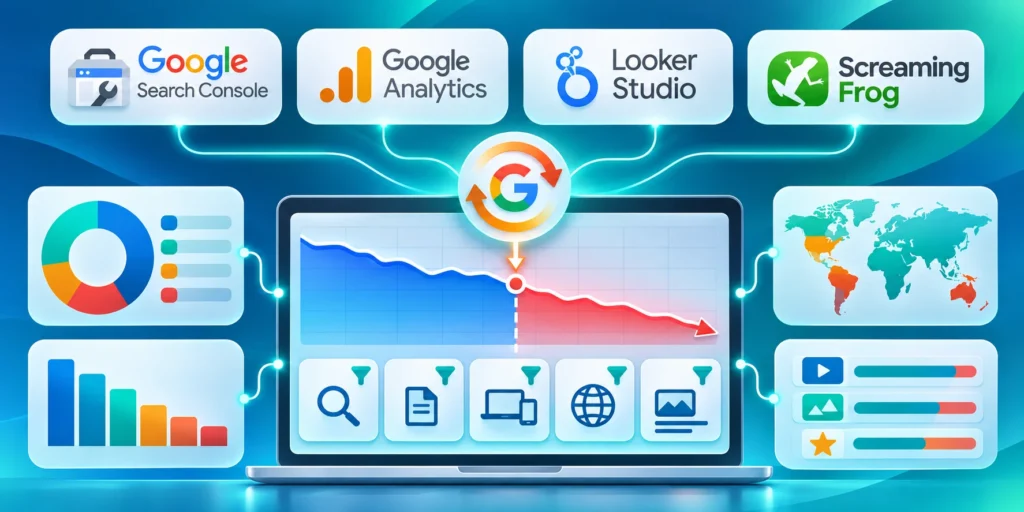
Sitewide averages can hide the page groups, queries, devices, countries, or search appearances responsible for a sustained organic traffic change.
Segment one dimension at a time, preserve matched dates and filters, and record the exact group before proposing a cause or recovery action.
Segment until the pattern becomes specific
Review the Pages and Queries tabs, then inspect device, country, search appearance, and search type where relevant.
Web Search, Images, Video, News, and other search surfaces can move differently. Analyze them separately instead of combining unlike results.
Segment the loss through these diagnostic views:
- Sort pages by lost clicks, then compare their impressions and position changes.
- Open an affected page row and identify the queries with the largest meaningful change.
- Check whether declines cluster around one topic, template, country, device, or search surface.
- Compare a stable page group with the affected group to identify shared patterns.
A useful diagnosis names the page set, queries, dates, search type, metric, and scale of the change.
Read a small example without overstating cause
Suppose a page group moves from 20,000 impressions and 1,000 clicks to 14,000 impressions and 700 clicks across matched periods.
Its click-through rate remains five percent, so fewer impressions explain the click decline better than a weaker click rate.
Interpret the example through these patterns:
- With stable average position, inspect query demand, mix, and indexing coverage.
- If impressions hold but click-through rate falls, review result presentation and query fit.
- When impressions and position decline across one template, check shared content and technical changes.
This arithmetic narrows the next questions; it does not prove the update, a competitor, or a single page change caused the decline.
Review the Pages That Lost Visibility

Evaluate the pages with the clearest sustained losses, not every URL that moved a few positions in one report.
Read each page as its intended visitor would, then compare it with current results for the affected queries.
Check whether the page still meets the searcher’s task
Write down what the searcher likely needs to decide, learn, compare, or accomplish after using that query.
Then ask whether the page answers that task directly, accurately, and with enough detail to support the next decision.
Review task satisfaction through these questions:
- Does the title describe the page’s actual scope without overpromising?
- Does the opening quickly establish who the page serves and what it helps them do?
- Are recommendations supported by clear reasoning, examples, or appropriate sources?
- Can a reader find the next useful step without searching again for missing basics?
- Is the content current where facts, products, interfaces, or rules may have changed?
Do not add sections merely to increase length. Google says there is no preferred word count that guarantees search performance.
Compare the actual competing results
Review the pages now appearing for the affected queries and note what job each result performs better or differently.
Compare format, freshness, evidence, depth, audience, and task completion rather than copying headings or phrasing.
Compare competing results through these dimensions:
- Is the query now interpreted as a comparison, how-to, product choice, or local need?
- Do other pages include first-hand evidence or examples the visitor needs?
- Has a newer product, regulation, or workflow changed the answer?
- Does the result page show features that reduce ordinary blue-link clicks?
Search results can vary by location, device, and time. Treat a manual search as a snapshot, not a universal ranking measurement.
Look for site-wide or template-level patterns
Check shared templates, navigation, and crawlability. If losses cluster on a template in headless WordPress, inspect how the frontend renders and exposes that content.
Technical defects can reduce access or visibility, but an update-related timing pattern does not prove a technical cause.
Test shared causes through these representative checks:
- Sample affected and stable URLs from the same template.
- Confirm response status, canonical destination, robots directives, and rendered main content.
- Review recent releases and server logs around the first change.
For affected React or Next.js pages, use our technical SEO audit checklist to inspect rendering and crawl signals.
Do not use an unrelated technical checklist to explain a content-quality change. Match the diagnostic method to the evidence.
Validate template fixes through these safeguards:
- Use application-specific diagnostics only when the affected pages share that implementation.
- Check a representative sample before applying a template-wide fix.
- Compare affected pages with stable controls from the same template.
For a broader program-level view of content operations and search measurement, see our enterprise B2B SEO strategy guide.
Prioritize Improvements That Help Readers
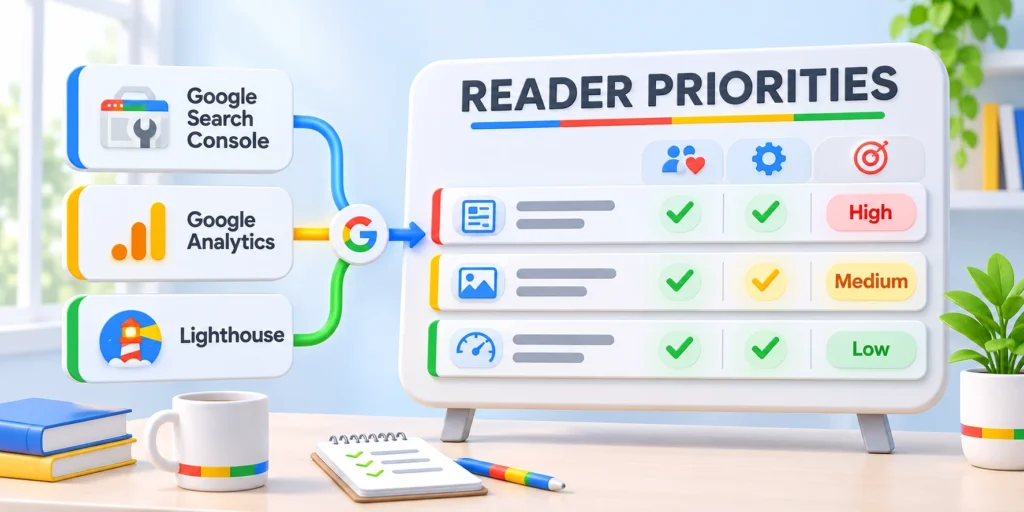
Turn the diagnosis into a short, testable backlog. Each change should address a documented problem rather than a rumor about ranking factors.
Prioritize issues that block access or make an answer misleading before cosmetic changes with no clear reader benefit.
Fix confirmed technical incidents first
Examples include accidental noindex directives, broken canonicals, server errors, missing rendered content, or redirects to irrelevant destinations.
Confirm the issue on representative URLs and identify when it began before making a site-wide change.
Key considerations for fix confirmed technical incidents first include:
- Document the affected URL sample and the observed response or directive.
- Reproduce the issue in a test environment when the fix has broad impact.
- Assign an owner and record the release or configuration change.
- After release, verify the same URLs and monitor Search Console for recrawl and reporting changes.
Do not alter canonical or indexing settings simply because traffic fell during an update rollout.
Improve content where the review found a real gap
Make the page more complete by answering an unmet user question, correcting stale guidance, adding relevant evidence, or clarifying a confusing process.
Keep accurate material and useful assets. Remove duplicated or misleading sections only when they weaken the reader’s understanding.
Key considerations for improve content where the review include:
- State the target reader and task in the editorial brief.
- List the evidence or expertise needed to make the recommendation reliable.
- Show a concrete example when it helps the reader apply the advice.
- Explain meaningful changes in a brief revision note for later analysis.
Google recommends meaningful improvements and warns against quick fixes. Deleting content is a last resort for material that cannot be salvaged.
Plan and Sequence Recovery Changes
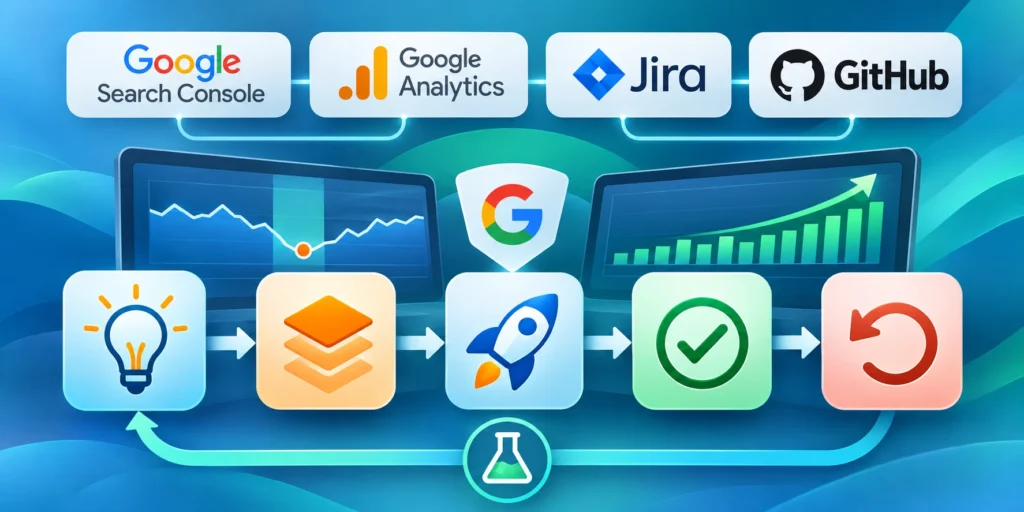
Recovery work should connect an observed loss to a documented explanation, focused change, safeguard, owner, and measurement window.
Sequence technical incidents before content experiments when access or measurement is unreliable. Avoid simultaneous broad edits that erase diagnostic evidence.
Choose an action proportional to the evidence
A small position movement may not justify a rewrite. A sustained large decline across a defined page group deserves deeper assessment.
Use a decision record that separates the observation, likely explanation, proposed action, owner, and measure of success.
Match the response to these evidence states:
- Confirmed access problem: fix and test the technical issue.
- Demand change: update forecasts and content plans rather than rewriting a strong page.
- Intent mismatch: revise the page for the task, or create a distinct page when needed.
- Content gap: improve the specific missing explanation or evidence.
- No clear cause: continue monitoring and gather more evidence before making broad changes.
Release changes in controlled groups
Group URLs by shared diagnosis and change type. Keep unaffected comparison pages stable when practical so later differences remain interpretable.
Record the release date, changed fields, expected signal, risk, rollback path, and review window before updating the selected group.
Control each recovery release through these safeguards:
- One documented diagnosis per page group.
- Focused changes tied to that diagnosis.
- Stable comparison pages where practical.
- Named owner and review date.
- Rollback path for harmful regressions.
Measure Changes Without Chasing Daily Fluctuations
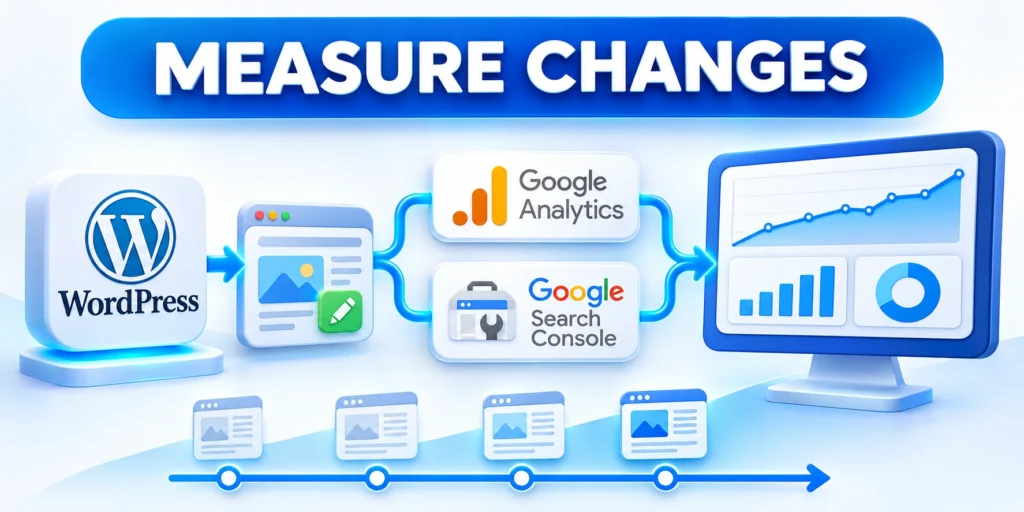
Recovery is not a single metric or date. Search systems and user demand continue changing after a core update finishes.
Choose a review cadence and compare consistent page and query groups, so isolated daily movement does not trigger repeated edits.
Record a baseline before each substantial change
Save the date range, affected URLs and queries, impressions, clicks, click-through rate, position, and relevant conversions.
Note any release, page rewrite, internal-link update, tracking change, or business event that could influence the measurements.
Record the baseline through these consistent controls:
- Use the same Search Console property, search type, country, and device filters for comparisons.
- Keep a separate view for important page groups rather than relying only on site-wide averages.
- Connect search trends to qualified leads or other business outcomes when measurement is dependable.
- Label estimates and attribution limits instead of presenting them as exact causal proof.
Use checkpoints and an exception path
Set a review date appropriate to the site’s crawl, publishing, and conversion cycles; avoid promising an immediate effect.
Check the same affected groups at each checkpoint and compare them with stable pages or the business baseline.
Use these checkpoint and escalation conditions:
- For unresolved technical issues, return failing URL evidence to the named owner.
- When visibility improves but lead quality worsens, reassess search intent and conversion path.
- With mixed results, avoid simultaneous changes that obscure cause and effect.
- After several months without clear improvement, reassess the diagnosis and next steps.
Google notes that some effects take days, while broader system reassessment can take several months; no result is guaranteed.
Run a Page-Level Recovery Review

Page-level review connects performance evidence with search intent, content quality, technical access, experience, conversion role, and recent change history.
Compare affected and stable URLs from the same template. For WordPress, use that sample to guide a technical SEO assessment of shared rendering or indexability issues.
Run a Page-Level Recovery Review
Group affected URLs by template, intent, and change history. For programmatic SEO, compare each generated page family separately to isolate losses that sitewide averages can hide.
For each group, compare clicks, impressions, query mix, position, landing engagement, conversions, and technical status across equivalent periods.
Inspect Search Intent and Page Role
Review the queries that lost visibility and the pages now appearing. Determine whether the expected answer, depth, format, freshness, or commercial role changed.
Protect distinct page purposes. Combining two URLs can remove a useful answer, while creating near-duplicates can divide relevance and internal links.
Review page intent through these decision checks:
- Compare winning pages for the same query.
- Confirm the reader and intended decision.
- Check overlap with existing site content.
- Preserve valuable unique coverage.
Review Evidence and Experience
Verify claims, examples, sources, authorship, and update dates where they matter. Remove unsupported certainty, stale screenshots, broken steps, and padding that obscures the answer.
Check whether users can understand the page, reach related detail, and complete the intended next step without intrusive or misleading elements.
Release Changes in Measurable Groups
Prioritize confirmed technical incidents and high-impact content gaps. Avoid changing title, structure, intent, links, and conversion flow simultaneously without a reason.
Record the changed URLs, diagnosis, release date, expected signal, safeguard, and review window. Keep a rollback route for harmful technical or template changes.
Separate Search Changes From Measurement Failure

A reporting drop can reflect changed visibility, demand, tracking, consent, property coverage, hostname configuration, filters, or conversion definitions.
Reconcile independent evidence before rewriting content. Faulty collection can imitate organic decline and make later recovery measurements incomparable.
Separate Search Changes From Measurement Failure
Validate analytics, consent, tags, Search Console properties, reporting filters, and conversion definitions before concluding that users or rankings changed.
Compare server availability, indexing, canonical signals, robots directives, redirects, templates, structured data, and deployment history for the affected period.
Reconcile Independent Signals
Search Console clicks, analytics sessions, server requests, and business conversions measure different stages. Differences can reveal collection gaps or changed user behavior.
Segment by URL, query, country, device, search appearance, and date. Confirm that property migrations or hostname changes did not divide reporting.
Reconcile measurement through these independent checks:
- Check tracking releases and consent changes.
- Verify Search Console property coverage.
- Compare logs with analytics trends.
- Confirm conversion definitions remained stable.
| Signal | What it measures | Primary check |
|---|---|---|
| Search clicks | Search visits reported | Property coverage |
| Analytics sessions | Tracked site activity | Tags and consent |
| Server requests | Delivered requests | Logs and status |
| Conversions | Recorded outcomes | Definition stability |
Fix Evidence Before Content
Repair measurement or technical failures first when they explain the pattern. Rewriting pages against faulty evidence can destroy useful content and obscure the original cause.
After correction, preserve the old and new measurement definitions. Review trends only across comparable data or disclose the break clearly.
Conclusion
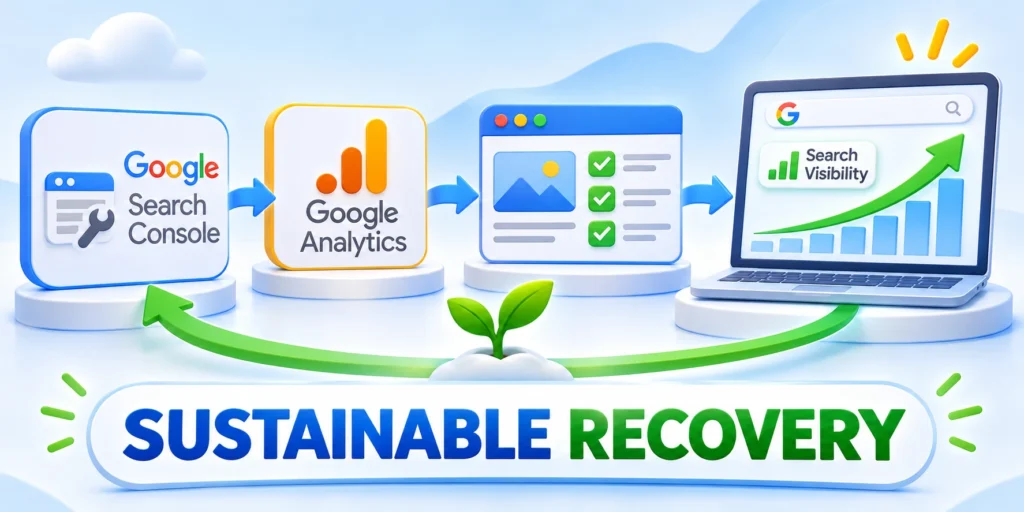
Respond to a core update by defining the affected groups, validating measurement, reviewing page quality, and changing only what the evidence supports.
A disciplined diagnosis protects useful content, prevents speculative fixes, and creates a comparable baseline for later search and business outcomes.
Start with a matched diagnosis
Confirm rollout dates and compare equivalent periods with consistent Search Console properties, filters, page groups, query groups, countries, devices, and search types.
Reconcile analytics, server, indexing, deployment, and business evidence before attributing the loss to one update, page change, competitor, or technical cause.
Use this sequence for the first recovery cycle:
- Define the affected page and query groups.
- Validate tracking and technical accessibility.
- Review intent, evidence, and experience.
- Choose one proportionate recovery action.
- Record safeguards and review timing.
- Compare outcomes against the baseline.
Keep recovery changes measurable
Release focused changes in diagnosed groups, preserve stable comparisons where practical, and document titles, structure, links, technical settings, and conversion changes.
Use checkpoints suited to crawling, demand, publishing, and conversion cycles. Daily movement alone should not trigger repeated editing or rollback.
Revisit conclusions when evidence changes
Update the diagnosis when query mix, search features, competitors, products, measurement definitions, templates, or user needs materially change.
Recovery remains an evidence-led operating process, not a guaranteed deadline. Qualified uncertainty is more useful than a confident explanation unsupported by the data.
FAQ
These answers address rewrites, timing, penalties, deletion, causation, titles, seasonality, internal links, priorities, and diagnostic review.
Should I rewrite every page after a core update?
No. Identify sustained, meaningful changes first. Review affected pages and their search tasks, then update only where evidence shows a reader or technical problem.
How long should I wait before analyzing the impact?
Wait until the rollout is complete, then allow at least one full week before comparing Search Console periods, as Google recommends.
Does a traffic drop mean Google penalized my website?
Not by itself. Core updates are broad ranking-system changes. Check Search Console and Google Search Console manual actions separately for evidence of a specific issue.
Should I delete pages that lost rankings?
Usually not. Improve useful pages where a real gap exists. Google describes deleting content as a last resort when it cannot be salvaged.
How can I know whether a change caused recovery?
Record changes and compare consistent page, query, and date groups over time. Search performance is affected by multiple factors, so correlation does not prove causation.
Should I change titles immediately after a ranking loss?
Only when evidence shows the title misrepresents the page or search intent. Record a baseline and avoid combining unrelated changes.
How should seasonality be handled?
Compare equivalent periods, markets, devices, and demand conditions. Use several signals so seasonal decline is not mistaken for a core update effect.
Can internal links help recovery?
Useful contextual links can clarify relationships and discovery. Add them for readers, not as a fixed quota or substitute for a weak page.
Should recovery work focus on high-traffic pages?
Prioritize business impact, user need, confidence, and effort. A lower-traffic page may matter more when it supports qualified demand or essential guidance.
When should the diagnosis be revisited?
Reassess when new data contradicts the hypothesis, changes produce no expected signal, or technical, market, competitor, and tracking conditions change.






Leave a Reply