


Choose Multilingual WordPress Architecture

A multilingual WordPress deployment for an enterprise is an operating model for content, technology, and accountability across languages and markets.
Choose the architecture that matches ownership, translation relationships, release control, and support capacity—not the number of languages alone.
Compare the three practical models
Most teams should compare a multilingual plugin on one WordPress site, WordPress Multisite with one site per language, and separate WordPress installations.
| Model | Best fit | Main trade-off |
|---|---|---|
| Single-site plugin | Shared content and releases | Compatibility affects all locales |
| Multisite network | Separate locale ownership | Network operations and updates |
| Separate installs | Independent regional platforms | More duplication and drift |
WordPress describes multilingual plugins and per-language sites as distinct approaches, each with different data and maintenance implications.
Use decision gates before selecting a model
Apply these criteria to decision gates before selecting a model:
- Use one site when translated posts, pages, taxonomies, and menus should remain linked language variants.
- Consider Multisite when language teams need separate site-level settings, administration, or publishing ownership.
- Choose separate installations only when infrastructure, regulatory controls, products, or release independence justify duplicated operations.
- Keep one architecture when only language differs; do not split platforms merely for translated URLs.
WordPress advises testing a multilingual plugin with the actual theme and required plugins on a test site before making a site-wide change.
Back up the database and media before testing because translation tools may store language relationships in plugin-managed data.
Model Languages, Regions, Content Relationships
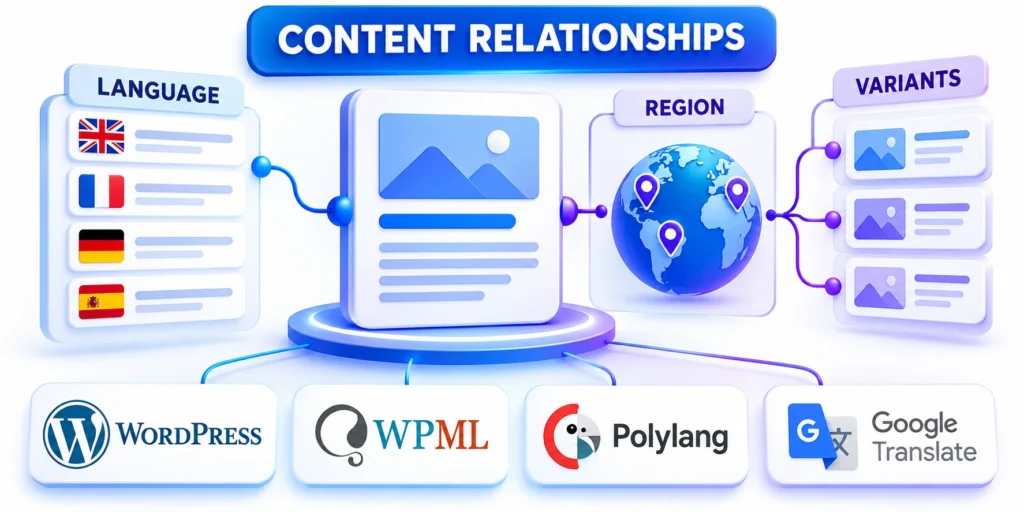
Before installing a translation plugin, define which language and regional variants the organization will publish.
English for the United States and English for the United Kingdom share a language but may need different spelling, prices, legal text, and offers.
Create a language and market matrix
Use a small matrix to name each public experience and assign owners before creating new sites or translating hundreds of posts.
| Experience | Locale | Owner decisions |
|---|---|---|
| US English | en-US | Currency, claims, support, legal |
| UK English | en-GB | Spelling, currency, availability |
| Brazilian Portuguese | pt-BR | Vocabulary, currency, reviewer |
| Canadian French | fr-CA | Variant, products, obligations |
These are examples, not a recommendation to launch four locales; activate only markets with a real audience and accountable support.
Decide what counts as a translation
Key considerations for decide what counts as a include:
- Translations preserve purpose while adapting language so readers complete the same task.
- A regional edition changes offers, terms, products, eligibility, contacts, or examples for a distinct market.
- An article with different search intent is not a translation and should not be linked.
- Leave translations unpublished when sources are stale, local facts are missing, or ownership is unclear.
- Record when localization changes the original offer, obligation, audience, or conversion path.
Record the source content ID, target language, translation status, reviewer, last-updated date, and reason for any regional change.
For a product page, record the localized product name, supported market, currency, pricing source, contact route, and terms that differ.
Design Language URLs, Search Signals
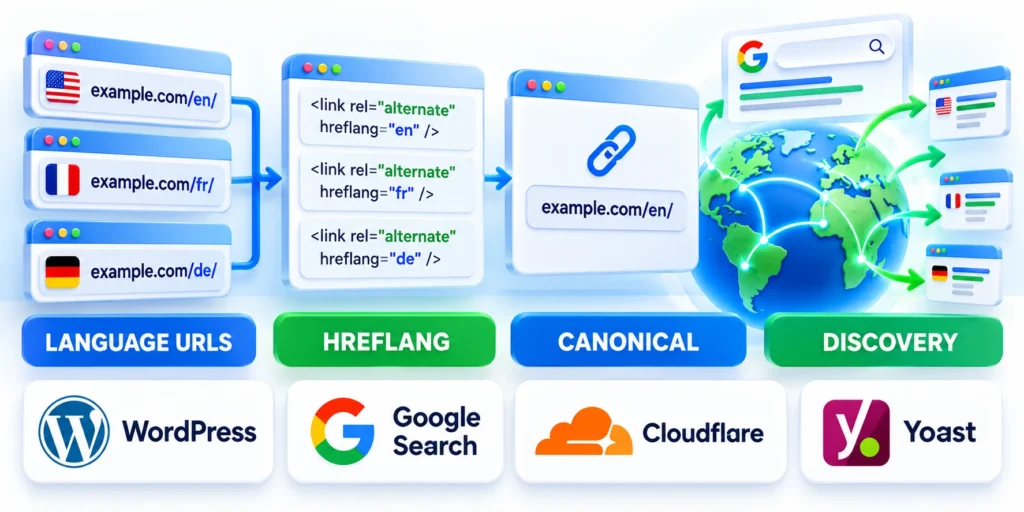
Give each language version a stable, crawlable URL so readers and search engines can reach it directly.
Google recommends separate URLs for language versions and uses visible page content to determine language.
Select one URL pattern and document it
For a single site, language subdirectories are a common low-operations starting point, such as example.com/en/ and example.com/fr/.
Subdomains or country domains may fit separate teams or markets, but DNS, certificates, analytics, and operations become more distributed.
Use these actions to select one url pattern and document:
- Decide whether default language uses a directory; apply consistently to content, categories, and sitemaps.
- Use localized slugs when they help readers, and preserve redirects when a live URL changes.
- Avoid language query parameters as the primary public URL structure.
- Keep URLs stable when editing translations; do not generate a new address on every revision.
Connect equivalent pages with hreflang
Use hreflang only for real equivalents, not for pages that merely cover a similar topic.
Each variant should identify itself and its available alternatives, with reciprocal references and valid language-region codes.
<link rel="alternate" hreflang="en-US" href="https://example.com/en-us/enterprise-crm/" />
<link rel="alternate" hreflang="fr-CA" href="https://example.com/fr-ca/crm-entreprise/" />
<link rel="alternate" hreflang="x-default" href="https://example.com/languages/" />
Validate language mapping
Follow this sequence to validate language mapping:
- Open each language URL without cookies or a logged-in session.
- Check that every listed URL returns the intended language and a successful response.
- Confirm reciprocal hreflang references and make sure they point to canonical equivalents.
- Check that the sitemap contains the intended URLs and excludes staging or preview addresses.
Do not automatically redirect all visitors by browser language or IP location; provide a visible language choice instead.
Recheck mappings after redirects, slug changes, removals, or locale launches. A technically valid tag can still connect the wrong content or market.
Build Translation Editorial Workflows

A plugin can connect translation records, but it cannot assign real business ownership or confirm that a translation is accurate.
Define roles and status transitions before translating at scale, especially when legal, product, and regional reviewers are involved.
Write a translation record standard
For each source item, record its source locale, target locale, owner, reviewer, publication status, and update date.
Track important fields beyond the body: SEO title, description, slug, image alt text, captions, buttons, navigation, and form messages.
Use these actions to write a translation record standard:
- Mark a translation as draft until a qualified reviewer accepts its meaning and local facts.
- Keep the source and translated content linked through the plugin’s supported translation relationship.
- When source content changes, route affected translations for review instead of overwriting them blindly.
- Separate auto-translated text from reviewed text in the workflow and prevent accidental publication before review.
- Define who can publish, unpublish, or approve regional changes in each locale.
Route source changes through locale review
A source revision should identify affected translations without overwriting approved localization, regional claims, legal language, or market-specific product information.
Use these states for each affected translation:
- Unchanged meaning with no locale action.
- Review required before the next release.
- Blocked pending product or legal approval.
- Retired because the regional offer ended.
Notify the accountable locale owner, preserve the prior approved version, and record which source change triggered review and when publication may resume.
Choose a Multilingual Plugin Through a Pilot
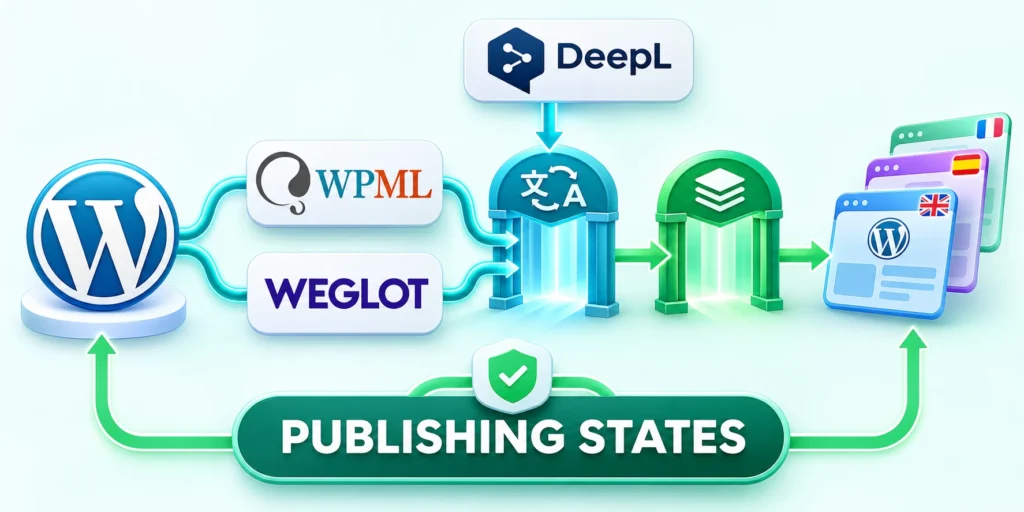
Compare tools against the active editor, theme, custom fields, forms, commerce, SEO plugin, translation team, URL structure, and recovery requirements.
A representative pilot tests the integrations and rollback path that would be hardest to replace, rather than choosing from marketing feature lists.
Compare candidates against real content
Use the same post, page, taxonomy, custom content type, form, media asset, navigation item, and SEO fields with every candidate.
Review these plugin capabilities during the pilot:
- Content and taxonomy translation relationships.
- Block editor and custom-field compatibility.
- Localized URLs, switchers, and search signals.
- Roles, review states, and publishing controls.
- Export, restore, and removal behavior.
- Forms, commerce, and dynamic string handling.
- Vendor support, licensing, and upgrade compatibility.
- Performance, caching, search, analytics, scheduled synchronization, locale traffic, editorial updates, and production readiness.
Polylang, TranslatePress, and WPML use different models and commercial terms. Confirm current documentation, licensing, integrations, and vendor support before approval.
| Area | Pilot test | Evidence |
|---|---|---|
| Relationships | Translate representative content | Correct locale links |
| Editor | Edit blocks, patterns, forms | Each locale remains editable |
| Search and URLs | Inspect test locale pages | Canonical, hreflang, sitemap |
| Recovery | Restore and export pilot | Translations remain recoverable |
Verify removal and recovery before approval
Back up the pilot, restore it separately, and confirm translated relationships, media, metadata, URLs, workflow states, and editor permissions remain understandable.
Test plugin deactivation in staging and document what remains usable, what requires migration, and how production returns safely before procurement or production approval.
Implement Single-Site Multisite Deployments

Keep the first implementation small: one source language, one target language, and representative content types.
Confirm hosting, backups, plugin licensing, language routing, and editorial access before importing production translations.
A single-site plugin rollout
When migration is part of the project, use the enterprise WordPress migration guide to align redirects, content relationships, and language URLs in one cutover plan.
Follow this sequence to a single-site plugin rollout:
- Clone production to staging; record theme, plugins, custom fields, post types, and URL rules.
- Install one candidate translation plugin on staging; do not activate multiple translation systems together.
- Configure two locales; translate sample posts, pages, menus, media, and SEO fields.
- Test language-switcher links, missing-translation behavior, search results, forms, and editor permissions.
- Check generated canonical and hreflang tags before exporting or moving translations to production.
- Document backup and rollback steps, then schedule a controlled production rollout.
For example, an English product guide and its French translation should link as a pair, while an English troubleshooting article is not its translation.
If the pilot fails, disable the plugin on staging and restore the database snapshot before changing production URL rules.
Verify the production handoff
Record configuration ownership, deployment steps, reviewer access, translation imports, URL checks, monitoring, and the person authorized to stop the rollout.
After release, verify representative pages, forms, navigation, search signals, and source-change routing before allowing the team to translate a broader inventory.
Plan a WordPress Multisite Locale Rollout

Multisite creates several WordPress sites within one installation, allowing each locale to maintain its own site language, content, users, and configuration.
Use it when site-level separation justifies Network Admin operations, shared infrastructure risk, coordinated updates, and explicit cross-site translation relationships.
Confirm network prerequisites first
Verify hosting support, rewrite rules, domain or subdirectory plans, DNS, TLS, storage, backups, mail, caching, analytics, and network administration.
Follow this sequence for the pilot network:
- Create a recoverable staging network.
- Test the intended domain structure.
- Configure one representative locale site.
- Install only supported network components.
- Verify users, updates, backups, and recovery.
- Document network and regional ownership.
- Confirm shared services recover without cross-locale data loss.
Do not assume every plugin supports network activation or that a change in one subsite is isolated from shared code, hosting, database, or update behavior.
Separate network and locale responsibilities
Network operators own shared code, infrastructure, backups, updates, security, and recovery. Locale teams own content accuracy, review, links, forms, and market decisions.
Record which plugins are network-enabled, site-enabled, or unavailable to regional editors, along with escalation and rollback contacts.
Test cross-site operations before expansion
Exercise user provisioning, content relationships, media, search, analytics, scheduled jobs, updates, backup restoration, and one controlled component failure.
Expand only when each locale has ownership and the team can restore a subsite or network without losing translation relationships.
Test Launch Maintain Every Locale
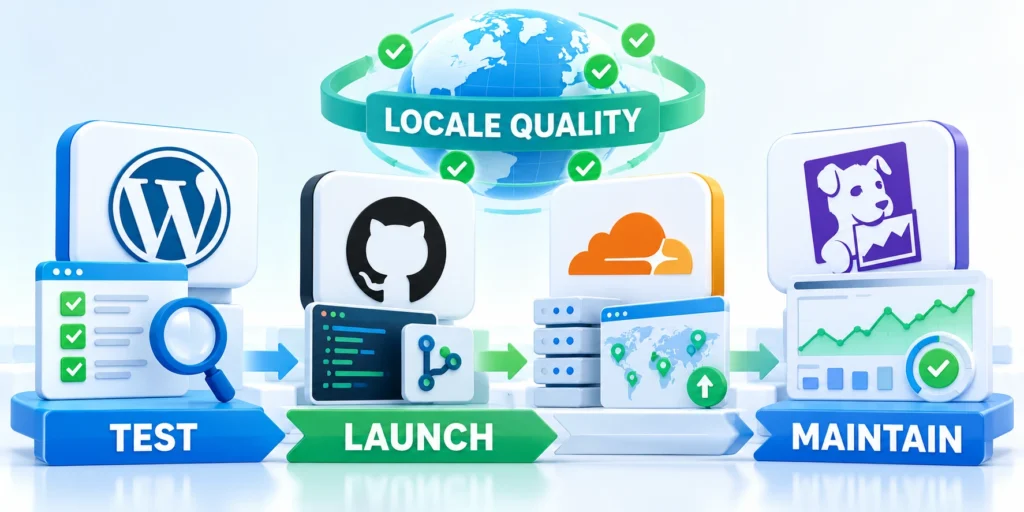
Translation is not complete when a page reads well; its links, forms, metadata, and publishing controls must work too.
Test each locale as a reader would, using direct URLs and a clean browser session without relying on editor previews.
Use a launch checklist
Apply these criteria to a launch checklist:
- Open representative pages from navigation, search, campaigns, and external links in every locale.
- Confirm page title, visible language, locale-specific links, canonical, hreflang, and sitemap entry.
- Submit forms and verify localized confirmation, notification routing, CRM fields, and consent text.
- Check translated image alternatives, captions, buttons, menus, breadcrumbs, and error messages.
- Test desktop and mobile navigation, the language switcher, caching, and logged-out behavior.
- Verify that users without translation approval cannot publish incomplete locale pages.
- Record unresolved content and broken URLs with owners and due dates.
- Record locale-specific redirects before moving existing URLs.
Use a small URL inventory rather than relying on visual spot checks alone; include each locale’s homepage, top pages, forms, and key conversions.
Where a translation is intentionally unavailable, use a clear fallback or hide the switcher option for that page.
Protect cutover and ongoing maintenance
Freeze translation edits during cutover, take a fresh backup, and retain a URL mapping for any changed address.
Define a rollback trigger, such as failed forms, widespread 404 responses, incorrect language routing, or corrupted translated content.
Use these actions to protect cutover and ongoing maintenance:
- Assign a technical owner for plugin updates and a content owner for every target locale.
- Review source changes that affect product, pricing, legal, security, or support information promptly.
- Schedule periodic checks for unlinked translations, stale pages, broken language links, and missing reviewers.
- Track errors by locale so one market’s issue does not disappear inside aggregate analytics.
- Retest translation compatibility after major WordPress, theme, builder, SEO, or multilingual-plugin updates.
Keep a recovery note with the backup timestamp, deployment version, URL map, plugin settings, and the person authorized to roll back.
After launch, improve the workflow from real reader feedback and support cases rather than translating every page by default.
Define Multilingual Operating Criteria
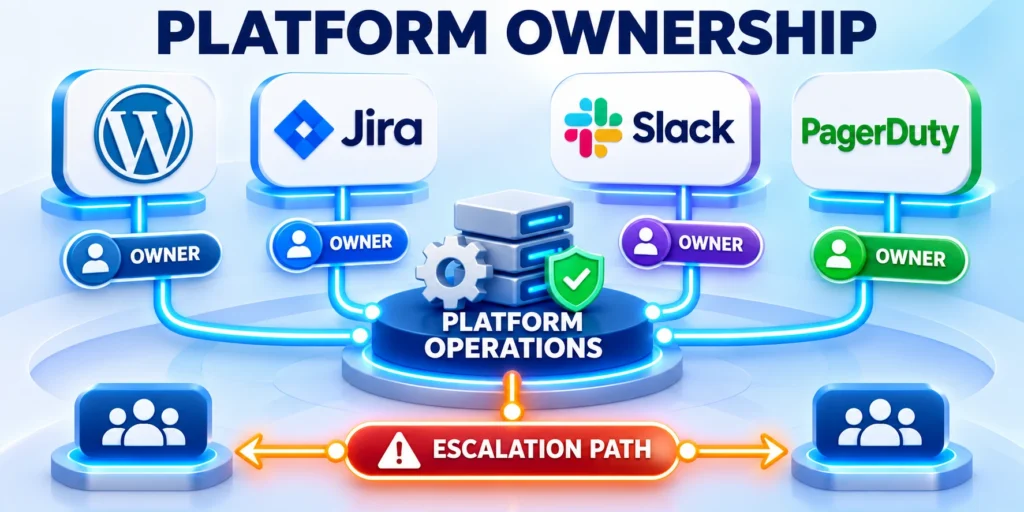
Define language structure, locale ownership, release controls, technical routing, support, and recovery before changing production campaigns, code, content, or workflows.
Shared criteria give regional editors and platform operators clear authority while keeping cross-site dependencies visible.
Assign decisions to accountable owners
Separate decisions about translation meaning, product availability, legal claims, URLs, plugins, infrastructure, publishing, and incident response.
Record these responsibilities for every locale:
- Content, product, and legal approval.
- URL, search, and redirect governance.
- Plugin, theme, and integration ownership.
- Release, monitoring, and support escalation.
- Backup, rollback, and recovery authority.
- Translation memory and terminology stewardship.
- Source-change review and publication timing.
- Locale retirement and redirect ownership.
- Regional support contacts and incident communication responsibilities for each active market.
Each decision needs a named owner, evidence, review date, and escalation path. Avoid assigning accountability to a department without an available decision maker.
Test the complete localized workflow
Run representative content from preparation through translation, review, publication, search discovery, conversion, support, source revision, and retirement.
Capture delays, manual work, broken handoffs, missing permissions, inconsistent terminology, routing errors, and recovery gaps before approving expansion.
Measure quality and operations together
Track translation quality, publishing accuracy, indexation, conversion paths, support cases, release failures, operating effort, and unresolved locale risks.
Review the model when languages, markets, templates, integrations, regulations, or ownership change. Retire outdated instructions instead of preserving them for procedural consistency.
FAQ
These answers address common architecture, URL, workflow, plugin, and governance decisions for multilingual WordPress deployments.
Should every enterprise WordPress site use Multisite for multiple languages?
No. Use Multisite when separate site-level ownership or configuration matters enough to justify network operations; otherwise pilot a multilingual plugin on one site.
Should language versions use subdirectories, subdomains, or separate domains?
Choose one structure based on market ownership, DNS, infrastructure, and maintenance capacity. Subdirectories are often simpler to operate on one host.
Does hreflang replace localized content or canonical tags?
No. Hreflang connects equivalent locale URLs; each page still needs accurate visible content and a canonical strategy consistent with its own URL.
Can machine translation publish enterprise content automatically?
Only if the organization explicitly accepts that risk. Keep legal, product, and high-impact content behind qualified review and track machine-produced text separately.
What should a multilingual pilot include?
Include one post, page, form, menu, image, category, SEO record, and language switcher, then verify editor behavior, public URLs, forms, and recovery.
How should untranslated content be handled?
Choose an explicit fallback, exclusion, or publishing rule for each content type. Do not present a fallback page as a completed translation or create empty locale URLs.
Who should approve localized product and legal claims?
Assign qualified market, product, and legal owners according to the claim’s risk. Record approval and source evidence before the localized version becomes publicly available.
How can teams prevent translation drift?
Track source changes, translation status, locale ownership, and review dates. Reopen affected translations when the source meaning changes instead of relying on publication dates alone.
Should translated pages share the same slug?
Use readable, stable slugs appropriate to each language and preserve the URL mapping. Coordinate redirects when a localized slug must change for a justified reason.
What should be monitored after a locale launch?
Monitor indexing, hreflang relationships, forms, navigation, conversion paths, translation errors, and release failures. Route each alert to an owner who can correct the affected locale.
Conclusion

Reliable multilingual publishing starts with explicit language ownership, a sustainable WordPress model, and stable URLs that readers can navigate directly.
Pilot a representative workflow, verify search signals and integrations, then expand only when every locale has accountable editorial and technical owners.
Operate every locale as a maintained product
Localized sites require continuing review after launch. Source changes, plugin releases, regional claims, forms, links, and search signals can drift independently.
Maintain these controls for every active locale:
- Named editorial and technical ownership.
- Source-change and translation review workflow.
- Stable URLs and verified language relationships.
- Localized forms, navigation, and conversion paths.
- Monitoring, support, and escalation routing.
- Tested backup, rollback, and recovery.
- Documented locale retirement and redirect decisions.
Retire or redirect obsolete localized content deliberately. Do not leave stale pages, broken language-switcher options, or unsupported market promises publicly available.
Expand from evidence, not translation volume
Prioritize content that supports a defined audience, product, service, or customer journey. More translated URLs do not automatically create a better regional experience.
Compare quality, discovery, conversions, support effort, release reliability, and operating cost before adding another locale or translating a broader inventory.
Connect localization to platform governance
Multilingual decisions must align with content models, access, deployment, caching, integrations, security, monitoring, and recovery across the WordPress platform.
For the broader framework, read Enterprise WordPress Development: Architecture, Security, and Scalability.




Leave a Reply