

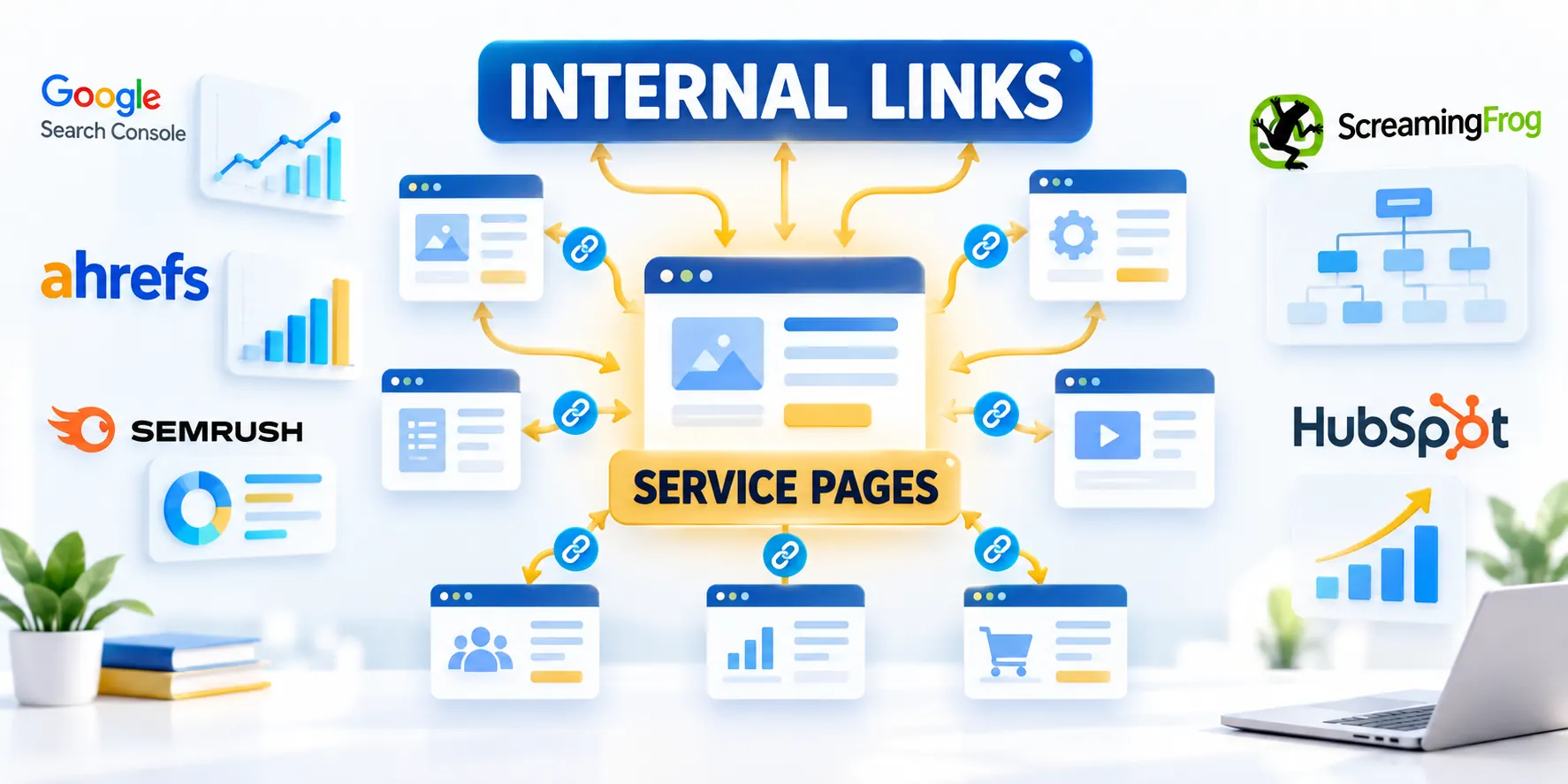
Select the Service Page and Define Its Job

Internal links help people move from a useful explanation to a relevant service offer. They also give crawlers clear paths to discover and understand related pages.
Start by choosing one service page and defining its audience, offer, and next action. The structure should support that decision, not maximize links.
Choose the actual commercial destination
Pick a page that accurately describes a service the company delivers today. Confirm its audience, geographic scope, pricing model, and conversion path.
If several pages describe similar offerings, distinguish their markets or jobs before linking. A page with unclear scope should be improved first.
Define the commercial destination through these fields:
- Audience: which buyer role and organization type is the offer designed for?
- Problem: what business situation makes this service relevant?
- Evidence: what process, expertise, or proof helps a buyer evaluate it?
- Action: what should a qualified reader do next?
Write these answers in a short page brief. It becomes the test for deciding whether another page should link to the service.
Separate page priority from ranking promises
In this guide, a high-priority service page means commercially important to the business. It does not mean Google has assigned it a public authority score.
Google documents links as useful for discovery and relevance but guarantees no rankings. Focus on useful navigation, then observe search and business outcomes.
Audit Relevant Pages That Can Link to It

Find existing pages that explain the same buyer problem, implementation, comparison, or proof point. Each source should offer a natural reason to continue.
Do not begin with a sitewide export and add links everywhere. First identify a small set of useful sources tied to the service page brief.
Create a focused source inventory
Search published guides, case studies, product comparisons, implementation documentation, and relevant service pages. Include drafts only if they are scheduled to publish.
Record each candidate’s URL, page type, audience, primary task, owner, last update, and whether it already links to the destination.
Build the focused inventory through this sequence:
- Group pages by the question they answer, such as selection, implementation, measurement, or risk.
- Open the destination page and confirm it covers the question raised by each candidate.
- Keep a candidate only when the next step helps the reader make progress.
- Mark duplicate, obsolete, redirected, or thin pages for review instead of adding a link automatically.
A simple worksheet is enough: source page, proposed sentence, destination, reader benefit, status, and reviewer. Avoid inventing a complex scoring system.
Prioritize by relevance and readiness
Review the source’s topic, audience, and evidence. A page about the same buyer problem is usually more useful than a page with high traffic but no connection.
Check whether the destination answers the next likely question and remains available to that audience. Reject relationships that depend only on shared terminology.
Evaluate candidate relevance through these checks:
- Confirm both pages are current, accessible, and independently useful; refresh outdated sources before recommending them.
- If a source offers no natural context, improve its explanation or leave the pages unconnected.
- Document why each selected source strengthens the destination page.
Classify each candidate with these readiness labels:
- Strong candidate: the source explains a need the service directly addresses.
- Possible candidate: the relationship is real but needs a clearer sentence or updated context.
- Reject: only a keyword, broad category, or desired link count connects the pages.
Record readiness before adding links
A candidate list becomes useful when it shows what is ready and what still needs work. Assign a status instead of treating every page as approved.
Use a short review vocabulary that editors and service owners understand. Keep unresolved choices visible rather than silently adding a weak link.
Use these actions to record readiness before adding links:
- Ready: both pages are current and the link fits an existing explanation.
- Revise source: the relationship is useful, but the sentence needs an accurate bridge.
- Fix destination: the offer or next action is unclear, outdated, or unavailable.
- Defer: the relationship depends on a future page or unconfirmed service capability.
Before implementation, have the source owner confirm meaning and the service owner confirm the destination’s offer. That check prevents promising work the team does not provide.
Design a Clear Internal Linking Structure
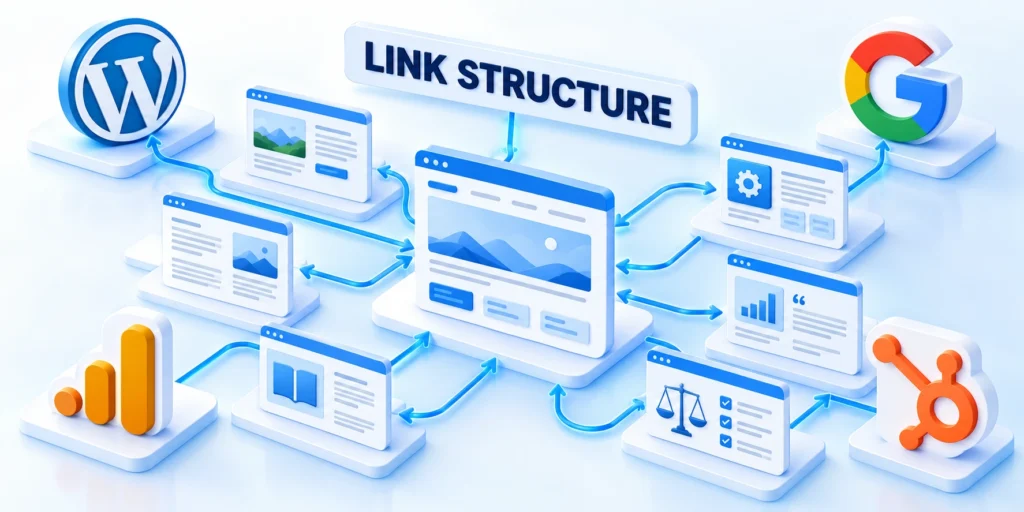
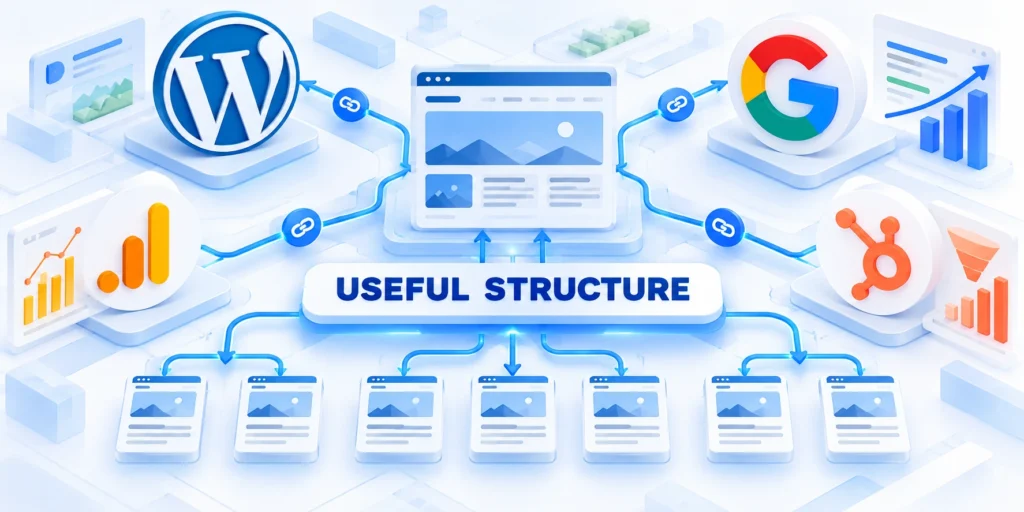
A useful structure makes important destinations reachable from related content without making every page point to every service.
A guide can explain a problem, a comparison can clarify options, and a service page can show the implementation scope. See SEO and WordPress services for an example.
Use a hub with relevant supporting pages
The service page can act as the central destination for a defined offering. Relevant supporting pages link to it where the service solves the next question.
The service page should also link back to useful proof, methods, or related services. This gives prospective buyers ways to evaluate claims and compare fit.
Connect the hub through these relevant relationships:
- A case study can link when its problem and outcome match the service audience.
- An implementation guide can link when a reader needs expert help beyond the self-service steps.
- A comparison article can link when the service credibly fits a defined situation.
- A glossary or awareness page should link only when the service advances its explanation.
This approach is narrower than a full content cluster plan. For broader page roles and topic coverage, see our B2B content strategy and information architecture guide.
Keep supporting pages useful when a reader does not need the service. A link should not turn an educational article into a sales pitch.
Avoid both orphaning and link saturation
A service page with no relevant incoming links may be difficult for readers to discover through the site. Identify one or more natural paths from related pages.
There is no universal link count. Menus provide sitewide navigation; contextual links explain a next step. Add useful links and stop before recommendations become repetitive.
Example: connect a service page to buyer evidence
Consider a cybersecurity consultancy with a managed detection service. A relevant incident-response guide can point to it after explaining when continuous monitoring is needed.
A case study can link when it describes a comparable environment. When it clarifies what affects scope, a pricing explainer can also link.
Route readers through these evidence-based examples:
- Incident response guide → managed detection, when the reader needs ongoing monitoring.
- Comparable case study → the service page, when the delivery and audience match.
- Pricing explainer → the service page, when the offer describes scoped assessment.
- Unrelated employee-security article → no link, unless it explains a real service connection.
This example is a routing model, not a claim about any particular company’s services. Confirm the actual offer before using similar links.
Write Natural Anchors That Set Expectations

Link text should tell readers what they will find after clicking. It should fit the surrounding sentence and accurately describe the destination.
Use a concise phrase that identifies the service or next step. Exact-match keywords are not a substitute for clear, natural wording.
Choose anchors from the reader’s question
Read the source paragraph without its link. Add an anchor only if the reader would reasonably want that destination at that point.
Google recommends concise anchors relevant to both pages. For example, a migration guide can link complex data mapping to a CRM service that actually covers it.
Choose contextual anchors through these writing checks:
- Describe the destination’s actual offer, not a broader claim the page cannot support.
- Keep enough surrounding context so the link makes sense when read within the sentence.
- Vary wording only when the sentence meaning changes; do not rotate synonyms to manipulate signals.
- Use a complete, readable phrase rather than linking punctuation or a single vague word.
The Google Search link guidance explains crawlable anchors and why descriptive link text helps readers understand the destination.
Do not force every page to use one phrase
Repeatedly inserting the same exact phrase can make prose awkward and misleading. Link the words that naturally explain the next resource.
Link a service name only when useful. If destinations serve different buyers, distinguish their offers in the anchor; clarify page copy when needed.
Implement and Test Links in WordPress
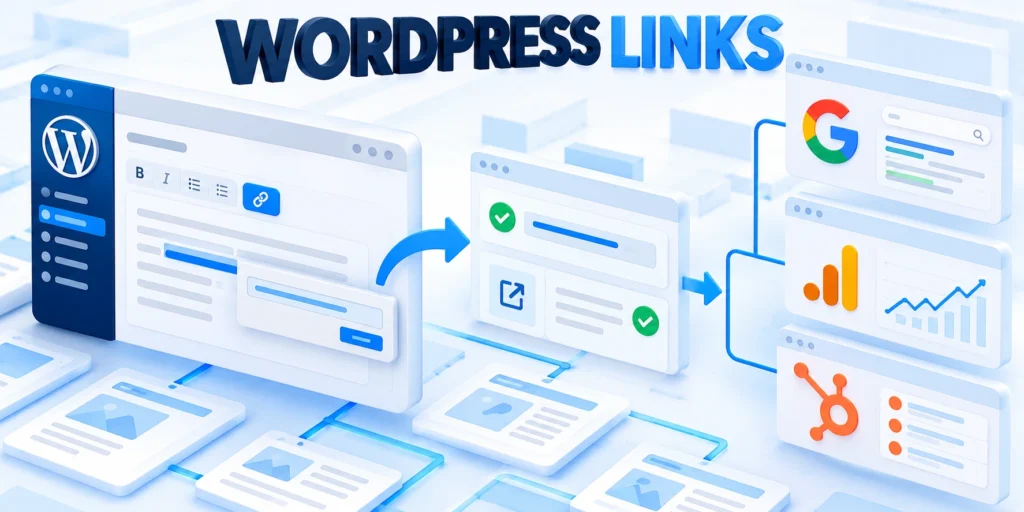
Use the editor to add a standard link to the page that matches your approved source-to-destination map.
Before editing, confirm the destination URL, page status, canonical page, and whether the existing URL redirects to another location.
Add a contextual link in the block editor
In Gutenberg, select the descriptive words in a paragraph, use the link control, then search for the destination title or paste its canonical URL.
For supported blocks, WordPress can search existing posts and pages while adding a link. The control may look different across block types.
Add the contextual link through this sequence:
- Open the source post and locate the sentence approved in your link map.
- Select words explaining the destination, then choose the link control or press Ctrl+K.
- Search the exact page title or paste its HTTPS URL; choose the canonical destination.
- Keep internal links in the same tab unless a specific usability need justifies otherwise.
- Save the source page and confirm the link remains attached to the intended words.
See the official WordPress link control documentation for the current editor steps and supported blocks.
Verify the destination and the reader experience
Open the saved source and activate the link. Confirm it reaches the intended canonical page, not a draft, login screen, redirect chain, or obsolete URL.
Check the link in context. Fix broken or redirected destinations before publishing, or remove links to pages that are not ready.
Run a short prepublication check
Use this check whenever an editor adds or changes a contextual service link. It catches common destination and context mistakes before the source update goes live.
Run this verification sequence before publication:
- Confirm the destination is published, canonical, and relevant to the sentence.
- Read the sentence aloud and check that the anchor sets an accurate expectation.
- Activate the saved link and verify it opens the intended service page successfully.
- Check that internal navigation stays in the same tab and no unwanted attributes were added.
Record the source URL, destination URL, date, and editor in the link map. Future reviewers can verify changes without repeating the original research.
Measure Coverage and Maintain the Structure

Measure whether the planned paths exist and whether readers use them. Do not judge the structure by link volume alone.
Track the target service page, the sources that should link to it, the last verification date, and any unresolved ownership or destination issue.
Use a small operational dashboard
Start with a spreadsheet or existing site audit report. Keep the measurements connected to decisions that the content team can act on.
Track these signals in the operational dashboard:
- Coverage: which approved source pages link to the service page?
- Validity: do those links reach the intended canonical URL without errors?
- Context: does the anchor still describe the destination after either page changes?
- Engagement: do analytics show relevant readers following the path?
- Outcome: do assisted visits or qualified inquiries appear in the business reporting?
Search Console’s Links report is a sample, not a complete inventory. Analytics can show paths, but clicks do not prove a link caused a sale.
For wider enterprise governance and SEO operations, see our enterprise B2B SEO strategy guide.
Review changes on a regular cadence
Review critical paths after service changes, URL migrations, content consolidation, or navigation redesigns. A quarterly check may suit a stable site.
Assign an owner to check accuracy, links, and service availability; retire obsolete paths and record changes so later reviews can account for seasonality.
Govern Internal Links Through Content Changes

Internal links require coordinated review when offers, names, URLs, audiences, evidence, or canonical pages change. Governance keeps source context aligned with the destination.
Attach link impact to the same workflow that approves content changes. This prevents valid URLs from surviving with misleading anchors or obsolete promises.
Review these dependencies during every material change:
- Canonical destination and redirect decision.
- Source pages and surrounding explanations.
- Audience, geography, and service eligibility.
- Anchor accuracy and offer terminology.
- Owner, verification date, and exceptions.
Govern Links Through Content Changes
Internal links become unreliable when service names, offers, URLs, or audience definitions change without a coordinated review of referring pages.
Include link impact in every content change request. Record the affected destination, likely sources, redirect decision, owner, and verification date.
Preserve Intent During Consolidation
Before merging pages, compare their audiences, questions, evidence, and conversion paths. Similar keywords do not prove that two destinations serve the same decision.
Update contextual links to the most relevant surviving section. A redirect preserves access, but an inaccurate anchor can still mislead readers.
Use Link Inventory as a Review Queue
Prioritize broken destinations, redirected links, obsolete offers, and sources whose surrounding explanation no longer matches the service page.
Review high-traffic and commercially important paths first. Lower-priority links can remain queued when they are valid, accurate, and not blocking a reader.
Test Changes Without Chasing Counts
Compare navigation paths, qualified visits, assisted inquiries, and user feedback before and after a meaningful structural change.
Keep other major changes stable where practical. If navigation, copy, offers, and tracking change together, attribution becomes less reliable.
Document Exceptions and Ownership
Some pages should not link to a service because the audience, geography, lifecycle stage, or promise differs. Record that decision instead of forcing coverage.
Give each destination an accountable content owner. The owner reviews relevance after material changes and coordinates corrections with source-page owners.
Map Links to Reader Decisions and Variants

Internal links should reflect the reader’s current question and eligible next step. The same topic can require different destinations across segments, languages, or regions.
Map decisions before anchors so editors can explain why each connection exists. This protects relevance when services or content variants multiply.
Model each decision path with these attributes:
- Reader role and current question.
- Decision, evidence, and next uncertainty.
- Eligible service and geographic scope.
- Preferred language and content variant.
- Accurate anchor and surrounding context.
Map the Reader’s Decision Sequence
List the questions a buyer must answer before considering the service. Connect explanatory pages in the order those decisions usually occur.
A useful path may move from problem recognition to approach, risk, implementation, evidence, and provider evaluation without forcing every reader through identical pages.
Balance Discovery and Conversion
Informational pages can introduce a service when it resolves the next question. Service pages can return readers to deeper evidence when they need validation.
Keep the direction useful in both cases. A link should help the current task, not interrupt it merely to increase visits to a commercial destination.
Handle International and Segment Variants
Link to the destination that matches language, geography, industry, company size, and service availability. Avoid sending readers to an ineligible offer.
When no exact variant exists, use a broader relevant page and explain the scope honestly instead of implying unsupported regional or segment coverage.
Review Anchors With Surrounding Context
Read the complete paragraph before approving an anchor. The sentence should describe the destination accurately even when the linked words are concise.
Avoid vague repeated anchors when a specific phrase would clarify the next step. Also avoid unnatural exact-match wording that disrupts the explanation.
Recover Internal Links After URL Changes
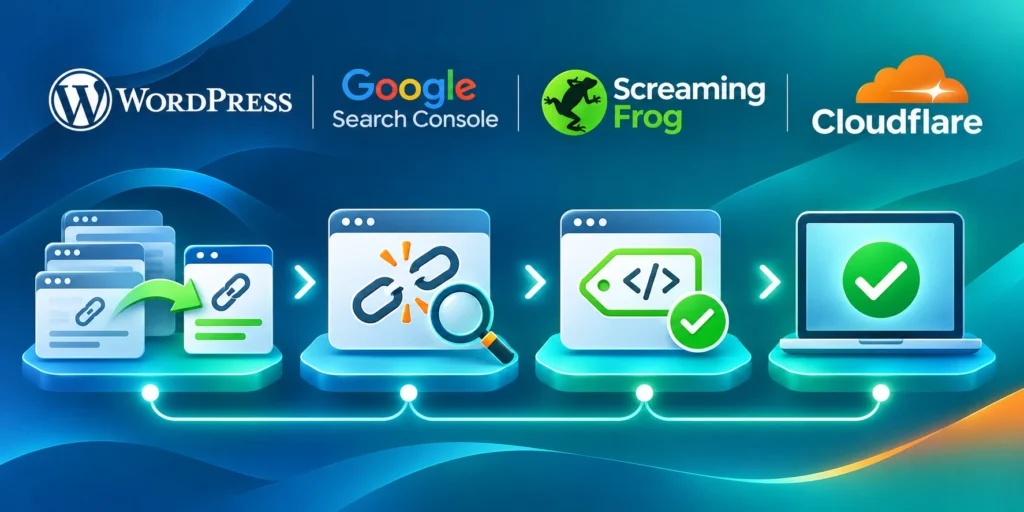
URL migrations, service renames, and content consolidation can break paths or preserve links whose meaning no longer matches the surviving destination.
Recover critical journeys in a controlled order, then verify status, canonical destination, anchor context, and eligibility instead of relying on redirects alone.
Prioritize Recovery After URL Changes
After a migration, verify critical service paths first, then high-traffic supporting content, campaign destinations, and lower-volume references.
Monitor error reports and redirected paths, but inspect context manually before bulk replacement. Similar URLs may represent different services or audiences.
Recover affected paths through this sequence:
- Inventory broken and redirected internal links.
- Confirm the intended surviving destination.
- Review anchor and surrounding context.
- Update sources to the canonical URL.
- Retest status, content, and eligibility.
- Record unresolved mappings and ownership.
Choose the recovery action from evidence
Update a link directly when the replacement preserves intent. Rewrite its context when the surviving page answers a narrower or different question.
Remove the link when no destination advances the reader’s task. Do not redirect unrelated URLs merely to avoid a missing-page response.
| Observed state | Meaning | Recovery action |
|---|---|---|
| Valid direct link | Intent remains aligned | Keep and verify |
| Relevant redirect | Destination survives | Update source URL |
| Changed service | Context is outdated | Rewrite or remove |
| No valid match | Intent cannot transfer | Remove the link |
Verify recovery beyond HTTP status
Confirm the destination title, canonical, language, audience, offer, and next action. A successful status can still deliver an irrelevant or inaccessible page.
Repeat the crawl and review a sample of high-priority paths manually. Preserve unresolved cases in the operational queue with an accountable owner.
Conclusion
A dependable service-page structure begins with a real buyer decision, accurate destination, and contextual reason to continue—not a target count or ranking formula.
Choose relevant sources, write clear anchors, verify destinations, and maintain each relationship when offers, audiences, evidence, URLs, or supporting content change.
Start with one commercial destination
Define the service page’s audience, problem, evidence, scope, and next action. Use that brief to evaluate every proposed source and anchor.
Choose a small group of pages whose readers genuinely benefit from the destination. Improve unclear source context before introducing a promotional link.
The first dependable path follows these steps:
- Confirm the service page and its eligibility.
- Inventory sources tied to buyer questions.
- Write anchors that set accurate expectations.
- Test the canonical destination and context.
- Record ownership and review conditions.
Maintain meaning as the site changes
Review critical paths after service updates, migrations, consolidation, navigation redesigns, or audience changes. Redirects preserve access but do not guarantee relevance.
Track validity, context, qualified engagement, and unresolved exceptions consistently. Avoid interpreting link counts or correlated visits as proof of rankings or revenue.
Connect linking to broader architecture
Internal links work best when page roles and decisions are already clear. They connect evidence, explanations, services, and variants without replacing information architecture.
For the broader technical framework, read Technical SEO Architecture for Large Web Applications.
FAQ
These answers address link quantity, relevance, authority, tabs, discovery, redirects, navigation, rebranding, ownership, and removal decisions.
How many internal links should point to a service page?
There is no universal target. Add links from pages where the service is a useful next step, then stop when additional links repeat the same recommendation.
Should every supporting article link to the service page?
No. Link only when the service genuinely addresses the reader’s question. An unrelated link can weaken the explanation and make the page feel overly promotional.
Does internal linking transfer authority to a page?
Links help people and search engines discover and interpret pages, but no fixed amount of ranking value is guaranteed. Treat “authority transfer” as an oversimplification.
Should internal links open in a new tab?
Usually, keep internal links in the same tab so readers can use normal browser navigation. A new tab should solve a specific user need, not serve as a default.
How can I find service pages with few internal links?
Start with a crawl or link inventory, then verify candidates manually against page intent. Search Console’s Links report can provide a sample, not a complete list.
Should redirected internal links be updated?
Point links directly to canonical destinations. For pages generated through programmatic SEO, sample multiple templates to catch inconsistent targets and misleading anchors.
Can navigation replace contextual internal links?
Navigation supports broad discovery. The Fase Network homepage illustrates an overview of capabilities, while contextual article links can lead readers to a specific service.
How should anchor text change after a rebrand?
Use the current service language naturally, while preserving context readers recognize. Avoid replacing every anchor with an identical commercial phrase.
Who should own internal link maintenance?
Assign destination owners and source-page contributors, with one operational owner responsible for audits, priorities, and unresolved exceptions.
When should an internal link be removed?
Remove it when the destination is unavailable, irrelevant, misleading, superseded, or no longer appropriate for that audience and decision.






Leave a Reply