

What Predictive Lead Scoring Is Designed to Predict

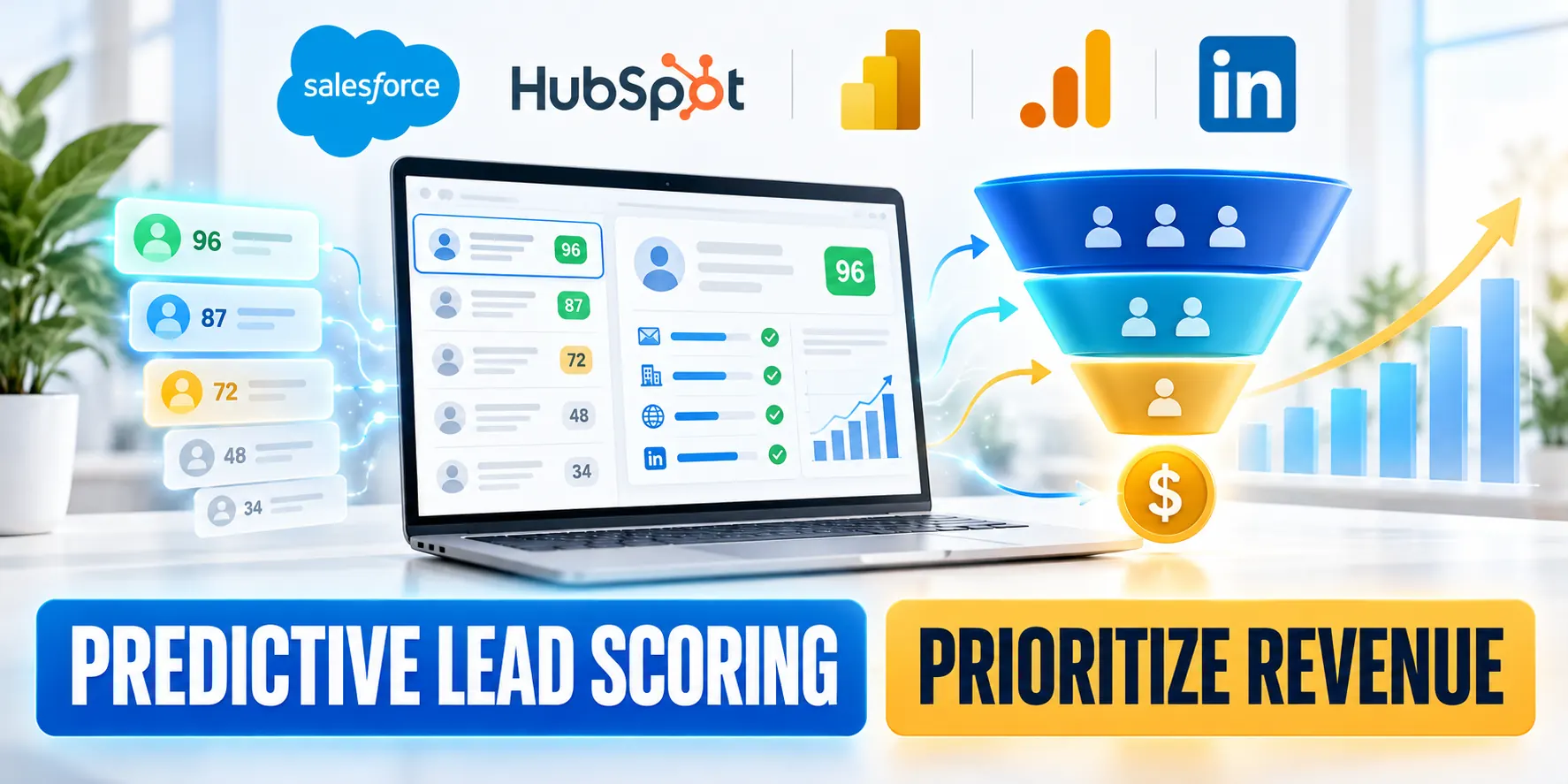
Predictive lead scoring models estimate which leads resemble people who reached a defined business outcome in historical data.
It ranks likelihood, not certainty or purchase intent itself; teams must decide which outcome makes a score useful.
Define the outcome before choosing a score
A model can predict lead conversion, opportunity creation, qualification, or another event. These outcomes are related but not interchangeable.
For example, a team with a long sales cycle may initially predict accepted sales opportunities rather than closed revenue.
Make the outcome measurable
Test make the outcome measurable with representative customers, workflows, exceptions, and operating conditions before expanding the decision.
Define the prediction through these fields:
- Outcome: sales accepts a lead and creates an opportunity.
- Observation window: the first 90 days after lead creation.
- Owner: Revenue Operations verifies stage definitions and field history.
Write the outcome as an observable event, identify its CRM fields, and agree on a measurement window before model setup.
Separate fit, engagement, and readiness
Fit describes alignment with the target market, such as company size or use case. By contrast, engagement describes observed interactions.
Readiness is a sales decision that may combine fit, engagement, timing, consent, and human qualification.
Treat a score as decision support
A predictive score can inform readiness, but it should not silently replace a team’s documented qualification rules.
Keep these concepts visible in reports and routing logic. For example, high engagement from an out-of-market account may not deserve priority.
Connect prediction to the broader marketing plan
Test connect prediction to the broader marketing plan with representative customers, workflows, exceptions, and operating conditions before expanding the decision.
For a related overview of forecasts and data-driven marketing decisions, see the B2B predictive analytics strategy guide.
Compare Rule-Based Scoring With Predictive Models
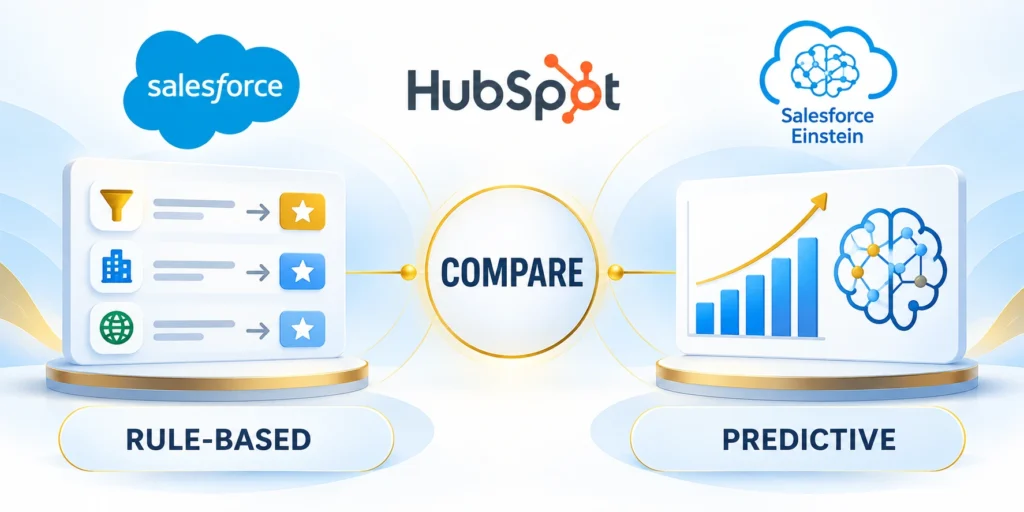
Rule-based scoring adds points for conditions chosen by people; predictive scoring learns patterns from labeled historical records.
Neither approach is automatically better: the best starting point depends on data volume, explainability needs, and operating capacity.
Use transparent rules when the process is still being defined
A rule-based score is useful when teams need visible criteria, have limited outcome data, or are still aligning definitions.
Compare rule-based scoring through these tradeoffs:
- Advantages: criteria are explicit, testable, and easy to change.
- Tradeoffs: weights reflect human assumptions and may miss interactions among signals.
- Use it to establish a baseline before adopting a more complex model.
For example, a team might award points for a target industry and a verified demo request, then subtract points for an invalid region.
Use prediction when historical outcomes can teach the model
With sufficient historical data, a predictive model can find combinations of fields associated with conversion that are difficult to hand-code.
However, it needs enough relevant, consistent examples and a stable outcome definition; otherwise, patterns may be noisy or misleading.
Compare performance against a fair baseline
Its output can be harder to explain than a short rule list. Therefore, use available factor explanations, documentation, and appropriate human review.
Compare both approaches on the same time-based sample. Track qualified conversion, sales acceptance, coverage, and review effort.
Avoid an easy-to-beat comparison
Test avoid an easy-to-beat comparison with representative customers, workflows, exceptions, and operating conditions before expanding the decision.
Do not compare a predictive score against an intentionally weak rule. Instead, include the current process and a simple, documented baseline.
Salesforce Einstein Lead Scoring
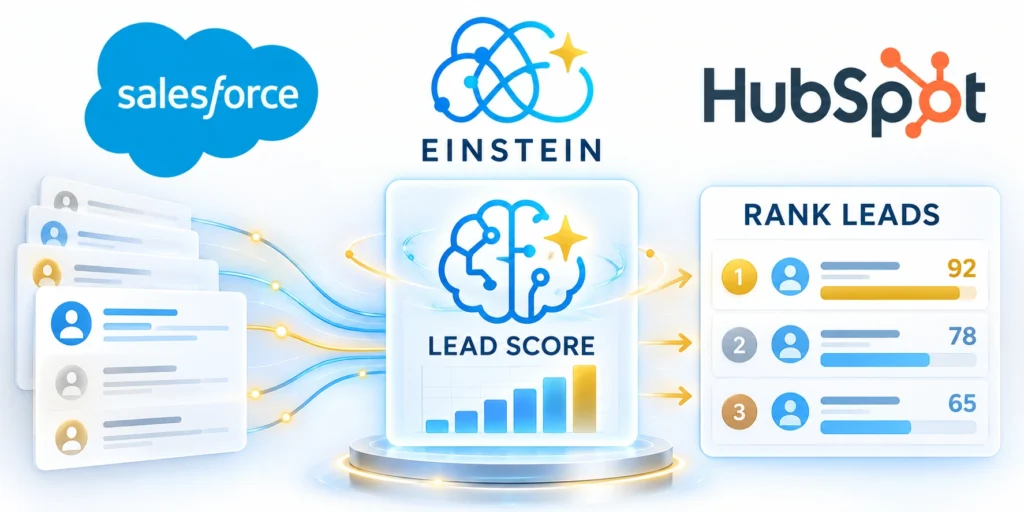
Einstein Lead Scoring analyzes Salesforce lead conversion history and assigns scores that help users prioritize leads.
Salesforce documents model segments, included fields, score visibility, and licensing requirements; check the current edition before planning adoption.
What admins configure and what users see
Open Setup, use Quick Find for Einstein Lead Scoring, select it under Einstein Sales, and enable the feature before choosing default or custom settings.
For teams with distinct lead populations, custom setup can define segments and fields for analysis. Salesforce currently documents up to 35 segments and 100 field filters per segment.
Use segments to reflect real sales motions
Test use segments to reflect real sales motions with representative customers, workflows, exceptions, and operating conditions before expanding the decision.
Configure Salesforce scoring through these checks:
- Confirm the conversion milestone and fields that represent it.
- Exclude fields that are irrelevant, unstable, or unsuitable for analysis.
- Give users access to required lead fields and expose the score in useful views.
- Allow time for model processing; Salesforce says initial scoring can take up to 48 hours.
Segments should represent meaningful populations with distinct conversion patterns, not arbitrary divisions created to improve a dashboard.
Pilot configuration without automating decisions
Keep the first configuration narrow enough for an admin and sales owner to explain. For example, use a test segment when available.
Pilot Salesforce scoring through these steps:
- Record a baseline from the current lead queue.
- Enable scoring and wait for the model to finish.
- Review score coverage and factor explanations with sales users.
- Compare results before using the score in assignment or outreach rules.
Document the milestone, segment filters, included fields, score visibility, and person responsible for checking coverage.
Check data sufficiency and segment behavior
The Salesforce Einstein Lead Scoring FAQ describes 1,000 leads created in 200 days and 120 conversions for a local model.
Eligibility and model behavior can depend on configuration and product changes, so confirm the current requirements in Salesforce Help.
Interpret model coverage before routing
When data is insufficient, Salesforce describes a global model for unsegmented scoring; segmented leads may remain unscored if their data is insufficient.
After setup, inspect segment coverage. A score that excludes a large share of target leads may not fit the routing process.
Verify current permissions and setup steps
Test verify current permissions and setup steps with representative customers, workflows, exceptions, and operating conditions before expanding the decision.
For implementation steps and required permissions, follow Salesforce’s Einstein Lead Scoring setup documentation.
HubSpot AI Lead Scoring

HubSpot’s current AI-assisted scoring flow can analyze contacts within a segment against selected goal lifecycle stages.
Its documentation describes using recent conversion examples and engagement events to recommend a score, which users can review and edit.
Define segments and goal stages deliberately
Open More, then Marketing, then Lead Scoring; if More is absent, use CRM, then Segments. Navigation can vary by account.
Next, create or select a contact segment, choose a goal lifecycle stage, and review the AI-recommended engagement events before activating the score.
Understand the model’s observation window
HubSpot describes analyzing contacts that reached a goal stage during the prior 90 days and reviewing engagement from 14 days beforehand.
Validate HubSpot segments through these checks:
- Check whether the segment has enough recent examples to represent the intended audience.
- Review suggested events and point values before the score drives a sales action.
- Test what happens when contacts enter, leave, or no longer meet segment criteria.
Those windows are product behavior documented for this workflow, not universal modeling rules. Therefore, confirm them in the live account documentation.
Keep recommendations distinct from automatic decisions
Even so, a score can prioritize review without automatically changing lifecycle stage, assigning an owner, or sending a message.
Start with reporting or a monitored task queue. Then add automation only after comparing recommendations with real sales outcomes.
Keep the first workflow reversible
HubSpot explains how to score contacts in segments, review criteria, and update a score.
For broader workflow design, use the separate HubSpot automation and lead-scoring guide; this article focuses on predictive model comparison.
Operationalize the score gradually
Operationalize HubSpot scoring through these stages:
- Save the score and identify the property or reporting view users will monitor.
- Confirm who owns exceptions, score changes, and lead reassignment.
- Run the score alongside existing qualification for a defined observation window.
- Promote only the tested action into a workflow, keeping a manual override.
Test operationalize the score gradually with representative customers, workflows, exceptions, and operating conditions before expanding the decision.
Recheck the vendor’s current account-specific instructions before production use, especially when menus, subscriptions, or scoring controls change.
Prepare CRM Data and Segments
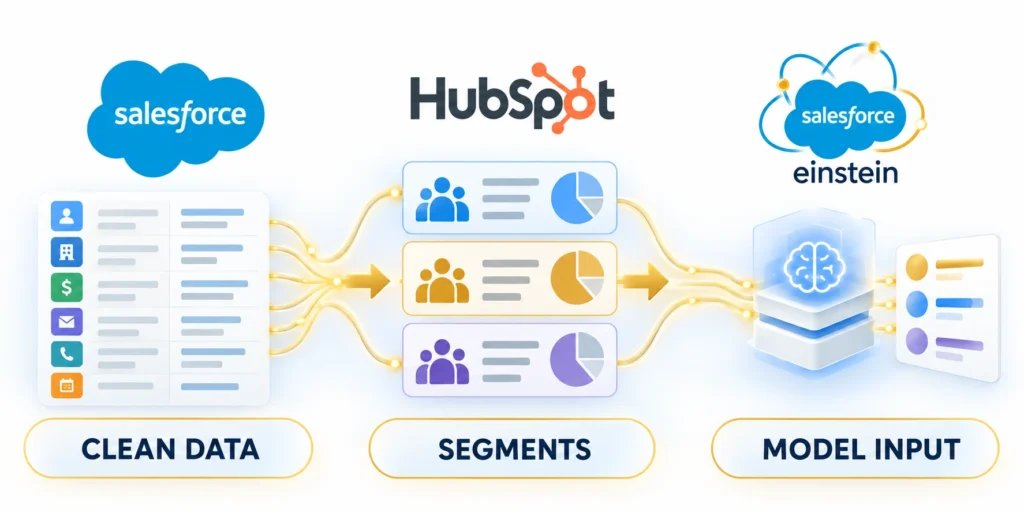
Model quality depends on records that represent the audience, behavior, and outcome the score is supposed to predict.
Therefore, audit missing fields, duplicate records, lifecycle inconsistencies, consent status, and changes to sales definitions before activation.
Build a compact data-readiness sample
Export a privacy-appropriate sample across recent converted, unconverted, and still-open leads. Include the model’s observation window.
Prepare CRM data through these steps:
- Choose the desired outcome and date window.
- Check duplicates, missing values, stale records, and lifecycle-stage definitions.
- Confirm that marketing and sales use the same account and lead identifiers.
- Exclude sensitive or irrelevant fields under your organization’s data rules.
- Document data owners, correction steps, and the date of the review.
Next, review whether conversion records are complete and whether failed leads are truly negative examples rather than unfinished opportunities.
Segment only where the decision differs
Separate segments can help when audiences have materially different conversion paths, such as enterprise and small-business sales motions.
However, every segment reduces available examples. Consequently, avoid splitting by minor attributes unless it changes the decision or outcome.
Review coverage and sensitive attributes
For a practical review, compare one broad segment with a small number of justified segments using the same outcome definition.
To reveal routing gaps, track how many records receive scores in each group and record why leads were excluded.
Protect privacy and avoid unfair proxies
Test protect privacy and avoid unfair proxies with representative customers, workflows, exceptions, and operating conditions before expanding the decision.
Do not use protected or sensitive traits as proxies for fit without a legal, privacy, and fairness review appropriate to your jurisdiction.
Validate Scores Before Sales Routing
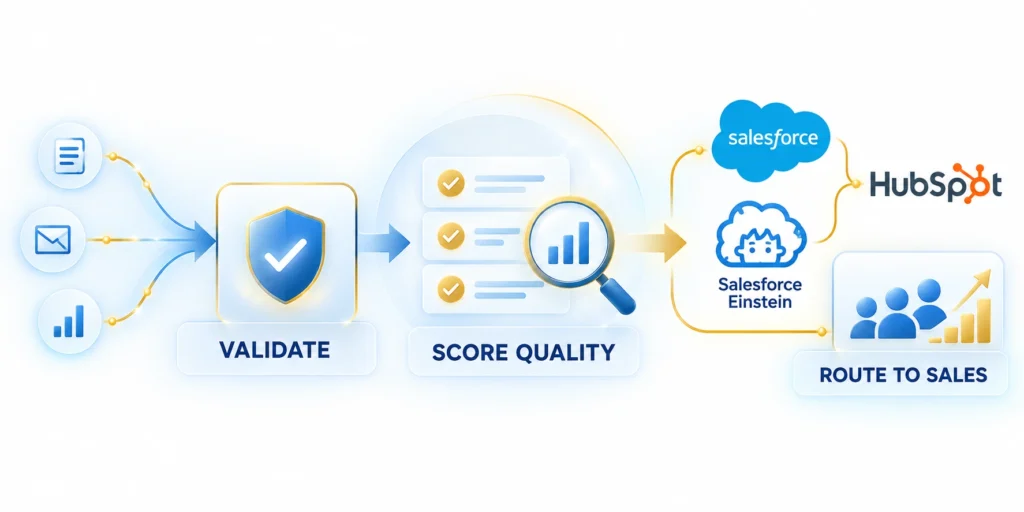
In practice, a score is useful only if higher-ranked leads produce better decisions or outcomes for the team using it.
Validate performance on records the team did not use to define the outcome or tune the process whenever your platform allows.
Run a shadow comparison first
Keep current routing unchanged while recording score bands and eventual sales outcomes for a fixed observation period.
Measure validation through these outcome signals:
- Conversion or sales-acceptance rate by score band.
- Share of eligible leads receiving a score.
- Time from lead creation to qualified follow-up.
- False positives, missed high-value leads, and sales-review effort.
- Differences by channel, region, segment, or other relevant cohort.
Then compare the top-ranked group with middle and lower groups; do not infer success from a score distribution alone.
Set decision thresholds with the sales team
Choose thresholds from observed capacity and outcomes, not a vendor’s example score or a generic “hot lead” cutoff.
For example, a team may send only a manageable top band for same-day review and leave the rest in normal nurture.
Assign feedback and monitoring owners
Agree on who owns the queue, what feedback is captured, and how an incorrect score can be overridden.
After changes in targeting, forms, sales stages, or market conditions, monitor drift. First, recheck the outcome definition before recalibrating.
Plan a safe rollback
Test plan a safe rollback with representative customers, workflows, exceptions, and operating conditions before expanding the decision.
Keep a rollback path: disable score-based routing and restore the documented baseline if coverage, quality, or service levels deteriorate.
Example: a monitored pilot for demo requests
Run shadow validation through these steps:
- Collect score and current-route data for new demo requests.
- Have representatives record whether each lead merits timely follow-up and why.
- Compare response time, acceptance, opportunity creation, and missed high-value accounts.
- Review results with sales and RevOps before deciding whether to change routing.
A sales team can test prioritization without changing ownership rules or sending automatic messages.
Set the observation period to match your sales cycle and volume; a short pilot cannot validate a long-cycle outcome.
Choose a Model That Fits Your Operating Model
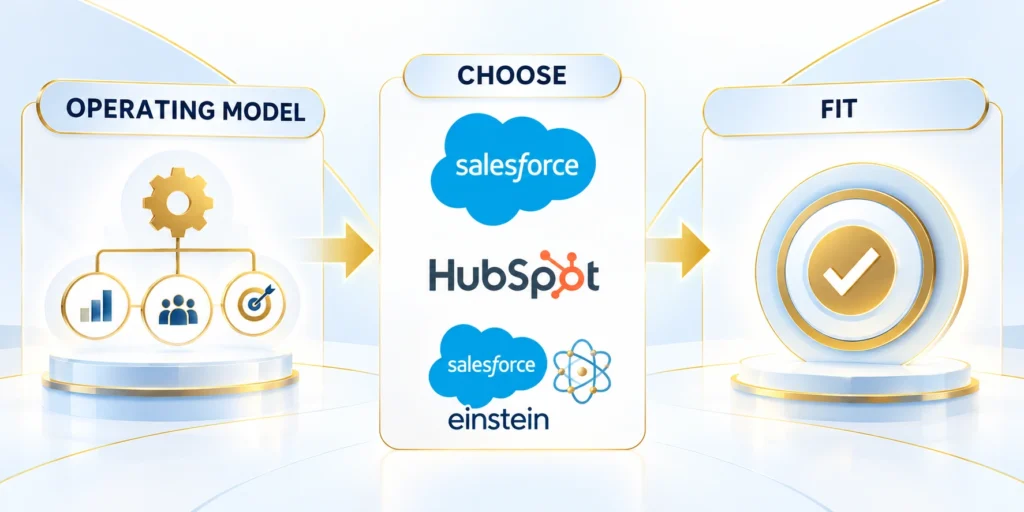
Choose Salesforce Einstein when your teams operate in Salesforce and its conversion-based scoring, segments, and license requirements match the use case.
Alternatively, choose HubSpot’s AI-assisted scoring when contact segments, goal-stage outcomes, and HubSpot workflows align with your process and account features.
Make the choice with a short evidence review
Choose the operating model through these checks:
- Start with the CRM already trusted by the team that acts on the score.
- Verify licensing, feature availability, data volume, and model coverage.
- Compare the model with existing rules in shadow mode.
- Automate only the action supported by measured results and clear ownership.
Neither vendor’s score should be accepted solely because it is native to the CRM. Confirm access, data sufficiency, explainability, and operational fit.
If neither native feature fits, keep a transparent rules-based baseline while evaluating whether a separately governed model is justified.
Revalidate after operating changes
Reassess after meaningful changes to data, targeting, lifecycle stages, or sales capacity. A model is an operating component that requires ownership.
Repeat shadow comparison when the outcome, audience, queue, or sales process changes enough to invalidate earlier evidence.
Measure success by the next action
Test measure success by the next action with representative customers, workflows, exceptions, and operating conditions before expanding the decision.
The practical result is not a perfect score; it is a more consistent, explainable way to decide which leads receive attention next.
Define the Prediction and Decision Separately
Specify the outcome window, eligible population, exclusions, unit of analysis, and sales decision that the score is expected to improve.
A model predicting any conversion may be operationally useless when the team needs qualified opportunities, retained customers, or another narrower business outcome.
Prevent Outcome Leakage
Exclude fields created after the prediction moment, including later stages, completed activities, downstream timestamps, and labels that reveal the answer retrospectively.
Leakage can make validation look impressive while producing a score that fails when applied to new leads at the actual routing point.
Test Segment Stability
Compare score behavior across source, region, product, company size, lifecycle stage, language, and other groups that change data availability or sales motion.
A strong aggregate result can conceal systematic underperformance for an important segment, especially when historical volume is concentrated in one established market.
Calibrate Score Bands to Capacity
Translate model output into reviewed bands with expected outcome rates, ownership, response timing, suppression rules, and capacity limits for each action.
Do not send every high score to sales automatically; protect existing opportunities, customers, consent choices, territories, and teams from conflicting or excessive routing.
Monitor Drift and Operational Overrides
Track population changes, missing fields, score distributions, outcome rates, manual overrides, routing failures, and time-to-action after deployment.
Review why representatives accept or reject scored leads; the feedback may reveal model drift, data defects, capacity constraints, or an incorrect decision rule.
Maintain a Safe Fallback
Keep a documented rules-based or manual process available when scoring is unavailable, unvalidated for a segment, or affected by a material data change.
The fallback should preserve essential service levels without silently treating an absent score as evidence that a lead has low value.
Monitor Coverage, Calibration, Drift, and Fairness
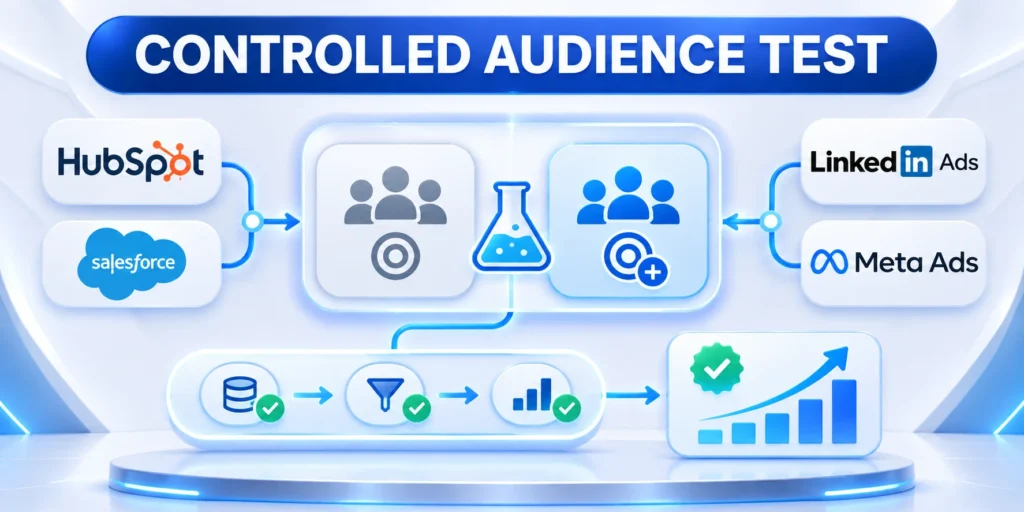
A model can remain available while its data coverage, calibration, or business usefulness degrades. Monitoring should follow the exact outcome, audience, and observation window used for validation.
Track score coverage, outcome rate by band, response time, overrides, missed opportunities, and data quality. Segment results only when the cohort is relevant and sufficiently represented.
| Signal | Check | Response |
|---|---|---|
| Coverage | Eligible leads scored | Fix missing data |
| Calibration | Outcome by band | Review thresholds |
| Drift | Pattern changed | Revalidate model |
| Fairness | Cohort difference | Investigate causes |
Measure model quality in business context
Compare predicted bands with later sales acceptance or opportunity outcomes. A high score is useful only when teams understand the intended action and limits.
Review these lead scoring quality signals:
- Score coverage
- Outcome calibration
- Data drift
- Cohort difference
- Override pattern
Investigate changes in channels, forms, products, territories, sales process, identifiers, and CRM definitions before blaming the scoring algorithm alone.
Review fairness and unintended exclusion
Check whether relevant cohorts receive different coverage, scores, routing, response, or outcomes. Differences require context and qualified review rather than automatic conclusions.
Remove sensitive or unsuitable fields according to organizational rules. Evaluate proxy effects, historical bias, and operational behavior before automating consequential treatment.
Set thresholds for revalidation
Define which changes pause automation, trigger shadow mode, or require fresh validation. Owners should know when evidence no longer supports the current routing decision.
Preserve prior thresholds, results, and configuration for comparison. A model update should not erase the evidence needed to explain changed lead treatment.
Govern Routing, Overrides, and Sales Feedback

Lead scoring affects work only through a queue, alert, assignment, sequence, prioritization, or reporting decision. Define that operational action before automating it.
Keep a manual override and visible fallback for unscored, disputed, strategic, or exceptional leads. Sales teams need a safe path when model output conflicts with current account context.
Bind the score to a specific action
Document eligible records, score threshold, routing destination, service target, exception owner, reassignment behavior, and rollback condition for each automated action.
Control these routing and override decisions:
- Eligible audience
- Score threshold
- Assigned queue
- Override reason
- Rollback trigger
Avoid using one score for unrelated decisions without separate validation. A model predicting opportunity creation may not support pricing, account value, or marketing consent choices.
Collect structured sales feedback
Let representatives record concise reasons for acceptance, rejection, urgency, or override. Review patterns without turning subjective opinions directly into labels.
Reconcile feedback with later outcomes and data quality. Use it to improve definitions, training, thresholds, or workflow before changing the model itself.
Protect queue health during change
Run revised scoring or routing in shadow mode before replacing a trusted queue. Compare volume, coverage, response capacity, missed leads, and reassignment workload across representative sales teams and territories.
Coordinate releases with RevOps, sales managers, administrators, and support during every release review. A technically correct score can still overwhelm teams or violate expected ownership boundaries.
FAQ
These answers clarify predictive outcomes, Salesforce and HubSpot scoring, data preparation, validation, drift, fairness, overrides, and safe sales routing decisions.
Is predictive lead scoring always more accurate than a rules-based score?
No. Predictive scoring may find useful patterns, but accuracy depends on relevant data, consistent outcomes, and ongoing validation against a credible baseline.
Does Salesforce Einstein Lead Scoring require a specific edition?
Salesforce lists edition and add-on requirements that can change. Therefore, check current Salesforce Help and your contract before designing a rollout.
Can HubSpot create an AI-assisted score for a contact segment?
HubSpot documents an AI-assisted score workflow for segments and goal stages. However, available features depend on the account; verify them in your portal.
How much conversion history should we have before using a predictive model?
Requirements differ by platform and configuration. Check the vendor’s current minimums and test whether each segment has enough representative outcomes.
Should a lead score automatically trigger sales outreach?
Start with monitored prioritization. Automate outreach only after the score performs reliably, consent is respected, and owners can correct exceptions.
How often should predictive scores be retrained?
Retrain after validated drift or material process changes, not on a fixed schedule without outcome and stability evidence.
Should sales see the raw model probability?
Show only information that supports a clear action, with definitions, limitations, relevant factors, and an escalation path.
Can scoring work with limited historical data?
Use a simpler rules-based process until enough representative, reliable outcomes exist for responsible training and validation.
How should model overrides be handled?
Record the reason, owner, outcome, and timing so overrides support learning without silently bypassing governance.
What happens when Salesforce or HubSpot changes features?
Revalidate availability, definitions, permissions, data, routing, monitoring, and documented operating procedures before relying on the change.
Conclusion

Predictive lead scoring is useful when it estimates a clearly defined outcome for an eligible audience and supports an owned sales action. A score alone does not improve revenue.
Start with stable CRM definitions, representative data, a rule-based baseline, and shadow validation. Compare Salesforce, HubSpot, or custom approaches against the same operational evidence.
Validate the outcome before routing
Define the milestone, observation window, exclusions, score coverage, and business owner. Measure outcome rates by band, missed high-value leads, false positives, response time, and review effort.
Use these final scoring controls:
- Defined outcome
- Representative data
- Measured baseline
- Owned override
- Revalidation trigger
Do not promote a model because scores appear plausible. Validate whether the intended queue or prioritization decision performs better for customers and sales teams.
Monitor the model and operating system together
Track data quality, eligibility, calibration, drift, cohort differences, overrides, routing volume, queue capacity, and downstream outcomes. CRM process changes can invalidate prior evidence.
Pause or return to shadow mode when coverage, definitions, fairness, capacity, or performance crosses agreed thresholds. Preserve the manual fallback and prior configuration.
Use feedback without automating opinion
Collect structured reasons from representatives and managers, then reconcile them with later outcomes. Feedback can reveal missing context, unclear definitions, or workflow problems.
The strongest scoring program remains explainable, reviewable, and reversible. It helps teams focus attention while preserving human judgment for strategic, exceptional, and insufficiently represented leads.





Leave a Reply