


What a SaaS Feature Page Must Help Buyers Do

To optimize SaaS feature pages, help a qualified visitor understand a capability, decide whether it fits, and know what to do next.
Search optimization supports that task when the page answers a real query more clearly than a generic product summary.
Give each important feature a clear destination
A feature page is useful when the capability solves a distinct problem, has enough detail to explain, and deserves a direct link from navigation or product content.
Do not create a thin page for every button, setting, or keyword variation. Combine closely related capabilities when buyers evaluate them together.
A dedicated page should satisfy these practical conditions:
- Describe the user or business problem.
- Explain how the capability works in the product.
- Show who benefits and what prerequisites apply.
- Link to evidence, implementation guidance, or a relevant next step.
Separate feature education from the product tour
A focused feature page gives search engines a stable destination for one capability while helping buyers resolve one evaluation question.
For example, a workflow automation page can explain triggers, approvals, exception handling, and integrations without repeating every product menu.
Choose when a separate page is warranted
Create the destination when the feature supports a distinct decision, audience, workflow, or product navigation need.
Keep related details together when separating them would repeat evidence, confuse buyers, or create several thin search destinations.
Map Search Intent to the Feature Page
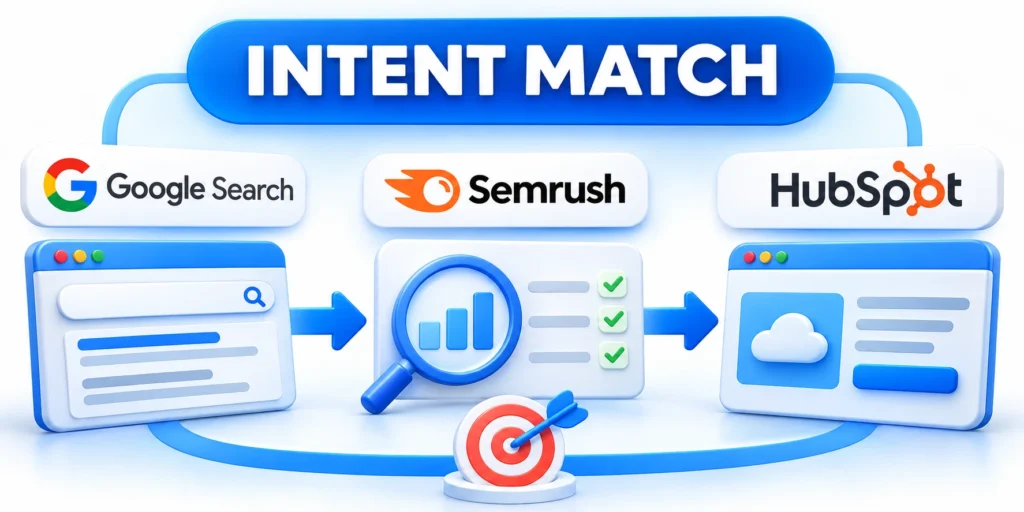
Start with the searcher’s task, not a list of phrases that happen to include the feature name.
Searchers may want to understand a capability, compare options, confirm an integration, or assess whether it fits their organization.
Build a query-to-answer brief
The brief should distinguish research language from product terminology without forcing every phrase into visible copy.
Group queries by the decision behind them. Then identify the answer, proof, and next action each group needs.
A practical intent brief should document these four elements:
- State the buyer question in plain language.
- Name the product evidence needed for an answer.
- Identify the audience and evaluation stage.
- Define the most useful next action.
| Search task | Page should clarify | Useful evidence |
|---|---|---|
| Understand a capability | What it does and how the workflow behaves | Product steps, screenshots, or a short example |
| Compare approaches | Tradeoffs, prerequisites, and best-fit situations | Criteria-based comparison and limitations |
| Check fit | Supported users, plans, systems, and constraints | Current product documentation and clear scope |
| Plan implementation | Setup, ownership, and expected outcome | Prerequisites, process, and implementation guide |
Use Search Console query data, customer questions, and sales conversations as inputs; confirm that each page still serves a distinct job.
Avoid making one page answer incompatible intents
A feature overview can link to a comparison or setup guide instead of trying to become both documents at once.
If an existing page already answers the same question, improve or expand it before creating a competing URL.
Design a Readable Feature Page Structure
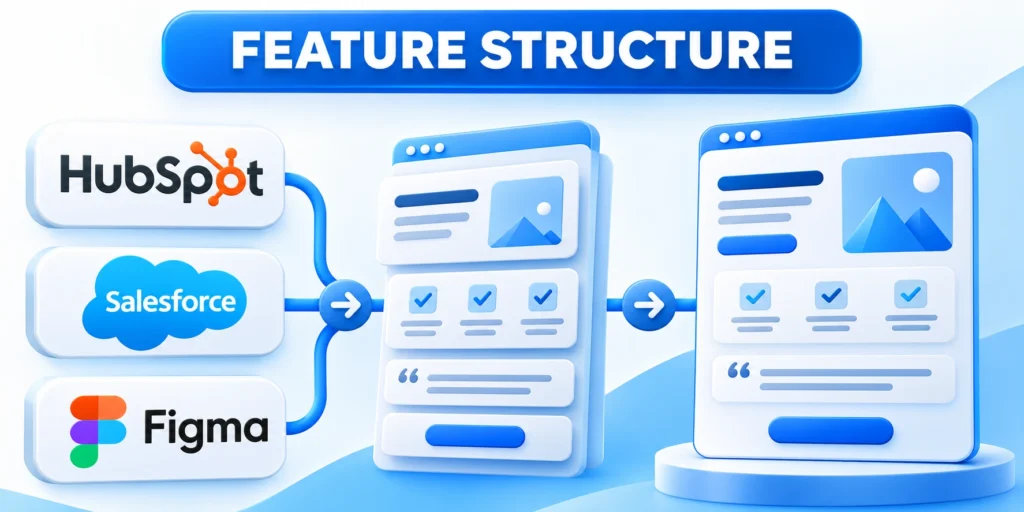
Organize the page around the order in which a buyer needs to understand, evaluate, and act on the capability.
Lead with the user problem and outcome, then explain operation, fit, evidence, and next steps without unnecessary content detours.
Use a page outline tied to buyer questions
A useful feature-page outline follows this decision sequence:
- State the problem and the capability’s practical outcome.
- Explain the workflow with clear steps or a real product example.
- Identify intended users, prerequisites, and limitations.
- Show evidence such as documentation, a case, or a demonstration.
- Answer common fit questions and provide a suitable next action.
This outline is a starting point, not a mandatory template. Remove sections that do not add information for the reader.
When buyers need different evidence, adjust the order while preserving a clear path from problem through decision.
Make headings descriptive and specific
Headings should tell visitors what the next section explains. “How approval routing works” communicates more than “Benefits.”
Use a logical heading hierarchy and keep each section focused. Avoid repeating the same phrase in every heading for SEO.
Choose each content format according to its reading task:
- Use a table when readers need to compare the same criteria across options.
- Choose prose when the explanation needs context, caveats, or a sequence.
- Use lists when readers need concise criteria or actions.
Write Copy That Explains the Feature in Practice
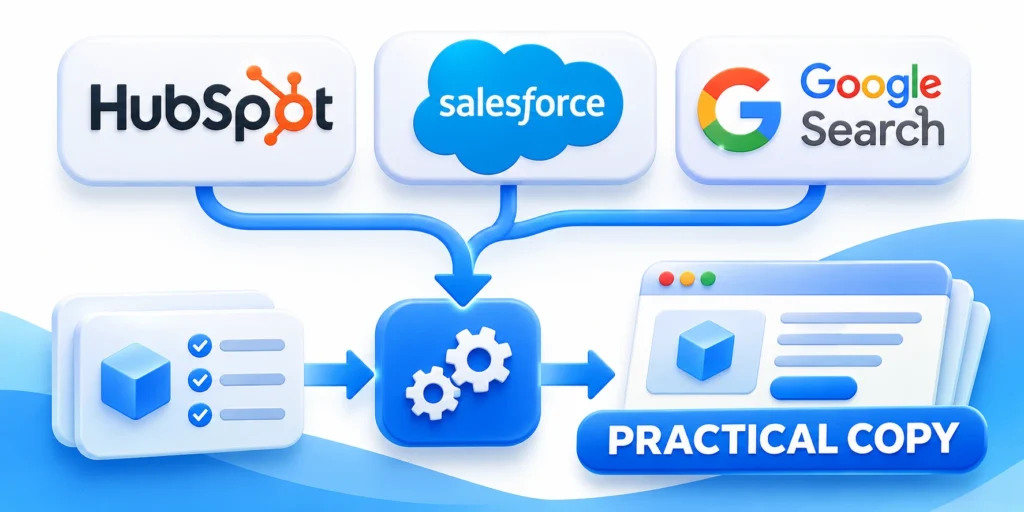
Describe what a user can do, what the system does in response, and which conditions affect the result.
Concrete explanations help qualified buyers judge fit; vague claims about saving time or improving productivity do not.
Turn claims into observable workflows
Instead of saying a feature “streamlines approvals,” explain who submits a request, who reviews it, and what happens when information is missing.
A credible workflow explanation includes these observable details:
- Name the starting point and required access.
- Show the main action and the system response.
- Explain common exceptions or handoffs.
- State the outcome a user should see.
Use screenshots, diagrams, or short recordings only when they clarify a real step. Keep labels readable and provide equivalent explanatory text.
Example: explain an approval automation
Suppose a SaaS platform routes discount requests for review. Explain the actors, rule, handoff, exception, and confirmation the requester receives.
The approval workflow can follow these concrete steps:
- A sales representative submits a discount request with account and deal details.
- The workflow checks the requested amount against the configured approval threshold.
- A manager receives a review task; missing fields return to the requester.
- The requester sees the decision and the next available action.
That explanation is more useful than saying the feature automates approvals because it shows the reader what actually happens.
Use product language consistently
Use the names shown in the current product interface. Define internal terms and abbreviations when readers may not know them.
Separate confirmed capabilities from planned work. Do not imply that an integration, feature, or plan is available unless the product supports it.
Explain availability conditions
When a feature differs by plan, region, or configuration, state the relevant condition and link to the current official product details.
Review those statements with product owners because availability language becomes misleading quickly when packaging or integrations change.
Add Credible Proof and Clear Product Boundaries
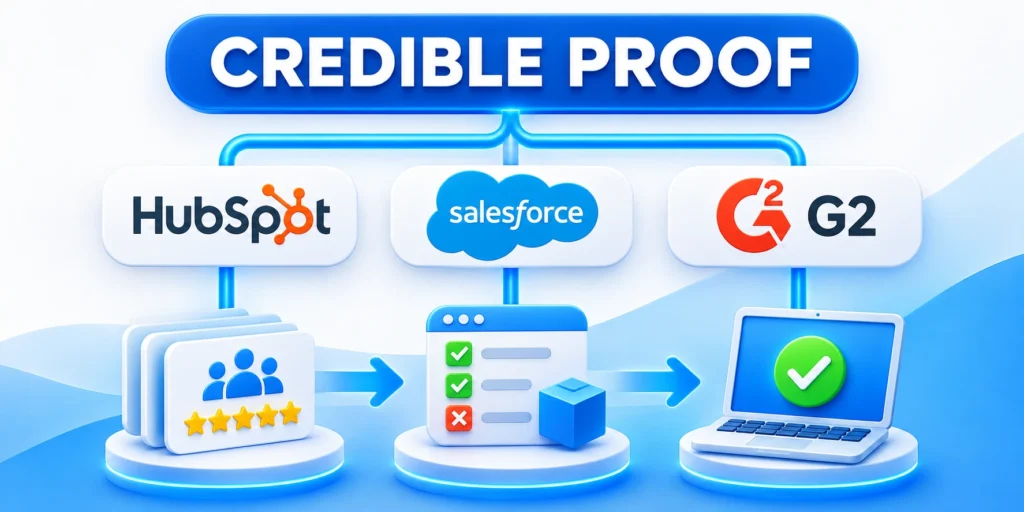
Evidence lets visitors judge whether a capability works in a context like theirs.
Use proof that supports the specific claim, with enough context to understand its source and limits.
Choose evidence that matches the claim
A workflow claim may be supported by product documentation or a demonstration. An outcome claim needs a credible measurement and a defined comparison.
Match each claim with evidence using these criteria:
- Use customer examples only with permission and accurate context.
- Describe the population, period, and method behind a metric.
- Link to technical documentation for compatibility details.
- Identify limitations instead of hiding them in small print.
Do not invent benchmarks, customer results, certifications, or expert endorsements. If evidence is unavailable, narrow the claim.
Help readers identify who should keep looking
Place qualification details near the capability instead of isolating dependencies, supported environments, permissions, and constraints in a disclaimer readers may miss.
Useful boundaries address these common evaluation risks:
- Required plans, permissions, and configuration dependencies.
- Supported systems, regions, and integration methods.
- Known workflow limits and manual handoffs.
- Implementation ownership and ongoing maintenance needs.
Clear boundaries reduce poor-fit demos and make the page more trustworthy for people whose needs do match.
Keep proof aligned with current capabilities
Assign an owner to review examples, documentation, measurements, and availability statements after meaningful product releases.
Remove outdated proof promptly because an impressive example becomes harmful when the described workflow no longer exists.
Apply On-Page SEO and Technical Basics
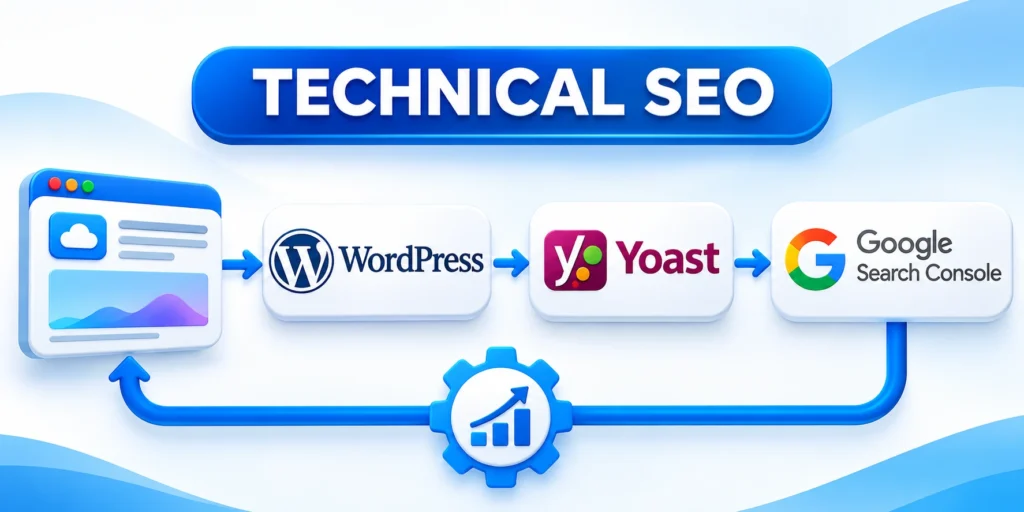
Search systems need a crawlable page with a clear topic, useful content, and links that expose its place in the site.
Technical checks support discovery; they cannot compensate for a page that does not answer the buyer’s question.
Make the topic and page purpose clear
Write a concise title and description that accurately represent the page. Use the feature name naturally where it helps readers.
Use one clear H1 supplied by the page template, a descriptive URL, and headings that reflect the actual content.
Check crawlability, canonicalization, and page experience
Review these technical conditions before publishing the feature page:
- Confirm the page returns a successful response and is indexable when intended.
- Check that its canonical URL points to the preferred version.
- Ensure important copy is available in rendered HTML, not only after inaccessible interactions.
- Compress media and avoid layout shifts that obstruct reading or actions.
- Test internal links and mobile navigation.
Use structured data only when the page qualifies for a supported type and the markup accurately reflects visible content.
After deployment, inspect the canonical URL and rendered content again because templates or scripts can alter the final output.
Use a repeatable technical review
Before release, test the published URL as a visitor and check the corresponding indexation settings in the site’s SEO tools.
Use these checks for every repeatable technical review:
- Check the response code, canonical URL, and index directive.
- Confirm the primary content and links are present in page HTML.
- Review image dimensions, alternative text, and loading behavior.
- Use Search Console URL inspection when diagnosing a specific indexing issue.
For search fundamentals, consult Google’s SEO Starter Guide.
Connect the Feature Page to a Useful Next Step

A feature page should give readers a next step that matches their stage and unresolved question.
One relevant action is often clearer than several competing buttons with no explanation.
Match the call to action to buyer readiness
The action should resolve the next uncertainty rather than demand a sales conversation before the visitor has enough context.
A visitor assessing fit may prefer a demo or a technical guide. Someone still learning may need a comparison or implementation overview.
Match each next step to these buyer needs:
- Explain what happens after a demo request.
- Link to setup instructions when the reader needs implementation detail.
- Offer a relevant comparison when evaluation criteria remain unclear.
- Use labels that describe the action rather than generic “click here” text.
Keep the page usable and accessible
Make the main action easy to find without blocking core information or forcing an early form submission.
Check keyboard access, visible focus, descriptive link text, form labels, contrast, and understandable error messages.
Support the reader with these relevant internal destinations:
- For broader SEO planning, see the site’s enterprise B2B SEO strategy guide.
- For product lifecycle context, read the SaaS product development lifecycle guide.
- Link the feature page to the relevant commercial service.
Review the destination and label periodically so the promised next step still matches the current product experience and buyer expectations.
Build Internal Links and Avoid Page Cannibalization
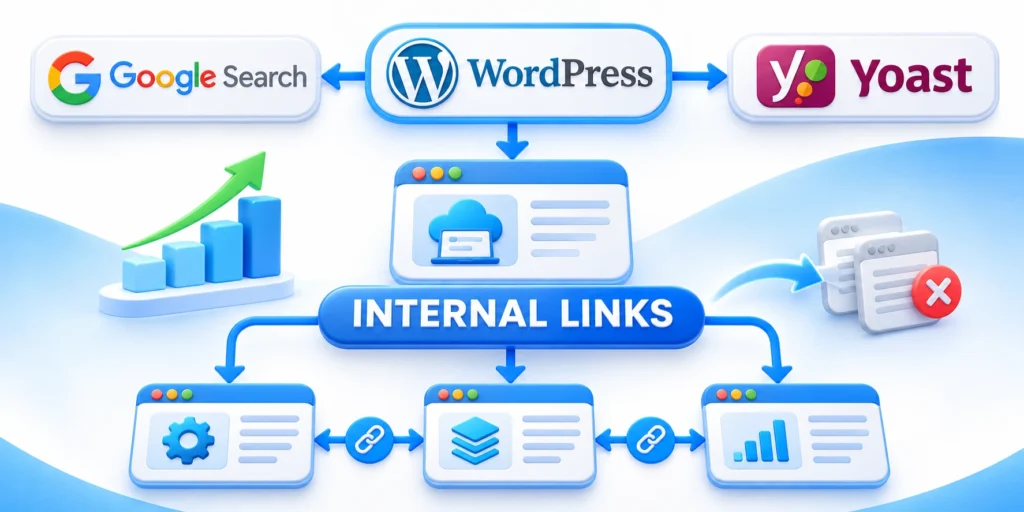
Internal links help people and crawlers discover related product, solution, and learning content while clarifying which page owns each distinct evaluation task throughout the broader website.
Link where the destination adds context or helps the reader complete a related task.
Create a useful path through the site
Build a useful site path with these link decisions:
- Link from the product or feature index to the feature page.
- Relevant guides should link where the capability solves the explained problem.
- Add links to setup, security, pricing, and support details when they answer likely questions.
- Use descriptive anchor text that sets expectations.
Do not add links solely to repeat a target phrase. Avoid sitewide link blocks that overwhelm contextual navigation.
Review inbound links after major navigation or product changes so the preferred destination remains discoverable from relevant pages.
Choose one canonical destination for each distinct intent
Document each URL’s role, audience, and detail level before deciding whether overlap requires consolidation, differentiation, or a canonical change.
If two pages target the same evaluation task, combine overlapping material or make their scopes explicit before adding more links.
Assign ownership for related destinations
Record which team maintains each feature, comparison, integration, and implementation page so overlapping updates remain coordinated.
Ownership resolves duplication before releases create conflicting claims across search destinations, product messaging, navigation, and buyer-intent documentation.
Measure Feature Page Performance and Improve It

Measure whether the page reaches relevant searchers and helps them take a meaningful next step.
Use several signals together; impressions or clicks alone do not prove that the page serves buyers well.
Set a baseline and connect measurements
A useful baseline combines search discovery with product-qualified behavior instead of treating all traffic as equally valuable.
Connect performance signals through these measurement practices:
- Record the page’s target queries, impressions, clicks, and landing sessions.
- Track qualified actions such as demos, trials, or documentation use.
- Connect conversion events to CRM outcomes when tracking is reliable and consent-compliant.
- Annotate major content, product, and campaign changes.
Use Search Console to examine queries and page visibility, then compare those trends with analytics and sales-quality data.
Diagnose before changing the page
High impressions with irrelevant queries may indicate a mismatch in page focus. Relevant visits without action may point to unclear fit, weak evidence, or a poor next step.
Low visibility can have several causes, including competition, crawl issues, limited demand, or incomplete coverage. Check evidence before rewriting.
Keep a change log
Change one meaningful element at a time when possible, record the reason, and allow enough data to evaluate the result.
Include release dates, measurement windows, owners, and external campaigns that could influence the observed change.
Example: diagnose visits without qualified actions
If a feature page receives relevant organic visits but few demo requests, first compare the query with the page’s promise and intended audience.
Then review whether the page explains prerequisites, differentiates the capability, and gives a credible next step before changing its title or adding copy.
Diagnose weak qualified actions through these observable signals:
- If queries are mismatched, narrow the page topic.
- If visitors leave at the fit section, clarify plan or integration limits.
- When calls to action produce poor leads, inspect qualification and tracking.
Compare a defined period with a suitable baseline and annotate product or campaign changes. Do not attribute causation to a small fluctuation.
FAQ
These answers clarify common decisions when planning, publishing, and improving SaaS feature pages for search.
Should every SaaS feature have its own page?
No. Create a separate page when the capability serves a distinct search task and has enough useful information to support evaluation.
How long should a SaaS feature page be?
Use the length needed to explain the workflow, fit, evidence, and next step. Do not add copy simply to reach a word count.
Should feature pages target several keywords?
They can address related queries when those queries share the same intent. Keep distinct decisions on separate pages when that helps readers.
Do screenshots help SEO?
Screenshots can clarify a real workflow. They help visitors understand the feature, but do not guarantee search visibility.
How often should feature content be reviewed?
Review it when the product, integrations, plans, or supported workflows change, and check performance periodically for meaningful gaps.
Should similar SaaS features share one page?
Combine them when buyers use the same page to make one decision. Separate pages when each capability answers a distinct search intent or workflow.
How should a feature page address product limitations?
State prerequisites, plan availability, supported integrations, and important boundaries near the relevant claim. Clear limits help qualified buyers evaluate fit.
Can a feature page use customer proof?
Yes, when the example supports the specific capability and its context is disclosed. Avoid implying that every customer will achieve the same result.
What should be measured after updating a feature page?
Compare search visibility, qualified visits, workflow engagement, calls to action, and downstream lead quality against a stable baseline and documented changes.
When should a feature page be consolidated?
Consider consolidation when pages serve the same intent, repeat the same evidence, and confuse navigation. Preserve URLs until a separate migration decision is approved.
Conclusion

Effective SaaS feature pages connect a specific search task with an accurate explanation of the product capability.
They help qualified buyers understand operation, fit, limitations, evidence, and the most useful next action.
Prioritize buyer clarity before search tactics
Begin with the decision the page must support, then organize its workflow, proof, boundaries, and navigation around that decision.
Search elements become more effective when the page already resolves a distinct need without competing against another internal destination.
A dependable final review should confirm these essentials:
- One distinct buyer task and page purpose.
- Concrete workflow details and current product language.
- Credible evidence with explicit limitations.
- Accessible technical delivery and internal navigation.
- A next step matched to buyer readiness.
Improve the page from qualified evidence
Measure relevant queries, engaged visits, product interactions, and downstream lead quality against a documented baseline.
Revise only after diagnosing whether weak performance reflects intent, discovery, evidence, usability, or the offered next step.
Scale without creating thin destinations
Create another feature page only when it serves a distinct evaluation task and can provide enough original information.
For the broader framework, read Programmatic SEO for SaaS and Enterprise Marketplaces.
Set a practical maintenance trigger
Review the page after material product, packaging, integration, navigation, or positioning changes instead of relying only on a fixed calendar.
Update affected evidence and boundaries together so search visibility never depends on outdated product expectations.







Leave a Reply