


What GraphQL Changes in WordPress
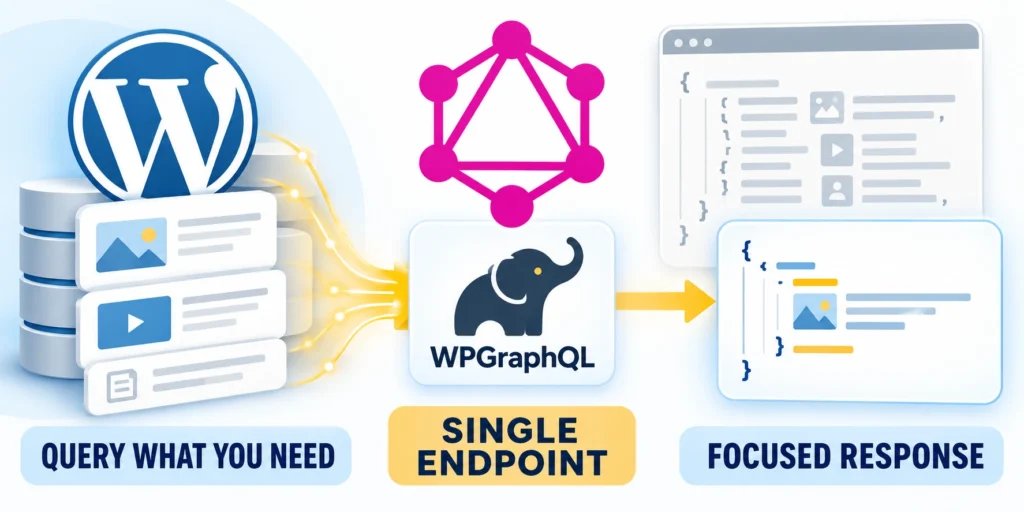
GraphQL with WordPress lets an application request specific, typed fields through one API endpoint.
Confirm these GraphQL adoption conditions:
- Client data shape
- Query ownership
- Measured baseline
- Cache boundary
That can simplify a screen that needs posts, authors, and taxonomy data, but it does not automatically make database work faster.
Think in requested data, not endpoint count
A client sends a GraphQL document describing the data it needs. WordPress resolves those fields and returns a response shaped around that request.
With REST, an application often calls resource routes such as posts and media. It can also reduce returned fields and embed selected related resources.
Benchmark the page that matters
Test benchmark the page that matters with representative content, roles, cache states, and failure conditions before changing the production client.
The useful question is whether a particular page needs fewer round trips or less unused data. Measure that flow before changing the site architecture.
A practical WordPress query
For example, a listing may need five recent posts with their database IDs, titles, dates, and links. A bounded query can request only those fields.
query LatestPosts {
  posts(first: 5) {
    nodes {
      databaseId
      title
      uri
      date
    }
  }
}
The connection limit keeps this request small. Add fields only when the interface uses them, rather than fetching data “just in case.”
Separate client convenience from server cost
Field selection can reduce transferred bytes while nested resolvers increase database work. Measure both sides before attributing a faster interface to GraphQL alone.
Include cache misses, authenticated requests, large relationships, and slow dependencies in the baseline. A warm public query represents only one production condition.
Decide Between GraphQL and REST
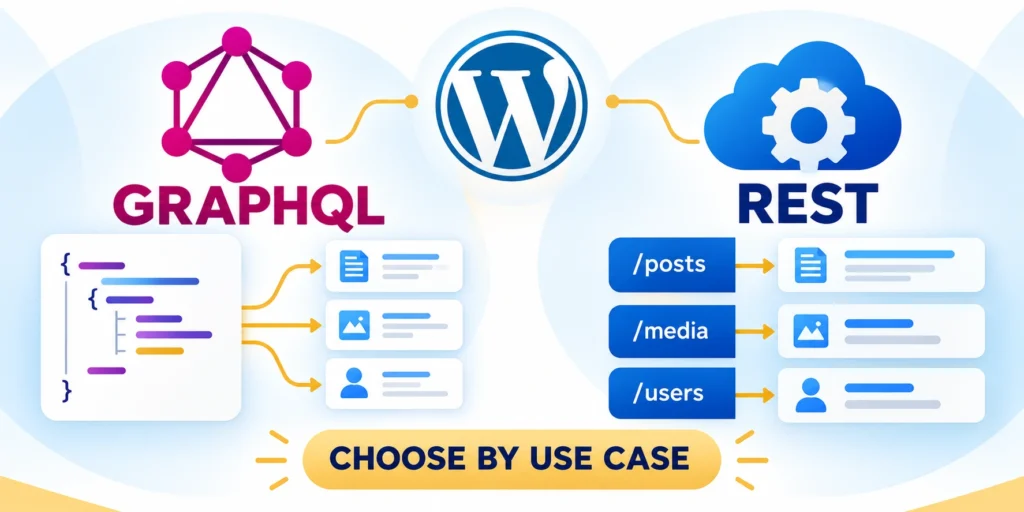
REST and GraphQL both expose WordPress data to other applications. The right choice depends on the clients, relationships, caching setup, and team skills.
Compare these API decision factors:
- Response shape
- Client variation
- Caching model
- Operational capacity
Do not migrate a stable REST integration merely because GraphQL is newer. Compare the response shape, operational cost, and measured user experience.
Compare the tradeoffs for one screen
Test compare the tradeoffs for one screen with representative content, roles, cache states, and failure conditions before changing the production client.
| Question | GraphQL may fit when | REST may fit when |
|---|---|---|
| Data shape | A screen needs selected related fields | One resource route already returns suitable data |
| Client needs | Several clients need different field combinations | Clients share a small, stable response shape |
| Caching | The team can configure and observe query caching | Existing HTTP or CDN caching already works well |
| Operations | The team can maintain a schema and query set | Simple routes are easier for the team to support |
REST also supports field selection and embedding. GraphQL can reduce client-side orchestration, while deep relationships can increase server work.
Use a headless architecture only when needed
GraphQL does not require a headless site. A traditional WordPress theme can coexist with an API used by a mobile app or separate product interface.
If the project is considering a separate frontend, first compare its deployment and maintenance tradeoffs in this headless WordPress architecture guide.
Keep REST when it already meets the target
Test keep rest when it already meets the target with representative content, roles, cache states, and failure conditions before changing the production client.
Keep the current REST API when it already meets response, security, and maintainability targets. A mixed approach is reasonable when different clients have different needs.
Install and Inspect WPGraphQL

WPGraphQL is a plugin that adds a GraphQL API to WordPress. Start on staging, confirm compatibility, and use the supported release for the site’s software versions.
The official WPGraphQL plugin listing describes its current package and requirements. Check the listing before installing or upgrading.
Set up a repeatable endpoint check
Validate the endpoint through these staging steps:
- Back up the staging database and files using the organization’s tested process.
- Install and activate WPGraphQL in staging, then note the endpoint configured for that site.
- Send a small read-only query for public posts and check the returned data.
- Test an unknown field and confirm the error is understandable to the client team.
- Record the plugin version, endpoint, query owner, and rollback method.
Test set up a repeatable endpoint check with representative content, roles, cache states, and failure conditions before changing the production client.
Many installations use https://example.com/graphql, but the path can vary. Confirm the actual route instead of hard-coding an assumption.
Send a request from a terminal
Replace the example domain with the staging host. This request sends a read-only query in a JSON body and prints the server response.
curl --request POST \
  --url https://example.com/graphql \
  --header 'Content-Type: application/json' \
  --data '{"query":"query LatestPosts { posts(first: 5) { nodes { databaseId title uri date } } }"}'
A successful response contains a data object. GraphQL can also return an errors array, so inspect the response body instead of trusting HTTP status alone.
Design a Query That Stays Fast
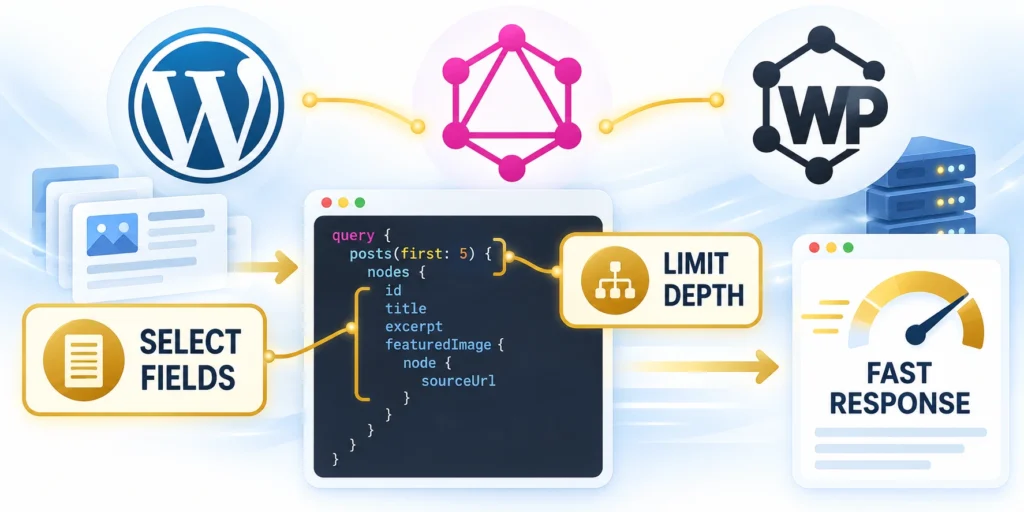
GraphQL lets a client select fields precisely, but a long nested query can still perform substantial work on the server.
Define the response from the page’s actual needs. Bound each collection, avoid unused relationships, and treat nested connections as work with a cost.
Start with the smallest useful shape
For a card grid, request the title, URL, and perhaps a featured image. Do not also fetch every category, author biography, and related post unless the screen renders them.
Keep a named query beside the component that uses it. This makes ownership clear and allows the team to compare query changes during code review.
Example: request a bounded card list
Test request a bounded card list with representative content, roles, cache states, and failure conditions before changing the production client.
query ServiceCards {
  posts(first: 6) {
    nodes {
      databaseId
      title
      uri
      featuredImage {
        node {
          sourceUrl
          altText
        }
      }
    }
  }
}
Test the exact fields against the active schema. Custom post types, taxonomies, and fields may need to be registered for GraphQL exposure.
Verify custom content before exposing it
For each custom post type, confirm its GraphQL visibility and public singular and plural names. A type can exist in WordPress while remaining absent from the API schema.
Check registration code or plugin settings in staging, then inspect the schema and run a small query. Do not expose private records merely to make a frontend query succeed.
A short exposure checklist
Define the query owner, expected response, permission boundary, and measurement method for a short exposure checklist.
Check these schema exposure boundaries:
- Identify the post type and fields the client needs.
- Confirm the type is intentionally available through GraphQL.
- Check that protected records remain permission-controlled.
- Run an anonymous query and an authenticated role test.
- Document the schema names used by the client.
Test a short exposure checklist with representative content, roles, cache states, and failure conditions before changing the production client.
Watch connection size and nesting
Use a small first value and request another page only when a user needs it. Avoid deeply nested author-post-category chains for a list view.
For a paginated feed, store the returned cursor and request the next slice when needed. Do not fetch the entire archive to simplify one component.
Split work when nesting grows
When a query needs a large nested graph, split independent parts or use a dedicated backend operation. Compare both designs under representative data volume.
For example, a product page might fetch product details first and load reviews after the visitor opens that panel. This avoids resolving review data for every page view.
Continue a long list with cursors
Ask the connection for page information, then pass the returned end cursor into the next request. This fetches another slice without asking for the whole archive.
query MorePosts($after: String) {
  posts(first: 10, after: $after) {
    pageInfo {
      endCursor
      hasNextPage
    }
    nodes {
      databaseId
      title
      uri
    }
  }
}
Use the returned endCursor as the next after variable only when hasNextPage is true.
Secure the Endpoint and Bound Query Cost
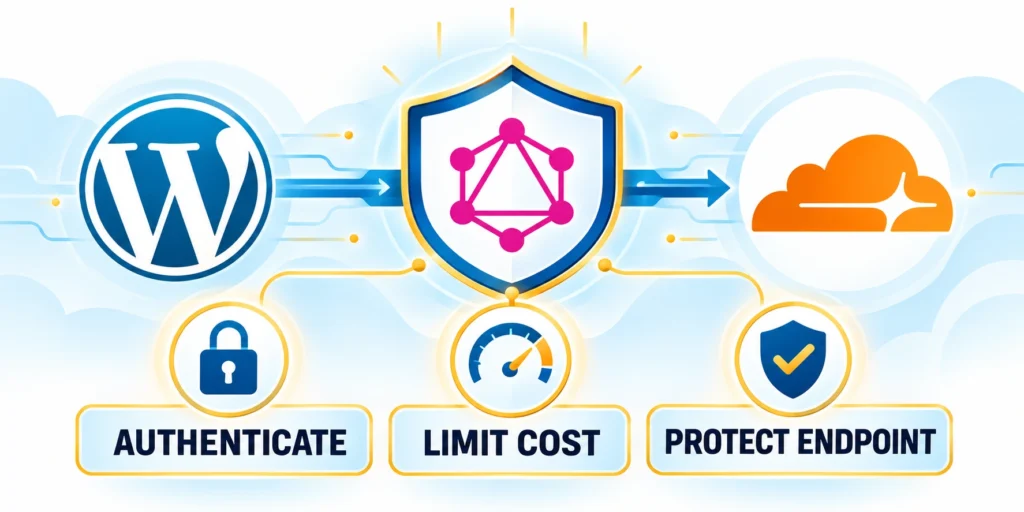
Protect GraphQL as an application interface, not as a public shortcut around WordPress permissions.
Public content can remain public, while private fields and mutations should respect the authenticated user’s capabilities.
Separate public reads from privileged actions
Test queries as an anonymous visitor, an editor, and a least-privileged account. Confirm each role sees only the data and actions it should.
Do not place administrator credentials or long-lived secrets in browser code. Use an appropriate server-side authentication design for protected requests.
Confirm the site’s security controls
Test confirm the site’s security controls with representative content, roles, cache states, and failure conditions before changing the production client.
WPGraphQL documents configurable introspection and query-depth controls in its security guidance. Review settings against the site’s development and production needs.
Limit expensive requests
Apply these bounded query controls:
- Use a maximum page size appropriate for the client.
- Enable a query-depth limit after testing legitimate client queries.
- Disable batching if the application does not use it.
- Apply edge or server rate limits that fit the traffic pattern.
- Log slow or repeated requests without exposing credentials.
Test limit expensive requests with representative content, roles, cache states, and failure conditions before changing the production client.
Start limits in staging, test all production queries, and deploy with a rollback plan. A restrictive limit can break a legitimate client if it is set without query inventory.
| Test account | Expected result | Evidence |
|---|---|---|
| Anonymous visitor | Only intentionally public fields are returned | Request and response record |
| Editor | Allowed editorial fields follow capabilities | Role and query result |
| Least-privileged user | Restricted data and mutations are denied | Denied-action test |
Cache Responses and Measure Results
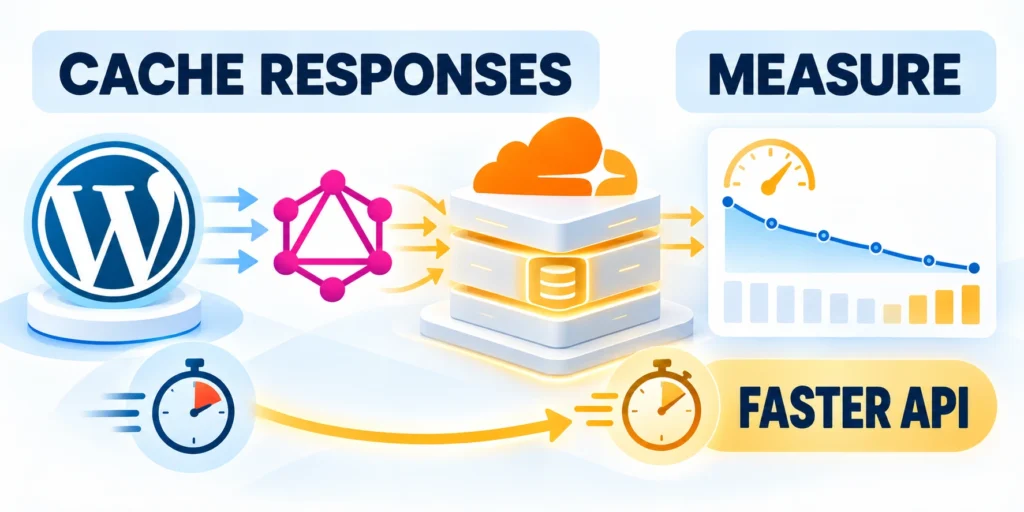
Caching can improve repeated reads, but only when the request method, headers, identity, and cache rules align.
WPGraphQL supports GET for read-only operations, which can help HTTP caches. Long query strings and personalized responses still need careful treatment.
Benchmark against the current REST path
Choose the same page and equivalent fields for both APIs. Run tests with cold and warm caches, representative content counts, and realistic network conditions.
| Measure | What to compare | Why it matters |
|---|---|---|
| Time to first byte | Median and slow-tail response time | Shows server delay, not only browser rendering |
| Payload size | Compressed bytes returned to the client | Shows the effect of field selection |
| HTTP requests | Calls required for one interface | Shows client-side round trips |
| Cache behavior | Hit rate and invalidation after edits | Shows whether repeated reads are reused safely |
| Server load | CPU, database activity, and errors | Shows whether nested resolution is expensive |
Measure both APIs under the same test conditions. A smaller response does not prove faster rendering if the server query becomes slower.
Plan cache invalidation
When a post changes, cached responses that include its fields may become stale. Map the cache key to the content dependencies the site can invalidate.
WPGraphQL Smart Cache can provide cache-tag behavior with compatible network or edge caching. Confirm the host supports the required headers before relying on invalidation.
Run a simple before-and-after test
Choose one representative page and record its baseline with the current API. Repeat after the GraphQL change using the same fields, content volume, cache state, and test location.
Capture these benchmark measurements consistently:
- Warm-cache response time and cache-hit status.
- Cold-cache response time and database activity.
- Payload size after compression.
- Errors, timeouts, and stale content after an edit.
Record median and slowest responses across several runs, along with payload bytes and server load. Keep the raw results so later changes can be compared with the same method.
Trace one content change through the cache
Test invalidation with a harmless staging edit, such as changing a post title. Note which response keys include that post and which cache layers store them.
Trace invalidation through these controlled steps:
- Record the content ID and the response before editing.
- Change one field in staging and save the post.
- Check the documented purge or cache-tag event.
- Repeat the query and compare its value and cache headers.
- Revert the staging edit and confirm the second invalidation.
After saving, query the same page again. Confirm the new title appears within the intended window, while an unrelated cached page remains reusable.
If the first response stays stale, inspect the cache key, authentication headers, and invalidation logs before shortening the cache lifetime globally.
Roll Out and Maintain the API
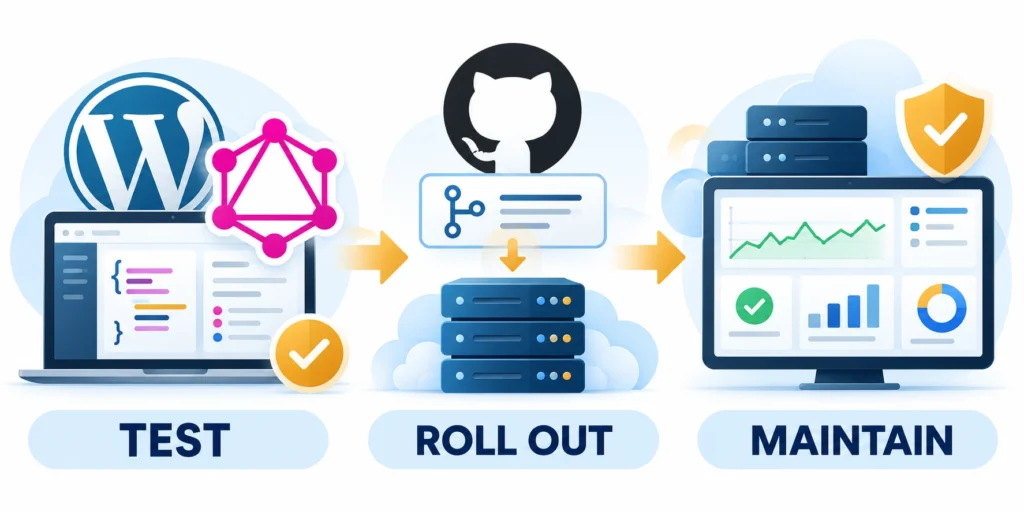
Roll out one client or page at a time. Keep the existing REST path available until the new integration passes its response, security, and performance checks.
Document who owns the endpoint, its named queries, schema changes, monitoring, and rollback. That record prevents a small API change from becoming an unsupported dependency.
Use a staged release checklist
Release the API through these stages:
- Capture baseline response time, payload, requests, and server load.
- Test the new query on staging with realistic content and user permissions.
- Verify error handling, cache behavior, and content-update invalidation.
- Release to one client or route while preserving the fallback.
- Compare production metrics and roll back if errors or server load rise.
- Expand only after owners review the evidence and support plan.
Test use a staged release checklist with representative content, roles, cache states, and failure conditions before changing the production client.
Review schema changes alongside client code. Removing a field or changing its meaning can break consumers even when the WordPress editor remains unchanged.
Troubleshoot the response, not only the status
Define the query owner, expected response, permission boundary, and measurement method for troubleshoot the response, not only the status.
Test troubleshoot the response, not only the status with representative content, roles, cache states, and failure conditions before changing the production client.
| Symptom | Check first | Next action |
|---|---|---|
| 404 at the endpoint | Configured route and rewrite rules | Confirm the actual endpoint in staging |
| HTTP 200 with GraphQL errors | Response body and requested field names | Compare the query with the active schema |
| 401 or 403 | Authentication and role capabilities | Retest with the intended account |
| Slow nested query | Connection size and resolver relationships | Reduce fields, depth, or split requests |
| Stale response | Cache key and content invalidation | Trace an update through the cache path |
Own the Schema and Client Contract
A GraphQL schema becomes an application contract once clients depend on fields, types, arguments, and nullability. Assign ownership before exposing custom content or mutations.
Document which clients use each important operation. Schema flexibility does not remove the need for compatibility, review, deprecation, and coordinated release decisions.
Version operations through evidence
Store representative queries beside expected response shapes and permission assumptions. Review them when plugins, custom fields, content models, or authentication behavior changes.
Track these important contract dependencies:
- Query owner
- Client route
- Required fields
- Permission rule
- Deprecation plan
A named contract makes breaking changes visible before production clients fail. It also gives support teams a reproducible request for incident diagnosis.
Deprecate fields deliberately
Mark replacement fields, affected clients, migration instructions, and removal criteria. Observe real usage before removing a schema element that may serve an infrequent workflow.
Test old and new client operations during the transition. Compatibility decisions should reflect measurable adoption rather than an arbitrary date alone.
Test contract regressions before release
Run stored client operations against the proposed schema and representative content. Compare response shape, null behavior, permissions, errors, pagination, and deprecated fields.
A schema that validates can still break client assumptions. Exercise rendering, navigation, empty states, retries, and partial failures in the consuming application.
Keep ownership visible during incidents
Publish contacts for schema, WordPress content, client code, authentication, caching, and infrastructure. Incident routing should not depend on remembering who built the original integration.
Preserve a rollback or compatibility path for material changes. Restore the last supported contract while owners investigate instead of improvising a production schema repair.
Observe Query Cost and Production Failures

GraphQL monitoring should identify named operations, latency, errors, cache state, database work, and authorization outcomes without logging credentials or private response data.
Use representative percentiles instead of a single average. Slow-tail behavior often reveals nested resolution, cache misses, large connections, or a dependency affecting only certain operations.
Define operation-level signals
Attach stable operation names where the client supports them. Correlate request timing with resolver, database, cache, and upstream dependency evidence.
Monitor these essential production signals:
- Operation latency
- GraphQL errors
- Query depth
- Cache result
- Authorization denial
A signal needs an owner and response threshold. Alerts that cannot guide investigation create noise while expensive or failing operations remain unresolved.
Use an operational error budget
Set acceptable failure and latency thresholds for important client journeys. Pause expansion when query changes consume the budget or shift excessive cost to WordPress.
Review the budget after schema, traffic, cache, or client changes. A threshold based on an older workload may no longer protect the current experience.
Investigate errors by operation and identity
Separate transport failures from GraphQL errors returned with HTTP 200. Group evidence by operation, client version, role, cache state, and affected field path.
Authorization denials may be expected or malicious. Alert on meaningful patterns while retaining enough context to distinguish a broken client from attempted unauthorized access.
Protect monitoring data and system capacity
Redact credentials, tokens, private variables, and sensitive response values from logs. Retain only the evidence required for diagnosis, security, and agreed operational reporting.
Bound tracing and logging overhead during high traffic. Observability that consumes excessive storage, processor time, or database work can worsen the incident it is meant to explain.
FAQ
These answers clarify performance, permissions, endpoint behavior, caching, introspection, query limits, and the evidence required for a safe WordPress GraphQL rollout.
Does GraphQL make every WordPress API request faster?
No. It can reduce client round trips or unused fields, but nested resolvers, database work, and cache behavior still determine response performance.
Can I use GraphQL without a headless WordPress site?
Yes. A traditional theme can remain in place while another application uses the API for selected data.
What is the default WPGraphQL endpoint?
Many sites use /graphql, but the route can be customized. Confirm the endpoint on the actual installation before configuring clients.
Can GraphQL expose private WordPress content?
Protected data requires appropriate authentication and capability checks. Test access using anonymous and least-privileged accounts before deployment.
How should I compare GraphQL with the REST API?
Request equivalent data under the same cache and traffic conditions. Compare response time, payload size, HTTP requests, cache behavior, and server load.
Does GraphQL replace WordPress permissions?
No. Resolvers must respect authentication, capabilities, object visibility, and field rules. Test anonymous and least-privileged users against every protected operation.
How should expensive nested queries be limited?
Inventory legitimate client queries, then apply depth, page-size, batching, and rate limits. Test limits in staging before enforcing them in production.
Can GraphQL responses be cached safely?
Yes, when identity, request method, headers, and invalidation rules align. Never serve personalized data from a shared cache without proper variation.
Should introspection stay enabled in production?
Decide from the site’s development and security model. Restricting introspection does not replace authorization, query limits, monitoring, or secure resolver design.
What should be monitored after GraphQL launches?
Track response latency, error rate, query cost, payload size, cache behavior, database load, and authorization failures for representative operations.
Conclusion

GraphQL can simplify a WordPress client when the interface needs selected fields from related content. It does not guarantee faster responses or replace a well-supported REST route.
Adopt it for a measured client requirement. Preserve WordPress permissions, bound query cost, define cache variation and invalidation, and keep a fallback during staged release.
Choose from equivalent workload evidence
Compare GraphQL and REST with equivalent data, cache state, traffic, permissions, and hosting conditions. Record latency percentiles, payload bytes, request count, errors, and server work.
Use these final adoption checks:
- Representative client query
- Measured REST baseline
- Bounded query cost
- Tested authorization
- Owned cache invalidation
A smaller payload may still create more database work. Measure client and server effects together before calling one API approach more efficient.
Operate the schema as a product contract
Assign owners to schema changes, important client operations, authentication, caching, monitoring, and incident response. Document compatibility expectations and deprecation evidence for every production consumer.
Test anonymous, least-privileged, editorial, and administrative behavior using representative fields and mutations. A successful public query does not prove protected operations are safe.
Expand only after production evidence
Release to one route or client, observe operation-level behavior, and compare results with the baseline. Roll back when errors, latency, stale data, or server cost exceed thresholds.
The right outcome is a supportable API path. GraphQL adds value when its flexibility remains bounded by explicit ownership, measurable performance, secure authorization, and reliable cache behavior.









Leave a Reply