Category WordPress

WordPress can support a corporate site, an editorial library, or a storefront. The right implementation depends on how teams publish, who maintains the site, and which systems exchange data.

This collection covers development, platform comparisons, multilingual deployments, security, integrations, and troubleshooting. It helps teams assess WordPress for a new site or improve an installation they already operate.

What Should a Business WordPress Site Be Built to Do?

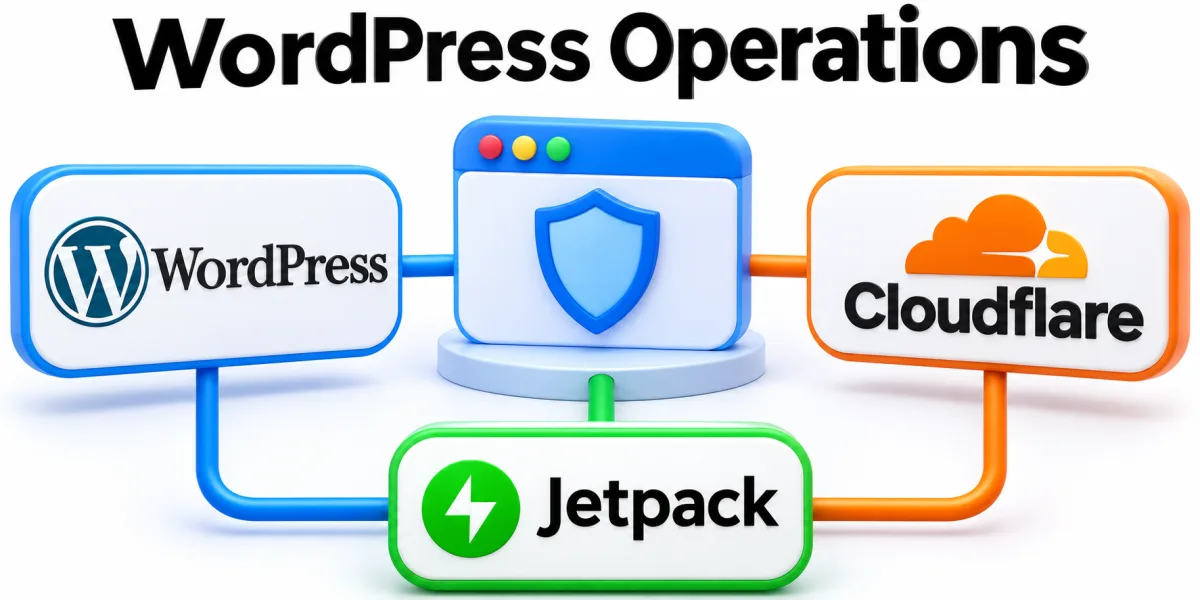
WordPress, Cloudflare and Jetpack connected to a browser and security shield

List the recurring publishing tasks and ask editors to walk through them. Use their experience to define reusable templates, ownership of page content, and the permissions needed for review.

Evaluate platform choices against those tasks and technical constraints. Consider how teams will manage redirects, media, content exports, and updates across the lifetime of the site after launch.

Choose a Publishing Setup Editors Can Use

Choose editing patterns that fit the content the team produces most often. Define which elements editors can change and which should remain consistent across articles, sections, or localized pages.

For a multilingual or multisite deployment, document who owns each language or site. Test permissions and publishing approval on representative content before moving the entire library into production.

Plan Updates and Recovery Together

Try updates in a representative staging environment when possible. Check the pages and transactions customers rely on, including login, checkout, and form delivery where those functions are used.

Maintain recoverable backups and document who can restore them. Practice validating a restored copy so the team can recognize missing media, database changes, or configuration required outside WordPress.

Connect WordPress to Business Systems

For a CRM integration, specify which fields a form sends and what to do when a matching contact already exists. Test delivery and confirm where staff see failures.

Watch critical functions after plugin changes and infrastructure changes. Keep an inventory of dependencies so a lost notification or a slow page can be traced to the responsible component.

Articles about WordPress

Enterprise WordPress team coordinates multilingual URLs, translation reviews, governance, and locale releases.

How to Manage Multi-Lingual Enterprise WordPress Deployments

Plan multilingual enterprise WordPress deployments by comparing plugin-based sites, WordPress Multisite, and separate installations. Map language-specific URLs, translation workflows, SEO signals, governance, and launch checks before choosing an architecture your team can maintain.

WhatsApp