


Define the Governance Charter
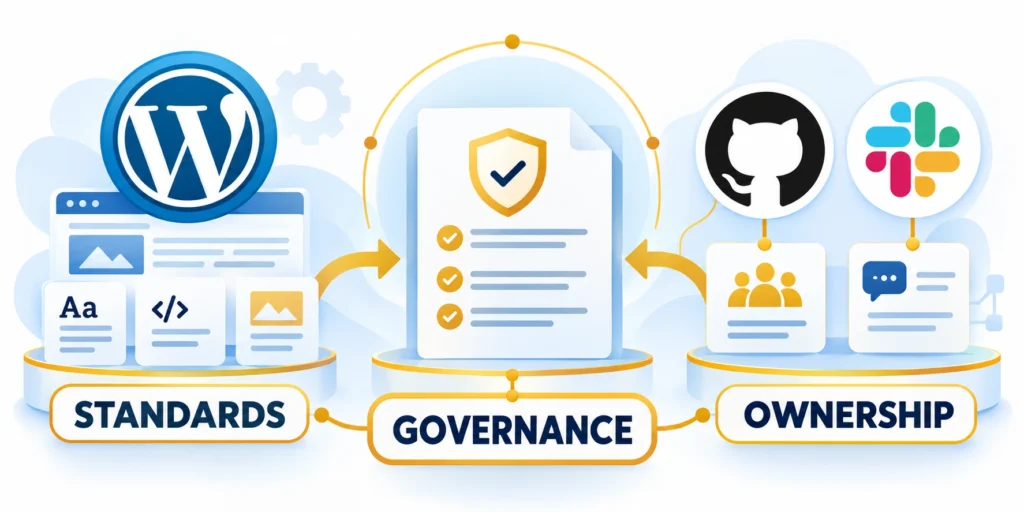
WordPress content governance defines who may create, review, approve, publish, and maintain each kind of content.
A clear charter turns those decisions into repeatable rules while protecting editorial quality, brand consistency, access, and publishing speed.
Start with decisions, not a plugin
Begin by listing the risks the workflow should control: inaccurate claims, inconsistent brand voice, missed approvals, unauthorized publishing, or outdated pages.
Use these governance charter requirements:
- Define which sites and content types are covered.
- Name the business owner for each content area.
- Set who can submit, edit, approve, and publish.
- Specify required evidence, review timing, and escalation paths.
- Decide how policy exceptions are recorded and revisited.
Separate mandatory controls from helpful guidance. A product claim may need legal approval, while a routine event recap may need only editorial review.
For a regional portfolio, for example, corporate may own legal statements and design standards while local teams manage market-specific pages.
Make the rules measurable
“Review important content” is difficult to enforce. “Legal reviews pricing and regulated claims before publication” identifies the trigger and accountable function.
Write each rule with a scope, owner, trigger, required action, record, and exception process. Keep the charter short enough for teams to use.
Match review depth to content risk
Assign review by the consequence of an error. A routine event update usually needs an editor, while pricing or legal claims may need a named specialist.
| Content | Review | Evidence |
|---|---|---|
| Product update | Author and editor | Approved draft |
| Price statement | Owner and legal | Source and date |
| Security claim | Security owner | Evidence and scope |
| Regional page | Local and brand | Locale and sign-off |
This matrix is a starting point, not a universal legal standard. Adapt it to the company’s obligations and name one person accountable for each route.
Map Roles to Editorial Stages

WordPress roles package capabilities such as editing posts, managing other users’ content, and publishing. Treat those permissions as operational controls.
Compare these role assignment boundaries:
- Drafting authority
- Review authority
- Publishing authority
- Administrative access
Map each person to the actions they need, not to a seniority label. Review the actual capabilities whenever teams, plugins, or site architecture change.
| Responsibility | WordPress role | Check |
|---|---|---|
| Draft content | Contributor | No direct publishing |
| Review content | Editor | Approval is explicit |
| Manage one site | Administrator | Access is necessary |
| Manage network | Super Admin | Trusted group only |
Default role names do not create every separation a company may want. In particular, an Editor can publish posts, while an Author can publish their own work.
If the same person must review but not publish, define that boundary explicitly. Use a carefully configured custom role or approval tool, then test it with a non-administrator account.
Test permissions with real tasks
Create a temporary test account for each role and verify a short task list: draft a post, edit a teammate’s draft, upload media, approve a post, and publish.
Record both allowed and denied actions. A role is not ready merely because its dashboard looks limited; confirm the user cannot bypass the intended publishing boundary.
Separate editorial authority from administration
Publishing authority does not require access to plugins, themes, users, or site settings. Assign administrative capabilities only when the person owns those operational responsibilities.
Review custom roles after workflow or plugin changes. A capability added for one feature can unintentionally expose unrelated content, settings, exports, or approval actions.
Build a Review and Approval Workflow

A useful workflow states what happens next at every stage. It should identify the responsible role, required information, expected response, and escalation path.
Start with WordPress’s built-in statuses and add workflow tooling only when a real process gap remains.
A practical six-step publishing path
Follow this controlled publishing sequence:
- The author creates a draft with an owner, audience, and intended publication date.
- The author checks facts, links, accessibility, and required supporting files.
- At submission, the author uses the site’s agreed status or workflow tool.
- The editor checks accuracy, structure, brand requirements, and policy-specific risks.
- A specialist reviews only the claims that fall within their responsibility.
- An authorized publisher schedules or publishes the approved version.
Set a service target that suits the work, such as one business day for routine review and a named escalation for a launch-critical page.
When a reviewer requests changes, return the item to its author with specific comments. Keep the post unpublished until required approvals are recorded.
Keep approval evidence lightweight
Use the smallest record that proves the decision: reviewer, date, approved version, and any conditions. Avoid duplicating the entire review in email and WordPress.
For high-risk content, record the exact claim or section approved. That makes later edits easier to route without restarting unrelated reviews.
Set response targets and escalation
Use these escalation and response controls:
- Show the owner, due date, and next action in the editorial queue.
- Send one reminder before the due date and escalate overdue high-risk work.
- Return incomplete submissions with a short list of missing information.
- Record approved conditions beside the version that was reviewed.
- Reopen only the affected review when a later edit changes a regulated claim.
Agree on a response target for each review type, then name a backup reviewer. A target makes delays visible; it does not mean approval is automatic when time expires.
For example, a launch page may need product approval before legal review. Document that order so editors do not wait for reviewers who cannot act yet.
| Stage | Required evidence |
|---|---|
| Draft | Owner, audience, and due date |
| Editor review | Accuracy and standards checked |
| Specialist review | Claims have accountable evidence |
| Release | Approvals match final version |
| Follow-up | Live result and actions recorded |
Control Revisions, Releases, and Publishing
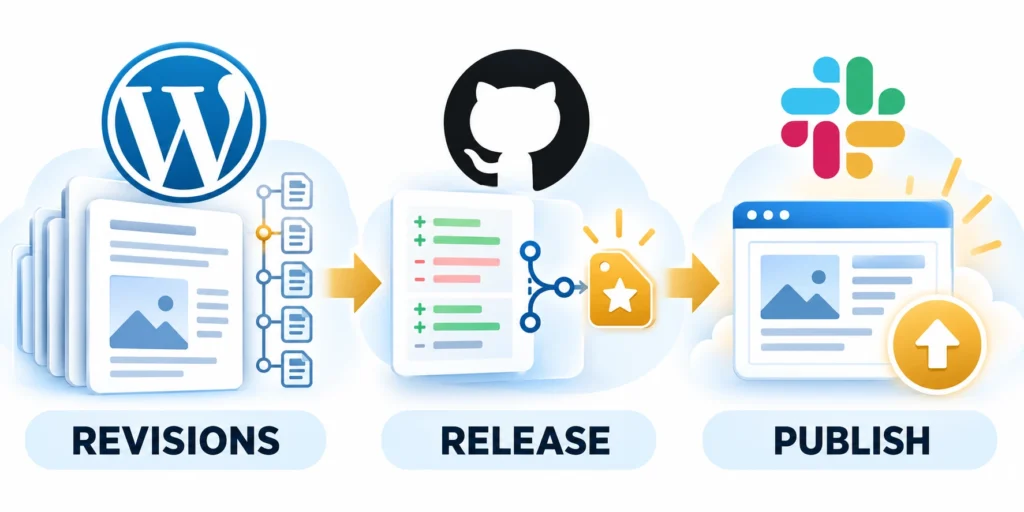
Governance applies after publication too. Assign an owner and review interval for pages with changing prices, legal statements, product details, or service commitments.
Keep these release controls visible:
- Approved version
- Named publisher
- Correction path
- Review date
WordPress revisions let editors compare saved versions and restore an earlier one. A revision is useful recovery evidence, but it is not a separate backup.
Use revisions deliberately
Before a major rewrite, save a revision and note the reason for the change. Compare the approved version with the new draft before publishing.
For a page that must change frequently, agree who verifies the update, how the previous wording can be restored, and how backups are tested.
Example: correcting a pricing claim
If a price changes, the page owner updates the draft and attaches the confirmed pricing source.
The editor checks the affected page and linked calls to action. The authorized publisher releases it, then the owner verifies the live page.
Apply the same review to published corrections
Review apply the same review to published corrections with representative contributors before expanding access or changing the publishing process.
For a correction to an already published page, use the same accountable path. Do not let urgency silently remove the required evidence.
Schedule reviews for changing information
Set review dates according to how quickly a claim can become stale. Assign an owner who can confirm whether the page remains accurate.
| Page | Trigger | Owner action |
|---|---|---|
| Pricing | Offer change | Confirm current terms |
| Security | Control change | Confirm claim scope |
| Guidance | Review date | Check links and steps |
| Campaign | End date | Update or retire |
WordPress revisions support content recovery, while a separate backup protects the wider site and database. Test both recovery paths before relying on them.
Set Access Boundaries and Delegation
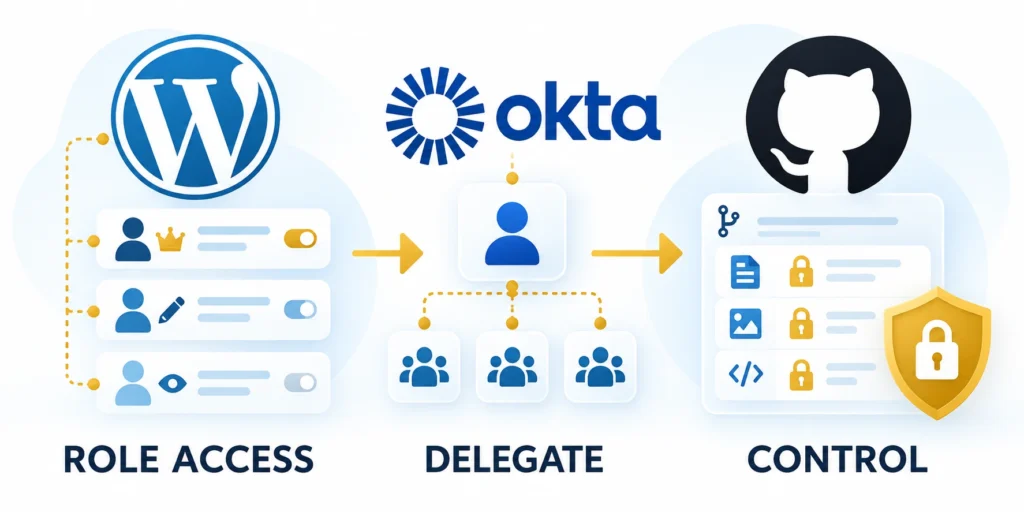
Separate platform administration from editorial work. Most writers do not need access to plugins, themes, site settings, or other users.
For a network, distinguish site-level responsibilities from network-wide administration. Shared user accounts can have different roles on different sites.
Compare the site model before assigning access
Review compare the site model before assigning access with representative contributors before expanding access or changing the publishing process.
Teams planning governance across multiple sites can compare WordPress Multisite and single installations before assigning network-wide responsibilities.
Choose a role model for the actual boundary
Core roles are a sensible starting point. If a writer must submit but never publish, the Contributor role prevents publishing by default, but it also lacks media upload permission.
That tradeoff may require an approved custom role. A capability editor such as PublishPress Capabilities can help manage role permissions without editing code.
Evaluate tools before changing permissions
Review evaluate tools before changing permissions with representative contributors before expanding access or changing the publishing process.
Compare its current features, maintenance, compatibility, and licensing with your needs. Do not grant a broad capability simply to make one screen or task appear.
Review access on a calendar
Review these access controls on schedule:
- Remove accounts when staff or agency contracts end.
- Review administrators and network administrators monthly or quarterly.
- Use individual accounts so approvals and edits remain attributable.
- Require multifactor authentication for elevated access where available.
- Re-test custom roles after plugin, theme, or core changes.
Review review access on a calendar with representative contributors before expanding access or changing the publishing process.
For a corporate network, review access per site as well as network-wide. A user who can edit one regional site may not need access to every brand.
Test access before granting it broadly
Test each proposed role with evidence:
- Create or select a test account with the proposed role.
- Attempt the expected task, such as editing an assigned draft.
- Attempt a prohibited task, such as publishing or changing site settings.
- Record the result and adjust capabilities only when the test exposes a real need.
- Repeat after relevant plugin, theme, or WordPress changes.
Use a non-administrator test account in staging when available. Confirm that each role can complete its assigned task and is denied actions outside its boundary.
Do not test custom permissions on a live post that customers or colleagues depend on. Use a disposable draft and remove temporary accounts after the review.
Measure Workflow Health and Compliance
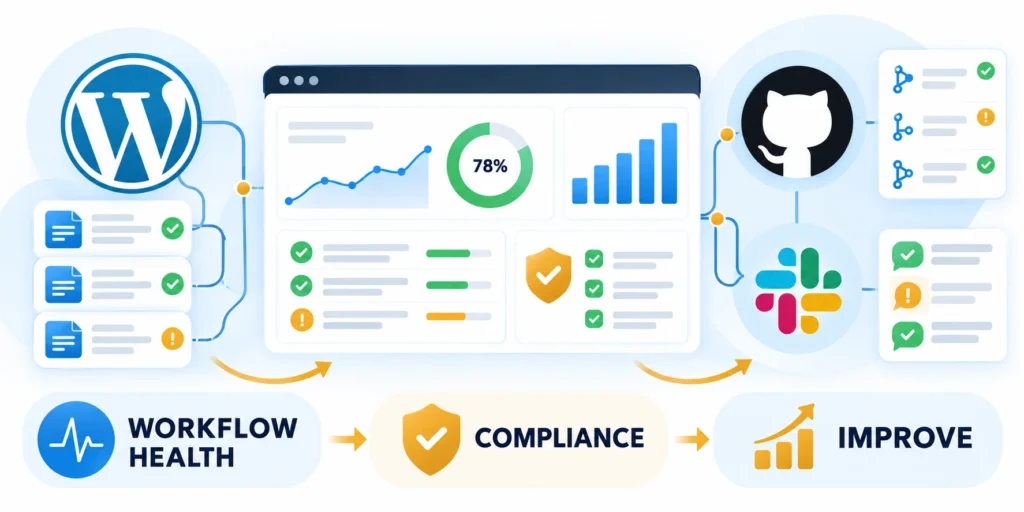
A governance workflow should reduce avoidable errors without turning every post into a committee decision.
Track these workflow health signals:
- Review time
- Repeated rework
- Post-approval changes
- Overdue ownership
Track a few measures that reveal bottlenecks and risk. Use the results to improve the process, not to reward teams for publishing more content.
| Measure | Signal | Response |
|---|---|---|
| First review time | Capacity gap | Adjust assignments |
| Repeated returns | Training gap | Improve guidance |
| Post-approval edits | Control gap | Reroute claims |
| Overdue pages | Ownership gap | Prioritize renewal |
Begin with a monthly sample of high-risk pages and a quarterly access review. Increase frequency only when a real risk or regulatory need warrants it.
Keep a short exception log with reason, approver, date, and expiration. Repeated exceptions usually signal a workflow that needs redesign.
Use the measures to improve one bottleneck
If reviews are late, compare queue age by content type and reviewer before adding more approvers. The delay may come from missing briefs or unclear ownership.
Choose one change, such as a required source field or a backup reviewer, and compare the next review cycle with the previous one.
Keep measurement definitions consistent
Review keep measurement definitions consistent with representative contributors before expanding access or changing the publishing process.
Keep the measurement period and definitions stable. Otherwise, a change in the counting method can look like progress when the workflow itself did not improve.
Interpret measures with operational context
Compare trends by content risk, team, and workflow stage. A single portfolio average can hide overloaded reviewers or repeated delays affecting only regulated content.
Pair every measure with an accountable response. Reporting without a decision owner creates dashboards that describe bottlenecks but do not improve publishing outcomes.
Roll Out Governance Without Bottlenecks
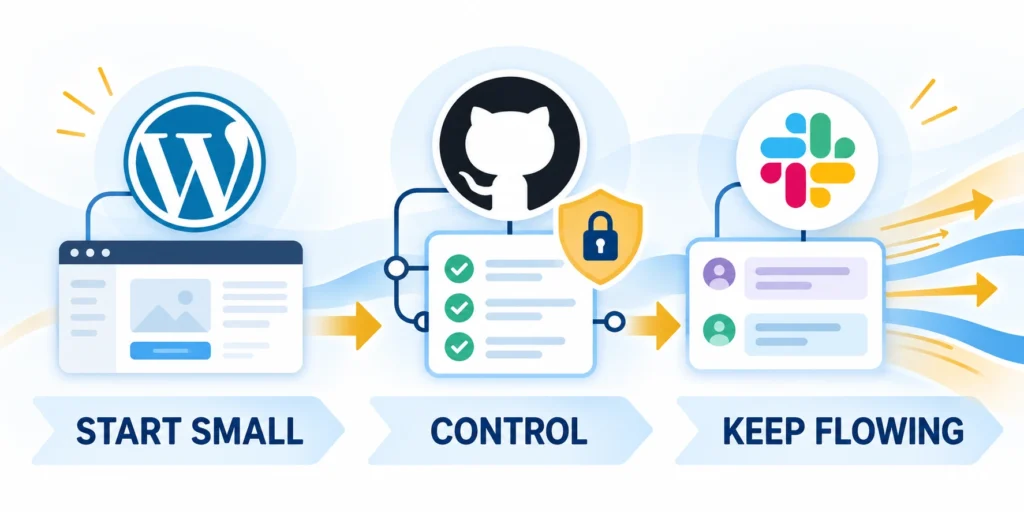
Do not apply a complex approval system to every page on day one. Pilot the rules with one content type and a representative team.
Use the pilot to verify permissions, handoffs, notifications, revision recovery, and measured review time before expanding across the site.
Run a two-week pilot
Run the pilot through these steps:
- Select one team and a repeatable content type.
- Assign an author, editor, specialist reviewer, and publisher.
- Test a routine post and one high-risk example.
- Record delays, rejected permissions, missing evidence, and rework.
- Revise the rules, then train the next group before rollout.
Keep the pilot successful when each test account can perform its task and cannot perform restricted tasks.
WordPress content governance works when responsibilities are clear, approvals match actual risk, and teams can recover from mistakes without hiding who made each decision.
Define operating criteria before execution
For strict content governance workflows in WordPress, define content state, required review, approval owner, and publishing condition before changing campaigns, code, content, or workflow.
Record these operating decisions before execution:
- Write the decision, owner, assumptions, and known constraints.
- Identify dependencies that could change the expected result.
- Set a reversible first step when uncertainty remains.
- Keep the decision record accessible to contributors.
- State what evidence is sufficient to proceed.
- Note which decisions cannot be reversed cheaply.
- Define the time frame for the decision.
- Record the intended business benefit.
- Confirm the available capacity and budget.
That shared context gives every contributor a practical boundary for action.
Test the workflow under realistic conditions
Evaluate strict content governance workflows in WordPress across the real drafting, review, approval, publication, and audit sequence.
Test the workflow through these stages:
- Choose a representative task or audience segment.
- Run the workflow from its first input to the final outcome.
- Capture exceptions, delays, and manual work.
- Compare results with the agreed baseline.
- Decide whether to improve, repeat, or scale.
- Document the limits of the test.
- Confirm that owners can support the next step.
- Review assumptions with people doing the work.
- Capture feedback from affected customers or users.
A narrow test can hide handoff issues, exceptions, integration failures, or user behavior.
Measure outcomes and tradeoffs together
Track approval time, correction rate, compliance exceptions, and publishing quality together rather than optimizing a single favorable metric.
Review these outcomes and tradeoffs together:
- Use business and technical indicators in the same review.
- Record data gaps before interpreting a result.
- Explain material changes with evidence, not timing alone.
- Preserve the baseline and reporting period.
- Share findings with the teams responsible for follow-up.
- Check whether the outcome can be reproduced.
- State the confidence level behind each conclusion.
- Compare actual effort against the original estimate.
- Assign responsibility for the next reporting cycle.
Costs, risk, quality, and effort can otherwise distort the apparent value.
Keep the practice current
Review the approach when policy, role, content type, workflow automation, or compliance changes.
Keep governance current through these actions:
- Schedule ownership and review dates with the operating team.
- Retire outdated instructions, definitions, and unsupported claims.
- Record the next action and accountable owner.
- Link related internal guidance when it helps execution.
- Decide whether to improve, replace, or stop the practice.
- Share changed instructions with affected contributors.
- Keep the latest decision record easy to find.
- Confirm whether the documented standard remains usable.
- Escalate material risks before the next release.
Past decisions may still help, but their assumptions require current evidence.
Manage Exceptions and Emergency Publishing
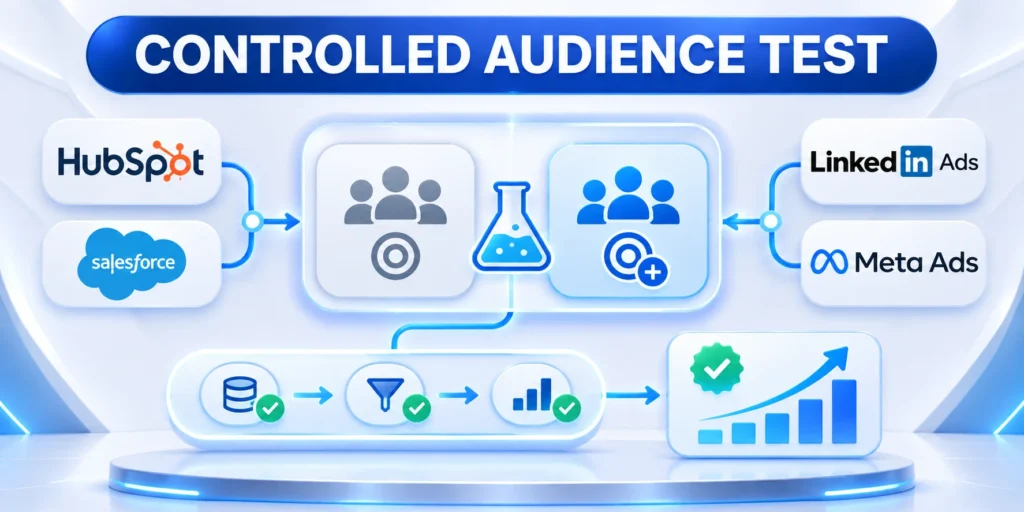
Exceptions need a defined owner, limited scope, expiration, and retrospective review. Urgency may shorten timing, but it should not erase accuracy, security, accessibility, or legal controls.
Create a separate emergency path before an incident occurs. Contributors should know who can authorize it, which checks remain mandatory, and how the normal workflow resumes.
Record an auditable exception
Document the business reason, affected content, authorized approver, mandatory checks, and expiration. Connect the exception to the exact version that was released.
Capture these exception control points:
- Business justification
- Authorized approver
- Mandatory checks
- Expiration date
- Retrospective review
Assign a retrospective reviewer and correction deadline before release. This prevents a temporary exception from becoming the undocumented standard.
Close the exception deliberately
Review the live result when urgency passes. Correct incomplete evidence, remove temporary access, and return future changes to the standard workflow.
Repeated exceptions reveal a capacity, ownership, or process problem. Address that cause instead of treating bypasses as an accepted operating model.
Preserve nonnegotiable release checks
Emergency timing should never remove identity verification, factual ownership, required legal approval, accessibility, security review, or a recoverable record of the released version.
Define the smallest evidence package allowed during urgency. Reviewers can work faster when they know exactly which checks remain mandatory and who resolves uncertainty.
Limit temporary authority and exposure
Grant temporary publishing or administrative access to a named person, specific site, defined purpose, and expiration. Avoid shared accounts because they weaken attribution during incidents.
Remove elevated access after the event and reconcile every emergency change. Confirm that temporary content, redirects, settings, integrations, and credentials reached their intended final state.
Train Reviewers and Preserve Governance Records

Governance depends on people applying the same decision criteria. Train reviewers with representative examples, clear escalation boundaries, and access to the current policy.
Preserve decisions beside the content version they governed. A generic approval message cannot explain which claim, exception, evidence, or release state was reviewed.
Calibrate reviewer judgment
Use paired reviews of routine, high-risk, corrected, and emergency content. Discuss disagreements until reviewers can explain the governing evidence and decision boundary.
Practice with these review examples:
- Routine update
- Regulated claim
- Published correction
- Emergency release
- Policy exception
Record the rationale behind calibration decisions. New reviewers need examples showing both the accepted result and the evidence that justified it.
Maintain a usable decision record
Keep the author, reviewers, timestamps, evidence, exception terms, final version, and later corrections together. The record should support audits and operational learning.
Retire obsolete guidance and notify affected contributors. Training must follow the current policy, role model, and publishing system rather than an archived procedure.
Maintain reviewer coverage and independence
Identify primary and backup reviewers for each risk area. Coverage plans should include vacations, departures, agency transitions, conflicts of interest, and urgent decisions.
Separate authorship from final approval when consequences justify independent review. The approver should understand the evidence and possess authority to reject or condition release.
Test whether records support later decisions
Ask a qualified reviewer to reconstruct why a past version was approved. Missing scope, evidence, timestamps, or exceptions indicate that the record is not operationally useful.
Protect governance records according to their sensitivity and retention needs. Access should support accountability without exposing private drafts, credentials, contracts, or security evidence broadly.
FAQ
These answers clarify roles, approvals, revisions, access reviews, emergency publishing, and the evidence required for accountable WordPress governance.
Can a WordPress Contributor publish a post?
No. The default Contributor role can write and manage its own drafts but cannot publish them. It also lacks default media upload capability.
Can WordPress Editors publish content?
Yes. The default Editor role can publish and manage posts, including work by other users, so it does not by itself separate review from final publishing.
Does WordPress include a Publisher role?
No. WordPress has built-in roles such as Editor, Author, and Contributor. A separate publisher role needs a custom role or a suitable capability-management workflow.
Are WordPress revisions a backup?
No. Revisions help compare and restore saved content versions, but they do not replace tested site and database backups.
How often should roles be reviewed?
Review elevated access regularly and whenever staff, agencies, site structure, or plugins change. Choose a fixed interval that fits the organization’s risk.
How should emergency publishing be governed?
Define who may bypass normal timing, which checks remain mandatory, how approval is recorded, and when retrospective review occurs.
Can plugins enforce every editorial policy?
No. Plugins can enforce mechanical rules, while accuracy, intent, evidence, judgment, and accountability still require qualified review.
Who should approve policy changes?
Use accountable editorial, legal, technical, security, and business owners according to the change’s scope and risk.
How are rejected drafts handled?
Return specific reasons, preserve the draft and review history, assign corrections, and require fresh approval after material changes.
What should a publishing audit record contain?
Record the content version, authors, reviewers, decisions, timestamps, exceptions, publication state, and later corrections.
For the broader framework, read Enterprise WordPress Development: Architecture, Security, and Scalability.
Conclusion

Effective WordPress governance connects business ownership, editorial judgment, technical access, and release evidence. Roles alone cannot define who approves a risky claim or owns a correction.
Build the operating model around real content decisions. Match review depth to risk, test permissions with representative tasks, and keep every approval tied to the reviewed version.
Keep authority proportional to responsibility
Grant contributors only the capabilities required for their assigned work. Separate drafting, reviewing, publishing, and administration when risk or organizational scale requires independent accountability.
Apply these final governance checks:
- Named content owner
- Documented review path
- Tested role boundary
- Recorded approval
- Scheduled renewal
Review privileged access and backup ownership on a calendar. Departures, agency changes, plugins, and reorganizations can invalidate a previously appropriate permission model.
Improve governance from operational evidence
Measure review delays, repeated rework, overdue pages, post-approval edits, exceptions, and correction quality. Use the evidence to improve one bottleneck instead of adding universal bureaucracy.
A sustainable workflow makes the next accountable action visible. It protects publishing speed by reserving deeper review for content whose claims, access, or consequences justify it.
Start with one accountable workflow
Choose one repeatable content type, map its owners and risks, test role boundaries, and run the complete review path before expanding governance across the portfolio.
Use pilot evidence to adjust service targets, training, permissions, and escalation. Expansion should follow a workflow that teams can operate during routine work and urgent corrections.








Leave a Reply