

Define Enterprise CMS Criteria
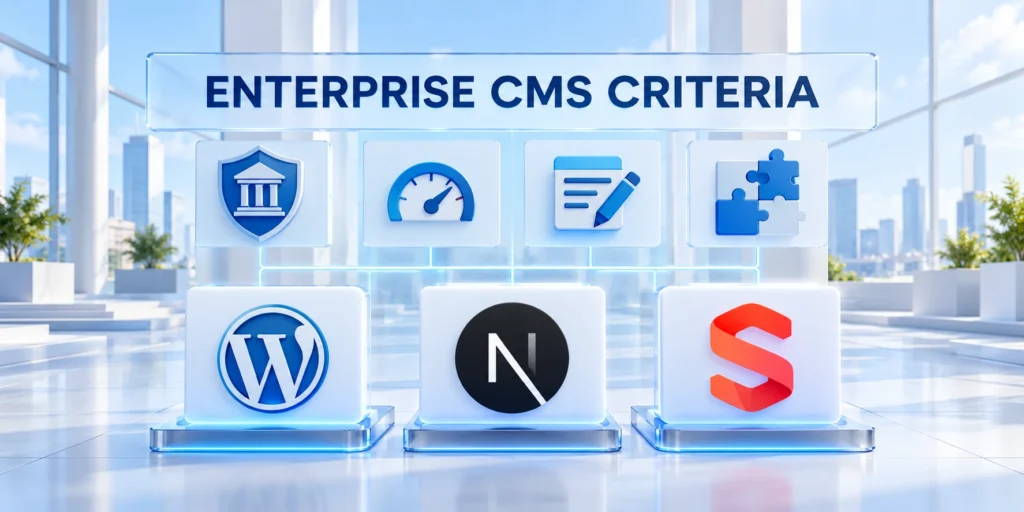
Choosing between WordPress vs Next.js and Sanity is an operating-model decision: it determines who can publish, how content changes reach customers, and which team maintains the delivery system.
Compare WordPress with Next.js and Sanity against your actual workflows, technical capacity, governance duties, and total ownership costs.
Write down the decision before scoring platforms
Start with a one-page decision brief. Name the business problem, affected channels, content owners, launch constraints, and the person accountable after implementation.
Use these actions to write down the decision before scoring:
- Editorial need: Which teams create, review, localize, schedule, and update content?
- Experience need: Is the site one marketing property or one of several products and channels?
- Technical need: Which integrations, release controls, and service levels are mandatory?
- Operating need: Who owns upgrades, incidents, access reviews, and vendor relationships?
Separate requirements from preferences. For example, regulated approval history may be mandatory; a particular visual editing style may be negotiable.
Use evidence-based weights
Score each requirement from one to five, then assign a weight from one to three based on business consequence.
Multiply the score by its weight and record evidence beside it. Do not let a high total hide one unmet security or workflow requirement.
Apply these criteria to evidence-based weights:
- Mark each item as mandatory, important, or optional.
- Define what evidence would count as a pass before vendors demonstrate the system.
- Give unresolved assumptions an owner and a validation date.
This prevents a polished demo from outweighing the daily work the platform must support.
Compare Operating Models
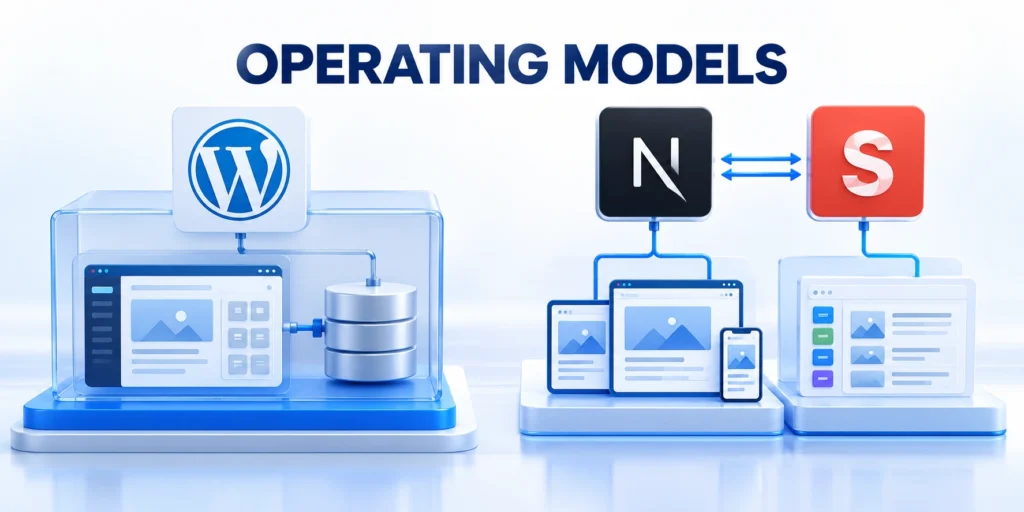
WordPress commonly combines content management and website delivery in one application, with themes and plugins supplying presentation and extensions.
Next.js + Sanity separates the content platform from the frontend application, so the organization operates more services and integration boundaries.
| Decision | WordPress | Next.js + Sanity |
|---|---|---|
| Publishing | Integrated editor and site workflow | Studio plus a separate frontend |
| Frontend | Theme and plugin architecture | Application code controls rendering |
| Delivery | WordPress serves the experience | Applications query structured content |
| Ownership | Hosting, updates, and extensions | CMS, code, hosting, and deployments |
| Trade-off | Fewer separately operated parts | More flexibility and engineering work |
Trace one content change end to end
Choose a real update, such as changing a product page claim. Map who edits it, who approves it, where the content is stored, and how it reaches production.
Key considerations for trace one content change end include:
- In WordPress, inspect the editor, preview, approval process, theme output, and deployment responsibilities.
- For composable stacks, inspect Sanity schemas, roles, Next.js queries, previews, and frontend deployment.
- Measure elapsed time, handoffs, rework, and the number of teams required.
The best fit is the system that supports this real workflow reliably, not the architecture with the most impressive diagram.
For a third option, read our guide to headless WordPress architecture and compare it separately in the pilot.
Test the cost of everyday changes
Compare completion time and rework across both routine edits and structural requests so the operating burden remains visible.
Repeat the workflow with a routine copy correction and a new page type. These ordinary tasks reveal friction that a one-time launch demo can conceal.
Use these actions to test the cost of everyday changes:
- Record whether editors can complete the change independently.
- Count review handoffs and release steps.
- Ask developers to explain the maintenance work created by each request.
- Include preview, accessibility, localization, and analytics checks in the workflow.
WordPress Editorial Workflow
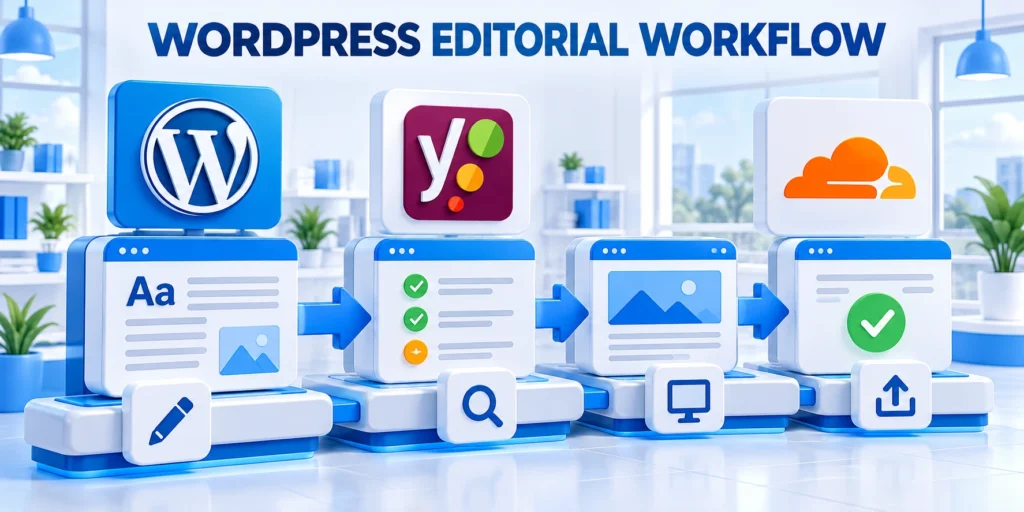
WordPress can be a strong fit when the organization primarily needs a website and content teams need a mature, integrated publishing experience.
It is especially compelling when the organization can standardize its themes, plugins, hosting, and update process instead of treating every site as unique.
Look for an integrated editorial operating model
Marketing teams can often work directly in the CMS, preview changes, manage media, and publish without waiting for a frontend code release.
That advantage depends on disciplined implementation. Scope WordPress development and SEO work around approved plugins, documented roles, tested updates, and recovery.
Use these actions to look for an integrated editorial operating:
- Choose one supported theme system and define which layouts editors may change.
- Review each plugin for ownership, purpose, update history, and overlap.
- Test core, theme, and plugin updates in staging before production.
- Document backups, restore responsibilities, and incident contacts.
Prefer WordPress when the team can own the full stack
The organization owns updates, extensions, and performance. Use the WordPress security protocol to define access reviews, backup tests, and incident responsibilities.
If those duties already fit the web operations team, adding a separate content service and frontend may add cost without improving the reader experience.
Distinguish headless WordPress from the alternatives
Evaluate its content APIs, preview, authentication, caching, search, deployment, and support boundaries as a separate operating model.
For organizations evaluating decoupled WordPress specifically, compare that option separately; it is not the same architecture as WordPress serving its own theme.
Control extension and change risk
Require a documented need, accountable owner, compatibility evidence, recovery plan, and review date before approving another dependency.
Set a review process for new extensions so a quick feature request does not create an unowned dependency or duplicate an existing capability.
Use these actions to control extension and change risk:
- Record the business owner and technical owner for each extension.
- Test compatibility in staging and document rollback steps.
- Remove extensions that no longer support an active requirement.
Next.js + Sanity Multichannel Content

A Next.js + Sanity stack can fit when the organization needs a custom application experience and structured content reused across multiple products or channels.
It is a better fit when engineering can own schemas, queries, frontend behavior, deployment, monitoring, and the editor experience as continuing products.
Confirm that content reuse is a real requirement
Identify content that genuinely appears in more than one experience, such as product specifications, localized offers, or reusable support information.
Use these actions to confirm that content reuse is a:
- Define each content type, field, relationship, and validation rule.
- Decide which team owns each schema and how changes are reviewed.
- Specify how every consuming application handles missing or unpublished content.
- Test editorial preview against the same frontend components used in production.
Do not select headless merely because a future channel might exist. Require a funded use case and a team responsible for each integration.
Budget for the frontend platform as a product
With Next.js, the frontend is code the organization must build, test, deploy, monitor, and keep compatible with its content model.
Server-rendered and static experiences can be designed for performance, but outcomes depend on implementation, caching, hosting, and content freshness requirements.
Assign service and integration ownership
Name who responds when content, queries, previews, webhooks, caches, deployments, or consuming applications fail across service boundaries.
Sanity provides a content platform and developer tooling; the organization still designs schemas, access patterns, previews, and operational safeguards.
Map the application delivery path
Include content freshness targets and recovery behavior so editors know when an approved change becomes visible to users.
Document how a content change travels from a Sanity document to a Next.js page, including query ownership, caching behavior, preview access, and deployment triggers.
Use these actions to map the application delivery path:
- Identify which content changes appear immediately and which require rebuilding or revalidation.
- Define behavior when a required reference or field is missing.
- Set monitoring for failed queries, stale pages, and deployment errors.
Enterprise Governance and Security

Security is a property of the complete system and its operating practices, not a guarantee supplied by choosing a particular CMS.
Compare who administers identities, reviews permissions, applies updates, monitors incidents, restores data, and approves releases for each option.
Build a responsibility matrix
Confirm each owner has the access, capacity, documentation, and escalation path required to perform the assigned work.
Use these actions to build a responsibility matrix:
- Marketing: content accuracy, approval stages, localization, and scheduled publishing.
- Platform engineering: application code, infrastructure, deployments, observability, and recovery.
- Security: identity policy, vulnerability response, access reviews, and incident procedures.
- Product or business owner: service objectives, budget, risk acceptance, and roadmap decisions.
For every responsibility, name a primary owner, a backup, and the evidence that the task was completed.
Test the controls that matter to your organization
Use a realistic account and content scenario: a staff member changes roles, an urgent correction must publish, or an integration token needs rotation.
Use these actions to test the controls that matter to:
- Verify least-privilege roles and removal of access after departure.
- Check whether approval records identify the responsible editor and reviewer.
- Confirm secrets are not embedded in client-delivered code or public repositories.
- Run a restore test and record the recovery time actually achieved.
Ask vendors for current control documentation, but validate your own configuration and service boundaries before approving production use.
Clarify service and contract boundaries
Review these boundaries against the proposed architecture because shared responsibility changes when another service or integration is added.
List what the provider operates and what remains your responsibility. Confirm escalation paths, service commitments, data export, and support scope.
Use these actions to clarify service and contract boundaries:
- Identify the party responsible for each production incident.
- Check how long backups and audit records remain available.
- Test that an administrator can export required content and configuration.
- Record contract renewal dates and limits that affect expected growth.
CMS Total Cost and Migration Risk
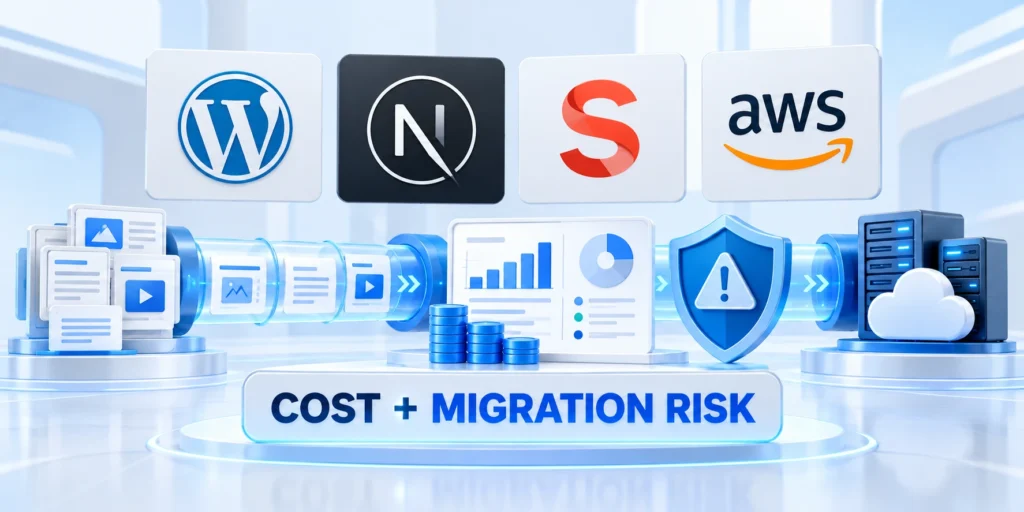
Compare the cost of operating each option over the same period, using the same traffic, content volume, staffing assumptions, and service expectations.
Include implementation and migration, recurring services, engineering and editorial labor, support, compliance work, incident response, and exit costs.
Use a practical three-year worksheet
Keep assumptions versioned so decision makers can see whether licensing, labor, traffic, or publishing volume changed the result.
Follow this sequence to use a practical three-year worksheet:
- List one-time discovery, design, migration, integration, and training costs.
- Estimate annual hosting, platform, support, monitoring, and extension expenses.
- Estimate staff hours for publishing, engineering, upgrades, releases, and incident coverage.
- Add transition, contract, data-export, and decommissioning costs.
- Record low, expected, and high estimates with the person who supplied each figure.
Separate quoted vendor charges from internal estimates. A low subscription price can still require substantial engineering and operational labor.
Make migration risk visible
Inventory pages, media, redirects, structured data, integrations, permissions, and editorial history before estimating migration effort.
Use these actions to make migration risk visible:
- Sample representative content, including complex landing pages and localized variants.
- Define URL mapping and test redirects before changing public routes.
- Reconcile migrated counts and validate critical forms, analytics, search, and integrations.
- Keep rollback criteria and decision authority explicit until the new system is stable.
Do not assume all content needs to migrate. Retire outdated material only after its owner approves the disposition and redirect plan.
Test whether the business case survives changed assumptions
Record the breakpoints that reverse the preferred option and assign monitoring for assumptions likely to change after launch.
Run the worksheet again with slower content growth, higher traffic, and additional engineering support. This shows which assumptions drive the decision.
Use these actions to test whether the business case survives:
- Keep vendor quotes and internal labor estimates in separate rows.
- Use the same staffing rates and review horizon for both candidates.
- Show the cost of operating both systems during a phased migration.
Enterprise CMS Pilot
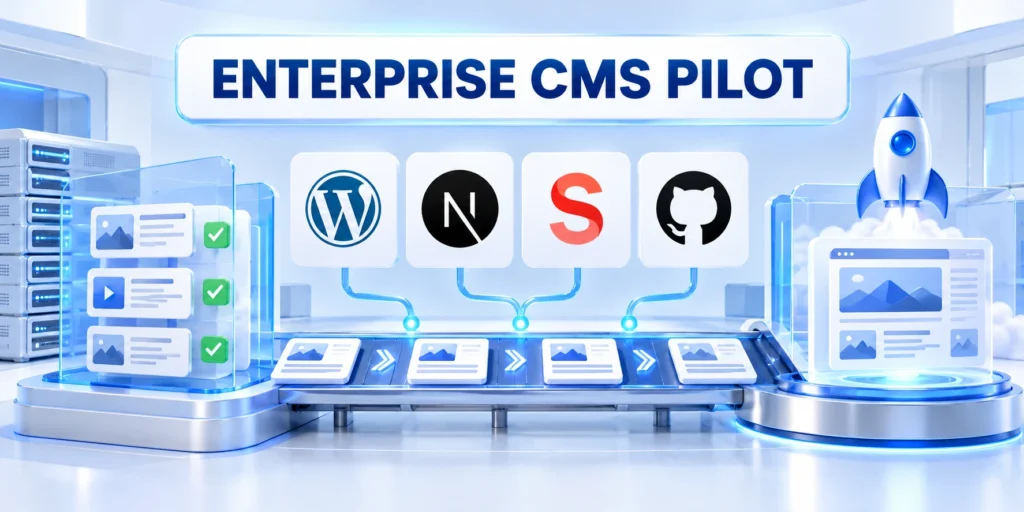
A small pilot reduces uncertainty when it tests real content, real approvals, and production-like integrations on both candidate platforms.
Keep the scope narrow enough to finish, but representative enough to expose the handoffs and operational work a launch would require.
Run the same workflow on both candidates
Use one representative content type, approval path, integration, preview, release, and recovery exercise for both serious candidates.
Keep participants, requirements, evidence, and timing comparable so platform differences remain attributable and operationally meaningful.
Follow this sequence to run the same workflow on both:
- Select one page with structured content, a form, localization, and a realistic approval path.
- Assign the same editor, reviewer, developer, and security reviewer to each candidate.
- Implement the smallest complete version, including preview and rollback procedures.
- Ask editors to make a change without developer intervention, then record blockers and time.
- Ask engineers to diagnose a failed integration and restore the prior working version.
- Compare measured results against the requirements written before the pilot.
Set stop and success criteria in advance
Define pass conditions for editorial completion, access controls, performance, deployment, recovery, and support before the demonstrations begin.
Stop if a mandatory security control fails or a required workflow cannot be supported within the agreed staffing and budget.
Make the go/no-go decision explicit
Document why the selected option meets mandatory requirements and why the rejected alternative remains unsuitable under current evidence.
Choose the platform only after the pilot evidence and ownership plan agree. If neither meets the requirements, revise the architecture or scope.
Model the Complete Publishing Workflow
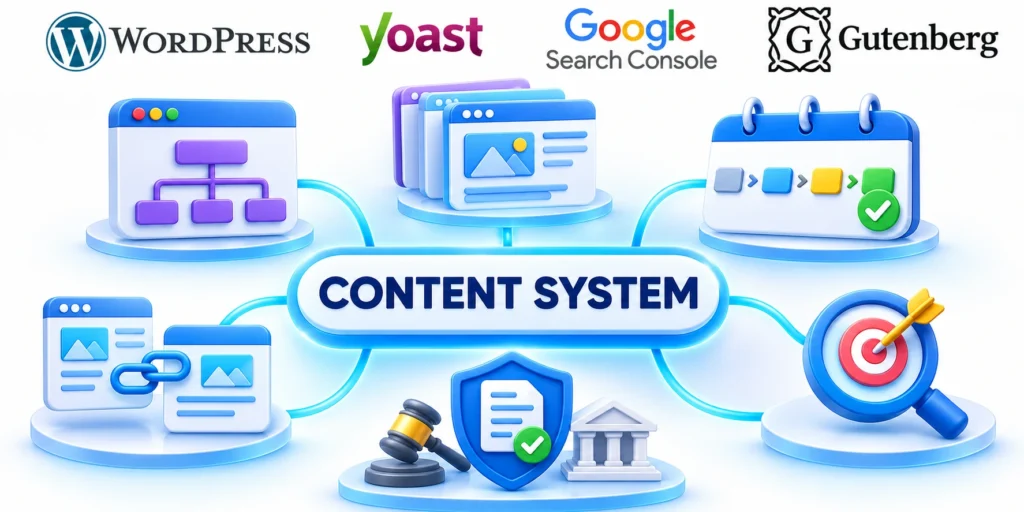
Map drafting, review, preview, scheduling, translation, reuse, legal approval, correction, rollback, archiving, and emergency publishing for representative content teams.
Compare how each option handles the real workflow, including exceptions, rather than judging the editor from an isolated demonstration or technical prototype.
Validate the workflow through these representative events:
- Scheduled publication and urgent correction.
- Translation, approval, and regional variation.
- Schema change and dependent application update.
- Preview failure and controlled rollback.
- Concurrent editing and ownership resolution.
Define Content Ownership and Contracts
Document schemas, field meaning, validation, references, localization, migrations, deprecation, API expectations, and the owners who approve structural change.
A flexible model becomes operational debt when teams can change shared content without compatibility checks, migration plans, or communication with consuming applications.
Test Preview and Release Behavior
Verify draft previews, authenticated content, scheduled publication, webhook delay, cache invalidation, failed builds, rollback, and concurrent edits using representative environments.
Editors need predictable feedback about when a change becomes visible and what happens if the delivery pipeline fails after content approval.
Compare Search and Discovery Responsibilities
Assign ownership for URLs, metadata, canonical signals, redirects, sitemaps, structured data, internal links, on-site search, archives, and deleted content.
Headless delivery can support excellent search performance, but the implementation team must build and maintain capabilities a coupled platform may already provide.
Estimate the Operating Model
Include hosting, build infrastructure, monitoring, security, support, plugins, integrations, upgrades, content operations, incident response, and specialist availability in the comparison.
Total cost depends on change volume and team capability, not only license fees or the speed of one cached page.
Run a Bounded Decision Pilot
Implement one representative content type, workflow, integration, preview path, search requirement, deployment, and recovery exercise with each serious candidate.
Record assumptions, exceptions, staff effort, unresolved risks, and measurable outcomes before choosing a platform or approving a wider migration.
Plan Content and Asset Migration

Inventory content types, fields, relationships, media, redirects, metadata, localization, permissions, revisions, embeds, and records that should not migrate.
Test transformations on representative edge cases and reconcile counts, relationships, URLs, files, and editorial acceptance before any production cutover.
Control migration through these verifiable checkpoints:
- Approved source inventory and disposition.
- Mapped fields, relationships, and owners.
- Verified media, URLs, and redirects.
- Reconciled permissions and revision needs.
- Documented cutover and rollback authority.
Reconcile editorial acceptance before cutover
Ask content owners to approve representative records, complex layouts, media, localization, metadata, links, and historical information.
Record accepted exceptions and unresolved defects so launch authority reflects known business impact rather than migration counts alone.
Test relationships and dependent experiences
Verify references, taxonomies, authors, permissions, localized variants, embeds, forms, search, and every application that consumes migrated content.
Use source identifiers and reconciliation reports to repair missing relationships without repeating a complete migration blindly.
Define Support and Incident Ownership
Name owners for CMS availability, frontend delivery, APIs, build failures, caches, integrations, security events, editor access, and vendor escalation.
Exercise recovery across system boundaries because a healthy content service does not guarantee that users can reach the published experience.
Set Decision Review Triggers
Review the architecture when publishing volume, channels, workflow, regulations, traffic, integrations, staffing, cost, reliability, or product strategy changes materially.
Preserve the original assumptions and pilot evidence so future teams can distinguish a platform limitation from configuration or operating-model debt.
Conclusion

Choose WordPress when an integrated website and editorial workflow meet requirements and the team can operate its application stack responsibly.
Choose Next.js with Sanity when structured content reuse and application control justify additional engineering, integration, release, and service ownership.
Use evidence from a comparable pilot
Test the same representative workflow, content model, integration, preview, release, recovery, and ownership responsibilities on every serious candidate.
Preserve assumptions, measured effort, exceptions, unresolved risks, operating costs, and the evidence supporting each mandatory requirement.
A defensible CMS decision records these elements:
- Business outcome and mandatory requirements.
- Weighted comparison with supporting evidence.
- Named editorial and technical owners.
- Migration boundaries and rollback triggers.
- Review date tied to material change.
Match architecture to operating capacity
A flexible architecture creates value only when the organization can maintain schemas, code, services, integrations, monitoring, security, support, and editorial experience.
A simpler architecture remains valuable when it satisfies customer and editor needs with fewer independently operated boundaries.
Revisit the decision when evidence changes
Review the platform after material changes in channels, workflows, regulations, traffic, integrations, staffing, reliability, cost, or product strategy.
The original decision record helps future teams distinguish platform limitations from implementation, configuration, or operating-model debt.
Preserve a supported fallback
Document how teams publish, correct, recover, and communicate when a service, integration, deployment, or vendor support path becomes unavailable.
A tested fallback protects customers and editors while the organization restores the preferred architecture or reevaluates an unsafe dependency.
FAQ
These answers clarify platform fit, architecture, migration, editor experience, operations, proof-of-concept scope, and review triggers.
Is WordPress suitable for enterprise websites?
It can be suitable when the organization governs hosting, roles, plugins, updates, backups, performance, and incident response with clear owners.
Is Next.js + Sanity automatically faster or more secure?
No. Performance and security depend on implementation, deployment, configuration, and operations. Test those properties against your own service requirements.
Does headless architecture eliminate CMS maintenance?
No. It changes where work occurs. Teams still maintain schemas, frontend code, integrations, permissions, deployments, monitoring, and recovery processes.
When should a company choose composable content?
Choose it when structured content serves multiple experiences and the organization can fund engineering ownership for each consumer application.
Can an enterprise migrate incrementally?
Often, but route ownership, content synchronization, redirects, analytics, and rollback must be planned. Pilot a bounded section before expanding.
What should a CMS proof of concept prove?
It should prove a complete editor-to-production workflow, access controls, integration behavior, performance targets, recovery, and realistic staffing cost.
Can WordPress support a decoupled frontend?
Yes. Validate API coverage, preview, authentication, media, search, caching, plugins, editorial workflows, deployment, recovery, and operating ownership for the chosen architecture.
Does Next.js require Sanity?
No. Next.js can consume many content systems; choose a CMS according to workflow, model, integration, governance, reliability, cost, and team capability.
Which option is easier for editors?
Ease depends on the configured workflow, preview, permissions, content model, reuse, training, support, and exceptions editors actually encounter.
When should an enterprise revisit its CMS choice?
Revisit it after material changes in channels, workflow, scale, security, team capability, integration, cost, reliability, or business strategy.




Leave a Reply