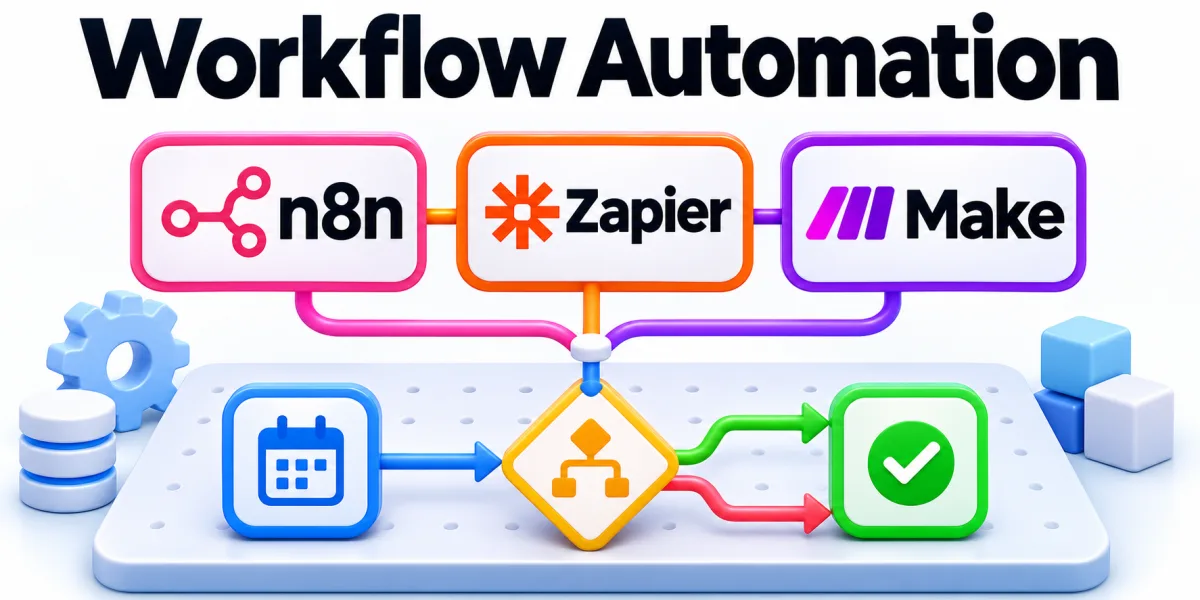
Business automation routes repeatable work across systems through rules, integrations, and clearly assigned exceptions. The details matter most when a decision has consequences for several parts of the business.
Consider a workflow where employees repeatedly copy information between a website and the CRM. Define the immediate question before deciding how much work to take on.
Where Should a Business Start With Automation?

A website inquiry can populate contact data, check for duplicates, and notify the owner. Document the expected behavior and the signals that would tell the team to investigate further.
Track duplicate records, processing delays, and human corrections after an automated workflow starts operating. Check those signals on a recent case before relying on the same approach more broadly.
Map Events and Ownership
Follow a request through intake, validation, routing, and acknowledgement by the owner. Use a representative example and record any assumptions that would limit how broadly the decision applies.
Identify which information must be present before a request can move forward. Confirm the outcome under realistic conditions and note what someone needs to do when the expected result fails.
Design for Exceptions
Send incomplete records to a review queue with the original submission attached. Run a focused check before applying the same decision across a wider set of cases.
Prevent repeated requests from creating multiple records by checking a stable identifier. Record both the expected result and what you observed so another person can evaluate the choice.
Monitor the Work After Launch
Capture failed syncs and unresolved approvals in a queue staff monitor. Describe the decision in terms that make sense to both the owner and the people using the result.
Sample completed cases to check that records reached their intended destination. Track what changes after implementation and schedule a review once there is enough evidence to compare results.