

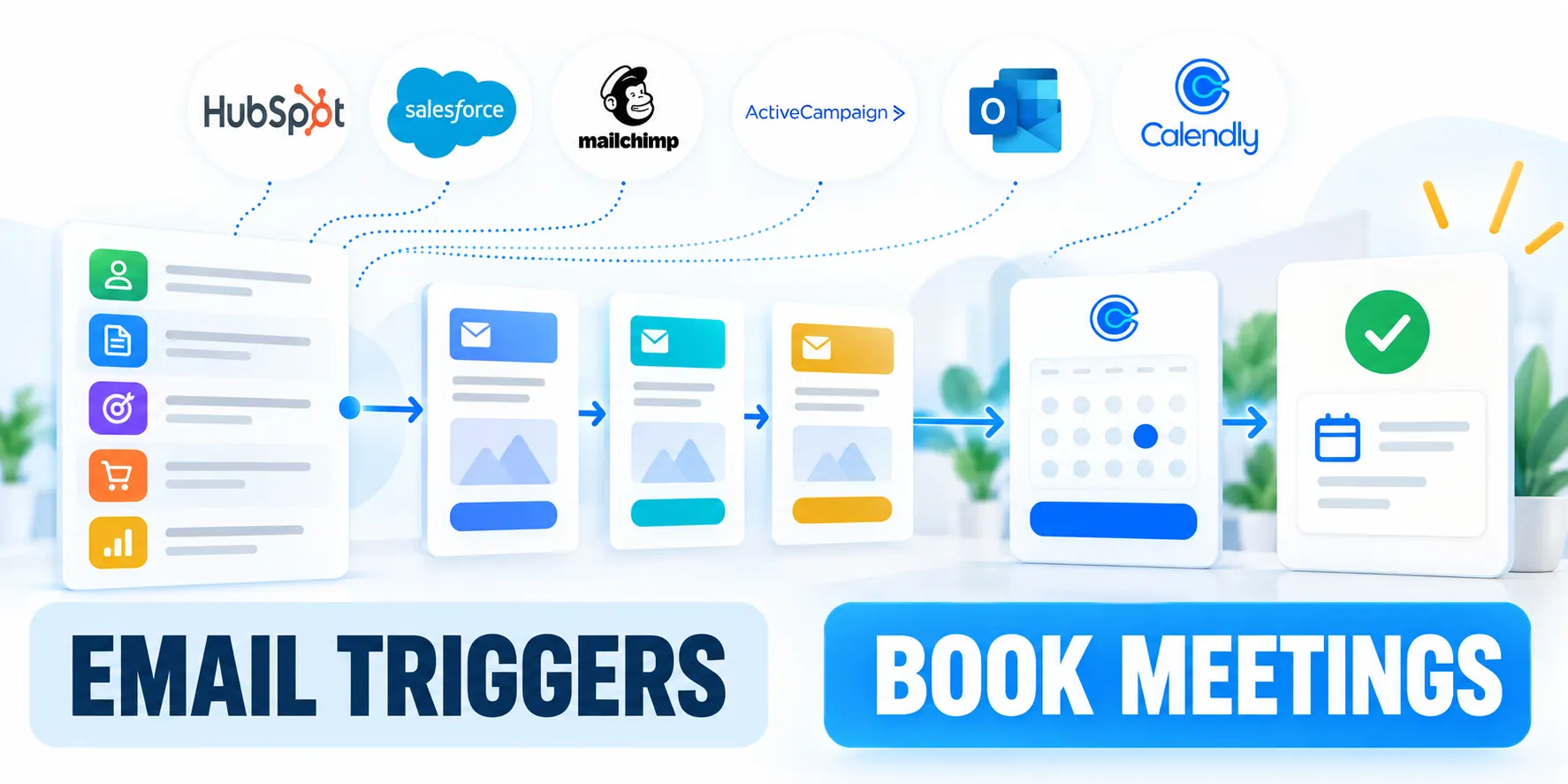
Define the Meeting-Worthy Outcome
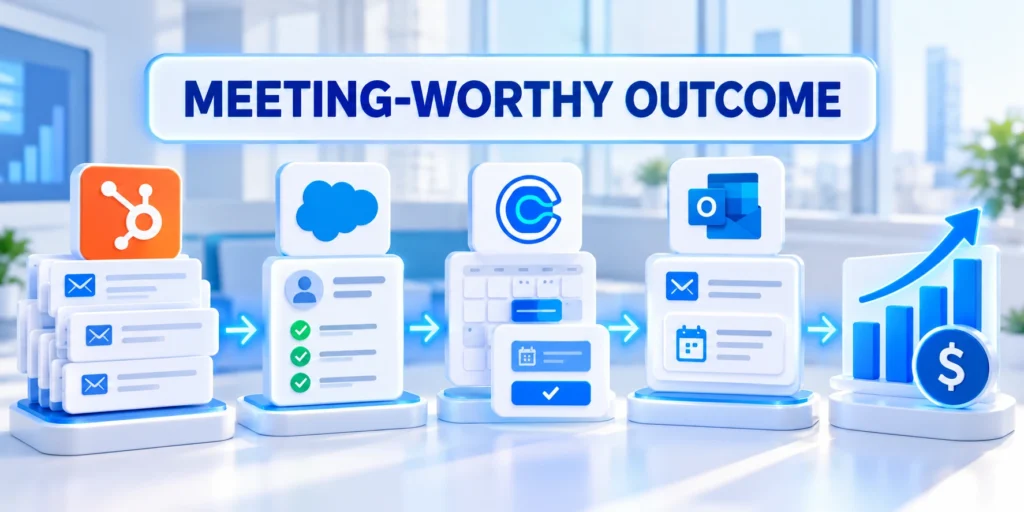
B2B email marketing automation triggers are useful when they connect a meaningful buyer signal to a timely, relevant next step.
For a B2B team, that next step may be a useful email, a sales task, or a meeting invitation with clear context.
Define what counts as a qualified meeting
Start with a business outcome that marketing and sales can both recognize, rather than a broad goal such as more engagement.
A qualified meeting might require a target account, a relevant role, a stated business need, and a meeting accepted by sales.
Use these actions to define what counts as a qualified:
- Define whether a booked, held, or sales-accepted meeting is the conversion.
- Specify which account and contact attributes make a meeting relevant.
- Choose how cancellations, reschedules, and duplicate bookings are counted.
These definitions prevent a workflow from celebrating calendar activity that does not help the buying group or the sales team.
Confirm sales acceptance before optimizing volume
Ask sales to define which meeting attributes indicate relevance, sufficient context, correct ownership, and a realistic next step.
Use rejection reasons to improve qualification rules instead of optimizing only calendar bookings or email engagement.
Distinguish booked, held, and accepted meetings
Report each milestone separately because a booked meeting can be canceled, missed, duplicated, or rejected after review.
Choose the milestone that matches the workflow decision and preserve later outcomes for quality analysis.
Map the Path from Signal to Meeting
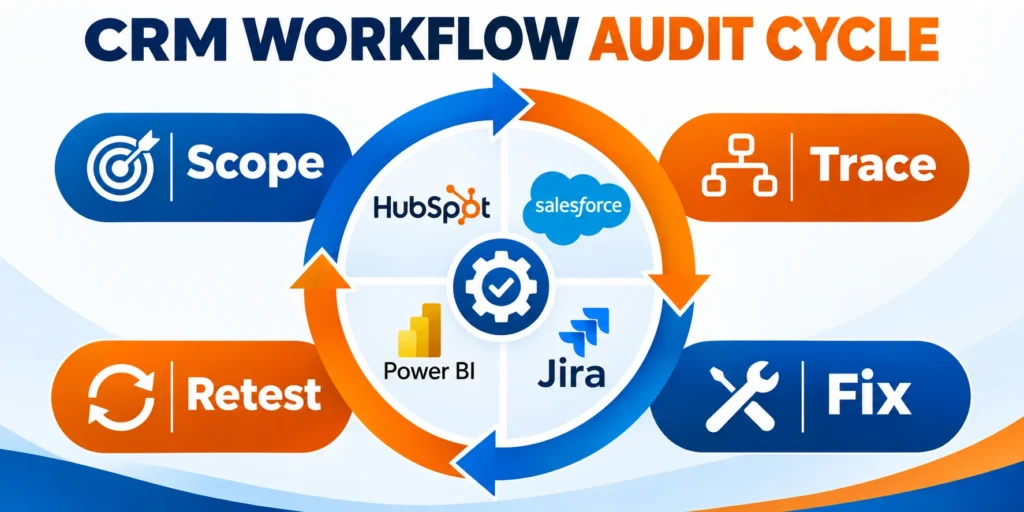
Write down the events that usually precede a useful conversation, then separate observed facts from assumptions about buyer intent.
A pricing-page visit is observable. It does not, by itself, prove budget, authority, or readiness to buy.
Use these actions to map the path from signal to:
- Record the event source, timestamp, contact, and associated account.
- Identify the next action and the owner responsible for it.
- Agree how quickly the action should happen and what happens if it fails.
Give each event a practical definition, including what qualifies, what does not, and which system records it.
For a meeting request, specify whether a completed form, scheduler confirmation, or CRM booking record is authoritative.
Separate the event from the qualification decision
The event says what happened. Qualification determines whether the team should respond in a particular way.
A webinar attendance event can start an educational follow-up, while the account segment and request topic determine whether sales receives a task.
Use these actions to separate the event from the qualification:
- Keep the original event available for reporting.
- Store the qualification result separately from the raw activity.
- Include the reason a contact qualified or was excluded.
For example, a request for a technical consultation can create a sales task immediately, while a single content download may warrant education first.
The B2B demand generation guide covers offer and qualification choices; this article focuses on the event rules and follow-up sequence.
Choose Events and Data-Change Triggers

A trigger starts automation when a defined event or record change occurs; a filter determines whether that record should proceed.
Separating those ideas makes the workflow easier to reason about and reduces accidental enrollment.
Use behavioral events when the action matters
High-value actions can justify a timely response when the event has a clear business meaning and the person can receive marketing communication.
Apply these criteria to behavioral events when the action matters:
- A consultation or demo request can route directly to a sales owner.
- Repeated visits to a product or implementation page can prompt a useful follow-up.
- Attendance at a technical session can trigger related material for that topic.
- An email click may guide the next message, but should not alone imply purchase readiness.
Signals are stronger when they reveal a specific task or need. They are weaker when they can result from accidental, shared, or automated activity.
Use form submissions, explicit preferences, and repeat behavior with care. Validate bot filtering and shared-device scenarios before routing high-volume events to sales.
Use context before routing lower-intent activity
A single click or page view rarely provides enough evidence for immediate sales outreach.
Use the narrowest event that captures the intended action. “Visited any website page” usually lacks enough context for a sales alert.
Combine intent with account context
Before routing, check account fit, active ownership, current opportunities, recent responses, and incompatible campaigns.
That context prevents low-intent activity from interrupting a more relevant sales or customer workflow.
Use Record Changes for Lifecycle Coordination

Changes to lifecycle stage, account assignment, consent, or meeting status can coordinate systems and teams when the field is reliably maintained.
For example, a stage change to sales-qualified may notify the assigned owner, pause incompatible nurture, and record a follow-up task.
Apply these criteria to record changes for lifecycle coordination:
- Confirm which system owns each field.
- Check whether integrations update it repeatedly or overwrite manual corrections.
- Use a transition into a value, not merely a record already holding that value.
When several tools in the marketing technology stack sync the same record, log each field change’s source and timestamp to diagnose unexpected triggers.
If an import changes thousands of records, test whether the workflow treats that as thousands of live events before running it.
Verify repeat entry in the selected platform
Some platforms permit re-enrollment only for selected events or properties. Review those settings before expecting a completed contact to enter again.
HubSpot’s re-enrollment documentation explains that repeat entry depends on explicitly configured triggers and workflow-specific eligibility.
Validate field ownership before using changes
Identify which system and team can authoritatively change lifecycle stage, territory, owner, consent, and opportunity status.
Reject updates from ambiguous integrations when they could restart messaging or overwrite a deliberate sales correction.
Trigger on transitions, not static values
Record the former value, new value, change time, source, and responsible process when the platform permits.
A transition proves that something changed; a static value may repeatedly enroll the same unchanged record.
Set Eligibility, Exclusions, and Re-Enrollment

A relevant trigger can still produce a poor experience if the wrong contacts qualify or if contacts enter too often.
Define eligibility and suppression before adding email actions. Where the B2B retargeting strategy uses the same audience, coordinate exclusions to avoid duplicating outreach.
Add entry filters and global exclusions
Entry filters narrow the event to the people and business situations the workflow was designed to serve.
Use these actions to add entry filters and global exclusions:
- Require a usable email address and the applicable communication permission.
- Exclude customers, open opportunities, employees, competitors, and suppressed records when relevant.
- Confirm account territory, segment, product interest, or assigned sales owner.
- Remove contacts already in an incompatible sequence.
| Signal | Eligibility | Next action |
|---|---|---|
| Consultation request | Valid request and permission | Assign owner and confirm |
| Technical webinar | Relevant topic and role | Share material, then review |
| Lifecycle change | Approved source update | Notify owner, stop nurture |
Keep exclusions understandable. A long collection of overlapping rules is difficult to audit when a qualified person does not enter.
Define suppression precedence across workflows
Decide which states override promotional automation, including active opportunity, customer support, opt-out, invalid contact, and manual sales hold.
Apply shared suppression logic consistently so separate workflows do not interpret the same account differently.
Test exclusions before activating messages
Use controlled records representing customers, prospects, employees, open opportunities, suppressed contacts, and unmatched owners.
Confirm excluded records remain visible in logs with a clear reason instead of disappearing from review.
Control Re-Enrollment and Overlapping Outreach
Re-enrollment is useful when a new event represents a genuinely new decision point, not simply because an old condition remains true.
Set a cooling period or a meaningful state transition when repeated activity could otherwise send the same message over and over.
Key considerations for decide whether and when a include:
- Choose which events may restart the workflow.
- Set a practical time window for repeat qualification.
- Reset or preserve prior actions deliberately.
- Test what happens when an account has several contacts who qualify together.
Coordinate overlapping nurture and sales work
List the other workflows that can send messages or create tasks for the same audience.
Set priority rules for high-intent requests, active deals, support, and nurture. Use digital marketing strategy consulting if teams need help agreeing on a shared follow-up strategy.
Key considerations for coordinate overlapping nurture and sales include:
- Pause lower-priority messages while a sales owner is following up.
- Preserve operational and service messages that buyers still need.
- Restore nurture only after the record reaches a defined eligible state.
Also define a clear exit condition. A booked meeting, opt-out, disqualification, or active sales conversation may need to stop marketing steps.
Consent and suppression should be evaluated at sending time where the platform supports it, because eligibility can change after enrollment.
Coordinate re-entry at the account level
Check whether another contact from the same account already has an active request, meeting, or opportunity.
Coordinate messages when several contacts qualify together. When nearshore marketing specialists manage nurture, agree with sales on who owns each follow-up.
Build a Trigger-to-Meeting Workflow

Build the automation around a small set of observable decisions and handoffs rather than a long chain of messages.
The example below handles a consultation request and protects the handoff if assignment or booking data is delayed.
Configure a consultation-request workflow
A consultation request carries explicit intent, but the workflow still needs eligibility, ownership, duplicate, and response controls.
Define the complete handoff before activating messages or tasks so buyers receive a realistic response expectation.
Follow this sequence to configure a consultation-request workflow:
- Trigger on a completed consultation request, not a page view.
- Check consent, account fit, contact validity, and existing opportunity status.
- Find or confirm the account owner; use a fallback queue when no owner exists.
- Create a sales task with the request topic, source, timestamp, and relevant page context.
- Send a short confirmation that states what happens next and when.
- Stop promotional nurture when the meeting is booked or sales marks active engagement.
- Alert an operational owner if assignment or booking data remains unresolved.
Set a response expectation and fallback
Choose a response target that the sales team can meet during business hours and explain any after-hours delay in the confirmation.
If the assigned owner is unavailable, route the task to a monitored queue instead of leaving the request without an accountable person.
Use these actions to set a response expectation and fallback:
- Assign a primary and backup owner for each territory.
- Escalate overdue tasks to a named manager or queue.
- Record acceptance, rejection, and reassignment reasons.
Keep the confirmation message focused on the request. Avoid adding a long promotional sequence while the prospect expects a personal response.
Handle Timing, Duplicates, and Processing Behavior

Forms and integrations can send duplicate events when a browser retries or two systems update the same record.
Use these actions to handle timing and duplicate events:
- Use a stable request or event identifier when available.
- Check whether a task or booking already exists before creating another.
- Set a brief delay only when it helps dependent fields arrive reliably.
- Use time zones consistently for wait steps and sales service levels.
Triggered workflows usually react to events, while scheduled or batch programs process a defined group at a planned time.
Choose the processing model that fits the response
Use real-time processing for urgent owner actions and controlled batches for work that benefits from deduplication or scheduled review.
For example, a consultation request needs prompt event handling, while a weekly digest can use a scheduled audience and one controlled send.
Check platform-specific trigger behavior
Adobe Marketo Engage distinguishes batch and trigger campaigns by whether records are processed together or one at a time after an event.
Multiple triggers can have platform-specific logic. Inspect the actual enrollment rules instead of assuming every system combines conditions the same way.
Choose synchronous and asynchronous recovery paths
Return an immediate status when the buyer is waiting, while retrying noninteractive enrichment and reporting tasks separately.
Set retry limits, idempotency checks, alerts, and a manual queue for failures that cannot resolve automatically.
Measure Meeting Quality and Improve Safely

Measure whether the workflow creates useful conversations, not just how many people entered or clicked an email.
Combine marketing events with CRM outcomes and operational checks so the team can locate where the path breaks.
Track the workflow from entry through sales outcome
Use these actions to track the workflow from entry through:
- Eligible events and records that pass or fail entry filters.
- Time from trigger to message, task assignment, and first human response.
- Meetings booked, held, accepted by sales, and tied to target accounts.
- Opt-outs, complaints, duplicate tasks, ownerless requests, and workflow errors.
| Measure | Calculation | Investigate |
|---|---|---|
| Eligible-to-booked | Booked ÷ eligible requests | Fit and booking friction |
| Sales acceptance | Accepted ÷ booked meetings | Rules and meeting context |
| Response time | Median request-to-response | Routing and queue coverage |
| Duplicate tasks | Duplicates ÷ created tasks | Retries and overlap |
Use a denominator that matches the decision. Meetings per eligible request answers a different question than meetings per delivered email.
Break results down by trigger, segment, and account type when the sample is large enough to support interpretation.
Test changes without disrupting live follow-up
Before activation, test representative records, exclusions, timing, re-entry, and exit conditions with internal or controlled test contacts.
Use these actions to test changes without disrupting live follow-up:
- Confirm the message, links, personalization fallbacks, and sender identity.
- Check that the correct owner receives a complete task.
- Verify that booking, opt-out, and disqualification stop later messages.
- Review workflow history or activity logs after a controlled run.
- Record an owner and a rollback method before changing an active workflow.
Change one meaningful condition at a time and compare outcomes over a period that reflects the sales cycle.
When results fall, inspect trigger quality, data freshness, ownership, and response time before rewriting every email.
Compare the automation with the rest of your system
Review the trigger beside forms, campaigns, CRM rules, sales queues, and service workflows that can affect the same buyer.
The HubSpot automation and lead scoring guide covers broader workflow and scoring design; use this trigger-specific process to verify the meeting handoff.
Conclusion

Useful email automation begins with a meeting outcome, an observable signal, and qualification rules that protect buyers from irrelevant repetition.
Each trigger needs an accountable owner, a relevant response, an exit path, and measures connected to sales quality.
Design the handoff before activating the trigger
Define eligibility, exclusions, re-entry, suppression, assignment, response time, failure recovery, and the event that ends the workflow.
That operating design prevents a meaningful signal from producing duplicate tasks, conflicting nurture, or an ownerless request.
A dependable trigger-to-meeting workflow includes these controls:
- Observable signals tied to explicit qualification.
- Clear ownership with a backup route.
- Deliberate re-entry, suppression, and exit rules.
- Duplicate protection and consistent timing.
- Measurement through accepted meeting outcomes.
Improve the workflow from complete evidence
Track entry, exclusion, assignment, response, booking, attendance, sales acceptance, opt-outs, duplicates, and integration failures together.
Test changes with controlled records and preserve a rollback method before modifying live follow-up.
Connect triggers to the wider automation system
Email triggers should coordinate with CRM stages, active opportunities, service messages, sales queues, and other campaign workflows.
For the broader framework, read AI in B2B Marketing: Automating Workflows and Analytics.
Keep buyer experience in the final review
Review message relevance, frequency, response expectations, correction options, and human availability before expanding automation.
A technically successful trigger still fails when it creates confusion, repetition, or an unavailable promised response.
FAQ
These answers clarify email triggers, qualification, duplicates, delays, measurement, conflicts, and workflow pauses.
What is an email marketing automation trigger?
It is a defined event or record change that starts or advances an automated email or workflow for an eligible person.
Should every email click trigger a sales alert?
No. A click is one signal. Route it to sales only when the page, account fit, prior activity, and follow-up capacity justify action.
How do I prevent contacts from receiving duplicate emails?
Use explicit re-enrollment rules, duplicate-event checks, suppression lists, exit conditions, and a review of other active campaigns.
What is the difference between a trigger and a scheduled campaign?
A trigger responds to an event as it occurs. A scheduled campaign processes a defined audience at a planned time.
How should a trigger workflow measure success?
Track qualified and sales-accepted meetings alongside response time, opt-outs, errors, duplicates, and the number of eligible records.
Should form submissions trigger immediate emails?
Only when consent, eligibility, message relevance, sender identity, duplicate prevention, and the expected next step are clear.
How should trigger conflicts be resolved?
Define precedence and suppression across overlapping triggers. When email and paid campaigns share an audience, explore the cross-channel marketing capabilities at Fase Network.
Can meeting no-shows trigger another sequence?
Yes, with respectful timing, frequency limits, an easy rescheduling path, and suppression when circumstances require human review.
How are trigger delays chosen?
Base delays on buyer context, operational readiness, business hours, and the time needed for the preceding event to settle.
When should a trigger be paused?
Pause it after material errors, consent uncertainty, deliverability degradation, duplicate activity, ownership failure, or an unavailable response team.






Leave a Reply